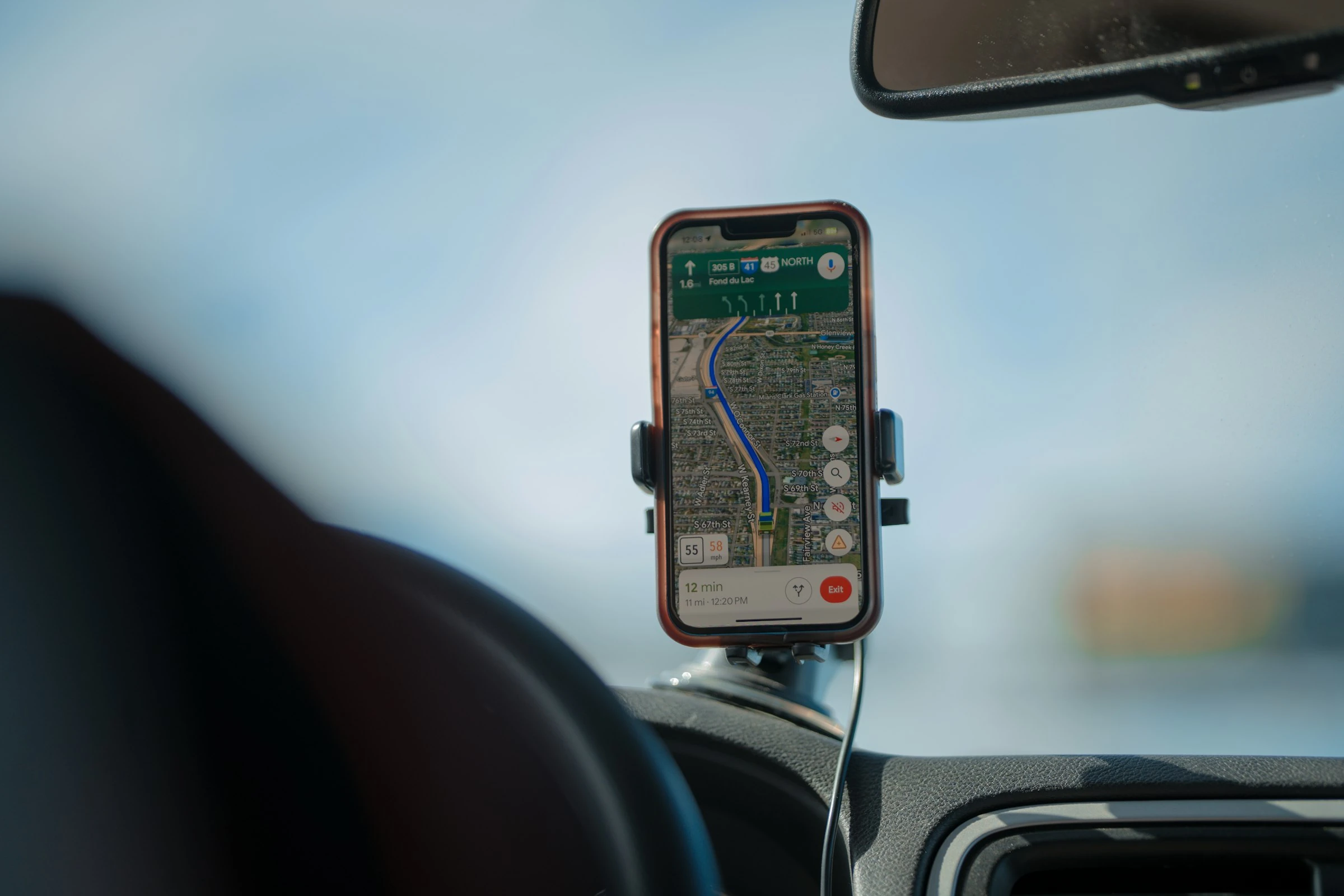

Driving is still expensive even before tolls show up. AAA says the average cost to own and operate a new car in 2024 was $12,297 a year, or 82 cents per mile at 15,000 miles annually (AAA fact sheet). Add toll roads, and your “quick” trip can get pricey fast. That is why using an offline map app with toll-avoidance settings is one of those small habits that can quietly save real money over time.
AAA’s Greg Brannon put it simply: drivers should “factor in all the expenses involved” before making decisions (AAA). That applies to route planning too.
What “saving on toll roads with offline map apps” actually means
The idea is simple:
- You download maps before you drive.
- You turn on route options that avoid toll roads, highways, or charge zones where available.
- You keep navigation working even when mobile data is weak, roaming is expensive, or signal drops out.
That matters because the US still has a lot of tolled infrastructure. The Federal Highway Administration says there were 6,759.4 miles of toll roads, toll bridges, and toll tunnels in operation as of January 1, 2023 (FHWA). At the same time, INRIX found that US drivers lost 43 hours to congestion in 2024, costing $771 per driver in lost time and productivity (INRIX). So the cheapest route is not always the fastest route, and the fastest route is not always worth the toll.
How offline navigation saves you money
Offline map apps help in three practical ways:
- They let you compare toll and non-toll routes before you start driving.
- They reduce the chance that a weak signal pushes you onto a default main road or toll road.
- They cut mobile data use, especially on long trips or while traveling abroad.
The tradeoff is also straightforward: offline routing is reliable, but it usually loses some live features like traffic, incidents, and automatic rerouting unless you reconnect.
5 practical apps worth using
1. Apple Maps
If you use an iPhone, Apple Maps is the easiest low-friction option. Apple now supports offline maps with turn-by-turn directions, ETAs, and route guidance in iOS 17 and later (Apple offline maps). On iPhone, you can also choose to avoid tolls or highways directly in route options (Apple driving directions).
In practical use, this is the app that feels most effortless for casual drivers and families because it is already on the phone and takes almost no setup.
Pros
- Built in on iPhone
- Offline maps are easy to download and update
- Clean route options for avoiding tolls or highways
- Good for everyday errands and family trips
Cons
- Best choice only if you are already in Apple’s ecosystem
- Feature availability still varies by country and region
- Less route customization than dedicated navigation apps
2. HERE WeGo
HERE WeGo is one of the strongest pure offline picks. HERE’s support docs show that you can download regional maps and switch the app into offline mode (HERE offline maps). HERE also lists route avoidance options including highways, toll roads, U-turns, ferries, tunnels, and unpaved roads (HERE routing).
In day-to-day use, HERE WeGo feels like a sensible middle ground: more route control than a basic maps app, but still simple enough for regular drivers.
Pros
- Strong offline-first setup
- Clear toll-road avoidance options
- Good balance of simplicity and control
- Useful for international travel and road trips
Cons
- You need to remember to switch to offline mode
- Offline routing may differ from live routing
- Interface is functional, not especially polished
3. TomTom GO Navigation
TomTom GO is a good fit if you want a more classic sat-nav feel. TomTom says the app supports downloaded maps and offline route planning (TomTom app overview). Its user manual also says you can avoid toll roads, ferries, unpaved roads, carpool lanes, highways, and tunnels when calculating a route (TomTom manual).
This is the app I would describe as the most “driver-focused” of the bunch. It is built around route control rather than local discovery.
Pros
- Strong offline routing
- Detailed route-avoidance controls
- Familiar sat-nav style guidance
- Good choice for drivers who want fewer surprises
Cons
- More of a dedicated navigation app than an all-purpose map app
- Premium positioning may be overkill for occasional drivers
- Best value depends on how often you actually drive long distances
4. CoPilot GPS
CoPilot is especially useful if you like fine control over route behavior. CoPilot’s user guide says you can choose Use, Avoid if Possible, or Always Avoid toll roads, and it also lets you avoid specific roads or create detours (CoPilot user guide). Its support pages also note that for long trips, you need all map regions between your start and destination downloaded first (CoPilot support).
In practical terms, CoPilot is very good when “avoid tolls” is not enough and you want to shape the route more aggressively.
Pros
- Excellent toll-road controls
- Detour and road-avoidance tools are useful in real life
- Strong option for long-distance drivers
- Works well if you like planning ahead
Cons
- Less beginner-friendly than Apple Maps or HERE WeGo
- You need to manage map downloads carefully for multi-region trips
- Interface can feel more utilitarian than modern
5. MapFactor Navigator
MapFactor is the budget-minded choice that deserves more attention. Its site says Navigator is a free offline GPS app based on OpenStreetMap data, with navigation available in more than 200 countries once maps are downloaded (MapFactor). Its manual says that if you prohibit toll roads, Navigator will calculate a journey avoiding tolls altogether. It also supports avoiding charge roads and congestion charge areas (MapFactor manual).
That last part is what makes it interesting. If your real goal is not only avoiding toll booths but also avoiding paid driving zones and vignette-style road charges, MapFactor gives you more cost-control than most mainstream apps.
Pros
- Free offline navigation
- Strong route restrictions for tolls, charge roads, and congestion charges
- Broad country coverage
- Good value for careful spenders
Cons
- Interface feels more functional than premium
- OpenStreetMap-based accuracy can vary by area
- Not as mainstream or polished as the biggest names
Which app makes the most sense for you?
If you want the shortest answer:
- Best for iPhone users: Apple Maps
- Best all-around offline option: HERE WeGo
- Best for classic sat-nav drivers: TomTom GO Navigation
- Best for route control: CoPilot GPS
- Best value pick: MapFactor Navigator
Current trends worth watching
Offline navigation is quietly getting better. Apple has made offline maps mainstream on iPhone (Apple). Google also now supports downloaded offline areas and automatic offline map updates, although offline driving still loses traffic and alternate routes (Google Maps Help). On top of that, more apps now combine offline reliability with in-car displays, route preferences, and smarter updates.
The bigger trend is this: offline maps are no longer just emergency backups. They are becoming a normal money-saving tool for drivers who want fewer tolls, less data use, and fewer surprises on the road.
The bottom line
If you regularly drive through tolled areas, an offline map app is one of the simplest ways to keep more control over your route and your budget. You will not avoid every toll every time, and sometimes the toll road is still the better tradeoff. But if you compare routes before you leave and keep an offline backup ready, you give yourself a real chance to skip unnecessary charges instead of paying them by default.
References
- AAA: Your Driving Costs 2024 fact sheet
- AAA: New Vehicle Costs Drop
- Federal Highway Administration: Toll fact sheet
- INRIX: 2024 Global Traffic Scorecard, US
- Apple Support: How to download maps to use offline on your iPhone
- Apple Support: Get driving directions in Maps on iPhone
- HERE WeGo Support: Offline maps
- HERE Help: Routing & Navigation
- TomTom: GO Navigation app overview
- TomTom GO Navigation user manual
- CoPilot user guide
- CoPilot Support: How does CoPilot calculate routes?
- MapFactor NavigatorFree
- MapFactor Navigator manual
- Google Maps Help: Download areas & navigate offline in Google Maps