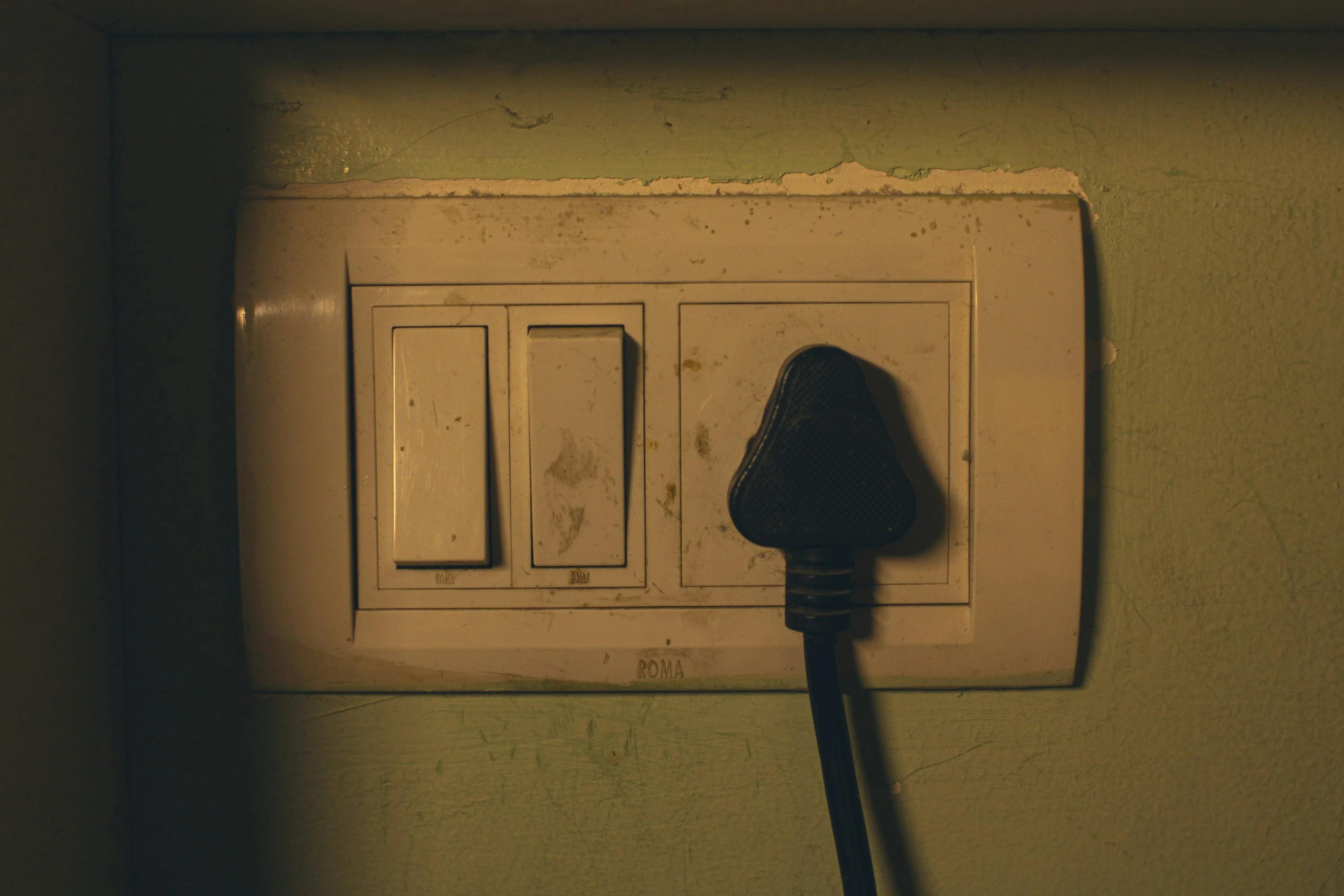

Standby power is one of those annoying costs that feels too small to matter until you add it up. The U.S. Department of Energy says some devices keep using electricity even when they seem off, and calls that “standby power” (DOE). Lawrence Berkeley National Laboratory says standby typically makes up 5% to 10% of residential electricity use in most developed countries (LBNL Standby FAQ). In the U.S., the average household uses about 10,500 kWh of electricity per year (EIA), so even a modest slice of avoidable waste can turn into real money over a year.
A smart plug app helps because it turns invisible energy use into something you can actually see, track, and control.
How smart plug apps help lower standby power costs
A smart plug sits between your wall outlet and your device. The app connected to it usually gives you some mix of:
- live power data
- daily or monthly usage history
- schedules and timers
- remote on/off control
- automations based on time or routines
- estimated running costs
That matters for standby power because many devices are “off” but not really off. TVs, coffee machines, game consoles, printers, chargers, and speakers often keep drawing a small amount of electricity in the background. A smart plug app lets you spot those devices, then cut power automatically overnight or when you leave home.
The practical pattern is simple:
- Plug a likely standby device into a smart plug with energy monitoring.
- Watch its baseline usage for a few days.
- Set a schedule or automation to cut power when you do not need it.
- Keep the devices that genuinely need always-on power out of that routine.
What I would look for in a good smart plug app
After comparing the current options, the best apps all do three things well:
- They show power data clearly instead of hiding it in menus.
- They make scheduling easy enough that you will actually use it.
- They fit into a wider smart home setup, so one plug does not become one more isolated app.
A big current trend is Matter, the smart home standard designed to improve cross-platform compatibility. The Connectivity Standards Alliance said Matter 1.5 added new energy management capabilities, and noted that Matter products are now in millions of homes worldwide (CSA). For anyone buying now, that is worth paying attention to.
1. Tapo
TP-Link’s Tapo app is one of the easiest places to start if your main goal is lowering standby power costs without overthinking it. TP-Link says its energy-monitoring plugs can show usage stats and let you enter your electricity rate for bill estimates (TP-Link Tapo P210M).
In practice, this is the kind of app that feels friendly fast. The charts are simple, the schedules are easy to build, and the cost-estimate angle makes it easier to decide which devices are actually worth automating.
What it does well
- clear energy charts
- electricity rate input for bill estimates
- schedules and timers
- local control on supported models
- works with major ecosystems through Matter on supported devices
Pros
- very easy to understand
- good fit for beginners
- cost estimate feature is genuinely useful
- strong mix of app simplicity and useful data
Cons
- best features depend on buying the right Tapo plug model
- advanced automation is lighter than in more complex ecosystems
2. Kasa Smart
Kasa is also from TP-Link, but the Kasa app still has its own identity and is especially good if you want straightforward device-level monitoring. TP-Link says Kasa energy-monitoring plugs show real-time and historical power usage and support schedules, timers, and remote control (TP-Link Kasa EP25).
This one feels a little more utility-first than Tapo. If you want to check what a TV, modem, or printer is drawing right now and then decide whether to shut it down overnight, Kasa makes that process very direct.
What it does well
- real-time wattage checks
- historical usage tracking
- reliable scheduling
- good compatibility with Alexa, Google Home, and other platforms on supported models
Pros
- excellent for quick standby checks
- simple setup
- historical data is easy to read
- strong choice for single-room energy cleanup
Cons
- design feels more practical than polished
- some households may find Tapo’s bill-estimate presentation more intuitive
3. Eve
Eve is a strong option if you care about privacy and want more refined energy tracking. Eve says you can use the Eve app to track your device’s power consumption and get deeper insights, while also working across platforms including Apple Home, SmartThings, Alexa, Google Home, and Home Assistant (Eve Energy).
This app feels more premium and more detail-oriented. It is especially appealing if you want to monitor one or two higher-value devices carefully rather than just mass-deploy cheap plugs everywhere.
What it does well
- detailed energy views
- strong Apple-friendly experience
- broad modern ecosystem support
- good match for people who want cleaner smart home management
Pros
- polished app experience
- useful power tracking
- privacy reputation is a real plus
- good long-term fit for Matter-based homes
Cons
- usually pricier than budget options
- best experience can vary depending on your platform and device mix
4. SmartThings
SmartThings is less about one branded plug and more about building a wider system around energy-aware devices. Samsung announced that SmartThings expanded power-monitoring support with Eve smart plugs, aiming to improve home energy management (Samsung Newsroom). TP-Link also documents energy monitoring support through SmartThings for compatible devices (TP-Link FAQ).
If you already have several smart devices at home, this app can make more sense than managing each plug in a separate manufacturer app. It is the best fit for people who want automations like “cut entertainment standby loads at midnight” or “turn off office devices when everyone leaves.”
What it does well
- centralizes multiple brands
- flexible routines and automations
- increasingly relevant for Matter devices
- better ecosystem-level control than most plug-only apps
Pros
- ideal for mixed-brand homes
- automation options are strong
- future-friendly if you keep expanding your setup
Cons
- less beginner-friendly than Tapo or Kasa
- experience depends on device compatibility and setup quality
5. HomeWizard Energy
HomeWizard Energy is more energy-focused than a typical smart home app. Its App Store listing highlights device-level consumption, standby consumption graphs, unusual-usage alerts, switching during the cheapest hours, and automations based on solar surplus or dynamic tariffs (Apple App Store).
This one stands out because it feels designed for people who actively watch household energy rather than just turning plugs on and off. If you are the type who checks bills closely, this app is probably the most interesting of the five.
What it does well
- deeper energy analytics
- standby consumption insights
- good fit for dynamic tariffs
- useful if you also have solar or want more advanced optimization
Pros
- strongest energy-first mindset here
- very useful graphs and alerts
- great for data-minded households
Cons
- more than some casual users need
- best value comes when you actually use the extra analytics
Which type of user each app suits best
If you want the easiest everyday option, Tapo is probably the safest pick.
If you want quick, practical monitoring with minimal fuss, Kasa Smart is hard to beat.
If you want a more premium and privacy-conscious setup, Eve makes sense.
If you already live in a broader smart home ecosystem, SmartThings is the most flexible.
If your real goal is energy analysis rather than simple remote switching, HomeWizard Energy is the most interesting.
Small habits that make smart plug apps work better
The app alone does not save money. The real savings come from how you use it.
The best targets for standby reduction are usually:
- TVs and soundbars
- game consoles
- printers
- coffee machines with clocks or warm standby
- chargers left connected all day
- desk setups that stay half-awake overnight
The worst targets are devices that need constant power, such as:
- routers
- medical equipment
- some smart hubs
- appliances with settings or cycles that reset when unplugged
That is why smart plug apps work best when you use them as a filter. First measure. Then automate. Then keep only the changes that are actually useful.
Where the category is heading
Two developments matter most right now.
First, smart plug apps are becoming more useful across platforms because of Matter and broader energy-management support (CSA, CSA).
Second, the better apps are moving beyond simple on/off control into cost estimates, standby graphs, tariff-aware scheduling, and whole-home routines. That shift is important because it makes smart plugs more relevant to people who care about bills, not just gadgets.
Standby power is still a small leak, not the biggest item on your electricity bill. But it is one of the easiest leaks to find and fix when an app shows you exactly what is happening.
References
- U.S. Department of Energy: Measuring Standby Power
- U.S. Department of Energy: Save Energy in Your Household With A Smart Power Strip
- Lawrence Berkeley National Laboratory: Standby Power FAQ
- U.S. Energy Information Administration: Electricity use in homes
- Connectivity Standards Alliance: Matter 1.4 Enables More Capable Smart Homes
- Connectivity Standards Alliance: Matter 1.5 Introduces Enhanced Energy Management Capabilities
- TP-Link Tapo Smart Plug with Energy Monitoring
- TP-Link Kasa Smart Plug with Energy Monitoring
- Eve Energy Official Product Page
- Samsung SmartThings and Eve energy management announcement
- TP-Link FAQ: Energy monitoring in SmartThings
- HomeWizard Energy App Store page