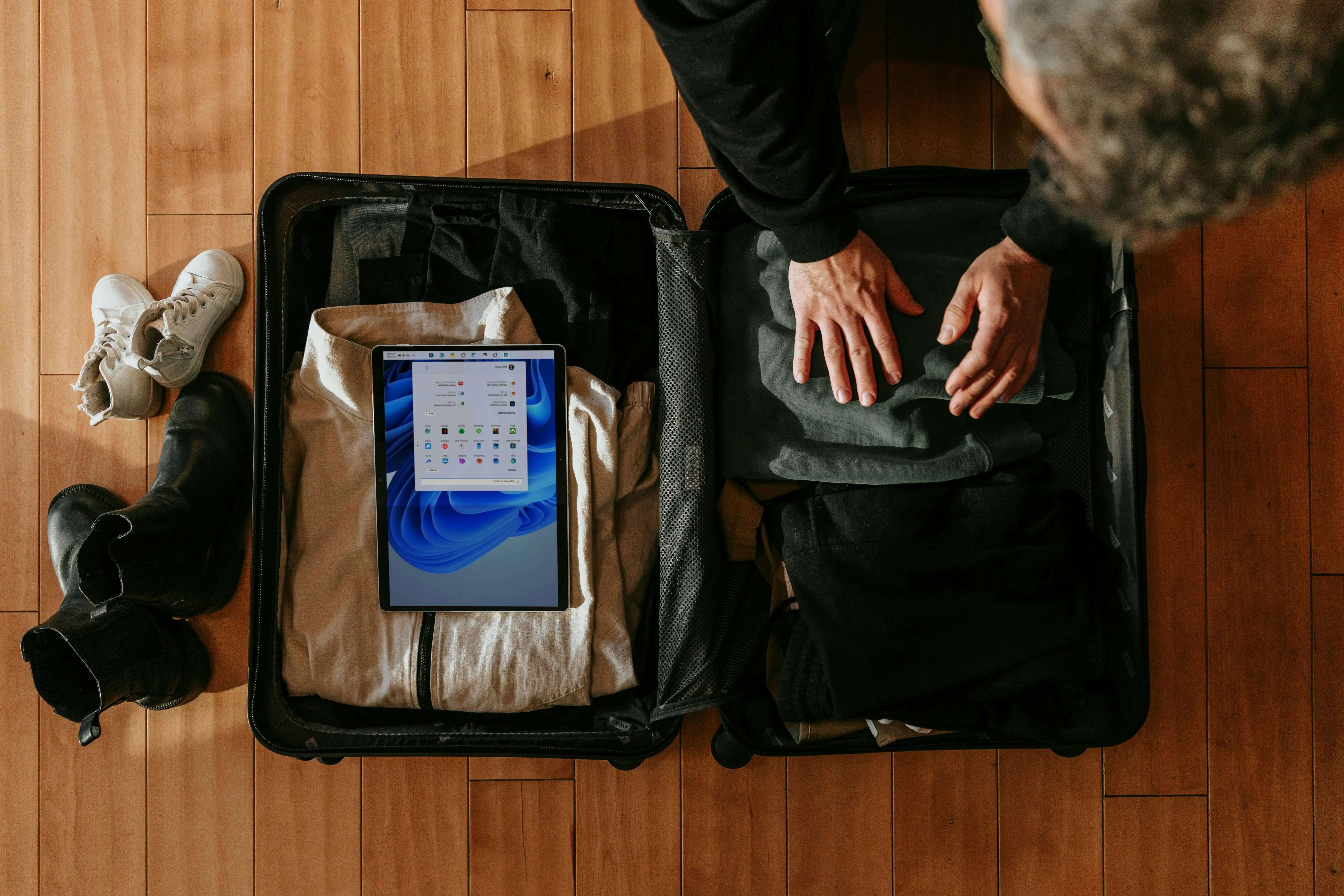

U.S. airlines made $7.27 billion from checked-bag fees in 2024 alone—money that came straight out of travelers’ budgets. (Data cited from the U.S. Bureau of Transportation Statistics via a ConsumerAffairs summary: ConsumerAffairs.) If you’re the type of person who tracks spending and hates surprise add-ons, baggage fees are basically the perfect “silent budget killer.”
The good news: you don’t need to become a minimalist monk to avoid a lot of these fees. You just need a system that stops panic packing, prevents duplicates, and keeps you inside carry-on limits—and that’s exactly where packing list apps can pay off.
How packing list apps help you avoid baggage fees (for real)
Airline baggage fees usually hit you in three ways:
- You check a bag because your suitcase won’t fit carry-on rules
- Your bag is overweight, so you get an extra fee at the airport
- You bring duplicates (especially in family trips), so you end up checking a “just in case” bag
Packing list apps reduce those risks by doing a few practical things:
- Trip-based lists: You build a list per trip (not a forever-list that becomes a junk drawer).
- Weather + activity logic: Some apps nudge you toward right-sized clothing choices instead of “pack everything.”
- Templates and reuse: Once you’ve got a solid “3-day city trip” list, you stop reinventing the wheel—and overpacking it.
- Shared/family packing: You can assign who brings what (one sunscreen, not three).
- Progress tracking: When you trust the list, you’re less likely to throw random extras into a checked bag “just in case.”
And yes, airlines have been pushing fees up. For example, when Delta raised domestic checked bag fees from $30 to $35 for the first bag, AP described it like this: “yet another incentive to cram all your travel items into a carry-on” (AP News). That $5 doesn’t sound like much—until it’s round-trip, for two people, plus a second bag.
The 5 packing list apps that actually help (pros + cons)
Below are five apps that feel genuinely useful if your goal is carry-on packing and fee avoidance, not just making a pretty checklist.
1) Packr (iPhone/iPad)
Packr builds packing lists around your trip details and leans heavily on weather and multi-destination planning, with a helpful family mode. (Packr)
Why it helps you avoid baggage fees
- Multi-destination support makes it easier to avoid “pack for every climate” overkill.
- Family mode makes it clearer what’s shared vs. per-person.
Pros
- Weather-driven suggestions and multi-stop trips are great for not overpacking. (Packr)
- Family mode reduces duplicate items (chargers, meds, toiletries). (Packr)
- Sync across devices is handy if you plan on one device and pack on another. (Packr)
Cons
- If you want deep customization down to item weights/values per bag, it’s not as “spreadsheet-power-user” as some older packing apps.
- Best fit if you like guided packing; less so if you want a totally manual list.
2) PackPoint (iOS)
PackPoint is a classic: activity-based packing lists that are meant to be fast to generate and easy to tweak. (App Store)
Why it helps you avoid baggage fees
- The big win is speed: when you can generate a “good enough” list quickly, you’re less likely to panic-pack extras.
Pros
- Simple trip setup and quick list generation (great for last-minute trips). (App Store)
- Easy to add/remove items so you can force yourself into a carry-on-only plan. (App Store)
Cons
- Complex trips (lots of locations) can be awkward versus apps built for multi-stop itineraries (this comes up even in user feedback). (App Store)
3) Packing Pro (iOS)
Packing Pro is the “power tool” option: lots of catalog items, deep customization, and list generation based on traveler counts, days, and preferences. (App Store)
Why it helps you avoid baggage fees
- It’s one of the better choices if you want structure to prevent both overpacking and missing essentials (which leads to “backup items” and bigger bags next time).
Pros
- Strong customization (categories, reordering, filters) for families and frequent travelers. (App Store)
- Built-in assistant logic for list creation based on trip variables. (App Store)
- Item details can be tracked (useful if you want to think in “per bag” discipline). (App Store)
Cons
- More features = more setup. If you just want a quick checklist, it can feel like overkill.
- Best value shows up after you reuse templates a few times.
4) PackNinja (iOS)
PackNinja is a newer, calmer-feeling app built around smart suggestions and weather integration, with templates/rules that remember how you travel. (PackNinja)
Why it helps you avoid baggage fees
- The “rules/templates” approach nudges you toward a consistent, lighter kit—so you don’t keep expanding your packing every trip.
Pros
- Weather integration pushes you to pack what’s realistic, not what’s anxious. (PackNinja)
- Templates and routines help you standardize (a big step toward carry-on-only travel). (PackNinja)
Cons
- Platform limitation: it’s iOS-focused (so mixed Android/iPhone households may not love it).
- As with many “smart” list builders, you’ll still want to sanity-check suggestions against airline baggage rules.
5) Packaroo (iOS)
Packaroo is built around reusable “bundles” (stuff you always bring), unlimited trips, and practical packing progress tracking—without requiring sign-ups. (App Store) (Packaroo site)
Why it helps you avoid baggage fees
- Bundles are perfect for building a lean “carry-on kit” you reuse—so you don’t keep adding random extras every trip.
Pros
- Bundles make repeatable packing systems easy (and systems beat willpower). (App Store)
- Tracks “need to buy” items so you don’t throw whole extra backups into your bag. (App Store)
- No ads and no required sign-ups (nice if you’re privacy-sensitive). (App Store)
Cons
- If you want the app to “think for you” with heavy weather/activity automation, this is more system-driven than AI-driven.
- Some features are tied to in-app purchases. (App Store)
A simple “no-surprise fees” packing workflow you can copy
If your goal is specifically to avoid baggage fees, packing list apps work best when you treat them like a budget tool:
- Build a carry-on-only template (clothes, toiletries, tech, documents)
- Add one “cold layer” rule and one “rain plan” rule (so you stop packing five just-in-case outfits)
- Create a shared family essentials section (meds, chargers, sunscreen, laundry pods)
- Add a “nice-to-have” category and only pack it after essentials fit
This matters more than ever because bag fees aren’t shrinking. Globally, baggage fee revenue was estimated at $33.3 billion in 2023, a 15% increase versus 2022, according to IdeaWorksCompany and CarTrawler. (IdeaWorksCompany press release)
Current trends you should know (so you don’t get blindsided)
- Fees are trending upward, and multiple major airlines raised checked bag fees in 2024. (AP News)
- “Smart packing” is shifting toward weather + rules + sharing (especially for families), which is why newer apps emphasize templates, routines, and collaboration. (Packr) (PackNinja)
- Baggage fees are a massive revenue stream, so it’s rational to assume the “unbundling” trend will continue. (IdeaWorksCompany press release)
Conclusion
Packing list apps don’t magically change airline rules—but they do change the two things that usually trigger fees: overpacking and last-minute chaos. With a repeatable list and a carry-on mindset, avoiding airline baggage fees becomes much more predictable (and budget-friendly).
References
- AP News — Delta Airlines is hiking checked-baggage fees 17%… https://apnews.com/article/bc426d2d8eac8bda1150f09c5cf005bc
- ConsumerAffairs — Airline passengers paid $7.27 billion to check bags in 2024 https://www.consumeraffairs.com/news/airline-passengers-paid-727-billion-to-check-bags-in-2024-060525.html
- Bureau of Transportation Statistics (BTS) — Baggage Fees by Airline 2024 https://www.bts.gov/topics/airlines-and-airports/baggage-fees-airline-2024
- IdeaWorksCompany — Global Bag Fee Revenue Rises to $33.3 Billion – Press Release https://ideaworkscompany.com/global-bag-fee-revenue-rises-to-33-3-billion-press-release/
- Packr — Official site https://packr.app/
- PackPoint — Apple App Store listing https://apps.apple.com/app/896337401/
- Packing Pro — Apple App Store listing https://apps.apple.com/tt/app/packing-pro/id312266675
- PackNinja — Official site https://packninja.app/
- Packaroo — Apple App Store listing https://apps.apple.com/us/app/packaroo-packing-lists/id1480958178
- Packaroo — Official site https://packaroo.app/