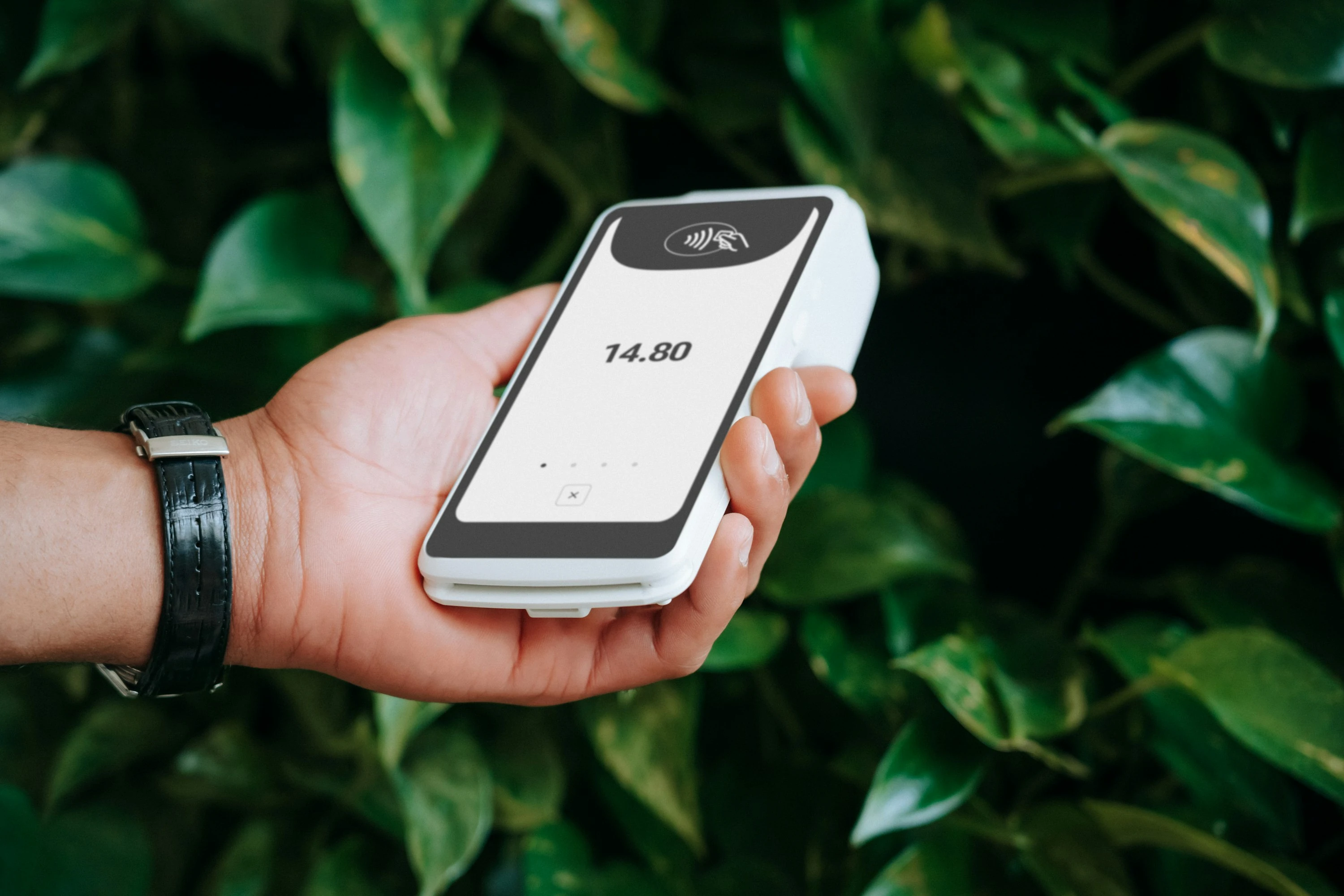

A €120 family dinner abroad can feel simple until the card terminal asks: pay in euros or in your home currency? That second option often looks helpful, but it can cost more. Visa explains that Dynamic Currency Conversion, or DCC, lets a merchant offer your home currency, but that amount “includes exchange rate and additional fees” (Visa).
The difference is not tiny. Foreign transaction fees are often 1% to 3% of the purchase amount, according to Capital One’s consumer guide (Capital One). In Europe, DCC exchange-rate markups have been reported at 2.6% to 12%, with an average around 5% (Kinstellar). For a family spending $2,000 on hotels, meals, taxis, and tickets, that can mean $100 or more disappearing into avoidable conversion costs.
Currency converter apps help because they give you a quick reality check before you tap “accept.”
What Foreign Checkout Markups Actually Are
Foreign checkout markups usually show up in two ways:
- Foreign transaction fee: Your card issuer charges a percentage for purchases processed outside your home country or in another currency.
- Dynamic Currency Conversion: The shop, hotel, ATM, or payment processor offers to convert the price into your home currency at checkout.
The tricky part is that DCC feels safer because you can see a familiar currency. But the rate is usually set by the merchant’s payment provider, not your card network or bank. Mastercard says that if you choose the merchant’s local currency, the transaction is converted using the rate provided by your card issuer (Mastercard DCC Guide PDF).
In plain English: when you’re in Spain, pay in euros. In Japan, pay in yen. In Mexico, pay in pesos. Then use a converter app to check whether the price makes sense.
How Converter Apps Help You Avoid Bad Rates
A good currency converter app does three practical jobs:
- Shows the live or recent mid-market exchange rate
- Lets you compare the checkout amount against a fair conversion
- Helps you decide whether to pay in local currency or accept the displayed home-currency price
Here’s the simple rule I used while testing these apps: if the terminal’s home-currency amount is clearly higher than the app’s estimate, choose the local currency.
For example, if a restaurant bill is €100 and your app says that should be about $114, but the terminal offers $121, the checkout markup is roughly $7. That is the kind of small leak that adds up across a holiday.
1. Wise: Best All-Round Travel Money App
Wise is the strongest option if you want both a currency converter and a real spending setup. Its converter supports 140 currencies and uses the mid-market exchange rate (Wise Currency Converter). Wise also says its card conversion fees start from 0.57%, with ATM fees applying after certain free withdrawal limits (Wise Pricing).
In testing, Wise felt best for people who want to plan before they travel. I liked that you can check rates, hold balances, and use the same app for spending.
Pros
- Clear mid-market exchange rate
- Supports many currencies
- Useful for both travel and online purchases
- Good for families managing several travel costs in advance
Cons
- Some conversions still have variable fees
- Card availability and features vary by country
- ATM limits matter if you use a lot of cash
Best for: Families planning travel budgets, digital nomads, and anyone who wants one app for checking, holding, and spending.
2. Revolut: Best for Frequent Card Spending Abroad
Revolut is useful when you want to spend directly from an app-linked card and keep several currencies in one place. Revolut says U.S. users can exchange 25+ currencies in-app, send money to 140+ countries, and spend internationally with competitive rates (Revolut U.S. Currency Converter).
The app also gives the most important travel rule clearly: “Always pay in the local currency” (Revolut Help).
When I tested the flow, Revolut felt fast for checking balances and converting before a trip. It is especially handy if you like separating your travel money from your main bank account.
Pros
- Strong multi-currency spending features
- Clean app experience
- Good for everyday card payments abroad
- Clear local-currency guidance
Cons
- Fees and allowances depend on your plan and country
- Weekend or out-of-allowance costs may apply
- Not as simple as a pure converter app
Best for: Regular travelers, singles who track spending closely, and families who want a separate travel card.
3. Xe: Best Pure Currency Converter
Xe is a classic currency app and still one of the easiest tools for quick rate checks. Xe says its converter covers 130+ currencies and shows live foreign exchange rates (Xe Currency Converter). The Xe app also includes live rates, money transfers, and fee transparency (Xe App).
In testing, Xe was the quickest “is this checkout rate fair?” app. It is less about banking and more about fast comparison.
Pros
- Very fast currency checks
- Covers a wide range of currencies
- Useful historical charts and rate tracking
- Good for checking hotel, rental car, and online checkout prices
Cons
- Not a full travel spending account like Wise or Revolut
- Transfer features may vary by country
- Ads or promotional transfer prompts can feel distracting
Best for: People who already have a good travel card and just need a reliable exchange rate app.
4. Currenzy: Best for Online Shopping on iPhone
Currenzy is especially useful for online checkout markups because it works inside Safari. Its official site says it can convert prices on websites automatically and also convert selected text through the iPhone share extension (Currenzy). The App Store listing also highlights Safari web-page conversion (Apple App Store).
This was the most convenient app for browsing foreign websites. If you buy clothes, tech accessories, gifts, or hotel rooms from overseas sites, Currenzy helps you avoid guessing.
Pros
- Great Safari integration
- Converts prices directly on web pages
- Useful for online shopping, not just travel
- Camera and share-extension features are practical
Cons
- Apple-focused, so not ideal for Android users
- Less useful if you mainly spend with a travel card
- Not a banking or money-transfer app
Best for: iPhone users who shop on international websites or book travel through foreign platforms.
5. Elk: Best Quick Converter for iPhone and Apple Watch
Elk is designed for speed while traveling. The official site describes it as a travel converter for iPhone and Apple Watch (Elk), and the App Store says it automatically picks the right currency and avoids cumbersome keypad entry (Apple App Store).
In testing, Elk felt less like a finance app and more like a travel tool. It is good when you are standing in a shop, looking at a menu, or comparing taxi prices.
Pros
- Very fast for rough mental-price checks
- Apple Watch support is genuinely useful when walking around
- Simple interface
- Good for quick family travel decisions
Cons
- iOS and Apple Watch focused
- Less detailed than Xe or Wise
- Not ideal for serious budgeting or transfers
Best for: Travelers who want instant price sense without opening a full finance app.
Current Trends: Why This Matters More Now
Foreign checkout markups are becoming easier to trigger because international shopping is no longer limited to holidays. You might face currency conversion choices when booking hotels, buying event tickets, ordering from overseas stores, or using foreign ATMs.
Three developments stand out:
- More digital checkout prompts: Online merchants can detect your card country and offer home-currency pricing.
- More regulation around transparency: EU cross-border payment rules require clearer disclosure of currency conversion charges as percentage markups over European Central Bank reference rates (EUR-Lex).
- More app-based travel cards: Wise and Revolut are making multi-currency balances normal, so consumers can compare rates before spending instead of waiting for a card statement.
The best setup is usually simple: use a no-foreign-transaction-fee card where possible, choose local currency at checkout, and keep one converter app ready for quick checks.
Quick Comparison
| App | Best Use | Standout Feature | Main Limitation |
|---|---|---|---|
| Wise | Travel spending and planning | Mid-market rates, multi-currency account | Fees vary by currency |
| Revolut | Frequent card spending abroad | Multi-currency app and card | Plan limits and possible extra fees |
| Xe | Fast rate checking | 130+ currencies and live rates | Not mainly a spending card |
| Currenzy | Online shopping | Safari price conversion | Best for Apple users |
| Elk | Quick travel checks | iPhone and Apple Watch speed | Less detailed finance tracking |
Simple Rule for Families and Singles Watching Costs
When the terminal or website asks which currency to use, pause for five seconds.
- If you are abroad, choose the local currency.
- If an online store offers your home currency, compare it in an app first.
- If the markup looks high, switch back to the seller’s original currency.
- Check your card’s foreign transaction fee before the trip.
- Use Wise or Revolut when you want a travel-money setup, and Xe, Currenzy, or Elk when you mainly want quick conversions.
A converter app will not remove every fee. But it helps you spot the expensive choice before you approve it, which is exactly when the decision matters.
Conclusion
Foreign checkout markups are easy to miss because they appear at the most rushed moment: the card terminal, the ATM, or the final payment screen. Converter apps give you a fast second opinion. For most people, the winning habit is simple: check the rate, pay in local currency, and keep the conversion choice in your hands.
References
- Visa: Dynamic Currency Conversion
- Capital One: Foreign Transaction Fees
- Kinstellar: The Problem With Dynamic Currency Conversion
- Mastercard: Dynamic Currency Conversion Performance Guide PDF
- Wise Currency Converter
- Wise Fees and Pricing
- Revolut Currency Converter U.S.
- Revolut Help: Spending in a Foreign Currency
- Xe Currency Converter
- Xe App
- Currenzy Official Site
- Currenzy on the App Store
- Elk Official Site
- Elk on the App Store
- EUR-Lex: Cross-Border Payments in the European Union