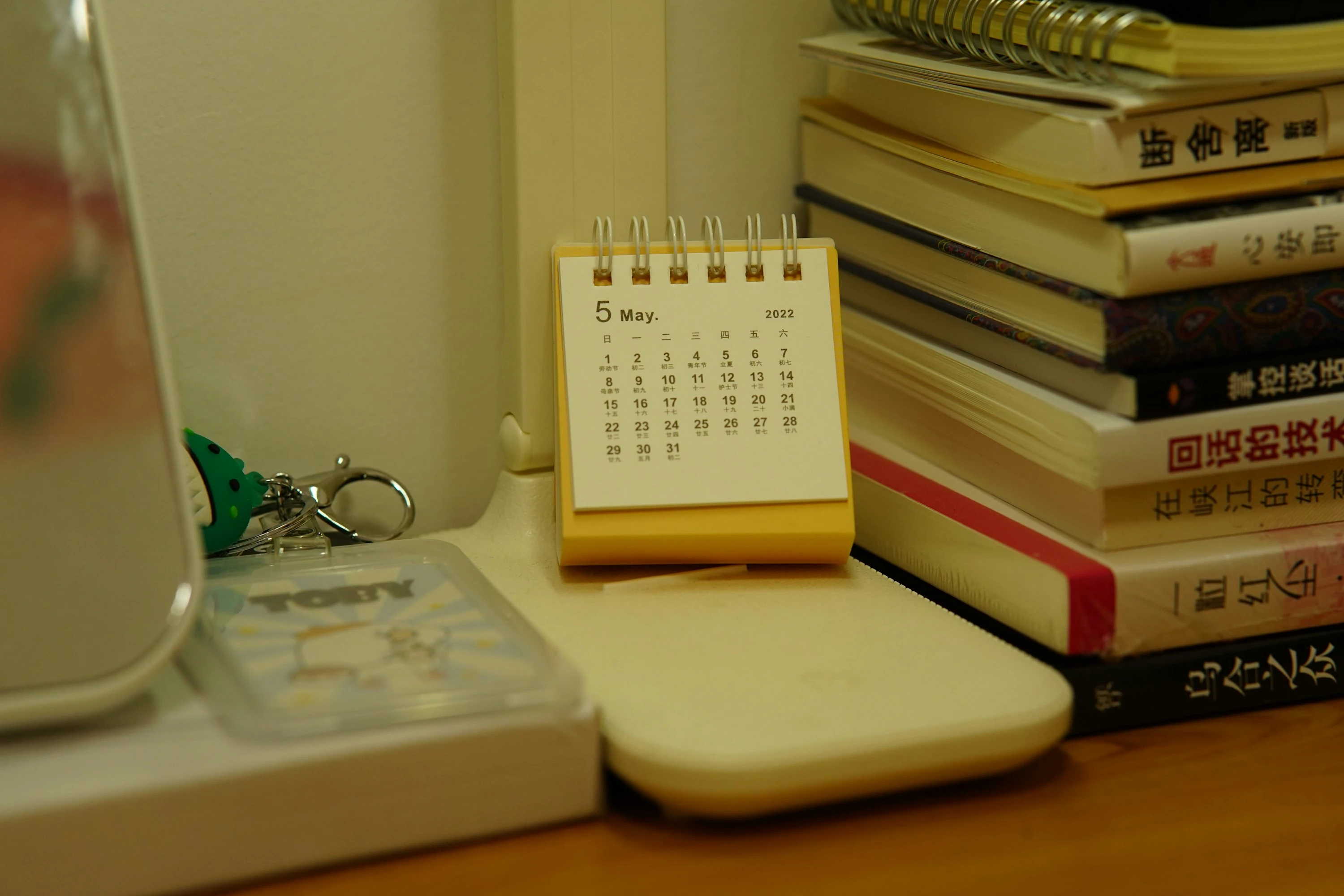

A small overdue fee can feel harmless until it becomes a household pattern: one paperback in a school bag, one audiobook case in the car, one DVD under the sofa. Even as many libraries move toward fine-free borrowing, charges have not disappeared everywhere. In 2024, Lincolnshire libraries in England still collected almost £16,000 in overdue fines in one year, with individual library branches bringing in hundreds or more (Lincolnshire World).
In the U.S., the picture is mixed too. New York City libraries removed late fines in 2021, and Queens Public Library later reported new card registrations above pre-pandemic levels by up to 31% in some months and in-person visits up 47% since fines were abolished (THE CITY). But “fine-free” does not always mean “cost-free.” Many libraries still charge replacement fees for lost or long-overdue items.
That is where library due-date apps help. They do not magically return your books, but they make the deadline visible before it turns into money out of your grocery, petrol, or coffee budget.
What Due-Date Apps Actually Do
A due-date app is any app that helps you track when borrowed library items need to be returned or renewed. Some connect directly to your library account. Others work more like a smart reminder list.
For financially conscious families and singles, the goal is simple:
- Know what is borrowed
- Know who borrowed it
- Know when it is due
- Get reminded before the deadline
- Renew or return before fees, blocks, or replacement charges appear
This matters even if your local library has removed daily overdue fines. The American Library Association has argued that overdue fines create barriers to access and has encouraged libraries to remove them. In its policy guidance, the ALA says libraries should “scrutinize practices of imposing fines” and actively move toward eliminating barriers to library use (ALA).
Still, your own borrowing habits need a system. If you borrow across physical books, ebooks, audiobooks, children’s cards, and partner libraries, one reminder from one library account is rarely enough.
The Current Trend: Fine-Free, But Not Risk-Free
The big trend is clear: more libraries are dropping traditional overdue fines. Houston Public Library eliminated overdue fines in 2023; late fines had made up less than 1% of its budget over the previous five years (Axios Houston). Akron-Summit County Public Library also joined the fine-free movement, noting that overdue fines had accounted for 0.3% or less of total revenue over four years (WOSU).
But there are three catches:
- Some libraries still charge late fees.
- Interlibrary loans, equipment, DVDs, museum passes, and special collections may have different rules.
- Lost-item replacement fees can be much higher than a small daily fine.
So the best overdue book reminder app is not just about avoiding pennies. It is about avoiding chaos, blocked cards, replacement bills, and last-minute searching.
1. Library Elf: Best For Families With Multiple Cards
Library Elf is the most library-specific tool I tested for household tracking. It is built for exactly this problem: keeping an eye on library loans, holds, due dates, and overdue items.
Its official FAQ describes Elf as “an Internet-based tool for keeping track of what's due, overdue and ready for pickup,” with reminders before items are due, including up to seven days’ advance notice (Library Elf FAQ).
In practice, this felt especially useful if you manage library cards for children, a partner, or more than one library system. Instead of checking several separate library accounts, you can use one reminder hub.
Pros
- Great for families with multiple library cards
- Email reminders can arrive before books are due
- Tracks holds as well as loans
- Useful if your library’s own notices are easy to miss
- Basic reminder service is free, according to Library Elf (Library Elf About)
Cons
- Not every library is supported
- Some features depend on whether your library subscribes
- Interface feels more practical than modern
- You still need to check privacy comfort, because you are connecting library account details
Best for: parents, carers, heavy library users, and anyone juggling several cards.
2. Libby: Best For Ebooks And Audiobooks
Libby is the easiest win if most of your borrowing is digital. I tested it as a due-date tool for ebooks and audiobooks, and the biggest benefit is that digital titles return automatically. OverDrive’s Libby help page says, “You can renew a title a few days before it's due, and titles are automatically returned on their due date” (Libby Help).
That means Libby is not mainly about avoiding late fines. It is about avoiding reading disruption. If your audiobook disappears mid-chapter because you forgot the due date, there is no fee, but there is still frustration.
Pros
- Automatic returns remove the risk of ebook overdue fines
- Clear loan shelf with due dates
- Good for audiobooks, ebooks, and magazines
- Works with many public libraries
- Lets you renew a few days before the due date when renewal is available
Cons
- Only works for digital borrowing through participating libraries
- Does not track your physical books
- Holds and loans can get confusing if you use multiple library cards
- Kindle-related returns may involve extra steps depending on your setup
Best for: ebook readers, audiobook listeners, commuters, and people who want zero manual returns for digital loans.
3. Todoist: Best For Simple, Reliable Reminders
Todoist is not a library app, but it works well as an overdue book reminder app if you want one clean system for all deadlines. I tested it by creating tasks like “Return Emma’s library books Friday 5pm” and “Renew cookbook every 3 weeks.” The natural-language date entry is quick, and recurring reminders are useful for weekly library visits.
Todoist’s help center explains that reminders can be based on “a specific date and time, or the amount of time before a task is due” (Todoist Help). Its due-date guide also confirms that recurring dates can be used for repeated schedules (Todoist).
Pros
- Fast to add due dates in plain English
- Good recurring reminders for library-day routines
- Works across phone, desktop, and browser
- Easy to create labels like
library,kids, orrenew - Strong option if you already use it for budgeting tasks and bills
Cons
- Custom reminders are more useful on paid plans
- You must enter due dates manually
- It will not know if your library auto-renews an item
- Less visual than a calendar for family planning
Best for: singles, students, and organized families who already use task lists.
4. Google Calendar And Google Tasks: Best Free Household Setup
For a no-cost setup, Google Calendar with Google Tasks is hard to beat. I tested it as a shared “library returns” calendar, and it worked best when I made return deadlines visible alongside school events, work shifts, and bill dates.
Google explains that reminders in Calendar have moved into Google Tasks, and tasks can appear with due dates in Calendar (Google Calendar Help). Google’s task support also shows that you can add or change a task deadline directly in Calendar (Google Calendar Help).
This setup is not fancy, but it is budget-friendly and familiar.
Pros
- Free for most users
- Easy to share a family calendar
- Works well for “return books after school” or “renew before Saturday”
- Good visibility if you already live in Google Calendar
- Useful for combining library due dates with spending and bill reminders
Cons
- Manual entry required
- No direct library account connection
- Easy to clutter your calendar if you borrow a lot
- Less useful for tracking individual book titles unless you enter them carefully
Best for: families using Android, Gmail, Chromebooks, or shared Google calendars.
5. BookBuddy: Best For Book Lovers Who Want A Personal Library Tracker
BookBuddy is more of a home-library and book-tracking app, but it can still help with borrowed books. I tested it as a “what do I physically have right now?” tracker. Its official site says you can scan barcodes and get “loan reminders” when borrowed books are due back (BookBuddy).
This is useful if your problem is not just forgetting the date, but forgetting the item exists. For example, if your children bring home a stack of library books, scanning them into one place can make the pile less invisible.
Pros
- Barcode scanning makes book entry faster
- Good for tracking physical books
- Helps separate owned books from borrowed books
- Nice fit for book-heavy households
- Available on iOS and Android, according to the official site
Cons
- Not a direct library-account tracker
- More setup than a calendar reminder
- Some features may be more than you need
- Best value comes if you also track your personal books
Best for: readers with lots of physical books, families with children’s books everywhere, and anyone who likes a tidy catalogue.
Quick Comparison
| App | Best Use | Tracks Physical Books? | Tracks Digital Loans? | Good For Families? |
|---|---|---|---|---|
| Library Elf | Multi-card library reminders | Yes, through library accounts | Depends on library | Yes |
| Libby | Ebooks and audiobooks | No | Yes | Somewhat |
| Todoist | Manual reminders | Yes, manually | Yes, manually | Yes |
| Google Calendar/Tasks | Free shared due-date calendar | Yes, manually | Yes, manually | Yes |
| BookBuddy | Personal book catalogue | Yes | Manually | Somewhat |
How To Set Up A Fine-Proof Reminder System
The simplest setup is often the best one. After testing these apps, the most reliable method was a two-layer system:
- Use your library’s own notices or Library Elf as the source of truth.
- Add one personal reminder 24-48 hours before the due date.
- For families, create one shared “Library” calendar or project.
- Put the borrower’s name in the reminder title.
- Add the return location if you use more than one branch.
- For physical items, keep one basket or shelf near the door.
A good reminder should be specific. “Return library books” is easy to ignore. “Return Maya’s 4 picture books to Central Library by 6pm” is much harder to misunderstand.
What To Watch Before You Rely On Any App
Due-date apps are helpful, but they are not perfect. Before you depend on one, check:
- Does your library still charge daily overdue fines?
- Are children’s items treated differently?
- Are DVDs, tools, passes, or interlibrary loans excluded from fine-free policies?
- Does your library charge replacement fees after a certain number of days?
- Do auto-renewals happen automatically, or only when no one else has the item on hold?
- Are app notifications allowed on your phone?
This last point matters. A reminder app with notifications turned off is just a quiet list.
The Bottom Line
Avoiding library fines is less about being perfectly organized and more about making due dates visible before they cost you money. Library Elf is the strongest choice for multi-card households, Libby is best for digital loans, Todoist and Google Calendar are reliable manual systems, and BookBuddy helps when physical books disappear into everyday life.
Even in a fine-free world, due-date apps still protect your budget from lost-item charges, blocked cards, and rushed replacement fees.
References
- American Library Association: Fines and Overdues
- THE CITY: City Libraries Eliminated Late Fees Three Years Ago
- Lincolnshire World: Borrowers paid almost £16,000 in overdue fines
- Axios Houston: Houston Public Library eliminates overdue fines
- WOSU: Akron-Summit County Public Library goes fine free
- Library Elf FAQ
- Library Elf About
- Libby Help: Borrowing, renewing, and returning
- Todoist Help: Introduction to Reminders
- Todoist Help: Introduction to Recurring Dates
- Google Calendar Help: Reminders are now Google Tasks
- Google Calendar Help: Create and manage tasks
- BookBuddy Official Site