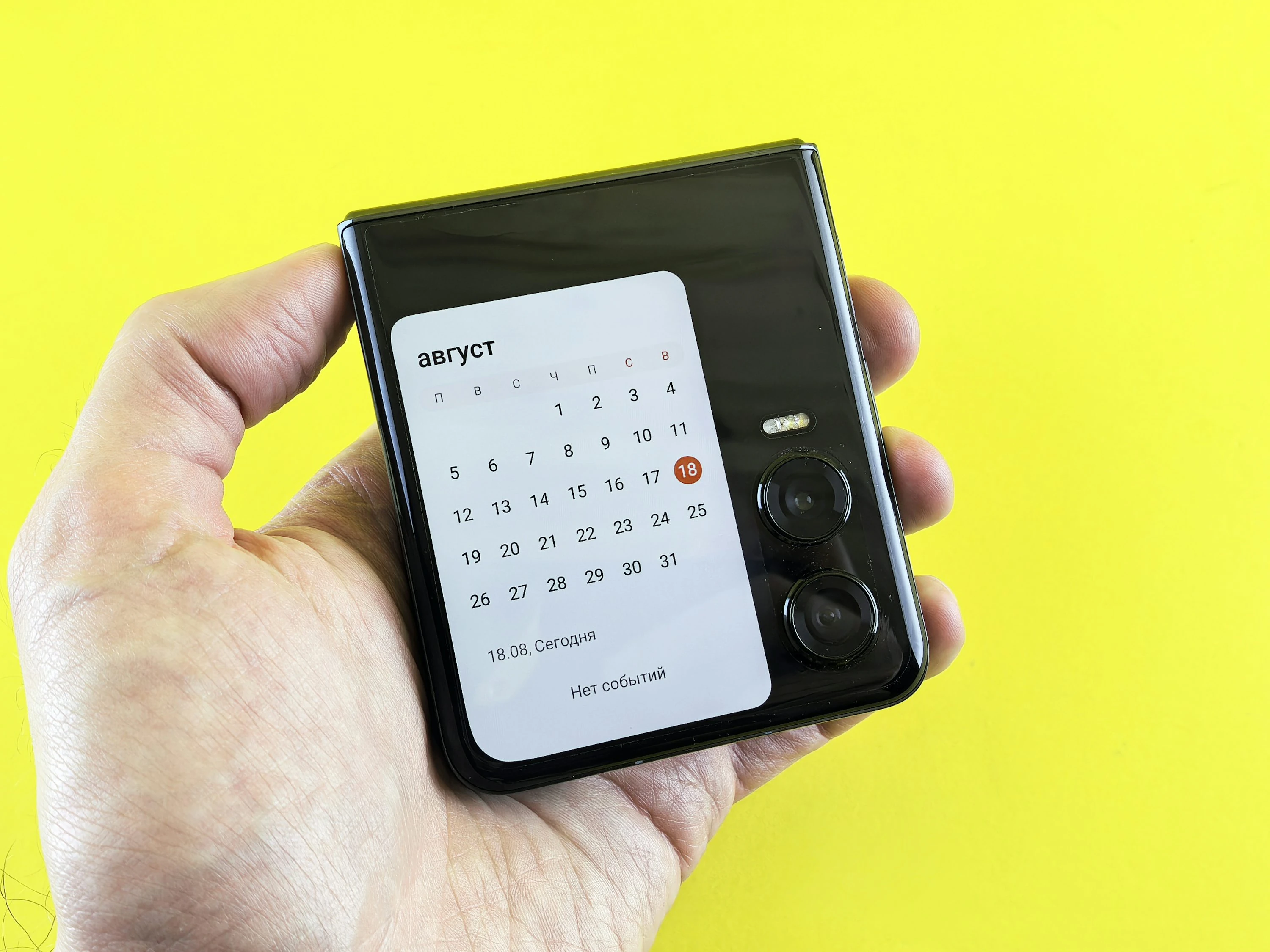

Missed appointments are expensive in ways most of us only notice after the fee lands. A large systematic review covering 105 studies found an average no-show rate of 23.0% across settings, which shows how common forgotten appointments really are (Dantas et al., Omega via ScienceDirect). In England alone, NHS England said 8 million outpatient appointments were missed in one year, equal to 6.4% of all outpatient appointments and an estimated £1.2 billion annual cost to the system (NHS England, 14 March 2024). If you are trying to protect your budget, a solid appointment reminder app is one of the simplest ways to avoid paying for a mistake you never meant to make.
What appointment reminder apps actually do
At the simplest level, these apps turn an appointment into a series of prompts before it is too late to act. That matters because reminders are not just nice to have. In one classic randomized study, reminder groups cut no-shows from 24% to 14% compared with the control group (PubMed). A later randomized trial found that changing the wording of SMS reminders cut missed hospital appointments from 11.1% to 8.4% in one trial arm (PubMed).
In real life, the best reminder app helps you do three things:
- Save the appointment the moment you book it
- Add more than one alert, not just a single notification
- Leave enough time to cancel or reschedule before a no-show fee applies
That last part is the money saver. A reminder that arrives only at appointment time is often useless. A reminder 24 hours before, plus a second one when you need to leave, is much better.
Why this matters if you track your spending closely
No-show fees are frustrating because they feel avoidable. They also tend to hit during already busy weeks, when childcare, work, traffic, and general life admin pile up. NHS England put it well: “Missed appointments are lost opportunities to deliver healthcare” (NHS England). That is true for you as well: a missed dentist, physio, GP, salon, or therapy slot can mean both a fee and another long wait.
If you want to avoid no-show fees, the goal is not finding the fanciest app. It is finding the one you will actually keep using.
5 appointment reminder apps that work in practice
1. Google Calendar + Google Tasks
For most people, this is the easiest low-friction setup. Google lets you add event reminders and choose notification methods for calendar events, including pop-up and email options (Google Calendar Developers). Google has also shifted older reminder workflows into Google Tasks, so reminders now sit more centrally inside the Google ecosystem (Google Calendar Help).
In day-to-day use, this feels practical rather than clever. If you already live in Gmail and Android, it is fast to add an appointment, set two alerts, and forget about it until your phone pings.
Pros
- Free and widely available
- Easy to share calendars with family members
- Multiple event notifications supported
- Works well across Android, web, and Gmail-heavy setups
Cons
- Google says location-based reminder notifications no longer carry over in the Tasks migration (Google Calendar Help)
- Desktop alerts depend on notification permissions and, on web, having Calendar open in the browser (Google Calendar Help)
2. Apple Reminders + Apple Calendar
If your household uses iPhone, Apple Watch, and Mac, Apple’s built-in tools are still among the strongest options. Apple Reminders lets you set due dates and times, while Apple Calendar can add a location and trigger a “time to leave” alert so you are notified when it is time to head out (Apple Reminders Support, Apple Calendar Support).
This setup feels especially good for medical appointments, school runs, and anything where travel time is the real risk. The leave-now alert is the feature that makes it feel more useful than a plain to-do list.
Pros
- Excellent built-in option for Apple users
- Travel-time alerts are genuinely useful
- Clean, simple setup with little admin
- Strong for personal and family scheduling
Cons
- Best experience is inside the Apple ecosystem
- Less convenient for mixed-device households using Android and Windows
3. Todoist
Todoist works well if you want reminders plus a cleaner task system. Its reminder tools are strong: if you add a date and time, it can create automatic reminders, and paid plans can add multiple custom reminders at specific times or before a task is due (Todoist Help). Todoist also leans into natural-language input, which makes adding an appointment fast (Todoist Features).
In practice, Todoist feels best for people who already track bills, errands, school tasks, and appointments in one place. It is less of a pure calendar app and more of a life admin app.
Pros
- Very fast to enter reminders
- Automatic reminders when date and time are added
- Good for combining appointments with to-dos
- Shared projects are useful for couples or families
Cons
- Best reminder options are on paid plans
- Mobile reminder setup is more limited than desktop help options suggest (Todoist Help)
4. Any.do
Any.do is a good middle ground for people who want a simple reminder app without a steep learning curve. The company says the app supports calendar integration, recurring reminders, and location-based reminders, with syncing across devices and other services such as Google Calendar and Outlook (Any.do).
What stands out here is how approachable it feels. You can add a reminder quickly without getting dragged into a complicated productivity system. For busy families or singles who just want fewer slip-ups, that matters.
Pros
- Easy to use
- Calendar sync helps keep appointments visible
- Supports recurring and location-based reminders
- Good cross-device availability
Cons
- Advanced reminder features such as location-based and recurring reminders are tied to premium tiers (Any.do)
- Less detailed for power users than more advanced task apps
5. TickTick
TickTick is the strongest option here if you want aggressive reminders. Its official features page highlights multiple alerts, email reminders, repeat reminders, location reminders on iOS, and a “Constant Reminder” mode that keeps ringing until you deal with it (TickTick).
That makes it especially good if you are the kind of person who dismisses one notification and instantly forgets. For avoiding no-show fees, that persistent reminder style can be exactly what you need.
Pros
- Multiple alerts are excellent for important appointments
- Constant reminders are hard to ignore
- Email reminders add a second safety net
- Strong recurring reminder options
Cons
- Some useful features, including location reminders, are iOS-only (TickTick)
- Can feel more feature-heavy than necessary if you only want basic appointment alerts
Which app fits your life best?
If you want the most practical match, this is the simple version:
- Best free all-rounder: Google Calendar + Google Tasks
- Best for Apple households: Apple Reminders + Apple Calendar
- Best for life admin: Todoist
- Best simple option: Any.do
- Best for hard-to-miss alerts: TickTick
If you share childcare, school pickups, medical appointments, and household jobs, Google Calendar or Apple’s built-in tools are usually the least stressful. If you miss appointments because your phone is full of ignored notifications, TickTick is stronger. If your real problem is disorganized life admin, Todoist is the better fix.
Current trends in appointment reminders
The interesting shift right now is that reminders are getting smarter about timing, not just sending more alerts. NHS England reported one pilot where AI-led work helped cut non-attendance by almost a third in six months, while another subset dropped from 10% to 4% after changing reminder timing and follow-up patterns (NHS England).
On the consumer side, reminder apps are also becoming more centralized. Google has moved reminders into Tasks, and Apple keeps tying reminders, location, and travel-time alerts more closely together. The trend is clear: fewer separate apps, more connected scheduling.
A simple rule that saves the most money
The best way to avoid no-show fees is not just installing an appointment reminder app. It is setting two reminders for every paid appointment:
- One before the cancellation deadline
- One when it is time to leave
That one habit does more than most productivity tricks. It gives you a chance to act while you still have options.
References
- Dantas LF, Fleck JL, Cyrino Oliveira FL, Hamacher S. No-shows in appointment scheduling: a systematic literature review. Omega. ScienceDirect. https://www.sciencedirect.com/science/article/abs/pii/S0168851018300459
- Werner K, Alsuhaibani SA, Alsukait RF, et al. Behavioural economic interventions to reduce health care appointment non-attendance: a systematic review and meta-analysis. BMC Health Services Research (2023). https://bmchealthservres.biomedcentral.com/articles/10.1186/s12913-023-10059-9
- Mayer JA, et al. Appointment reminders to reduce no-show rates. A stratified analysis of their cost-effectiveness. PubMed. https://pubmed.ncbi.nlm.nih.gov/6411944/
- Hallsworth M, Berry D, Sanders M, et al. Stating Appointment Costs in SMS Reminders Reduces Missed Hospital Appointments: Findings from Two Randomised Controlled Trials. PubMed. https://pubmed.ncbi.nlm.nih.gov/26366885/
- NHS England. NHS AI expansion to help tackle missed appointments and improve waiting times. 14 March 2024. https://www.england.nhs.uk/2024/03/nhs-ai-expansion-to-help-tackle-missed-appointments-and-improve-waiting-times/
- Google Calendar Developers. Reminders & notifications. https://developers.google.com/workspace/calendar/api/concepts/reminders
- Google Calendar Help. Learn about the switch from Reminders to Google Tasks. https://support.google.com/calendar/answer/12572073?hl=en
- Google Calendar Help. Troubleshoot missing Google Calendar notifications. https://support.google.com/calendar/answer/12200012?hl=en
- Apple Support. Use Reminders on your iPhone, iPad, or iPod touch. https://support.apple.com/en-us/102484
- Apple Support. Add location and travel time to events in Calendar on Mac. https://support.apple.com/guide/calendar/add-location-and-travel-time-to-events-icl43600/mac
- Todoist Help. Introduction to reminders. https://www.todoist.com/help/articles/introduction-to-reminders-9PezfU
- Todoist. Features. https://www.todoist.com/features
- Any.do. Free Reminders App | Daily, Weekly & Monthly Reminders. https://www.any.do/reminders
- TickTick. Features. https://www.ticktick.com/features