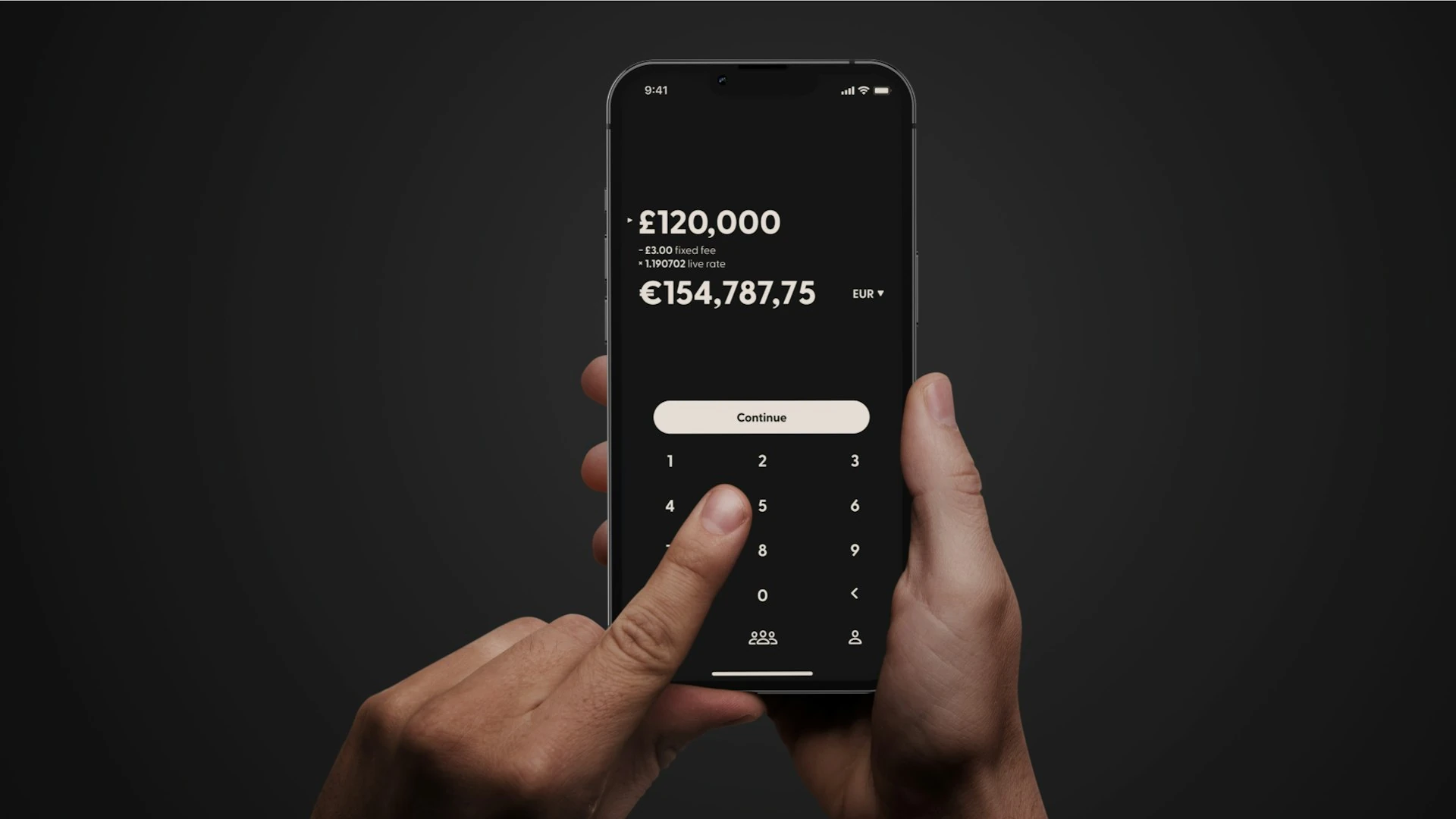

Usually, no. Don't pay until you've confirmed who the recipient is through a separate channel you already trust. A warning about a recipient name, a new payee or a possible scam is often the last point where you can still stop a problem. The main catch in the US: if you choose to send the money yourself and it turns out to be a scam, federal rules generally treat that payment as authorized, so your bank doesn't have to refund it. The US also has no national system that checks a payee's name against their account, like Europe's Verification of Payee. What you see before you pay depends on your bank and your app.
What a "recipient check" warning actually is
The German term Empfängerprüfung refers to the EU's Verification of Payee. Since October 9, 2025, banks there must check the recipient's name against the IBAN before a euro transfer goes out, and they report back "match," "close match" or "no match" (iban.com).
In the US, things work differently. No federal rule makes banks compare the name you type with the account holder's name. Instead, you'll run into a mix of checks that vary by bank and app:
- Name display (Zelle in bank apps). Wells Fargo says it shows "the name of the recipient on record before you continue," and notes that "in some cases, this may only be a first name" (Wells Fargo). Bank of America tells you to check the name in the "Enrolled with Zelle® as" field before you send (Bank of America).
- First-time recipient checks. Wells Fargo texts you an access code the first time you pay a new recipient (Wells Fargo).
- Scam alerts. Cash App advertises "alerts for potential scams and when you pay someone new" (Cash App).
- Bank-side tools you don't see. The Federal Reserve offers financial institutions a Payee Name Verification service. It checks an intended payee's name against a routing and account number before a payment goes out (Federal Reserve Financial Services). Each bank decides whether to use it.
The important difference: with Zelle, your bank usually shows you the name on file and leaves the matching to you. You don't get a formal "no match" result.
Why "pay anyway" is riskier in the US
Federal refund rules protect you from thieves, not from being tricked
Under Regulation E, a transfer counts as unauthorized, and is covered, when someone else starts it. For example, a scammer tricks you into giving up your login or a texted code and then moves the money out. The CFPB says credit-push P2P transfers made this way count as unauthorized EFTs (CFPB EFT FAQs). How much you can still owe depends on how quickly you report the problem (12 CFR 1005.6).
Our analysis: If you tap "send anyway" after a warning, the payment generally looks authorized, even if someone lied to you. Whether you get money back then depends on your bank's own policy. Bank of America, for example, says "qualifying imposter scams may be eligible for reimbursement" (Bank of America). That's a bank policy, not a legal right.
Zelle payments usually can't be undone
- Bank of America: "Zelle® payments cannot be reversed." You can only cancel payments to people who haven't enrolled yet (Bank of America).
- Wells Fargo: once the recipient is enrolled, the money goes straight to their account "and cannot be canceled" (Wells Fargo).
- Zelle's own advice is to "Treat Zelle® Like Cash" and to double-check the phone number, email or Zelle tag (Zelle).
Wires follow the account number, not the name
For wire transfers (UCC Article 4A), if the name and account number point to different people, the receiving bank "may rely on the number" and "need not determine whether the name and number refer to the same person" (UCC § 4A-207, Cornell LII). In practice: A mismatch warning on a wire is serious. The money will probably go to whoever owns that account number.
When continuing can be reasonable, and when it isn't
This is our recommendation, based on the sources above. It isn't a documented bank rule.
Probably fine after a quick check:
- The app shows only a first name or a nickname. Wells Fargo says this can happen (Wells Fargo).
- A small business shows its legal name instead of the brand name you know.
- A friend's account is under a married name, a maiden name or a spouse's name, and you confirmed it by calling a number you already had.
Stop and don't pay if:
- The name is completely different from the person or company you expected.
- Someone texted, emailed or called you with "new bank details."
- You're being rushed, or someone says your bank asked you to move money. Bank of America says it will never call and ask you to send money with Zelle "to yourself or anyone" (Bank of America).
- You're paying a stranger for something you haven't received. Neither Wells Fargo, Bank of America nor Zelle offers purchase protection on Zelle payments (Wells Fargo, Bank of America).
A quick 60-second checklist before you override a warning:
- Call the person using a number you saved before this request came in.
- Read them the exact name your app displays.
- For a new recipient, send a small test amount first (a common safety tip, not an official requirement).
- If anything feels off, contact your bank using the number on the back of your card.
How the main US payment apps handle recipient checks
We only compared apps that US consumers commonly use to push money to other people and that document some form of recipient check or scam alert. Bank apps with Zelle are the main option, because Zelle's own app stopped sending and receiving payments on April 1, 2025. Zelle now works only inside participating bank and credit union apps (CNN).
Comparison matrix (US market, personal accounts, as of 2026-09-30)
| Feature | Bank app with Zelle (Wells Fargo / BofA examples) | Venmo | Cash App |
|---|---|---|---|
| Shows recipient name before sending | Yes, name on record, sometimes first name only | Profile name/username shown; formal name match not publicly documented | Not publicly documented |
| Extra check for new recipients | Wells Fargo: text code on first payment | Last-4-digits phone check reported as a test in 2024 (Cheddar); current status not publicly documented | "Alerts… when you pay someone new" |
| Formal match / no-match result | Not publicly documented | Not publicly documented | Not publicly documented |
| Fee to send from bank/debit/balance | $0 | $0 | $0 |
| Fee to send by credit card | Not applicable | 3% | 3% |
| Instant cash-out fee | Not applicable (goes directly to bank) | 1.75% (min $0.25, max $25) | 0.5%–1.75% (min $0.25) |
| Cancel after sending | Only if the recipient isn't enrolled yet | Not publicly documented | Not publicly documented |
| Purchase protection on personal payments | No | Not publicly documented for personal payments | Not publicly documented |
Sources: Wells Fargo, Bank of America, Venmo fees, Cash App.
Bank app with Zelle
Pros
- Shows the enrolled name before you send, and the major banks explicitly tell you to check it.
- Free to send and receive at Wells Fargo and Bank of America.
- Some banks have voluntary reimbursement for qualifying imposter scams (Bank of America).
Cons
- No formal "no match" result. You have to judge the name yourself.
- Payments to enrolled users can't be canceled.
- No purchase protection.
Good for: paying family, roommates and people you know. Not a good fit for: buying from strangers online.
Venmo
Pros
- Free to send from your balance, debit card or bank account (Venmo).
- Profiles and usernames help you spot the right person. A phone-digit check for new recipients was reported as a test (Cheddar).
Cons
- 3% to send with a credit card, and 1.75% for instant transfers (Venmo).
- Venmo doesn't publicly document an official check that matches the recipient's name.
Good for: splitting bills with friends. Not a good fit for: large payments to people you haven't verified.
Cash App
Pros
- Free to send from your Cash balance or debit card, and free to receive (Cash App).
- Scam and new-recipient alerts, plus a security lock that asks for your face, fingerprint or PIN.
Cons
- You can pay by phone number, email or $cashtag. A name check isn't publicly documented.
- 3% credit card fee. Instant transfers cost 0.5%–1.75%.
Good for: quick payments between people who already know each other. Not a good fit for: first-time payments to people you've never met.
Hypothetical scenario: what "free" really costs over 12 months
This is a hypothetical example based on the sourced fees above. It isn't an observed result.
Assumptions: You pay a babysitter $300 a month for 12 months ($3,600 in total). The babysitter cashes out instantly each time.
- Bank app with Zelle, funded from checking: $0 in fees at the banks cited.
- Venmo, sender pays by credit card: 3% × $3,600 = $108. Plus the babysitter's instant transfers: 1.75% × $300 = $5.25 × 12 = $63. Total: $171.
- Venmo, sender pays by debit card, babysitter uses standard transfers: $0.
- Cash App, credit card funding: 3% × $3,600 = $108. Instant cash-out is 0.5%–1.75% × $3,600 = $18 to $63, depending on the rate shown. Total: $126–$171.
The bigger number is the payment itself. Say a fake "babysitter" or a hacked contact asks for the same $300, and you tap "pay anyway" after a name warning. Regulation E generally won't cover it, so that $300 is likely gone unless your bank chooses to reimburse you. Taking 60 seconds to call and check costs nothing. If you skip it, one wrong payment can cost more than a year of card fees.
What's changing in 2026, and what it means for you
- Nacha's fraud monitoring rules took effect in two phases, on March 20, 2026 and June 19, 2026. They require ACH participants to run risk-based processes that detect fraud-induced payments (Nacha). What this means for you: Expect more holds, reviews and warnings, especially on larger ACH payments. You still won't get a consumer-facing name-match guarantee.
- The Federal Reserve's payee name verification tool is available to banks that choose to use it (Federal Reserve Financial Services). Whether your app ever shows you a name-match result depends on whether your bank adopts it.
How we compared
- Research date and market: September 30, 2026, United States, personal accounts only.
- Criteria: whether the recipient's name is displayed, checks for new recipients, scam alerts, ability to cancel, purchase protection, and fees for sending and cashing out.
- Sources: official bank, Zelle, Venmo and Cash App pages. CFPB and Nacha for rules, and Cornell LII for UCC 4A. One news report (Cheddar) covers Venmo's tested feature, and we've noted that.
- Exclusions: business accounts, international transfers, PayPal Goods & Services, and bank features that aren't publicly documented. This is desk research. We did not test any of the apps ourselves.
Conclusion
In the US, a recipient warning in your bank app is a prompt for you to check. It isn't a guarantee that anything is wrong, or that anything is fine. Zelle in a bank app shows you a name but won't formally confirm a match. Venmo and Cash App don't publicly document a name check at all. Because a scam payment you send yourself is generally not covered by federal refund rules, and Zelle payments usually can't be reversed, the safest approach is to check with the person through a channel you already trust before you override the warning. Fees only matter if you pay by credit card or cash out instantly. Otherwise, all three options are free when funded from a bank account or debit card.
References
- Bank of America – Zelle FAQs
- Cash App – Send Money
- CFPB – Electronic Fund Transfers FAQs
- CFPB – 12 CFR 1005.6 Liability for unauthorized transfers
- Cheddar – Venmo Testing Security Features
- CNN – Zelle is shutting down its app
- Cornell LII – UCC § 4A-207
- Federal Reserve Financial Services – Payee Name Verification
- iban.com – Verification of Payee
- Nacha – New Rules
- Venmo – Our Fees
- Wells Fargo – Zelle FAQs
- Zelle – Safety Education