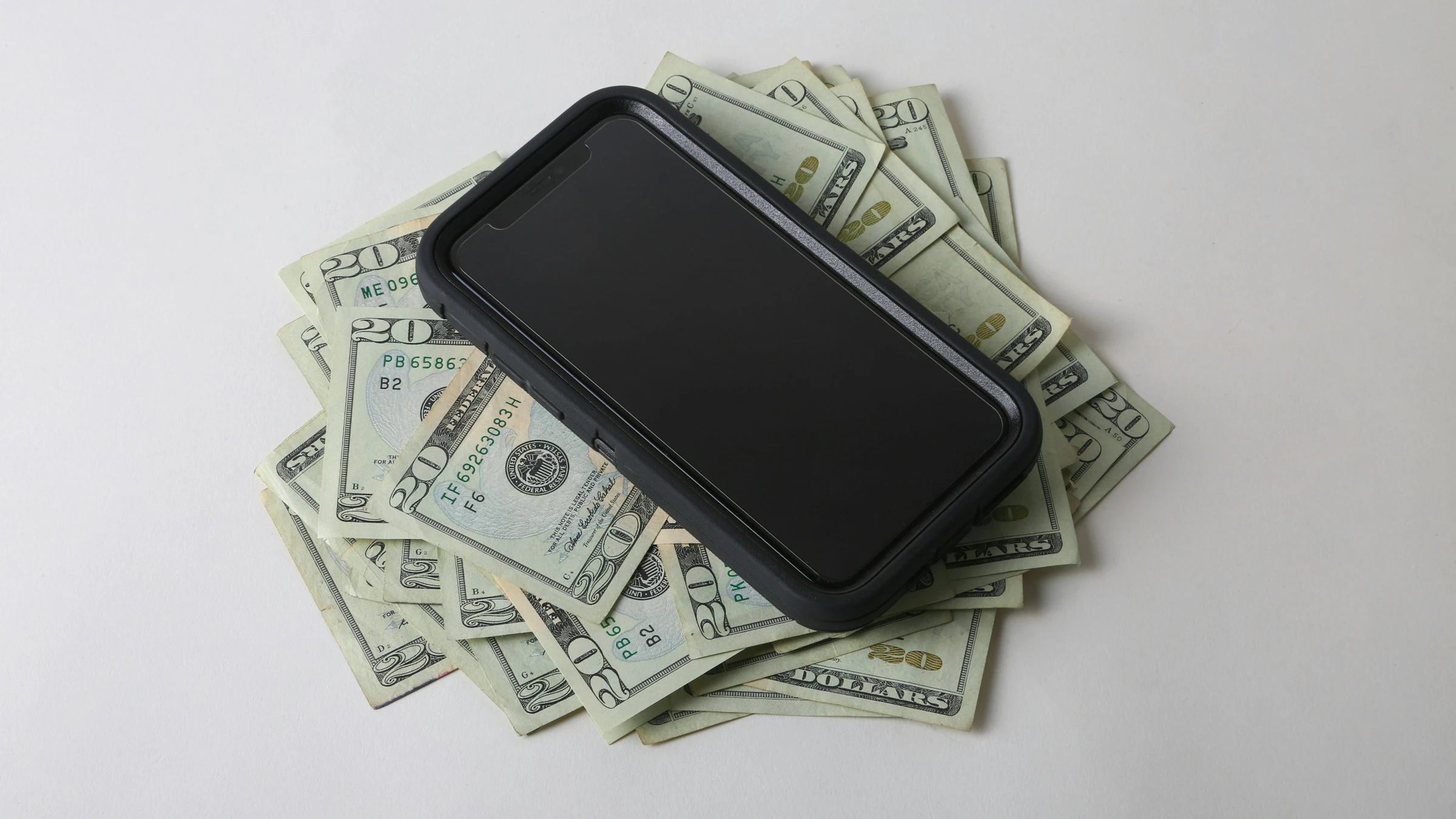

Cash can feel invisible once it leaves your wallet. You remember the £20 or $20 withdrawal, but not always the coffee, bus fare, school snack, market trip, or quick takeaway that used it up.
That matters because cash is still part of everyday spending. In the U.S., cash made up 14% of consumer payments in 2024, while people made an average of seven cash payments per month, according to the Federal Reserve’s 2025 Diary of Consumer Payment Choice. The same report found that consumers made 11 payments per month with a mobile phone, up from four in 2018, which shows the big trend: people are mixing physical cash with digital money tools more than ever.
The simple fix is to treat cash like any other account in your budget. A good budgeting app lets you create a cash wallet, log purchases manually, assign each purchase to a category, and see what is left before the money disappears.
As consumer.gov puts it: “A budget is a plan you write down to decide how you’ll spend your money each month.” For cash purchases, your phone becomes the place where that plan stays updated.
How Budgeting Cash Purchases With Apps Works
Budgeting cash purchases with mobile apps means you record cash as money you can spend, then subtract every cash purchase from the right category.
Here is the basic flow:
- Add a Cash Wallet, Cash Account, or Envelope in the app.
- Record cash withdrawals as transfers from your bank to cash.
- Log each cash purchase as soon as possible.
- Choose a category, such as groceries, transport, eating out, kids, gifts, or household.
- Check the remaining balance before spending again.
- Reconcile the app balance with the actual cash in your wallet once a week.
This works especially well for families and singles who already monitor spending closely. You do not need to abandon cash. You just need to stop treating ATM withdrawals as the final expense.
For example, if you withdraw $100 for the week, the real question is not “Where did the $100 go?” It is:
- $28 groceries
- $12 bus fares
- $9 coffee
- $18 school lunch money
- $21 takeaway
- $12 still in wallet
That detail is what helps you make better decisions next week.
Why Cash Tracking Still Matters
Even as card and mobile payments grow, cash has not disappeared. The Federal Reserve found that more than 90% of U.S. consumers intend to use cash either as a payment method or store of value in the future. In the UK, cash use is lower, but still important: the House of Commons Library reported that cash accounted for 9% of all UK payments in 2024, and 5% of UK adults were heavy cash users.
Cash also has a behavioral advantage. It feels real. Many people spend more carefully when they can see money leaving their hand. The problem is that cash spending is easy to forget unless you record it.
That is where mobile budgeting apps help. The best apps now combine:
- Manual cash entry
- Bank sync for cards and accounts
- Category budgets
- Shared household budgeting
- Receipt notes or photos
- Real-time remaining balances
1. YNAB
YNAB is best if you want strict control over every dollar, pound, or euro. It is built around zero-based budgeting, where every bit of money gets assigned a job before you spend it.
YNAB’s own help guide says you can manage cash using either a cash account or a cash category, and cash account spending entered on mobile is automatically marked as cleared. In my test setup, the cash account method felt better for everyday wallet spending because it showed the exact cash balance separately from my bank account.
To budget cash purchases, I created a “Wallet Cash” account, entered my starting cash balance, and logged small purchases from that account. The app immediately reduced both the cash balance and the category balance.
Pros
- Excellent for detailed cash tracking
- Strong mobile manual entry
- Helps you avoid double-counting ATM withdrawals
- Good for couples or families who want shared visibility
- Works well for irregular income
Cons
- Takes time to learn
- Subscription cost may feel high if you only need basic tracking
- Best results require regular checking and reconciliation
Best for: families or singles who want serious zero-based budgeting and do not mind a more hands-on system.
2. Goodbudget
Goodbudget is a digital envelope budgeting app. If you already like separating cash into envelopes for groceries, petrol, eating out, or kids’ activities, this app feels familiar.
Goodbudget’s help center explains that you can use a dedicated Cash Account to track money in your wallet. In my test, I liked how simple it felt: fill envelopes at the start of the month, spend from the right envelope, and watch the balance shrink.
For cash purchases, Goodbudget is especially useful because it does not push you toward complicated charts first. It starts with the spending limits.
Pros
- Very easy envelope-style setup
- Good for cash-first budgeting
- Useful for couples who want shared envelope balances
- Free version is enough for simple use
- Clear category limits
Cons
- Manual entry can feel repetitive
- Free version has limits on envelopes and accounts
- Less powerful reporting than some competitors
Best for: people who like the cash envelope method but want it on a phone.
3. PocketGuard
PocketGuard is designed around the question: “How much can I safely spend?” That makes it practical if your main problem is not planning, but staying inside the plan.
PocketGuard’s support page says the Basic version allows one cash account and unlimited cash transactions, while PocketGuard Plus supports multiple cash accounts. In my test, this made cash spending easy to separate from linked bank spending.
I found PocketGuard useful for mixed spenders: card for bills, cash for day-to-day items, and one app to show the bigger picture.
Pros
- Good “left to spend” view
- Supports manual cash accounts
- Helpful if you also connect bank accounts
- Simple transaction entry
- Useful for people who want guardrails, not complex spreadsheets
Cons
- One cash account on the basic plan may be limiting
- Some stronger features require Plus
- Less ideal if you want classic envelope budgeting
Best for: singles or families who use both cards and cash and want a quick spending limit.
4. Wallet by BudgetBakers
Wallet by BudgetBakers is a strong option if you want international support, multi-currency features, and both manual and synced tracking.
BudgetBakers says Wallet supports bank sync and manual entry, including manually logged cash expenses. Its help materials also list Cash as an account type for tracking cash transactions and balances.
In my test setup, Wallet felt more like a full personal finance dashboard than a simple envelope app. I created a cash account, logged purchases manually, and used categories to see where the cash went. It is especially handy if you travel, use more than one currency, or want detailed reports.
Pros
- Good international feel
- Supports cash accounts and manual expenses
- Strong charts and spending reports
- Multi-currency support
- Works well for people with several accounts
Cons
- More features than some users need
- Setup can feel busy at first
- Bank sync availability depends on country and institution
Best for: people who want detailed personal finance tracking across cash, cards, banks, and currencies.
5. EveryDollar
EveryDollar is a straightforward zero-based budgeting app, especially popular in the U.S. It focuses on monthly planning, spending categories, and tracking transactions against the budget.
EveryDollar’s help center says the mobile app lets you view transactions whether they are manually entered or imported, and its mobile app page notes that after buying something, it takes only a few seconds to enter the transaction manually. In my test, the app felt fastest when used as a simple monthly budget: plan income, assign money to categories, then enter cash spending right after purchase.
It works well if you want a clean system and do not need heavy reporting.
Pros
- Simple monthly budget layout
- Manual transaction tracking is easy
- Good for zero-based budgeting beginners
- Shared household budgeting is available
- Clear category-by-category spending view
Cons
- Official availability is U.S.-focused
- Premium features cost extra
- Less flexible than YNAB for account-level cash handling
Best for: U.S. users who want a simple zero-based budget and quick manual cash entry.
Quick Comparison
| App | Best Use | Cash Tracking Style | Best Fit |
|---|---|---|---|
| YNAB | Detailed control | Cash account or cash category | Serious budgeters |
| Goodbudget | Envelope budgeting | Cash account and envelopes | Families and couples |
| PocketGuard | Spending limits | Manual cash account | Mixed card and cash users |
| Wallet by BudgetBakers | Full finance tracking | Cash account and manual expenses | International users |
| EveryDollar | Simple monthly budgeting | Manual transactions | U.S. zero-based budgeters |
A Simple Cash Budgeting Routine
The app matters, but the routine matters more. Here is a practical weekly system:
- Set a weekly cash amount for flexible spending.
- Withdraw that amount once.
- Record the withdrawal as a transfer to your cash account.
- Log cash purchases immediately, or keep receipts and enter them every evening.
- Use broad categories so the habit stays easy.
- Reconcile your wallet cash every Sunday.
- If the app balance and real cash do not match, add a small “cash adjustment” category.
For families, one extra rule helps: decide who logs shared cash spending. If both adults spend from the same household cash pot, use an app with syncing or shared budgets.
For singles, speed matters more. Pick the app that lets you enter a purchase in under 10 seconds.
Common Mistakes to Avoid
The biggest mistake is counting an ATM withdrawal as “spending” and then also logging the cash purchases. That double-counts your expenses.
Instead, treat the withdrawal as a transfer:
- Bank account decreases
- Cash wallet increases
- No spending category changes yet
Only the actual purchase becomes spending.
Other common mistakes:
- Creating too many cash categories
- Waiting until the end of the month to remember purchases
- Forgetting small coins and tips
- Mixing personal cash and household cash
- Not reconciling the app with the real wallet
Cash budgeting works best when it is simple enough to repeat.
Current Trends in Cash Budgeting Apps
Budgeting apps are moving toward hybrid money tracking. People do not want only manual spreadsheets or only automatic bank feeds. They want both.
The main trends are:
- Manual plus automatic tracking: Apps like Wallet, YNAB, PocketGuard, and EveryDollar combine bank-linked transactions with manual entries.
- Cash as a separate account: More apps now let you track wallet cash instead of hiding it inside “miscellaneous.”
- Mobile-first budgeting: Since mobile phone payments are rising, people expect budgeting apps to update quickly on the go.
- Shared household budgets: Families increasingly want both partners to see the same category balances.
- Privacy awareness: Some users prefer manual cash tracking because they do not want to connect every bank account.
The best app is not always the one with the most automation. For cash, a little manual friction can be useful because it makes you notice what you are spending.
Final Thoughts
Budgeting cash purchases with mobile apps is simply about making invisible spending visible again. You still get the control and tangibility of cash, but your phone keeps the record.
YNAB is strongest for detailed control, Goodbudget is best for envelope fans, PocketGuard is useful for spending limits, Wallet by BudgetBakers is flexible for international users, and EveryDollar keeps monthly budgeting simple.
The right choice is the app you will actually open while standing outside the shop, before the receipt disappears.
References
- Federal Reserve Financial Services: 2025 Diary of Consumer Payment Choice
- Federal Reserve: 2025 Findings from the Diary of Consumer Payment Choice PDF
- House of Commons Library: Access to cash and banking services
- consumer.gov: Making a Budget
- Consumer Financial Protection Bureau: Assess your spending
- YNAB Help: Handling Cash in YNAB
- Goodbudget Help: Use a Cash Account to Track Money in Your Wallet
- PocketGuard Help: Track cash in PocketGuard
- BudgetBakers Help: What is the Wallet app?
- BudgetBakers: Wallet expense tracking
- EveryDollar Help: How to View Transactions on EveryDollar Mobile
- EveryDollar Help: EveryDollar Mobile App