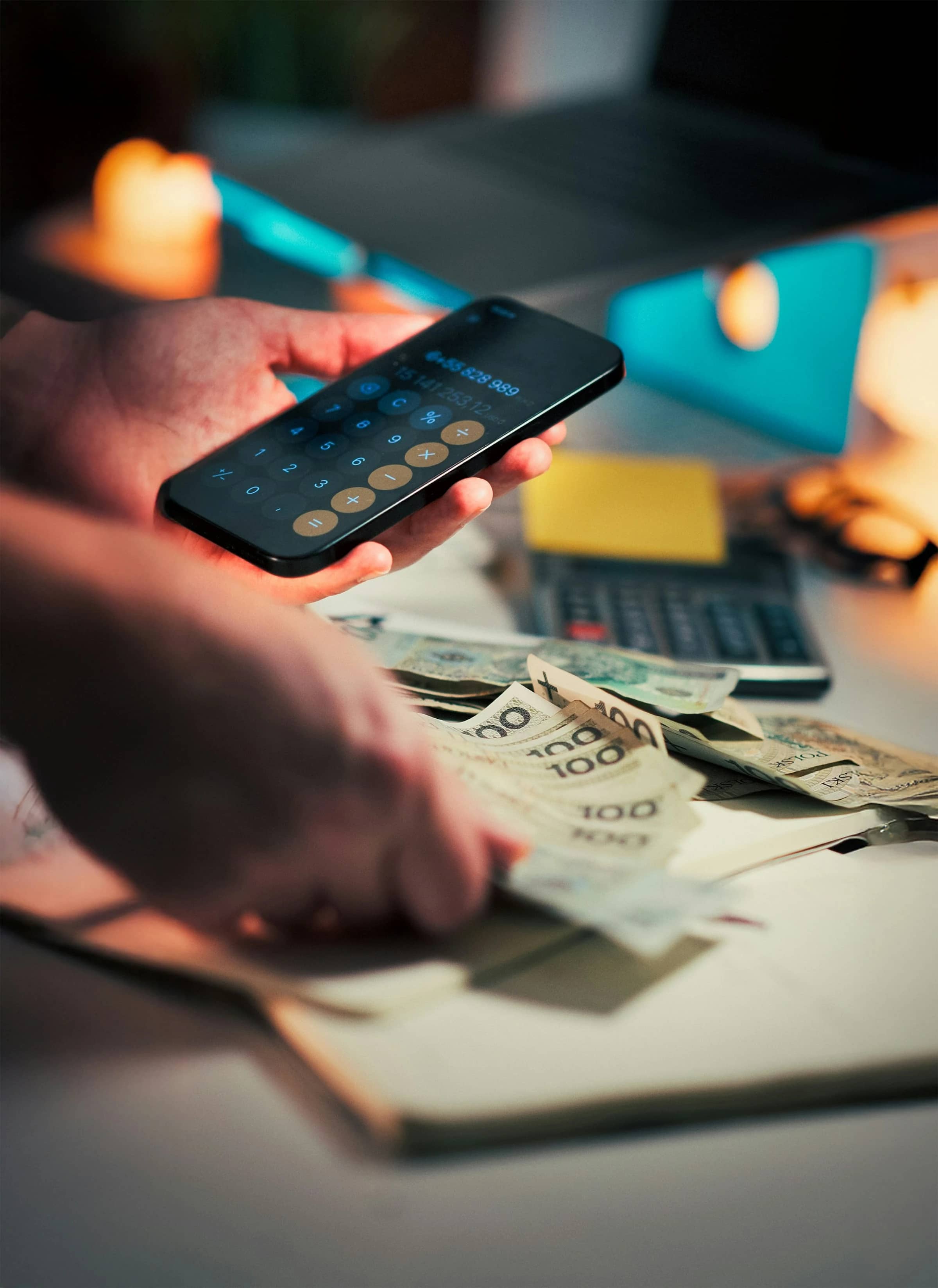

Childcare is already a major household expense before late-pickup charges enter the picture. In 2025, families in England who were not eligible for funded hours paid an average of £176.27 a week for 25 hours of nursery care for a child under two, according to Coram Family and Childcare’s Childcare Survey.
A location reminder app cannot prevent every late fee. Traffic, delayed trains and unexpected work can still interfere. However, a well-configured app can reduce one common risk: becoming distracted and leaving for the nursery too late.
How location reminders work
A location reminder uses a virtual boundary, usually called a geofence, around a saved place. Your phone can display an alert when it detects that you have entered or left that area.
For childcare pickups, you might create reminders such as:
- “Leave for nursery pickup” when departing your workplace.
- “Check the pickup time” when arriving at an afternoon appointment.
- “Collect Mia by 17:45” when leaving a regular final stop.
- “Confirm who is collecting today” when a partner leaves work.
Family-location apps work slightly differently. Instead of reminding you about your own movement, they can notify family members when another person enters, leaves or fails to arrive at a saved place.
These are documented app functions. Whether they prevent a fee depends on your schedule, journey time, phone settings and childcare provider’s late-collection policy.
Can an app genuinely prevent late fees?
It can reduce the likelihood, but “prevent” is too strong as a guarantee.
A geofence normally reacts after your phone detects an arrival or departure. It does not necessarily calculate when you must leave, account for current traffic or ensure that the alert appears early enough. Location accuracy can also be affected by weak signals, disabled permissions, battery-saving settings and boundaries that are too small or overlap.
The most dependable arrangement is therefore a layered one:
- Set a fixed time alert before the latest sensible departure time.
- Add a location reminder connected to your usual routine.
- Include enough buffer for ordinary delays.
- Give a second authorised adult access to the pickup plan where appropriate.
- Keep the nursery’s contact details and late-collection procedure accessible.
The location trigger acts as a backup to the clock, not as its replacement.
Apple Reminders: best for a simple iPhone setup
Apple Reminders lets you trigger an alert when you arrive at or leave a chosen location. Apple also allows you to adjust the radius around that location. Location Services must be enabled for the feature to work, as explained in Apple’s UK Reminders guidance.
How it could help
You could create a task such as “Head to nursery” and make it appear when you leave work. Alternatively, a reminder triggered on arrival at another regular location could prompt you to check the pickup plan.
Pros
- Built into supported Apple devices, so a separate reminder subscription is unnecessary.
- Supports both arrival and departure triggers.
- Allows adjustment of the reminder area.
- Suitable when one person normally handles collection.
- Apple provides controls for reviewing or withdrawing an app’s location access through its privacy and Location Services settings.
Cons
- It is primarily useful within the Apple ecosystem.
- A departure alert may already be too late if your journey requires a large time buffer.
- It does not confirm that another adult has started the pickup journey.
- Location Services, notifications and the necessary permissions must remain enabled.
Analysis: This is the most economical option for an iPhone owner who only needs a personal prompt. Pairing the location trigger with a conventional time alert makes it much more suitable for avoiding nursery late fees.
Any.do: best for cross-platform personal reminders
Any.do supports location reminders on Android and iOS, including alerts when you arrive at or leave a place. Its developer documentation identifies location reminders as a Premium feature and says they are mobile-only, even though other parts of the service work across web and desktop platforms (Any.do location-reminder guide).
The app remains available through the UK-facing Google Play listing, which also documents one-time, recurring and location reminders. Subscription prices can vary by platform, billing period and offer, so the current checkout price is more reliable than a fixed figure quoted in an article.
How it could help
You can place childcare tasks alongside work, shopping and household reminders. A location-based “Leave for pickup” task can complement a recurring timed reminder for the nursery’s collection deadline.
Pros
- Available for both Android and iOS phones.
- Supports arrival and departure reminders.
- Combines tasks, recurring reminders and calendar planning.
- Useful if you already manage household obligations in one task system.
- Any.do states that location information used for this function is not stored on its servers, although its broader service still processes other account and usage data described in the Any.do privacy policy.
Cons
- Location reminders require a paid plan.
- The location trigger itself is mobile-only.
- Paying for a broad productivity app may be poor value if you need only one pickup alert.
- Like other geofence tools, it cannot guarantee timely detection or compensate for travel disruption.
Analysis: Any.do is most relevant when you want the same organised task system on Android, iPhone and desktop. For a single reminder, a phone’s built-in tools may be better value.
Life360: best for coordinating several caregivers
Life360 is designed around location sharing between members of a family or other invited “Circle.” Its Places feature can notify you when a member arrives at or leaves a saved area. Free memberships include notifications for two Places, according to Life360’s Smart Notifications documentation.
Life360 also documents No Show Alerts, which notify you when a Circle member has not reached a saved place by an expected time, or when the arrival cannot be confirmed because location sharing is off (Life360 No Show Alerts).
The service is available in the UK on both the UK Apple App Store and Google Play. Some membership benefits vary by country, so UK families should not assume that every feature advertised for US plans is included locally.
How it could help
A household could save the nursery and workplace as Places. One adult could then see whether the designated collector has left work or set an alert when that person has not arrived at the nursery by an agreed time.
Pros
- Designed for coordination between multiple people.
- Provides arrival and departure notifications.
- Includes two Place notifications on the free membership.
- No Show Alerts can provide an additional check against a missed collection.
- Available on both major mobile platforms in the UK.
Cons
- Every participating adult needs the app and must allow appropriate location access.
- It involves more continuous location sharing than a personal reminder app.
- Life360 warns that Places that touch, overlap or sit extremely close together can produce inaccurate notifications.
- Background location use can affect battery consumption.
- The UK App Store disclosure says the developer may collect and link precise or approximate location and other data to your identity; Apple notes that these disclosures are supplied by the developer.
Analysis: Life360 offers the clearest practical advantage when two or more adults regularly share pickup duties. It is excessive for someone who wants only a private “leave work now” alert.
Which option fits your pickup routine?
| Situation | Most relevant option | Reason |
|---|---|---|
| You use an iPhone and collect the child yourself | Apple Reminders | Built-in personal arrival and departure alerts |
| You want one task system across Android, iPhone and desktop | Any.do | Cross-platform planning with paid mobile location reminders |
| Several adults share collection duties | Life360 | Place and missed-arrival notifications between Circle members |
| Your journey time changes significantly each day | No location app alone | A timed reminder plus live travel information is safer |
| You do not want continuous family tracking | Apple Reminders or Any.do | The reminder can be based only on your own device |
Set reminders early enough to matter
The most useful trigger is not always the nursery itself. An alert that appears as you arrive at childcare cannot prevent lateness.
Choose a place connected to the start of the journey:
- Your workplace.
- A railway station.
- A regular client site.
- A gym or afternoon activity.
- Your home, if pickup begins there.
Use a clear message containing the deadline and necessary buffer, such as:
Leave now — nursery closes at 18:00; aim to arrive by 17:45.
A fixed alert 30 or 45 minutes before pickup may be more reliable than a geofence if you work from changing locations. The correct margin depends on your own route and the provider’s terms, so avoid treating a generic lead time as universally safe.
Check the childcare contract as well as the app
Late fees are set by individual nurseries, childminders and childcare contracts; the apps discussed here neither determine nor waive those charges. Check:
- The exact collection deadline.
- Whether fees begin immediately or after a grace period.
- How the provider calculates the charge.
- Who you must contact if you are delayed.
- Which adults are authorised to collect the child.
- Whether repeated lateness has consequences beyond a fee.
Saving this information in the reminder makes it easier to respond quickly when a genuine delay occurs.
Protect your family’s location privacy
Personal location reminders require access to your own position. Family-tracking tools may reveal where a child or adult lives, studies, works and travels.
The UK Information Commissioner’s Office advises families to consider whether location sharing is genuinely necessary and notes that many devices let you choose precise, approximate, while-in-use or continuous access (ICO location settings guidance).
Use the least access that still allows the chosen feature to operate. Review permissions regularly, remove former caregivers from shared groups and explain age-appropriately when family members’ locations are visible.
Conclusion
Location reminder apps can lower the risk of childcare late fees by interrupting routines, coordinating caregivers and highlighting a missed journey. Apple Reminders suits a simple iPhone setup, Any.do supports broader cross-platform planning, and Life360 is more useful for shared pickups.
None can promise an on-time arrival. A location trigger works best alongside an early clock-based alert, realistic travel buffer and a clear understanding of your childcare provider’s late-collection rules.