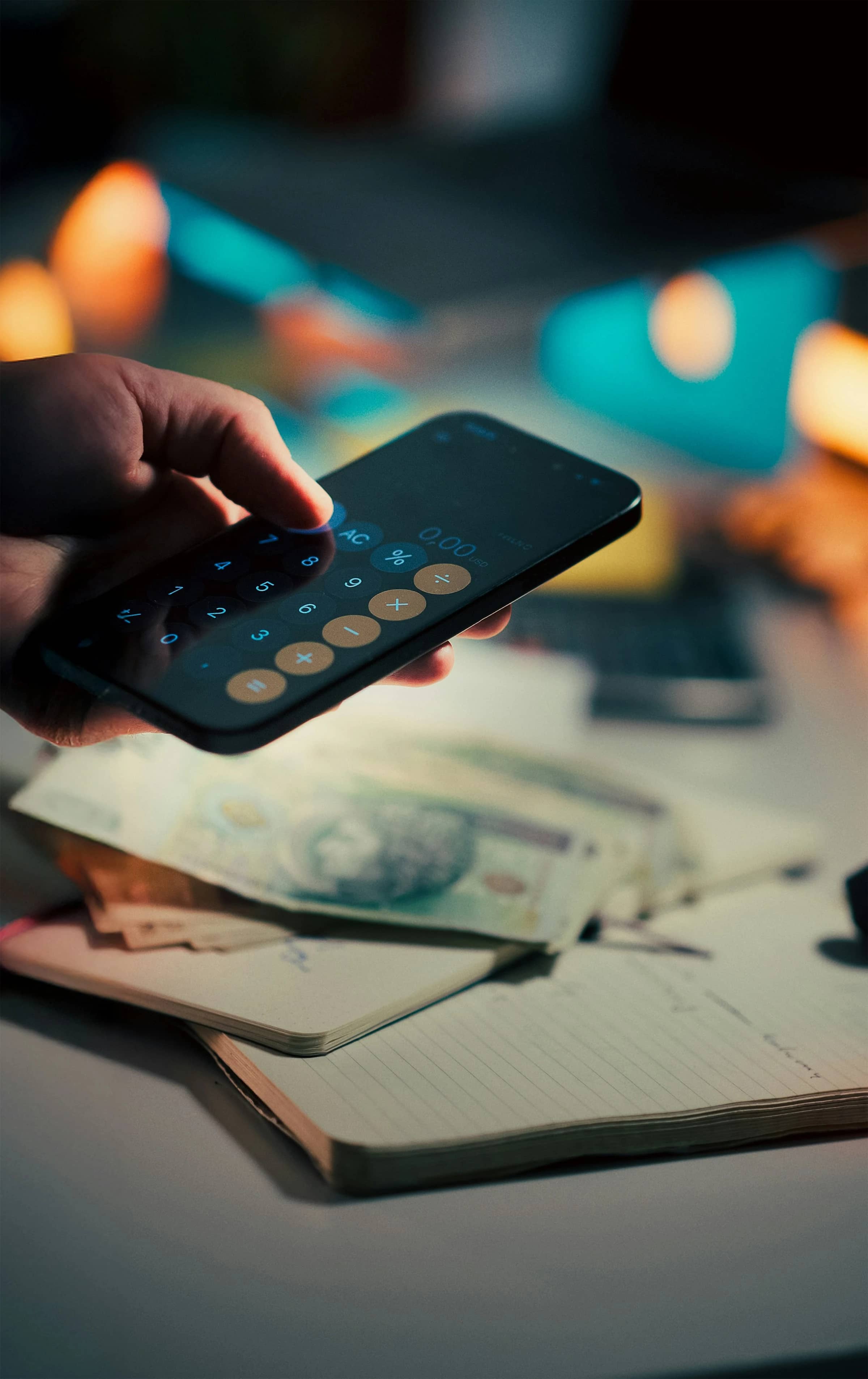

Online purchases accounted for 27.4% of Great Britain’s retail sales in 2025, according to the Office for National Statistics. With more than a quarter of retail spending happening online, even a small pause between temptation and checkout could matter.
Screen-time apps can create that pause. They can limit shopping apps, block retail websites or interrupt automatic browsing. However, they cannot see what you buy, judge whether a purchase is affordable or guarantee that you will spend less.
The honest answer is therefore: yes, screen-time apps may reduce online shopping spending when frequent or impulsive browsing is one of your spending triggers—but the direct evidence on money saved remains limited.
How screen-time apps may affect shopping
A screen-time app controls access to selected apps or websites. Depending on the product, it might:
- impose a short delay before opening a retailer’s app;
- ask why you want to continue;
- restrict how many times you can open an app;
- provide a limited browsing allowance;
- block shopping during vulnerable periods, such as late at night;
- show how often and how long you browse.
This adds friction to a quick shopping journey. The extra step gives you an opportunity to close the shop before seeing personalised recommendations, sales messages or a saved basket.
That approach is consistent with current guidance from the UK’s MoneyHelper service. It recommends making spending less convenient, removing saved payment details and applying a 24-hour wait to non-essential purchases. MoneyHelper also identifies boredom, stress, social media and late-night browsing as possible overspending triggers (MoneyHelper, 2026).
What the evidence actually shows
Research into the one sec app provides useful—but indirect—evidence. A six-week field study involving 280 continuing participants found that actual openings of selected apps fell by 57%. The targets were overwhelmingly social-media apps, not online shops, and the field study did not measure purchases or money saved. It also involved self-selected users, which limits how confidently its results can be applied to everyone.
A separate randomised experiment in the same paper found that offering a clear opportunity to abandon an action had the strongest effect. A time delay also reduced digital consumption, while a reflection message alone did not (Grüning, Riedel and Lorenz-Spreen, 2023).
E-commerce research gives a similarly cautious picture. One study found that a 25-hour postponement lowered participants’ urge and intention to make an impulse purchase. However, a ten-minute delay did not produce a statistically significant reduction in impulsive products purchased or money spent—participants continued browsing during the wait (University of Michigan research).
The evidence therefore supports adding friction and stepping away from shopping. It does not prove that every app delay will reduce your household’s spending.
The screen-time tools that best fit this job
The most relevant options are the built-in phone controls, ScreenZen and one sec. Each offers a different level of intervention without pretending to be a budgeting app.
| Tool | Best fit | Shopping controls | UK availability and cost |
|---|---|---|---|
| Apple Screen Time | Simple limits on Apple devices | App limits, scheduled downtime and website blocking | Built into supported Apple devices |
| Android Digital Wellbeing | Basic controls on compatible Android phones | App timers, usage reports and scheduled Focus mode | Included on some Android phones |
| ScreenZen | Detailed, low-cost blocking | Opening delays, limits, schedules, prompts and website blocking | UK iOS and Android listings; donation-supported with in-app purchases |
| one sec | A deliberate pause before browsing | Interventions, re-interventions, blocks and website support | UK iOS listing, Android, macOS and browser extensions; one target app free |
Availability and listings were checked for the UK in August 2026. Android features can differ by device manufacturer, while app-store prices and compatibility requirements can change.
Apple Screen Time: the simplest iPhone option
Documented functionality
Apple Screen Time records app and website activity and supports limits for individual apps or categories. Downtime can make most apps unavailable on a schedule, while “Block at Downtime” prevents restricted apps from opening rather than merely displaying a reminder (Apple Support UK).
Apple also documents a method for blocking individual website addresses through Content & Privacy Restrictions (Apple Support UK).
Analysis for online shopping
Screen Time is a sensible starting point when you mainly shop through a few retailer apps. A daily limit can reduce prolonged browsing, while Downtime can cover the hours when you tend to make unplanned purchases.
Website blocking is less convenient because you must enter specific addresses. It also sits within Apple’s content-restriction settings rather than a purpose-built shopping workflow.
Pros
- Included with the operating system
- Controls individual apps and categories
- Supports scheduled blocking
- Can share reports and settings across Apple devices
- Supports family-managed settings for children
Cons
- Limits can be ignored unless stronger blocking is enabled
- No purchase, basket or spending analysis
- Website blocking requires manual configuration
- Apple-only
- Easy-to-change settings may provide too little resistance for some adults
Android Digital Wellbeing: useful basic limits
Documented functionality
On compatible Android phones, Digital Wellbeing reports screen time, app openings and notifications. Its app timers close and dim an app when the daily allowance expires. Focus mode can pause selected apps and their notifications, either immediately or on a schedule.
Google notes that Digital Wellbeing is available on some phones, that instructions can vary by device and that a timer can be removed before midnight. Chrome integration can also report time spent on individual websites (Google Android Help).
Analysis for online shopping
Digital Wellbeing works best when retailer apps—not browser websites—drive your spending. Focus mode is particularly relevant for creating shopping-free evenings or work periods.
Chrome’s website report can reveal browsing patterns, but Google’s documentation describes reporting rather than a general built-in facility for blocking selected shopping websites.
Pros
- No separate subscription on supported devices
- Daily app timers
- Scheduled Focus mode
- Reports app openings as well as time
- Optional PIN protection for app limits on supported versions
Cons
- Features and menus vary between Android devices
- Timers can generally be removed
- Website controls are weaker than the app controls
- No financial tracking
- Availability is not universal across Android phones
ScreenZen: flexible blocking without a subscription
Documented functionality
ScreenZen’s UK App Store listing describes delays before opening selected apps, short access periods, daily goals, opening limits, scheduled blocks and locked settings. Its Android listing also documents app and website blocking, including the use of Android Accessibility permission for website controls (UK App Store, Google Play).
The developer describes the core service as free and donation-supported. Its privacy policy says core blocking settings and data remain on the device and that the core app collects no personally identifiable information. Optional social-accountability, hardware, support and diagnostic features involve additional data processing (ScreenZen privacy policy).
Analysis for online shopping
ScreenZen offers the most practical mix for someone who wants to restrict several retailers without paying a recurring subscription. You could place shopping apps and sites in one group, schedule a night-time block and require a pause before any permitted opening.
Its many settings are an advantage only if you configure them carefully. Complex rules can become difficult to maintain, and Android website blocking requires a sensitive Accessibility permission.
Pros
- Covers both apps and websites
- Supports delays, opening limits and strict schedules
- Core service is donation-supported
- Available on iOS and Android
- Settings locks can make impulsive overrides harder
Cons
- No published evidence found that ScreenZen itself reduces spending
- More complicated than native phone controls
- Android website blocking requires Accessibility access
- Optional features change the privacy picture
- Still cannot distinguish necessary shopping from impulse browsing
one sec: the strongest research base for app-opening friction
Documented functionality
one sec interrupts access to a selected app and gives you a chance to abandon the opening. Its current documentation also describes blocks, repeated interventions and support for websites. The product is available on iPhone, iPad, Android and macOS, with extensions for Chrome, Firefox, Safari and Edge (one sec platforms).
The free mobile version targets one app. The UK Apple listing displayed an annual individual Pro purchase of £19.99 in August 2026; Pro is required for multiple target apps, and prices may differ by platform or change over time (UK App Store). The developer says data remains offline by default, although subscriptions, support, feedback and optional iCloud synchronisation require data processing (one sec privacy information).
Analysis for online shopping
one sec is the most evidence-supported choice when your problem is automatically opening a particular shopping or social-media app. The “continue or leave” decision closely matches the mechanism that performed best in its published research.
Its direct evidence still concerns digital consumption, mainly social media—not household expenditure. If several retailer apps trigger you, the free single-app limit may also be restrictive.
Pros
- Adds friction at the moment an app is opened
- Works across mobile and desktop platforms
- Includes website options
- One selected app can be targeted free
- Supported by peer-reviewed research into app-opening behaviour
Cons
- The research did not measure shopping expenditure
- Multiple mobile apps require Pro
- Android does not have complete feature parity with iOS, according to the developer
- A brief interruption may be too weak for determined shopping
- Subscription costs could offset small savings
Which option is most likely to help?
This is an analysis-based recommendation, not a documented claim of financial savings:
- Start with Apple Screen Time or Android Digital Wellbeing if you need a free limit on one or two shopping apps.
- Choose ScreenZen if you want detailed schedules, app-opening limits and website blocking without a conventional subscription.
- Consider one sec if automatic app opening is the main problem and you respond better to a conscious choice than a complete block.
- Use a longer block, not a short timer, if delays simply encourage you to browse more products.
For a family, managed controls make the most sense for a child’s device. Adults should agree openly on any shared passcode or restriction; covert control of another adult’s phone is not an appropriate budgeting method.
A practical setup for reducing online shopping spend
A screen-time tool works best as one layer of a wider spending system.
1. Target the actual trigger
Review your phone’s usage report and your recent purchase history. Restrict the retailer apps, shopping websites or social platforms that commonly appear before an unplanned purchase.
2. Block vulnerable periods
Schedule restrictions during periods when you tend to browse without a planned need. MoneyHelper specifically warns about shopping while tired or stressed and recommends avoiding late-night “vampire shopping” (MoneyHelper).
3. Make the pause meaningful
When the app intervenes, leave the retailer rather than continuing to browse. Save the product link to a dated wishlist and apply a 24-hour rule to non-essential purchases.
4. Remove the faster route to checkout
Deleting stored card, digital-wallet, PayPal and buy-now-pay-later details adds another decision point. MoneyHelper explicitly recommends removing these saved details to make impulse spending harder.
5. Measure money, not just screen time
Screen-time reports cannot tell you whether the intervention saved money. Compare equivalent periods using bank and card records:
- discretionary online spending;
- number of unplanned purchases;
- shopping-app openings;
- money returned or refunded;
- any subscription cost for the blocker.
A lower screen-time figure without lower discretionary spending is not a financial success. You may simply have moved purchases to another device or completed them faster.
Where screen-time controls fall short
These apps cannot:
- assess your available budget;
- identify necessary household purchases;
- stop telephone or in-store spending;
- prevent shopping on an unrestricted device;
- manage credit or buy-now-pay-later repayments;
- provide debt advice.
If online shopping is causing missed bills, unaffordable borrowing or persistent distress, an app blocker is not an adequate substitute for free, independent financial or mental-health support.
Conclusion
Screen-time apps can reduce opportunities for impulsive online shopping by blocking retailers, limiting browsing and inserting a moment to reconsider. Research supports the underlying idea of friction, but there is no solid evidence that these tools reliably produce a particular saving in pounds.
Native controls are sufficient for basic app limits, ScreenZen offers the broadest low-cost configuration, and one sec has the strongest published evidence for reducing automatic app openings. Their financial value ultimately depends on whether lower access leads to lower spending in your own records.
References
- Office for National Statistics — Internet sales as a percentage of total retail sales
- MoneyHelper — The psychology of spending
- Grüning, Riedel and Lorenz-Spreen — Directing smartphone use through the self-nudge app one sec
- University of Michigan — Impulse Buying: Designing for Self-Control with E-commerce
- Apple Support UK — Screen Time schedules and limits
- Google Android Help — Digital Wellbeing
- ScreenZen — App Store listing
- one sec — App Store listing