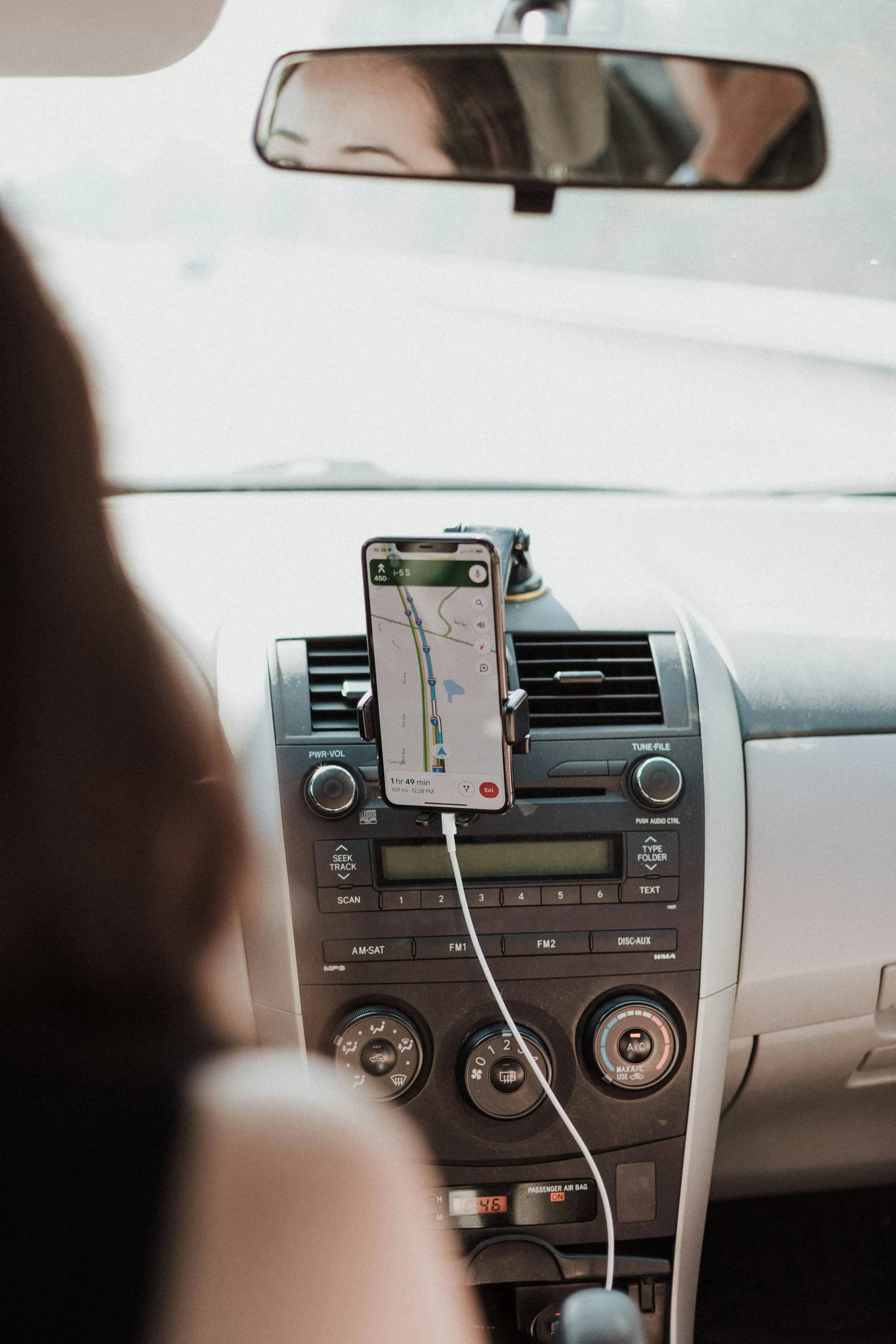

Food costs are still squeezing budgets. In the U.S., household spending on food at home averaged $6,224 in 2024 according to the Bureau of Labor Statistics, while the USDA says food-at-home prices rose 2.3% in 2025 and are expected to rise again in 2026 (BLS, USDA ERS). That is exactly why pickup apps matter: they can keep the convenience of online grocery shopping while stripping out delivery fees, service fees, and often tips too.
How grocery pickup apps cut delivery fees
The basic idea is simple: you build your cart in an app, choose a pickup time, and the store or platform prepares the order for you. Instead of paying to have groceries brought to your home, you drive over and collect them.
That can save money in a few different ways:
- You avoid the standard per-order delivery fee
- You often avoid tipping, which is common with delivery but not with pickup
- Some pickup options also avoid service fees
- You get more control over substitutions and timing
- You can compare totals before checkout and back out of impulse buys
Pickup is not a niche habit anymore, either. According to Brick Meets Click and Mercatus, U.S. online grocery sales reached $9.7 billion in March 2025, and the share of households buying groceries online had climbed as high as nearly 61% in February 2025 (Mercatus).
The catch: pickup is not always truly free. Some apps waive delivery fees but still add pickup fees, small-order fees, or slightly higher item prices. So the cheapest app is usually the one where you check all-in cost, not just the headline fee.
1. Walmart
Walmart is still one of the easiest fee-cutting options because its pickup flow is simple and the pricing is usually easy to understand. The app lets you shop local store inventory, choose a time slot, and check in when you are on the way (Walmart Help).
What stood out for me from a budget angle is that Walmart keeps the process very friction-free. It feels designed for repeat weekly shops, especially for families doing one big order instead of several smaller ones.
Pros
- Easy app and checkout flow
- Strong value reputation for staple items
- Good for large weekly grocery runs
- Pickup avoids delivery charges and tip pressure
Cons
- Best selection and slots depend on your local store
- Substitute quality can be mixed depending on location
- Savings can disappear if you split shopping into lots of small orders
Best if you want: a straightforward, low-hassle weekly grocery pickup app.
2. Target
If you buy groceries and household basics together, Target is one of the smartest ways to avoid delivery costs. Target’s Drive Up is free, while same-day delivery costs $9.99 per order without a Target Circle 360 subscription (Target Pickup & Delivery, Target Help).
That difference is why Drive Up works so well for cost-conscious shoppers: you keep the convenience but skip the delivery fee entirely. Target also says same-day delivery uses the same item pricing as your local store for eligible items, which matters if you are comparing it with third-party apps (Target Help).
Target also made its pricing position unusually clear. As Cara Sylvester, Target’s chief guest experience officer, put it: “We’ve never charged markups on same-day delivery from Target” (Target press release).
Pros
- Free Drive Up
- Strong app for mixing groceries with essentials
- Clearer pricing than many third-party platforms
- Good loyalty ecosystem if you already shop Target
Cons
- Grocery assortment is weaker than a full supermarket in some stores
- Same-day delivery gets expensive fast without membership
- Fresh-food quality depends a lot on store size and inventory
Best if you want: free pickup for a mixed cart of groceries, toiletries, baby items, and cleaning supplies.
3. Kroger
Kroger is a strong money-saving pickup option because the company states that pickup is free on orders of $35 or more (Kroger). For anyone doing a normal weekly grocery run, that threshold is pretty manageable.
What I like here is that Kroger feels built for actual grocery shopping, not just convenience shopping. Digital coupons, loyalty pricing, and regular promotions make a bigger difference here than on apps that mainly sell convenience.
Pros
- Free pickup on $35+ orders
- Good digital coupon system
- Strong fresh-food and supermarket selection
- Helpful for budget shoppers already using loyalty deals
Cons
- Orders below the threshold can trigger fees
- Some prices and promotions vary by store
- Interface is not the slickest of the five
Best if you want: a true supermarket app where coupons and loyalty deals do real work.
4. Instacart
Instacart is the most flexible option here because it lets you use pickup across multiple retailers instead of tying you to one chain. The money-saving part is more nuanced, though. Instacart says pickup orders do not have service fees, and on its pickup page it says Instacart+ members have no pickup fees, while non-members typically pay a flat $1.99 fee; small basket fees can apply below $35 (Instacart Help, Instacart Pickup).
So yes, pickup is cheaper than delivery on Instacart. But it is not always the cheapest overall, because some retailers may still price items differently on the platform.
Pros
- Huge retailer choice
- Easy to compare pickup options across stores
- No tips required for pickup
- Better than delivery when you need flexibility
Cons
- Pickup may still carry a fee for non-members
- Small basket fees can hit light orders
- Retailer pricing can be higher than in-store
- Easy to overspend if you treat it like a convenience app
Best if you want: one app that can replace several store apps.
5. Amazon / Whole Foods Market
For Prime members, Whole Foods pickup through Amazon can be a useful fee-cutting move when you want better produce or specific specialty items without paying for delivery. Whole Foods says shoppers can get delivery or free pickup from your store, and its customer FAQ says pickup is free on orders of $35+ in select U.S. cities (Whole Foods Amazon page, Whole Foods FAQ).
This is not the cheapest grocery app overall, but it can still be a smart one if the alternative is paying Whole Foods delivery fees or making lots of smaller, expensive top-up trips.
Pros
- Free pickup for eligible Prime orders
- Good quality on produce and specialty groceries
- Helpful for planned top-up orders
- Smooth if you already live inside the Amazon ecosystem
Cons
- Requires Prime for the best value
- Availability depends on city and store
- Basket prices are often higher than Walmart or Kroger
- Less useful for the cheapest full-family weekly shop
Best if you want: better-quality grocery pickup without paying for delivery.
Which app saves the most?
For pure fee cutting, this is the rough order I would use:
- Best overall for low-fee weekly shops: Walmart
- Best for groceries plus household basics: Target
- Best for coupon-heavy supermarket savings: Kroger
- Best for flexibility across retailers: Instacart
- Best for Prime members buying premium groceries: Amazon / Whole Foods
The cheapest strategy is usually not loyalty to one app. It is this:
- Use store-owned apps first
- Use pickup instead of delivery whenever possible
- Avoid baskets under $35
- Check whether pickup uses store pricing or platform pricing
- Save Instacart for stores that do not have a better native pickup option
Current trends worth watching
Two shifts are making pickup apps more attractive for budget shoppers.
First, memberships are being pushed hard because retailers want you inside their ecosystem. That is one reason online grocery keeps growing, even after the pandemic boom (Mercatus).
Second, more shoppers are leaning on private label to keep totals down. Numerator says 99.9% of U.S. households bought private-label grocery products in 2024, while NIQ reports 75% of consumers say private label offers good value (Numerator, NIQ). In practice, that means pickup apps are getting better when you pair them with store brands, digital coupons, and larger planned baskets.
The simple way to think about it
If you are trying to cut grocery delivery fees, pickup apps work best when you use them like a budgeting tool, not just a convenience tool. The sweet spot is a planned order, a free pickup threshold, and a store app that keeps extra fees to a minimum. Done that way, pickup can save you money without sending you back to wandering the aisles.
References
- Bureau of Labor Statistics: The New Year and household spending
- USDA Economic Research Service: Food Price Outlook - Summary Findings
- Mercatus: March 2025 eGrocery Sales Sees 21% Growth to $9.7B
- Walmart Help Center: Pickup and Delivery
- Target: Pickup & Delivery
- Target Help: Same Day Delivery
- Target Press Release: No Markups Across Shipt Network
- Kroger: Use SNAP EBT for Grocery Pickup
- Instacart Help Center: Fees and Taxes
- Instacart: Same-Day Curbside Pickup
- Whole Foods Market: Amazon & Prime Benefits
- Whole Foods Market FAQ: Grocery Delivery and Pickup
- Numerator: 99% of U.S. Households Now Purchasing Private Label Products
- NIQ: Private Label and Branded Products: A Changing Shelfscape