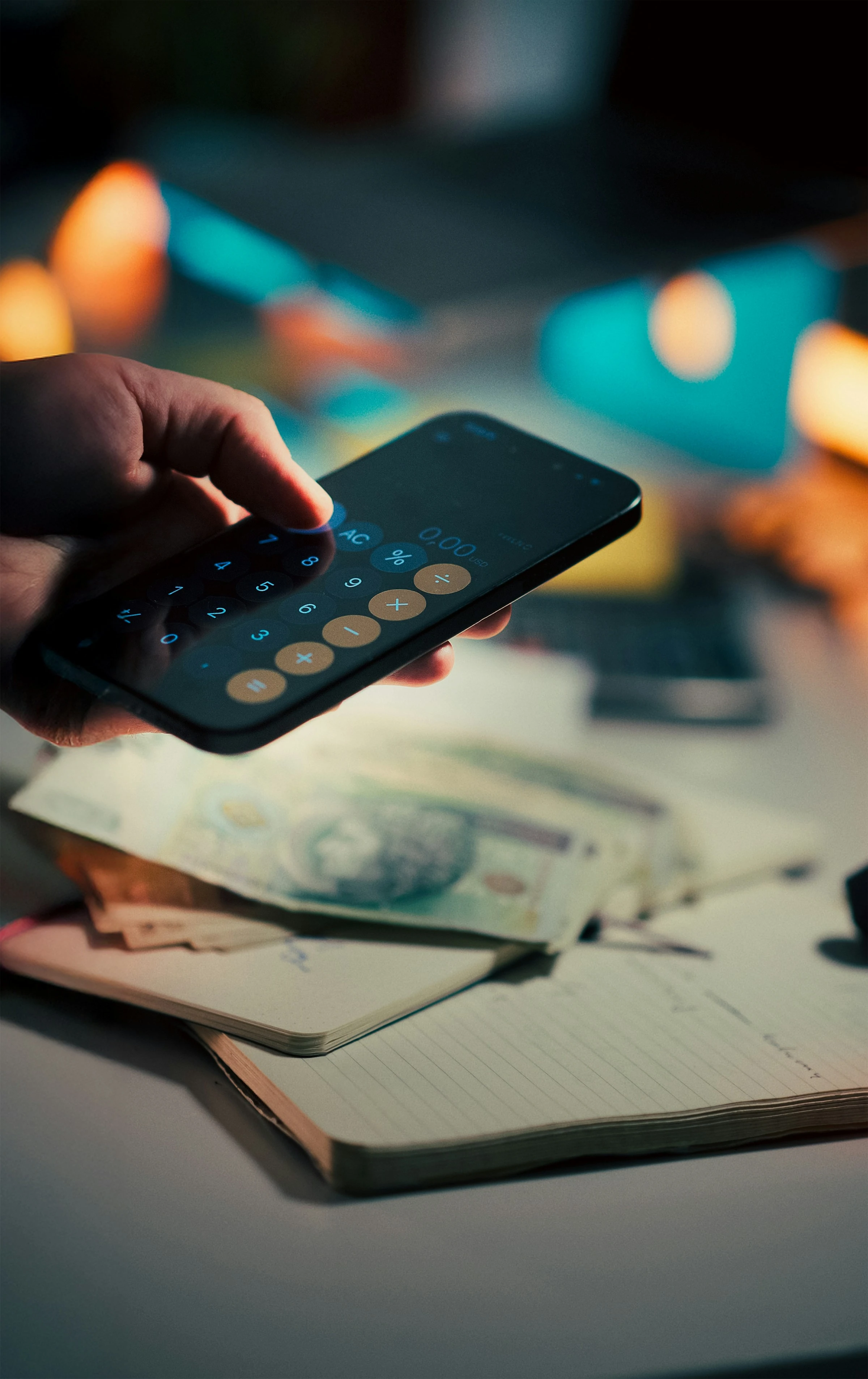

An unexpected car repair or medical bill can disrupt even a carefully planned household budget. The latest Federal Reserve survey found that only 63% of US adults could cover a $400 emergency expense using cash or its equivalent. Another 12% could not pay the expense by any means (Federal Reserve, 2026).
A budget buffer gives you breathing room before an unexpected cost becomes credit card debt. The right budgeting app can make that buffer visible, protect it from everyday spending, and show whether you are saving enough.
What Is a Budget Buffer?
A budget buffer is money deliberately left available after your planned monthly expenses. It covers normal financial surprises, such as:
- A higher utility bill
- An unplanned school expense
- A minor car repair
- A grocery bill that exceeds your estimate
- A delayed paycheck
- A small medical or dental cost
Your buffer is different from your emergency fund.
A monthly budget buffer handles small fluctuations without disrupting your plan. An emergency fund covers major events, such as unemployment, serious home repairs, or a longer period of reduced income.
Both should also be separated from sinking funds. A sinking fund holds money for predictable but irregular costs, including annual insurance premiums, holidays, servicing a vehicle, or replacing an appliance.
How Much Budget Buffer Do You Need?
There is no universal percentage that suits every household. A practical starting point is 5% of essential monthly expenses, followed by adjustments based on your actual spending history.
For example, suppose your household has:
- Monthly take-home income: $5,500
- Essential expenses: $3,400
- Irregular-expense contributions: $350
- Starting monthly buffer: $170, or 5% of essential expenses
That $170 stays unassigned or sits in a dedicated “monthly buffer” category. If your expenses regularly vary by more than this amount, increase it gradually.
For a more personalized calculation, review your last six to twelve months:
- Find your essential spending for each month.
- Calculate the average.
- Identify the highest normal month, excluding genuine emergencies.
- Use the difference between the average and that higher month as your initial buffer.
If average essential spending is $3,400 but frequently reaches $3,700, a $300 monthly buffer is more realistic than an arbitrary percentage.
How Large Should Your Emergency Fund Be?
The Federal Reserve reported that 55% of adults had savings covering three months of expenses in 2025, unchanged from 2024 (Federal Reserve, 2026).
The FDIC offers a more cautious benchmark:
“Financial experts generally recommend that you have at least six months of living expenses.”
— Federal Deposit Insurance Corporation
A sensible target is therefore:
- Three months: Stable employment, two dependable household incomes, low debt and good insurance
- Four to six months: One primary income, children, home ownership or variable household costs
- Six months or more: Freelance income, seasonal work, health concerns or limited access to affordable credit
Use essential expenses rather than total income. If your family needs $3,400 per month for housing, food, transport, insurance and minimum debt payments, your emergency fund target would be approximately $10,200 to $20,400.
Do not wait until you can fund the entire amount. The Consumer Financial Protection Bureau notes that even a small amount can provide some financial security (CFPB, 2025).
A Practical App Test
A useful budgeting app should help you answer four questions quickly:
- How much can I safely spend today?
- Which irregular bills are approaching?
- Is my monthly buffer still intact?
- How close am I to my emergency-fund target?
The following five apps take different approaches to those questions.
1. YNAB: Best for Detailed Buffer Planning
YNAB uses a zero-based system in which you assign your available money to specific categories. You can create separate categories for an operating buffer, emergency savings, car repairs and other irregular costs.
Its target tools calculate how much you need to set aside weekly, monthly, annually or by a chosen date. YNAB also supports automatic transaction imports, synchronized mobile and web access, and subscription sharing for groups of up to six people (YNAB features).
In a practical household setup, the clearest approach is to create three categories:
- Monthly buffer
- Income replacement
- Irregular household expenses
This prevents one savings balance from appearing available for several different purposes.
Pros
- Excellent control over every available dollar
- Strong targets for recurring and irregular costs
- Useful for couples and families
- Makes overspending immediately visible
- Automatic imports where supported
Cons
- Requires more setup and regular attention
- The zero-based method has a learning curve
- Bank-import availability varies by institution and country
- Less suitable if you want a largely passive tracker
Best for: People who want an active budgeting system and precise control over their financial cushion.
2. Monarch Money: Best for Household Collaboration
Monarch combines budgeting, cash-flow reporting, account tracking and savings goals in one dashboard. You can assign accounts to goals, set monthly contributions, and track progress as balances change (Monarch Money).
It is particularly useful for couples because household members receive separate logins while sharing the same financial view. Additional household members do not require separate subscriptions, although everyone can see the connected household data (Monarch FAQ).
A helpful setup is to connect your emergency savings account to a dedicated goal while leaving the monthly buffer inside the household budget. This separates long-term security from normal spending fluctuations.
Pros
- Clear overview of accounts, spending and net worth
- Strong shared-household features
- Flexible savings and debt goals
- Automatically identifies recurring expenses
- Suitable for families with several financial accounts
Cons
- Shared members can see all connected household accounts
- More features than a basic budgeter may need
- Imported categories still require checking
- Account connectivity depends on supported institutions
Best for: Couples and families who want a shared financial dashboard.
3. PocketGuard: Best for a Quick Spending Limit
PocketGuard focuses on how much money remains available after bills, goals and planned spending. This makes it useful when your main concern is accidentally spending your buffer.
Its premium features include unlimited savings goals, rollover budgets, customized categories and a debt-payoff plan (PocketGuard).
The interface is easier to scan than a detailed zero-based budget. However, simplicity means you receive less control over complex household allocations.
Pros
- Quickly shows available spending money
- Includes subscription tracking
- Supports savings and debt goals
- Rollover budgets help preserve unused money
- Relatively simple daily workflow
Cons
- Advanced tools require a paid plan
- Less detailed than YNAB for allocating every dollar
- Automated categorization may need correction
- Not ideal for complex shared finances
Best for: Singles or smaller households that want a simple answer to “How much can I spend?”
4. Goodbudget: Best for Digital Envelopes
Goodbudget turns the traditional envelope method into a mobile budgeting system. You divide income among envelopes for groceries, transport, bills, savings and other purposes.
Goal envelopes can have a target amount and deadline. The app then calculates the regular amount needed to reach that goal (Goodbudget). Household budgets can also sync across iPhone and Android devices (Goodbudget features).
A dedicated “Buffer” envelope works well because the money remains visible without being mixed into grocery or entertainment spending.
Pros
- Straightforward envelope-based structure
- Encourages deliberate spending
- Supports shared household budgets
- Goal envelopes suit emergency savings
- Useful for people who prefer manual control
Cons
- More manual work than bank-connected alternatives
- Limited automation
- The envelope method can feel restrictive
- Free-plan limits may affect larger households
Best for: Cash-conscious users who like simple categories and hands-on budgeting.
5. Quicken Simplifi: Best for Forward Planning
Quicken Simplifi builds a spending plan from expected income, bills, subscriptions, savings contributions and planned expenses. Its mobile app updates the amount left to spend as new transactions arrive.
The app can project plans up to 12 months ahead and lets you apply a buffer when estimating future variable spending (Quicken Simplifi Help Center). It also offers savings goals, cash-flow projections and automatic transaction categorization (Quicken Simplifi).
That future view is valuable for identifying months when insurance renewals, holidays or seasonal utility bills could consume your normal cushion.
Pros
- Forward-looking cash-flow projections
- Clear amount left for monthly spending
- Tracks bills and subscriptions
- Supports savings goals
- Useful reports for identifying spending patterns
Cons
- Savings-goal management is less granular than YNAB
- Requires a subscription
- Forecasts depend on accurate recurring transactions
- New users need spending history before projections improve
Best for: People who want to anticipate future cash shortages rather than only review past spending.
Which Budget App Fits Your Buffer Strategy?
| App | Strongest feature | Best suited to |
|---|---|---|
| YNAB | Detailed category and target planning | Active budgeters |
| Monarch Money | Shared household overview | Couples and families |
| PocketGuard | Available-to-spend figure | Simple daily tracking |
| Goodbudget | Digital envelope budgeting | Manual budgeters |
| Quicken Simplifi | Cash-flow forecasting | Forward planners |
Before connecting an account, check whether the app supports your bank and country. Automatic feeds reduce data entry, but they do not remove the need to review transactions. Monarch, for example, explicitly recommends checking imported categories to keep budget figures accurate (Monarch account guide).
Current Mobile Budgeting Trends
Budget apps are moving beyond monthly category limits. Current developments include:
- Integrated goals: Emergency savings now appears alongside everyday spending.
- Household collaboration: Partners can manage one financial plan from separate devices.
- Predictive budgeting: Apps increasingly estimate future balances and variable expenses.
- Automated categorization: Transactions are sorted automatically, sometimes using AI-assisted systems.
- Subscription monitoring: Recurring charges are highlighted before they quietly reduce your buffer.
Automation is helpful, but your budget buffer should still be based on verified spending. A wrongly categorized transfer or duplicated transaction can make your available balance misleading.
A Buffer That Matches Real Life
Your monthly budget buffer should absorb ordinary variation, while your emergency fund protects you from major financial shocks. Starting with around 5% of essential expenses is reasonable, but six to twelve months of real spending data provides a more accurate figure.
For emergency savings, three months of essentials can suit a stable dual-income household, while six months offers stronger protection for single-income families, freelancers and people with variable costs. The best budgeting app is the one that keeps these reserves visible, separate and difficult to spend accidentally.
References
- Consumer Financial Protection Bureau: An Essential Guide to Building an Emergency Fund
- Federal Deposit Insurance Corporation: Saving for the Unexpected and Your Future
- Federal Reserve: Economic Well-Being of U.S. Households in 2025
- Goodbudget: Goal and Annual Envelopes
- Goodbudget: Household Budget Features
- Monarch Money: Planning and Goals
- Monarch Money: Account Connection Guide
- PocketGuard: Plus Features
- Quicken Simplifi: Mobile Spending Plan
- YNAB: Features and Goal Tracking