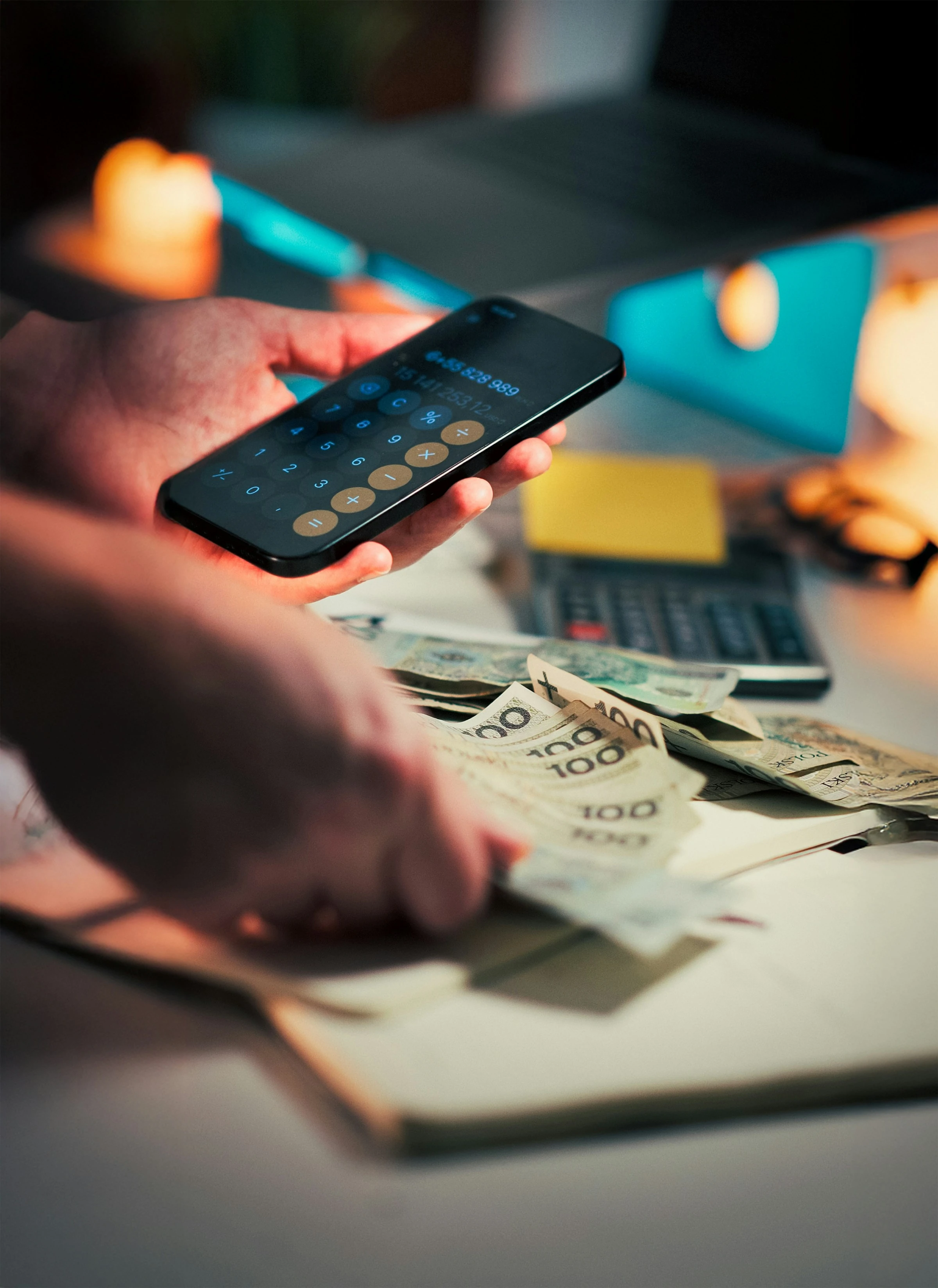

A budget can feel abstract until the real question arrives on a Tuesday afternoon: How much can we still spend this week without making next week harder?
That question matters because many households are already managing tight margins. In the Federal Reserve’s latest household survey, 11% of adults said they struggled to pay bills in 2024 because their income varied, and only 55% said they had savings equal to three months of expenses. A weekly budget will not solve every money problem, but it can make day-to-day decisions clearer and less stressful. The Consumer Financial Protection Bureau puts it simply: “Making and sticking to a budget is a key step towards getting a handle on your debt and working towards a savings goal.” (federalreserve.gov)
What “How much can we spend this week?” really means
A weekly budget app takes your income, bills, savings goals, and everyday spending categories, then turns them into a number you can use in real life: what is still safe to spend before the week ends.
Instead of only looking backward at where your money went, good budget apps help you answer questions like:
- How much is left for groceries?
- Can we afford takeaway tonight?
- Have subscriptions already eaten into this month’s money?
- If we spend more today, what does that mean for the rest of the week?
That is why weekly budgeting is useful for families and singles alike. It makes your spending plan feel immediate, not theoretical. It also fits current financial habits better than a once-a-month spreadsheet, especially as app-based banking, recurring subscriptions, and buy-now-pay-later products make spending easier to spread out and harder to see at a glance. The CFPB reported that BNPL lending has grown rapidly since 2019, while U.S. open banking rules are moving toward easier consumer-controlled data sharing between financial providers. (consumerfinance.gov)
What I looked for in the apps
I compared these apps as if I were choosing one for a household that checks money often, not just once at the end of the month. The strongest options had four things in common:
- a clear view of spendable money
- support for weekly or flexible budgeting
- good handling of bills and recurring expenses
- enough detail to be useful without becoming exhausting
1. YNAB: best for planning every pound or dollar
YNAB is built around zero-based budgeting: every dollar gets a job before you spend it. In practice, that makes it very strong for people who want to decide in advance what this week’s money is for, rather than simply review transactions later. Its target system can calculate how much you need to set aside weekly, monthly, yearly, or by a custom date, which makes it especially useful for irregular costs such as school supplies, car repairs, or holidays. (ynab.com)
When I worked through the app flow, YNAB felt the most intentional of the group. It is less about asking, “What is left in my bank account?” and more about asking, “What has this money already been assigned to do?”
Pros
- Excellent for proactive budgeting and long-term goals
- Strong weekly planning support through targets
- Helpful for couples and families through shared subscriptions and real-time updates
- Good fit if overspending usually happens because money was never clearly assigned in the first place (ynab.com)
Cons
- Steeper learning curve than simpler tracker apps
- Requires regular attention to work well
- Paid subscription model may feel like a hurdle for beginners; YNAB offers a 34-day free trial and supports direct bank import mainly in the U.S., Canada, the UK, and EU regions. (ynab.com)
2. Goodbudget: best for envelope budgeting
Goodbudget is the clearest digital version of the classic envelope method. You divide money into categories such as groceries, transport, eating out, and kids’ costs, then spend only from the relevant envelope. The company describes the method plainly: you plan spending beforehand and stop once the envelope is empty, rather than discovering overspending afterward. (goodbudget.com)
In testing the workflow, Goodbudget felt very easy to understand. It is particularly practical if you want a family budget everyone can see and follow without needing advanced charts or investment dashboards. It also supports weekly envelopes, monthly envelopes, and other time periods in the same budget, which is useful when your pay cycle and your bills do not match neatly. (goodbudget.com)
Pros
- Very intuitive if you like simple rules
- Strong for shared household budgeting
- Works well for weekly spending limits
- Helps reduce “we still have money in the account, so we can spend it” thinking (goodbudget.com)
Cons
- Less automated than some competitors
- More manual input if you do not connect accounts
- Better for category control than for deep financial analytics
3. PocketGuard: best for a fast “safe to spend” answer
PocketGuard is probably the closest match to the exact question in the title. Its In My Pocket feature is designed to show what you can spend after bills and other monthly necessities are accounted for. That makes it appealing if you do not want to build a detailed budget from scratch before getting a usable answer. (pocketguard.com)
The app felt straightforward in testing: connect accounts, review categories, and quickly see how much remains available. Its expense insights also break spending down by category and merchant, which is useful when you want to understand why this week feels tighter than expected. (pocketguard.com)
Pros
- Very quick to understand
- Strong “left to spend” framing
- Good for people who want less budgeting theory and more practical guidance
- Helpful visual spending insights by category and merchant (pocketguard.com)
Cons
- Less flexible than hands-on systems like YNAB
- Best features may require a paid plan
- Monthly bill logic is strong, but people with highly irregular income may still want more manual control
4. Monarch Money: best for couples and a full financial picture
Monarch Money is broader than a weekly budget app. It combines budgeting, cash flow, goals, investment tracking, subscription tracking, and collaboration features. What stood out most in testing was its flexibility: you can use detailed category budgeting or its newer Flex Budgeting system, which groups spending into fixed, non-monthly, and flexible buckets. (help.monarchmoney.com)
That makes Monarch especially useful for couples or families who want one place to review the whole household picture, not just this week’s discretionary spending. It also allows unlimited collaborators, which is helpful when more than one adult manages the money. (monarchmoney.com)
Pros
- Excellent for shared household finances
- Flexible budgeting styles for different personalities
- Strong reporting and broad account visibility
- Ad-free, subscription-funded model; Monarch says it does not sell customer financial data. (help.monarchmoney.com)
Cons
- More app than some people need
- Paid only
- Can feel overpowered if all you want is a simple weekly spending number
5. Emma: best for daily limits and subscription awareness
Emma is especially good at turning a bigger budget into smaller, usable limits. Its budgeting tools let you set weekly, biweekly, or monthly pay cycles, and the app automatically shows daily spending limits after taking account of bills and budgets. It also tracks recurring payments and subscriptions, which is increasingly valuable in households where small automated charges slowly erode spare cash. (emma-app.com)
In testing the flow, Emma felt very modern and practical. It is the app in this list that most clearly translates a monthly plan into the everyday question, “What can I safely spend today?” Emma also supports shared Spaces, where family members can connect their accounts and work from a joint budget while keeping separate logins. (emma-app.com)
Pros
- Daily allowance is very easy to act on
- Good subscription and bill visibility
- Flexible pay-cycle support
- Useful shared budgeting features for households (emma-app.com)
Cons
- Some of the best features sit behind premium tiers
- Strongest fit is for users comfortable connecting accounts
- Feature set may feel busy if you only want basic envelope budgeting
Which budget app fits which kind of spender?
| If you want... | Best fit |
|---|---|
| A disciplined plan for every dollar | YNAB |
| Simple category limits for the household | Goodbudget |
| A quick answer to “what can I spend?” | PocketGuard |
| Shared finances plus wider money tracking | Monarch Money |
| Daily limits and subscription control | Emma |
Current trends shaping budget apps
Budget apps are moving beyond simple expense logs. Three developments stand out right now:
- More real-time account connectivity
Open banking is pushing the market toward easier data sharing and more connected financial tools, although U.S. implementation is still evolving. (consumerfinance.gov) - More focus on recurring payments
Subscription tracking is no longer a niche extra. Apps like Emma and Monarch now treat it as a core budgeting feature because recurring costs can quietly reduce what is actually available to spend. (emma-app.com) - More flexible budgeting models
Apps are moving away from one-size-fits-all monthly budgets. Weekly pay cycles, daily allowances, and flexible spending buckets reflect how people actually earn and spend money. (emma-app.com)
A simple way to use any of these apps this week
No matter which app you choose, the basic process is similar:
- Start with income you actually expect to receive
- Subtract fixed bills and planned savings
- Set limits for variable categories such as groceries, fuel, and eating out
- Check remaining spendable money before optional purchases
- Review once or twice during the week, not only after money has gone
That rhythm matters because the average U.S. household still spends heavily on everyday categories. According to 2024 Consumer Expenditure Survey data summarized by Rocket Money, housing used about 33% of the average household budget and food about 13%, leaving many people with less room than they expect for flexible spending. (rocketmoney.com)
Final thoughts
The best budget app is not necessarily the one with the most features. It is the one that gives you a clear answer before you spend, not a painful explanation afterward.
If you want strong control, YNAB or Goodbudget make sense. If you want quick clarity, PocketGuard is hard to beat. If you manage money with a partner or want a broader financial dashboard, Monarch Money fits well. If daily spending limits and subscriptions are your weak spots, Emma is especially practical.
References
- Federal Reserve Board: Report on the Economic Well-Being of U.S. Households in 2024
- Federal Reserve Board: Income and Expenses, 2024 SHED
- Federal Reserve Board: 2024 SHED PDF Report
- Consumer Financial Protection Bureau: Budgeting—How to Create a Budget and Stick With It
- Consumer Financial Protection Bureau: Personal Financial Data Rights Final Rule
- Consumer Financial Protection Bureau: Consumer Use of Buy Now, Pay Later and Other Unsecured Debt
- YNAB: Goal Tracking
- YNAB: Pricing
- Goodbudget: Envelope Budgeting
- Goodbudget: Add Weekly, Monthly, and 6 Month Envelopes
- PocketGuard: Official Website
- PocketGuard: Expense Insights
- Monarch Money: Flex Budgeting
- Monarch Money: Pricing
- Emma: Budgeting Features
- Emma: Recurring Payments and Subscriptions
- Emma: Shared Spaces
- Rocket Money: Average American’s Monthly Expenses