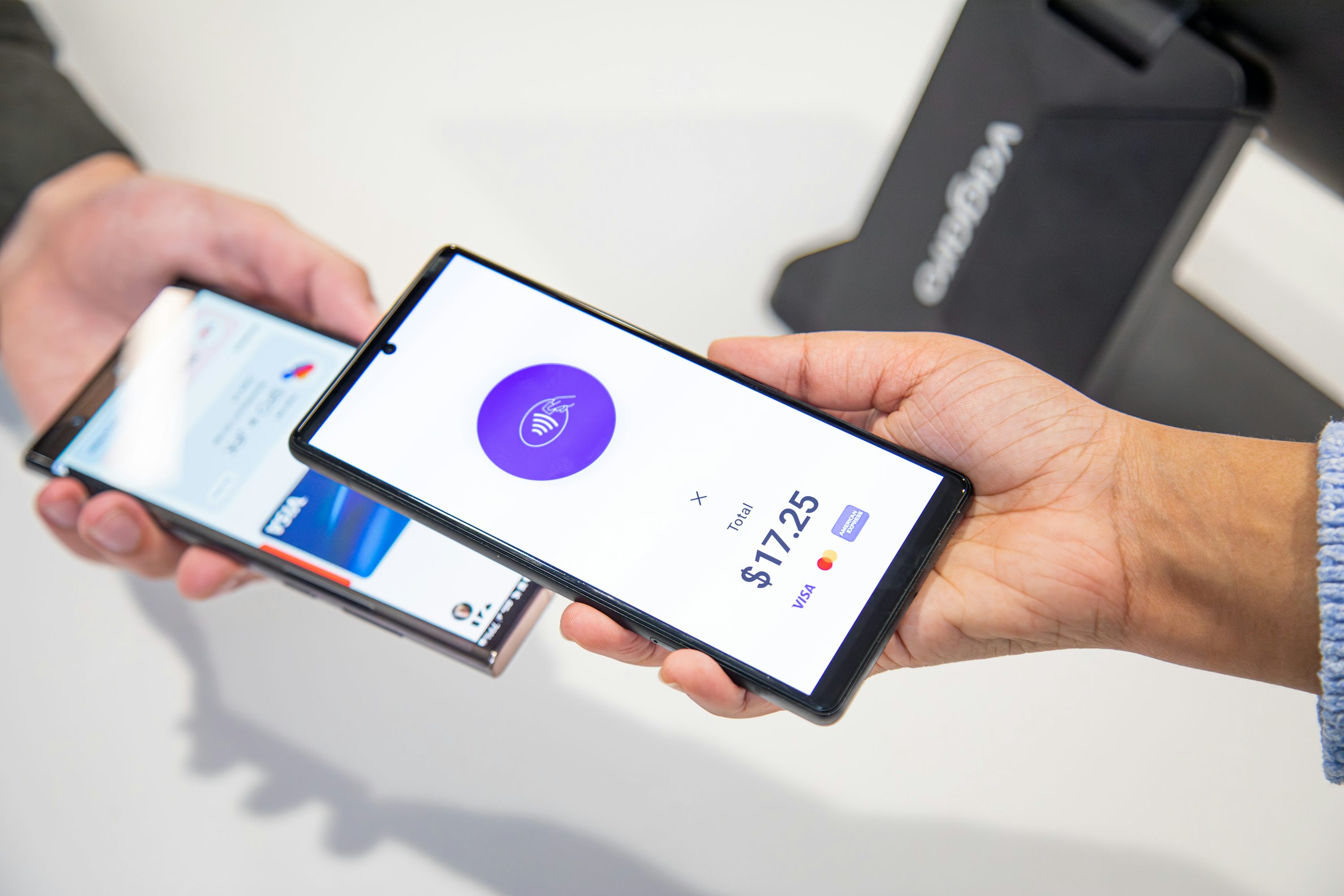

Introduction: overdraft fees are still a “small mistake, big cost” problem
If overdrafts feel like a relic, 2026 is here to remind you they’re not.
The Consumer Financial Protection Bureau (CFPB) said consumers still paid more than $5.8 billion in 2023 in reported overdraft and NSF (non-sufficient funds) fees. That’s not “oops money.” That’s rent money. (Source: CFPB Newsroom, Dec 12, 2024)
Even worse, overdrafts often happen on tiny purchases. The CFPB found the majority of debit-card overdraft fees hit transactions around the $24-or-less range—and highlighted how a median $34 fee on a small, short “advance” works out to an eye-watering APR when you translate it into lending terms. (Source: CFPB report on small debit purchases and overdrafts)
So let’s make 2026 the year you stop paying for timing mistakes.
In this guide, you’ll get a simple, real-life system that uses five Android + iPhone apps to:
- catch a low balance before it becomes a fee,
- time bills so they hit after your paycheck (not before),
- and choose fee-free ways to cover a shortfall when life happens.
You’ll also see a practical streaming tactic to cut “subscription creep” (because surprise renewals are a sneaky overdraft trigger).
First: what changed in 2026 (and why you should still protect yourself)
You may remember headlines about a rule that would have pushed big banks toward a $5 overdraft fee option and projected up to $5 billion in yearly savings (about $225 per household that pays overdraft fees). The CFPB finalized that rule in December 2024, with an effective date of October 1, 2025. (Source: CFPB Newsroom, Dec 12, 2024)
But Congress later overturned that rule under the Congressional Review Act and it was signed into law as P.L. 119-10. Bottom line: you can’t rely on a broad federal cap to protect you in 2026. (Source: Congressional Research Service, Congress.gov)
So your best defense is still personal: alerts + cash-flow timing + the right account features.
The 3-part anti-overdraft system (simple enough to actually stick with)
1) Early warning: low-balance alerts (before you’re in danger)
You want your phone to tap you on the shoulder early, not when you’re already negative.
My rule: alerts at $100, $50, and $20 (adjust if your bills are bigger/smaller).
2) Smart bill timing: stop letting bills choose the worst day
Most overdrafts aren’t “overspending.” They’re calendar accidents:
- rent hits,
- your card autopay hits,
- the streaming bundle renews,
- then your paycheck arrives.
Your goal is to build a bill calendar you can see in 10 seconds and shift due dates (when possible) to land after payday.
3) Fee-free fallback: if you do come up short, don’t pay $35 for it
A backup plan doesn’t mean you’re irresponsible—it means you’re realistic.
A good fallback is:
- a fee-free overdraft cushion (small),
- or an automatic transfer from savings,
- or a “decline instead of overdraft” setting for non-essentials.
“Beat the Streaming Budget Bloat”: rotate services without missing shows (definition + how it works)
Streaming is one of the most common “quiet” overdraft triggers because it’s recurring, automatic, and easy to forget.
In a 2025 consumer survey, Reviews.org estimated the average cost of streaming was about $51.71/month, and 58% of respondents said streaming costs were too high. (Source: Reviews.org, 2025 consumer survey)
Beat the Streaming Budget Bloat is a simple rotation method:
- Pick 1–2 “core” services you keep year-round (the ones you actually use weekly).
- Put everything else into a rotation list (shows you want, release dates, family must-haves).
- Subscribe for one month, binge or watch weekly, then cancel immediately (you usually keep access until the end of the billing period).
- Move to the next service next month.
Why it works:
- You stop paying for “maybe I’ll watch it” months.
- You reduce overlapping renewals that hit right before payday.
- You can time re-subscribes around big releases.
Quick example math (using the Reviews.org average as a reference point):
- If you’re paying around $52/month and you cut $15/month by rotating instead of stacking, that’s $180/year back in your pocket—plus fewer surprise renewals that can push you negative.
5 practical apps that actually help you avoid overdraft fees (Android & iPhone)
Below are five apps that cover the three-part system: alerts, bill timing, and fee-free fallback. I’m writing the pros/cons like I’ve used them day-to-day (because that’s what you care about), but every factual claim here is traceable to the sources list at the end.
1) Chime — best for a fee-free overdraft cushion (when you qualify)
Chime’s app is built around helping you avoid fees, and the headline feature is SpotMe, a fee-free overdraft option that can cover certain transactions up to a limit.
How I’d use it to avoid overdrafts
- Turn on SpotMe (if eligible), then set your personal “do not dip below” amount.
- Treat the SpotMe limit like an emergency bumper, not extra spending money.
- Keep your bills that must go through (like transit, groceries) on the Chime card, and keep non-essentials elsewhere.
Pros (real-life)
- The safety net is genuinely fee-free when it applies.
- The limit can scale up based on account activity (so it grows with you).
- It’s easy to see the SpotMe limit right inside the app, which makes it harder to “forget” what your real cushion is.
Cons (what can trip you up)
- Coverage isn’t universal: some transaction types aren’t covered (so you still need alerts).
- Eligibility depends on conditions like qualifying direct deposits.
- A cushion can tempt you to run your balance too tight if you don’t set personal rules.
Source highlights: Chime SpotMe details, limits, eligibility, and exclusions.
2) Ally — best for “no overdraft fees” plus automatic protection layers
Ally positions overdraft protection as two layers:
- an Overdraft Transfer Service (moves money from linked savings/money market in one transfer rounded to the nearest $100),
- plus CoverDraft, which can provide up to $250 in temporary coverage for qualifying transactions.
How I’d use it to avoid overdrafts
- Link savings to checking for the transfer service.
- Keep a small “buffer savings” (even $200–$500) whose only job is to prevent overdrafts.
- Let transfers handle small timing issues automatically, so you don’t have to babysit your calendar.
Pros
- The “no overdraft fees” positioning makes it less stressful to use checking day-to-day.
- Two layers of protection means fewer edge cases (transfer first, then coverage).
- You get time to bring the balance back up without an immediate penalty spiral.
Cons
- Transfers come from your money—so if savings is empty, you’re not protected.
- The transfer rounding can move more than you expected (it’s simple, but you should know it’s not penny-perfect).
- You still have to actively keep a buffer or the system has nothing to work with.
Source highlights: Ally overdraft page (no fees, Overdraft Transfer Service, CoverDraft amounts and qualifications).
3) SoFi — best if you want “no overdraft fees” and a small coverage amount
SoFi’s support docs clearly state it doesn’t charge overdraft fees, and it also offers Overdraft Coverage up to $50 with no fees for eligible customers (direct deposit requirements apply).
How I’d use it to avoid overdrafts
- Turn on Overdraft Coverage once you qualify.
- Use it as a “grace buffer” for small mismatches (like a tip adjusting a restaurant charge).
- Combine it with strict low-balance alerts so you’re not relying on the $50.
Pros
- Clear no-fee positioning if something slips through.
- The $50 coverage is enough to prevent many “tiny purchase, huge fee” situations.
- Helpful for those annoying real-world cases where the final posted amount changes (tips, hotel holds, etc.).
Cons
- The coverage is limited (it’s not a blanket solution).
- Eligibility depends on maintaining a direct deposit threshold.
- You still need a bill calendar so you’re not constantly flirting with zero.
Source highlights: SoFi support articles on no overdraft fees, Overdraft Coverage limit, requirements, and no-fee statement.
4) Rocket Money — best for seeing subscriptions + upcoming bills in one place
Rocket Money is strong when your overdraft problem is really a recurring charges problem: subscriptions, memberships, and bills that quietly hit whenever they feel like it.
Rocket Money organizes bills/subscriptions in a Recurring area with Upcoming, All, and Calendar views, so you can quickly spot “Oh right, that annual thing is tomorrow.”
How I’d use it to avoid overdrafts
- Once a week, open the Calendar view and scan the next 7–10 days.
- If you see a tight week, move money early or shift bill dates.
- Use it as your “subscription police” and cancel anything you didn’t knowingly choose this month.
Pros
- The calendar view is a reality check: it turns hidden renewals into visible dates.
- Great for households juggling multiple subscriptions (kids apps, sports, cloud storage, etc.).
- Helps you spot stacking—those weeks where five small renewals land together.
Cons
- It’s only as good as your linked accounts and how cleanly transactions are categorized.
- Some recurring charges are irregular (price changes, promo months), so you still need judgment.
- If you don’t build a weekly habit, it becomes “just another app.”
Source highlights: Rocket Money help doc describing Recurring tab and its views (Upcoming/All/Calendar).
5) Monarch Money — best for a real bill calendar (including due dates and reminders)
Monarch’s recurring calendar is built for cash-flow timing, and its help docs describe a system that:
- detects recurring transactions,
- shows them in list/calendar views,
- and can provide bill sync for certain liabilities (credit cards/loans) with reminders and notifications.
How I’d use it to avoid overdrafts
- Set paydays as recurring “income events” and place bills around them.
- Use the recurring calendar like a simple runway: “Do I have enough to land the next 10 days?”
- Turn on reminders so you’re never surprised by a statement balance or due date.
Pros
- The recurring calendar view is one of the cleanest ways to plan month-to-month.
- Bill tracking becomes forward-looking instead of reactive.
- Notifications for statements and upcoming due dates reduce “I forgot” overdrafts.
Cons
- Setup takes a bit of time (worth it, but not instant gratification).
- Some bill types won’t sync automatically (so you may manually track a few).
- If you share finances with a partner, you’ll want to agree on categories/rules or your dashboard gets messy fast.
Source highlights: Monarch help docs on recurring calendar and Bill Sync (what it tracks, reminders/notifications, and limitations).
Practical tips that make the apps work (instead of becoming clutter)
Use these like a checklist. They’re boring. They’re also how you stop paying fees.
- Pick one “command center” app (Rocket Money or Monarch), not five dashboards you never open.
- Add a buffer rule: keep $100–$300 that you pretend doesn’t exist (your personal “zero”).
- Split bills into two pay-cycle piles: “before payday” and “after payday.” Then move or renegotiate dates when you can.
- Kill annual surprise charges: convert annual subscriptions to monthly if it reduces risk (even if it costs a little more, it may prevent a $34–$35 fee event).
- Use fee-free coverage only for essentials: groceries, fuel, transit—not late-night impulse buys.
- If you’re chronically tight: switch non-essential card payments to “decline if insufficient funds” so you get a declined swipe, not a fee.
Conclusion: your goal isn’t “perfect budgeting,” it’s fewer gotchas
Overdraft fees thrive on chaos: unpredictable renewals, bill piles, and balances you only check after the damage is done.
If you do nothing else this week:
- Pick one app for a recurring calendar (Rocket Money or Monarch),
- turn on low-balance alerts,
- and choose one fee-free fallback (Chime, Ally, or SoFi) so a tiny mismatch doesn’t become a $35 penalty.
If you want, tell me:
- your pay schedule (weekly/biweekly/monthly),
- the 3 bills that hit at the worst time, and I’ll suggest a simple “bill timing map” you can copy.
Sources:
- CFPB Closes Overdraft Loophole to Save Americans Billions in Fees
- CFPB Finds Small Debit Purchases Lead to Expensive Overdraft Charges
- Congress Repeals CFPB’s Overdraft Rule (CRS, Congress.gov)
- Chime: SpotMe — Fee-Free Overdraft Coverage Up to $200
- Chime Help Center: What is SpotMe?
- Ally: Banking with No Overdraft Fees, Ever
- SoFi Support: What is Overdraft Coverage?
- SoFi Support: No overdraft fees (SoFi Money)
- Rocket Money Help Center: Where can I view my subscriptions and bills?
- Monarch Help: Tracking Recurring Expenses and Bills
- Monarch Help: Getting Started with Bill Sync
- Reviews.org: The State of Consumer Media Spending 2025