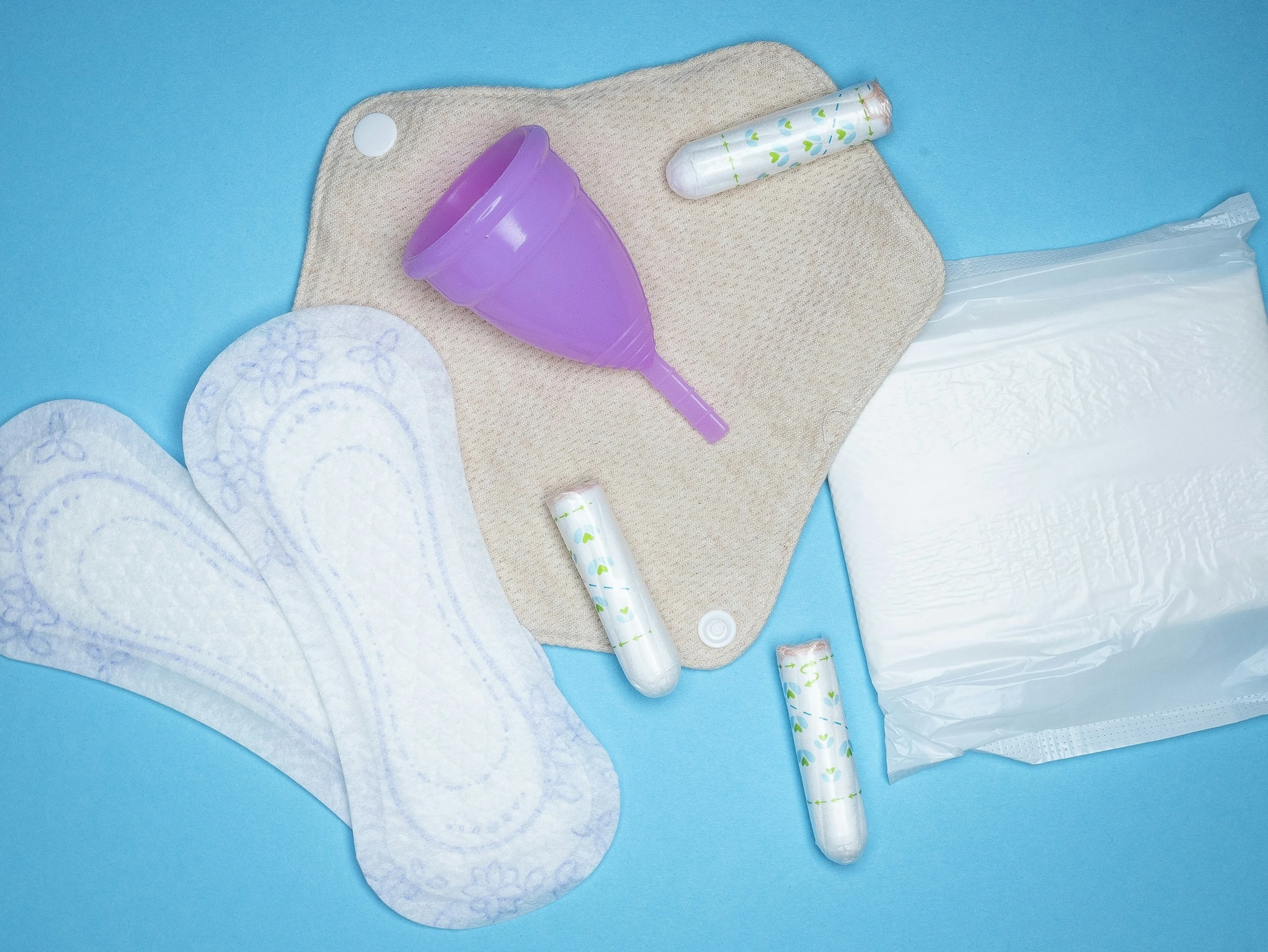

Period products are small but unavoidable purchases, and their cost can become difficult to manage when several people share a household. In a 2025 survey of 2,000 British adults, one in four respondents who menstruate said they struggled to afford period products, rising to one in three among younger people (Irise International).
A tracking app cannot reduce the price at the checkout. What it can do is show what you actually spend, turn an irregular expense into a predictable allowance and warn you before that allowance runs out.
What budgeting for period products means
The basic process has four parts:
- Record every relevant purchase.
- Group those transactions under one budget category.
- Calculate an average from several months of spending.
- reserve that amount regularly before you need to shop again.
Include more than pads and tampons. Your category might also cover menstrual cups, period underwear, liners, disposal bags and replacement items. Keep pain relief or other health expenses in a separate category if you want a clearer view of product costs.
This is expense tracking and financial planning, not cycle prediction. A period-tracking app may help you estimate when supplies will be needed, but a budgeting app is better suited to recording prices, setting spending limits and managing money across a household.
Calculate a realistic period-product budget
Start with receipts or bank transactions from the last three to six months. A longer period gives you a better chance of capturing bulk orders, changing needs and less frequent purchases such as period underwear.
Use this formula:
Monthly allowance =
total period-product spending ÷ number of months tracked
If you spent £54 over six months, for example, the historical monthly average would be £9. That is an illustration, not a typical UK cost.
Then adjust the result for:
- More than one person using the household supply
- Months when more or fewer products are needed
- Delivery charges on online orders
- Planned reusable-product purchases
- A small buffer for price changes or unexpected needs
For a reusable item, divide its purchase price by the number of months over which you plan to save. This is a budgeting assumption—not a prediction of the product’s lifespan. Follow the manufacturer’s care and replacement guidance.
UK shoppers should also know that qualifying sanitary products have been zero-rated for VAT since 1 January 2021. Reusable period underwear joined the zero-rated category on 1 January 2024. Some accessories, clothing and dual-purpose products remain outside the relief (HM Revenue & Customs).
The two apps that best fit this task
No mainstream budgeting app reviewed here documents a dedicated period-product tool. Snoop and YNAB are included because their documented category and budgeting features can be adapted directly to this expense. The following comparison reflects official information available in August 2026, not first-hand testing.
| App | Best fit | Relevant documented functions | Published price |
|---|---|---|---|
| Snoop | UK users who want automatic expense tracking | Bank connections, automatic categorisation, category budgets and spending analysis | Free; Snoop Plus £5.99 monthly or £47.99 annually |
| YNAB | Households that want to reserve money before spending | Custom categories, targets, transaction imports and subscription sharing | US$14.99 monthly or US$109 annually, plus applicable tax |
Prices may change, and app-store billing can differ from direct subscriptions.
Snoop: convenient UK spending analysis
Snoop connects to supported UK bank and credit-card accounts through Open Banking. Its free version provides automatic transaction categorisation, category spending views, weekly reports and category budgets. Snoop Plus adds unlimited custom categories, spending alerts, payday-to-payday analysis, manual accounts and CSV exports (Snoop’s plan comparison).
For period-product budgeting, you could assign relevant transactions to a suitable category and check the total each month. If you want a distinct “Period products” category and detailed alerts, the paid tier’s customisation is the more clearly documented fit.
Snoop is available on iOS in the UK and Android. Its service is built around UK Open Banking: Snoop says you must connect at least one bank or credit-card account and that it supports large UK banks (Snoop). That makes it unsuitable as a general recommendation outside the UK.
Pros
- The free tier includes automatic categorisation and category budgets.
- Connected-account data can reduce manual entry.
- Weekly reports help reveal repeat purchases.
- The paid tier supports custom categories, alerts and data exports.
Cons
- A bank or credit-card connection is required for the main service.
- A merchant transaction may contain groceries and period products together, so the full payment may not represent period-product spending. Correcting or separately recording mixed purchases may be necessary.
- Unlimited custom categories and spending alerts require Snoop Plus.
- Its UK banking focus limits usefulness elsewhere.
Snoop states that connected financial information is processed to provide its service and personalised suggestions. It says it does not sell personal information, although it may receive referral payments when someone switches providers through a suggestion (Snoop privacy policy). Its security page says connected data is encrypted and accounts are linked through Open Banking (Snoop security). These are developer claims, not independent guarantees.
YNAB: better for planning money in advance
YNAB uses an allocation-based approach: you assign available money to categories before spending it. Its documented features include custom categories, savings targets, imported transactions and synchronisation across devices. One subscription can be shared with a group of up to six people (YNAB pricing and features).
That structure suits a period-product sinking fund. You can create a “Period products” category, set a recurring monthly target and allow unused money to remain available for a later bulk or reusable purchase.
YNAB offers direct imports from selected UK and EU banks as well as supported US and Canadian institutions. File-based importing is available elsewhere, but direct connection coverage depends on the particular bank. YNAB also supports only one currency within each spending plan (YNAB pricing FAQ).
The service is available through the web and on mobile devices, including iPhone, iPad and Apple Watch in the UK. Its UK and EEA terms state that Plaid provides its Open Banking connection service in those markets (YNAB UK terms).
Pros
- Custom categories make the purpose of the fund explicit.
- Targets support planned monthly contributions.
- Unspent allocations can remain available for irregular purchases.
- Subscription sharing may suit couples and families.
- Manual and file-based entry provide alternatives when a bank connection is unavailable.
Cons
- The subscription is considerably more expensive than Snoop’s free tier.
- Pricing is in US dollars, so the sterling cost can change with exchange rates; applicable tax may be added.
- Direct importing does not cover every bank.
- One spending plan cannot combine multiple currencies.
- The method requires active decisions about how much money to allocate.
YNAB says it does not sell financial data or information supplied through the product (YNAB privacy policy). It also says it relies on connection partners rather than viewing or storing bank credentials (YNAB security). As with any financial app, you should read the current policy and permissions before connecting an account.
A simple tracking routine
Whichever app you use, consistency matters more than complexity.
- Create one clear category. “Period products” is easier to review than a broad label such as “Shopping.”
- Correct transactions. Reassign purchases that an app categorises incorrectly.
- Handle mixed baskets carefully. A £40 supermarket transaction should not be counted entirely as period spending when only one item belongs to that category.
- Review the average every three to six months. Update the allowance when prices, products or household needs change.
- Keep a buffer. Treat it as money reserved for an essential expense, not spare general spending.
- Record free supplies separately. This preserves an accurate picture of what you paid while showing when workplace, school or community provision reduced your out-of-pocket cost.
Do not link unnecessary accounts simply to automate one small budget category. Manual entry may be the more proportionate choice if you buy products infrequently or prefer not to share transaction data.
Which app makes more sense?
Based on the documented features, Snoop is the practical choice for a UK user who wants to analyse existing spending with minimal cost. Its free category budgets may be enough if you do not need a dedicated custom category or alerts.
YNAB is the stronger planning tool when you want to set money aside before each purchase, carry funds forward or coordinate a household budget. Its subscription price means the broader budgeting system—not period-product tracking alone—would need to justify the cost.
A tracking app works best here as a simple record and reminder. Accurate categories, a regularly updated average and a modest buffer can turn period products from a last-minute purchase into a planned household expense.