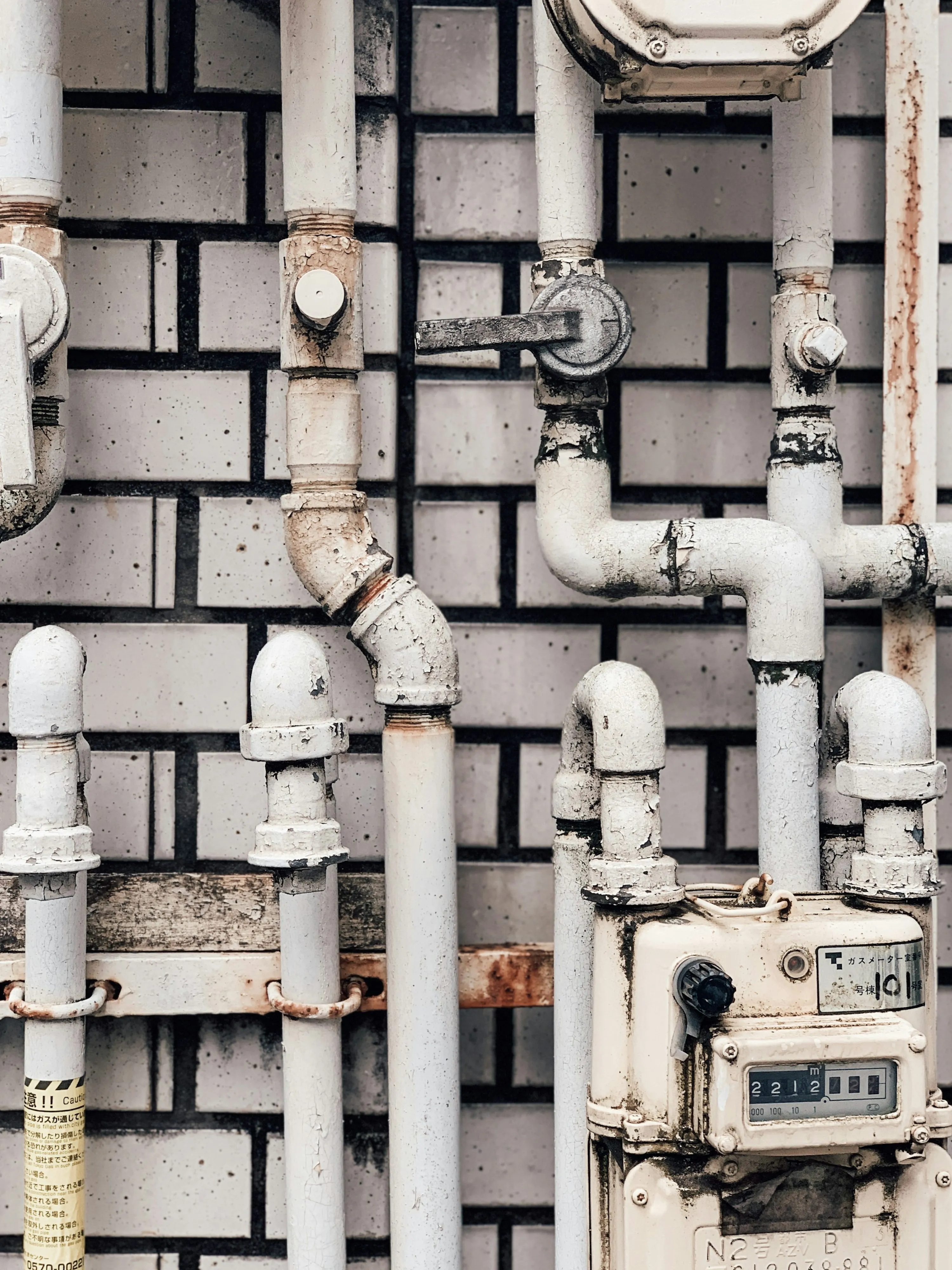

Household leaks don’t just “add a little extra” to your bill—they can waste nearly 1 trillion gallons of water every year across the U.S. (epa.gov) And the average home can lose nearly 10,000 gallons annually to leaks, with 10% of homes wasting 90 gallons or more per day. (epa.gov)
That’s the sweet spot where smart meter apps shine: they turn “I’ll notice it on the next bill” into “I’ll know today.”
What “smart meter apps” actually do (and why they save money)
A smart meter (or smart monitor attached to your meter) sends usage data in frequent intervals—hourly, 15-minute, sometimes close to real time—into an app or customer portal. That app usually does three money-saving things:
- Makes waste visible: charts show when and how much you’re using (not just a monthly total).
- Flags leaks faster: alerts trigger when it sees unusual or continuous flow patterns.
- Helps you change one habit at a time: budgets, goals, comparisons, and simple “before/after” tracking.
The EPA notes that fixing easily corrected household water leaks can save homeowners about 10% on their water bills. (epa.gov) Smart meter apps help you find those leaks and confirm you actually fixed them.
A quick reality check before you pick an app
There are two categories, and it matters:
- Utility-connected portals/apps (often free): they only work if your water provider supports them (examples below: Dropcountr, WaterSmart, EyeOnWater).
- Hardware-linked apps (you buy a device): these work even if your utility doesn’t offer a portal—because the monitor reads your meter or plumbing directly (examples below: Flume, Phyn).
In practice, I’d describe them like this:
- Utility apps = best ROI if your utility supports it
- Hardware apps = best control if you want it regardless of utility
App 1: Flume — best “no plumber” whole-home visibility
Flume is a smart home water monitor that straps onto your existing water meter, then feeds usage + leak alerts into the Flume app. It’s designed to be self-installed without cutting pipes. (flumewater.com)
What it felt like to use (day-to-day) You mostly live in the dashboard: quick check-ins for daily totals, and then deeper dives when something looks off (like a surprise overnight trickle). Budgets are the feature that actually changes behavior—because you get a “heads up” mid-cycle, not after the bill lands. (flumewater.com)
Pros
- Works even if your utility has no customer portal (it’s not utility-dependent). (flumewater.com)
- No pipe cutting / “appointment logistics” if you’re avoiding plumbing work. (flumewater.com)
- Strong for outdoor water awareness (irrigation is where bills can quietly explode). (flumewater.com)
Cons
- It’s a paid device (upfront cost) rather than a free portal. (flumewater.com)
- Some “average savings” claims are vendor-reported, so treat them as directional rather than guaranteed outcomes. (flumewater.com)
App 2: Phyn — best for serious leak prevention (including shutoff)
Phyn Plus is a whole-home device with an automatic shutoff valve option, plus an app that tracks usage and pushes leak alerts. (phyn.com) It also offers guided “plumbing checks” to surface smaller issues. (phyn.com)
What it felt like to use (day-to-day) This one feels less like “budgeting” and more like “home protection.” The app experience is built around: (1) alerts, (2) confirming whether water should be running, and (3) acting fast—especially if you use auto shutoff. (phyn.com)
Pros
- Can shut off water automatically in certain leak scenarios (huge bill + damage reducer). (phyn.com)
- Tracks usage by month/day/hour in the app. (belkin.com)
- Designed for leak detection via pressure/flow behavior, not just “water on floor” sensors. (phyn.com)
Cons
- Typically not a casual DIY buy: installation complexity/cost can be higher than meter-strap monitors. (phyn.com)
- It’s a bigger commitment—best if you care about preventing catastrophic waste/damage, not just trimming a few dollars. (phyn.com)
App 3: Dropcountr — best “free if your utility supports it” budget helper
Dropcountr is a mobile portal used by participating water utilities. From the user side, it’s a straightforward “see usage, set goals, get utility updates” experience. (apps.apple.com)
What it felt like to use (day-to-day) You open it when you want quick reassurance: “Are we trending higher this week?” The neighbor comparisons and goals are the nudge—especially if you’re competitive or you just want a simple benchmark. (apps.apple.com)
Pros
- Can be no extra charge through participating utilities (so savings can be immediate). (crrwater.org)
- Includes usage understanding, comparisons, goals, and utility announcements in one place. (apps.apple.com)
- The App Store listing states: “On average, users save about 9% in monthly water use.” (treat as a developer claim, not a guarantee). (apps.apple.com)
Cons
- Only works if your water provider participates and shares meter data. (apps.apple.com)
- Features depend on what your utility enables (some portals are richer than others). (crrwater.org)
App 4: WaterSmart — best for clean hourly tracking + leak/high-use alerts
WaterSmart is a platform many utilities use for customer portals. A typical setup lets you monitor hourly/daily usage and sign up for leak and high-use alerts. (tempe.gov)
What it felt like to use (day-to-day) It’s the “bill-proofing” portal: you set alerts once, then mostly let it run. When something spikes, you jump in, spot the timing pattern (overnight vs. afternoon), and then decide what to investigate first. (tempe.gov)
Pros
- Often free for customers where supported (utility-provided). (tempe.gov)
- Hourly use visibility is usually enough to catch the big villains: running toilets, irrigation misfires, “someone left a hose on.” (tempe.gov)
- Some utilities publish clear alert rules (example: City of Palo Alto shares specific leak-alert thresholds). (paloalto.gov)
Cons
- Availability varies by utility and whether you have the right meter infrastructure. (suwater.stanford.edu)
- Depending on configuration, alerts can be more “pattern-based” than “instant,” so it’s not always minute-by-minute. (suwater.stanford.edu)
App 5: EyeOnWater — best for frequent interval graphs + configurable leak notifications
EyeOnWater (by Badger Meter) is a consumer portal and smartphone app used with supported water utilities. It’s positioned around easy-to-read consumption graphs and configurable leak notifications, with usage views across intervals (including 15-minute and hourly, depending on utility setup). (badgermeter.com)
What it felt like to use (day-to-day) It’s practical: you set a leak alert, then use the graphs to confirm whether that “mystery baseline use” is real. I like it most for people who want a simple rule like: “Tell me if water runs continuously.” (badgermeter.com)
Pros
- Strong focus on leak notifications + visual usage graphs. (badgermeter.com)
- Usage intervals can be detailed (up to 15-minute data where supported). (badgermeter.com)
- You can configure alerts rather than waiting for a huge bill surprise. (badgermeter.com)
Cons
- Only works if your utility supports EyeOnWater and shares data into the platform. (helpeyeonwater.com)
- Like most meter-data systems, alert behavior can be affected by communication timing (so treat alerts as “highly useful,” not magic). (helpeyeonwater.com)
What’s trending right now (and why you’ll see more of these apps)
Utilities are upgrading to advanced metering infrastructure (AMI) that can deliver frequent reads (like every 15 minutes) into online portals—so customers can spot issues faster than old monthly reads. (mrt.com) That shift supports two big trends you’ll keep seeing:
- More automated leak detection (continuous-use rules, irregular-use alerts, configurable thresholds). (paloalto.gov)
- More “bill shock prevention” features: high-use alerts and near-real-time dashboards instead of post-month surprises. (tempe.gov)
And there’s a mindset shift happening too. As NYC’s DEP Commissioner put it:
“...wasteful household leaks can lead to big costs for New Yorkers. The My DEP Account provides customers with real-time updates on their water use and allows us to quickly alert them to suspected leaks or unusually high consumption.” (nyc.gov)
Conclusion
Smart meter apps lower your water bill the unsexy way: they make waste visible, they flag leaks earlier, and they help you prove that a fix (or a habit change) actually worked—before your next bill locks in the damage. (epa.gov)
References
- US Environmental Protection Agency (EPA) — “Fix a Leak Week” (leak waste + bill impact statistics). (epa.gov)
- NYC Department of Environmental Protection — Fix a Leak Week press release (quote + leak/bill context). (nyc.gov)
- Flume Water — Flume 2 product pages (how it works, self-install positioning). (flumewater.com)
- Phyn — Phyn Plus product + help center (app features, auto shutoff behavior). (phyn.com)
- Dropcountr — Apple App Store listing (feature summary + developer-reported average savings claim). (apps.apple.com)
- City of Tempe — WaterSmart portal overview (hourly/daily monitoring + alerts). (tempe.gov)
- Stanford Water — WaterSmart overview (hourly use + leak alerts description). (suwater.stanford.edu)
- Badger Meter — EyeOnWater consumer engagement page (graphs, intervals, leak notifications). (badgermeter.com)
- EyeOnWater Help — leak alert notes/limitations (alert reliability considerations). (helpeyeonwater.com)
- MRT (Midland Reporter-Telegram) — AMI reads and customer portal context (trend toward frequent interval data). (mrt.com)