
In 2025, retailers estimated 15.8% of annual sales would be returned—about $849.9 billion. That’s not just a retail problem; it’s a “why is this box still on my counter?” problem for your budget, too. [1]
If you’ve ever found an item after the return window closed (tags still on, receipt long gone), you already know the pain: one missed date can turn a “quick refund” into a sunk cost.
The “never miss it” system (simple, repeatable, works across stores)
Think of return deadlines like a mini-project with three dates:
- Delivery date (when the clock really starts for many retailers)
- Return window (store policy, item category, and sometimes membership-dependent)
- Two reminders (one early, one “last call”)
Here’s the formula I use:
- Return-by date = Delivery date + Return window
- Reminder #1 = Return-by date − 7 days
- Reminder #2 = Return-by date − 1 day
Why this works: delivery tracking apps make delivery dates obvious, and retailer apps make return windows and return-start steps obvious. You just “connect the dots” once per order.
Key stats worth knowing (so you take this seriously)
- $849.9B in merchandise returns expected in 2025 (U.S.), with 15.8% of annual sales returned. [1]
- 19.3% of online sales were estimated to be returned in 2025 (higher pressure = more rules/fees over time). [1]
- 82% of consumers said free returns are a major purchase consideration. (Translation: policies are a competitive weapon—and they change.) [1]
What shopping apps actually do (and what they don’t)
Shopping apps won’t magically return items for you. What they can do is remove the two biggest reasons people miss deadlines:
- You can’t find the order (or proof of purchase).
- You don’t know the exact “return by” date until it’s too late.
The rest is process: pick the five minutes to set reminders while the delivery info is fresh.
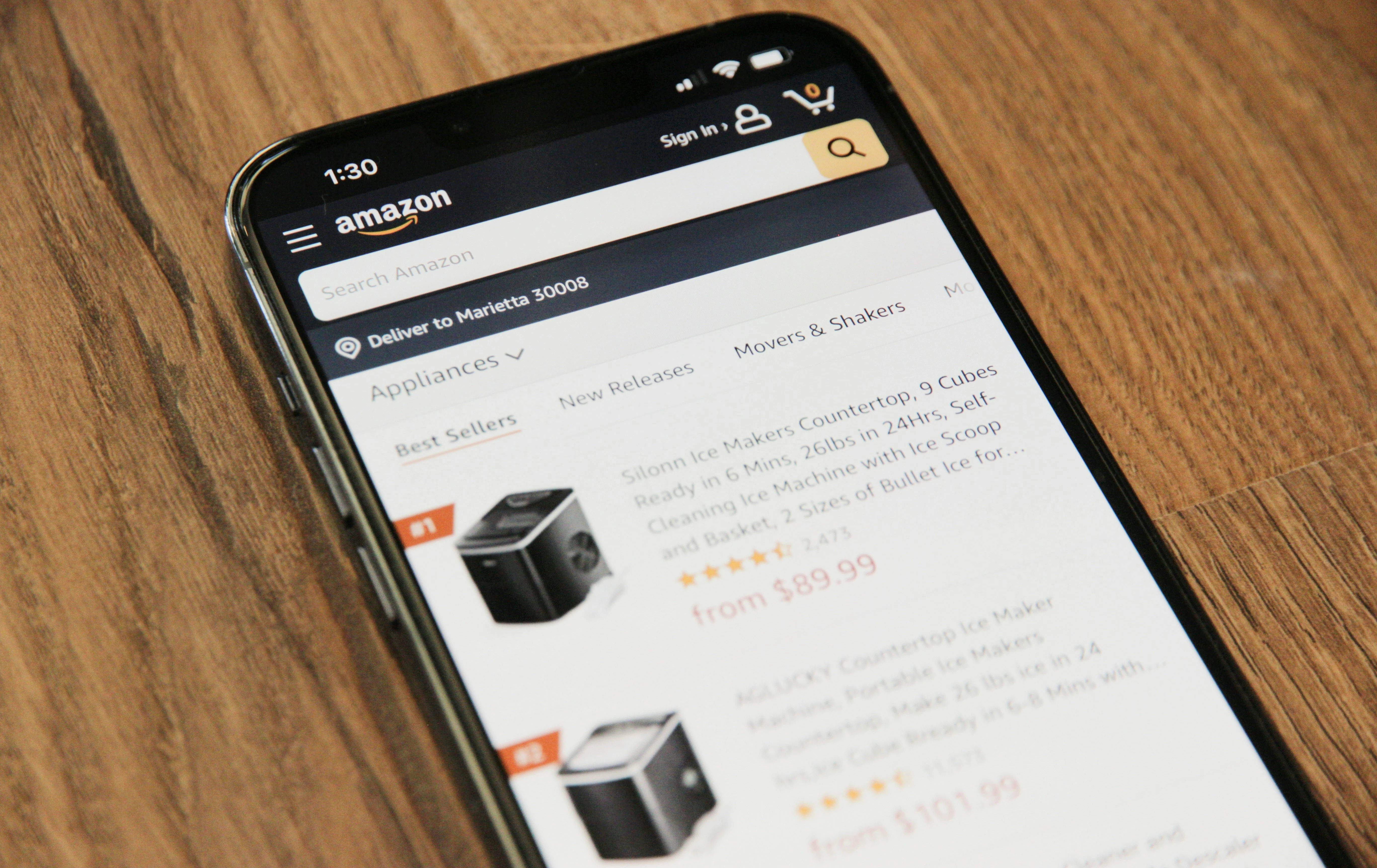
App #1: Amazon Shopping (best for: “show me the exact return cutoff”)
When I tested my own “deadline system,” Amazon was the easiest place to practice because everything you need is inside the order screen: the item, delivery status, and the return flow.
How I use it to avoid missing the deadline
- Open Your Orders in the app, tap the item, and check the return details before you even open the packaging.
- If it’s a gift-season purchase, verify whether it’s in the extended holiday return window.
- Set the two reminders based on the return-by date you see.
Concrete example (holiday window)
- Amazon says that for the 2025 holiday season, most items purchased Nov 1–Dec 31 can be returned until Jan 31, 2026 (with some exceptions like certain Apple-branded products). [6]
So if you bought something on December 20, your “last call” reminder is January 30, 2026.
Pros
- Return flow starts right from your orders list (low friction). [6]
- Holiday return window info is clearly stated (helpful when timelines get weird). [6]
Cons
- Rules vary by item/category, especially around holidays and exceptions (you still need to verify per item). [6]
- It’s great inside Amazon, but it won’t organize your non-Amazon shopping.
App #2: Target (best for: families buying essentials + longer windows)
Target makes deadlines easier because it clearly publishes common return windows—and the app supports return methods like Drive Up.
How I use it to avoid missing the deadline
- Check your purchase in the app right after delivery/pickup.
- Decide quickly: keep vs. return. If it’s a “maybe,” schedule the reminders anyway.
Concrete example (simple deadline math)
- Target lists 90 days for most items sold by Target (and 365 days for Target-owned brands with a receipt). [3]
If a blender arrives March 1, a “90 days” return-by date lands around May 30 (then set reminders for ~May 23 and May 29).
Pros
- Clear, shopper-friendly published windows (you can plan without guessing). [3]
- App-based returns support options like Drive Up and in-store, which saves time. [3]
Cons
- Category exceptions exist (especially electronics and special collections), so you still need to check item details. [3]
- Multiple windows (90/30/365) can confuse you if you don’t assign the right one immediately. [3]
App #3: Walmart (best for: budget-conscious households + lots of mixed-category buys)
Walmart is a “real life” test because carts often mix groceries, household items, electronics, and gifts—exactly where return windows can differ.
How I use it to avoid missing the deadline
- The day an item is delivered, I open the order and decide whether it’s “keep” or “needs a deadline.”
- If it’s returnable, I set reminders immediately—especially for categories with shorter exceptions.
Concrete example (standard window + seasonal extension)
- Walmart states that in most cases you have 90 days to return items (with exceptions like major appliances and some electronics). [4]
- Walmart also publishes an extended holiday returns note for many items purchased Oct 1–Dec 31, 2025, returnable until Jan 31, 2026 (with exceptions). [5]
Pros
- Clear “90 days in most cases” baseline helps you plan fast. [4]
- Holiday extensions are spelled out (super useful when receipts pile up). [5]
Cons
- Exceptions matter a lot (electronics, appliances, marketplace items), so you can’t “set and forget” without checking category. [4][5]
- Policies can vary by seller/fulfillment (especially marketplace). [5]
App #4: Shop (by Shopify) (best for: tracking orders across many stores)
Shop is what I use when I’ve ordered from multiple independent brands and I don’t want to hunt through email threads for tracking updates.
How I use it to avoid missing the deadline
- Let Shop pull orders into one place (so you can see what actually arrived).
- When it shows “Delivered,” I immediately look up that retailer’s return window (often on the order page/confirmation) and set my reminders.
Shop’s iOS listing says it can show every order, provide real-time tracking, and can scan your email for new order info to collect it in the app. [7] Shopify’s own help documentation also describes Shop tracking with real-time status updates and delivery notifications. [8]
Pros
- Great “single inbox” for deliveries across many stores (less lost-order chaos). [7][8]
- Delivery notifications make it easier to start your deadline countdown on time. [8]
Cons
- It’s primarily tracking + shopping discovery, not a built-in “return deadline manager.” [7]
- Email-scanning is convenient, but some people won’t want that tradeoff (privacy comfort varies). [7]
App #5: Route (best for: lots of online orders + push-notification tracking)
Route felt similar to Shop in the way I use it: centralize deliveries, then translate “Delivered” into a return-by date and reminders.
Route’s App Store listing says it can track packages automatically by connecting your emails, provides real-time push notifications, and supports 600+ carriers worldwide. It also claims 50+ million people have used it to track orders. [9]
How I use it to avoid missing the deadline
- Use Route’s delivered notifications as the trigger to create the return-by date.
- Keep a quick “Returns” list inside the app by leaving anything undecided unarchived until it’s either returned or kept.
Pros
- Strong cross-carrier coverage and push notifications (great for heavy online shoppers). [9]
- Email-based auto-import reduces manual tracking-number work. [9]
Cons
- Like most tracking apps, it doesn’t automatically know each retailer’s return window—your reminders still matter. [9]
- Email-connection convenience comes with privacy considerations (it’s your call). [9]
Trends that make return deadlines easier to miss (so your system matters more now)
Return policies are getting more complex at the same time returns remain massive. NRF’s Katherine Cullen put it like this: “Returns are no longer the end point of a transaction.” [1]
Here’s what that means for you in practice:
- More exceptions (category rules, marketplace rules, membership rules).
- More “paperless” returns (QR codes, drop-offs, no-box/no-label options), which are convenient but also easier to procrastinate until the window closes. [2][6]
- More holiday extensions (helpful, but they change the “normal” deadline math each year). [5][6]
Quick conclusion
You don’t need willpower to hit return deadlines—you need a trigger and a timer. Use shopping apps to (1) prove delivery, (2) confirm the return window, and (3) set two reminders. That’s how returns stop silently turning into budget leaks.
References
- National Retail Federation (NRF). Consumers Expected to Return Nearly $850 Billion in Merchandise in 2025 (Oct 15, 2025). https://nrf.com/media-center/press-releases/consumers-expected-to-return-nearly-850-billion-in-merchandise-in-2025
- National Retail Federation (NRF). NRF and Happy Returns Report: 2024 Retail Returns to Total $890 Billion (Dec 5, 2024). https://nrf.com/media-center/press-releases/nrf-and-happy-returns-report-2024-retail-returns-total-890-billion
- Target. Target Return Policy. https://www.target.com/returns
- Walmart. Free Returns | Walmart.com. https://www.walmart.com/cp/returns/1231920/
- Walmart Corporate. Policies and Guidelines (Return/holiday returns details). https://corporate.walmart.com/about/policies
- About Amazon. What to know about Amazon’s holiday return policy (2025). https://www.aboutamazon.com/news/retail/amazon-holiday-return-policy-2025/
- Apple App Store. Shop: All your favorite brands (Shopify Inc.). https://apps.apple.com/us/app/shop-all-your-favorite-brands/id1223471316
- Shopify Help Center. Delivery tracking with Shop. https://help.shopify.com/en/manual/online-sales-channels/shop/delivery-tracking
- Apple App Store. Route: Package Tracker. https://apps.apple.com/us/app/route-package-tracker/id1449803898