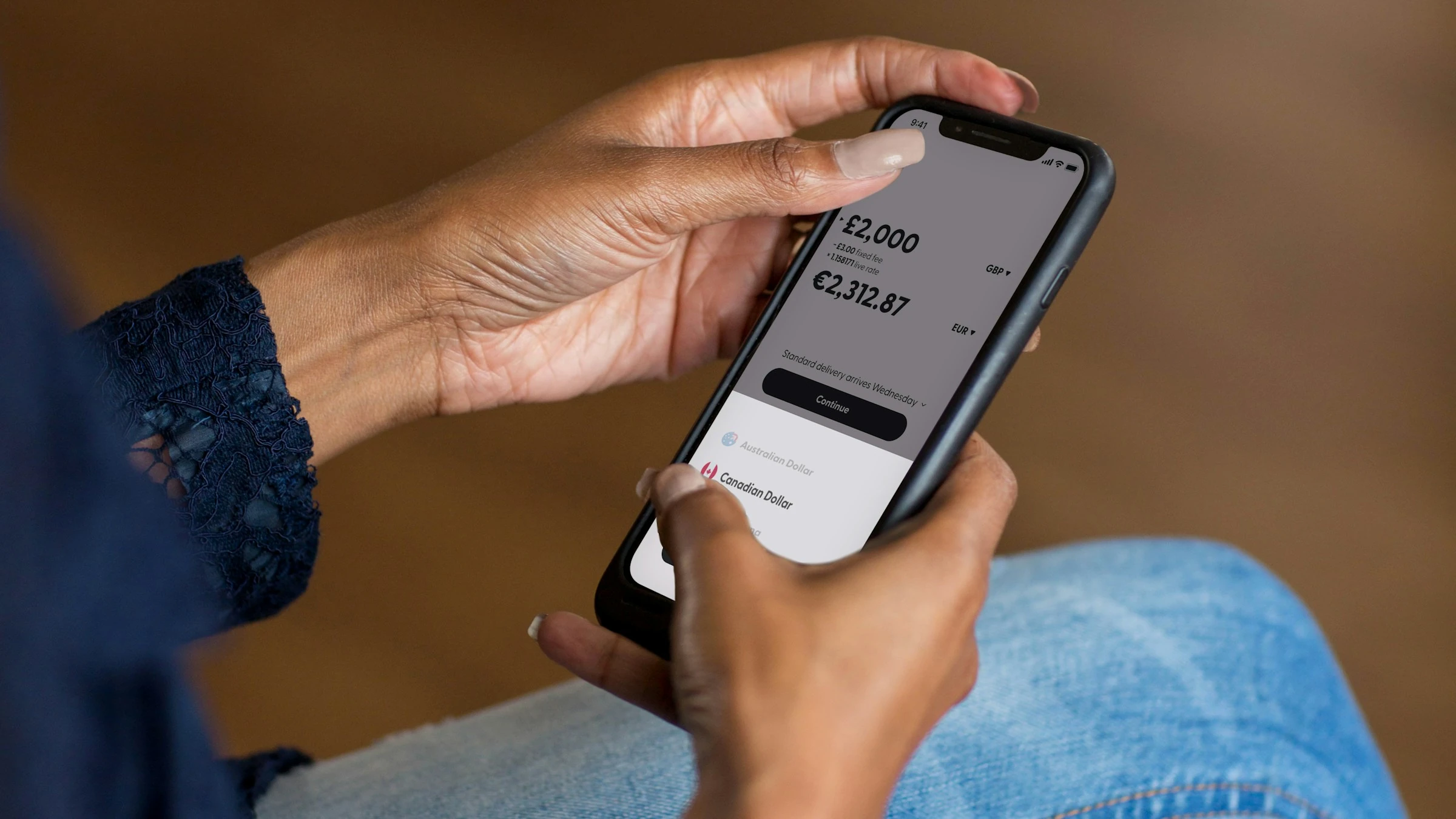

In the U.S., the average household spent $78,535 in 2024—and a lot of that is the kind of “little” spending that quietly adds up. One example: $3,945 a year on food away from home on average. (Both figures are from the U.S. Bureau of Labor Statistics’ Consumer Expenditure Surveys release for 2024.) If you’ve ever looked at your card statement and thought, “Wait… where did it all go?”, a no-spend challenge is basically the simplest reset button you can hit—especially when your phone helps you run it.
What a no-spend challenge actually is (and what it isn’t)
A no-spend challenge is a short period (often 7, 14, or 30 days) where you stop all non-essential spending on purpose. You still pay for essentials—rent/mortgage, utilities, groceries, medication, childcare, transportation to work, etc.—but you pause “nice-to-haves” like takeout, impulse buys, apps you forgot you’re paying for, random Amazon “deals,” and convenience spending.
It’s not a punishment. It’s a pattern interrupt. The point is to:
- see your triggers (“I buy stuff when I’m stressed”)
- reduce leakage (“subscriptions I don’t even use”)
- rebuild confidence (“I can stick to a plan”)
Step 1: Define your rules so you don’t argue with yourself later
Before you start, write your rules in plain language. The clearer the rules, the easier the challenge.
Decide your timeframe
- 7 days = quick win
- 14 days = enough time to feel habits shift
- 30 days = the full “this is my new normal” experiment
Make a simple “Allowed vs. Not allowed” list
- Allowed: groceries, fuel/transit, pre-planned bills, medication, required kids’ expenses
- Not allowed (typical): eating out, online shopping, entertainment purchases, paid upgrades, “just browsing” buys
Add a “Replacement rule” If you want to buy something, you must do one of these first:
- wait 24 hours
- find a free alternative
- use something you already own
Step 2: Use one app as your “source of truth”
Your no-spend challenge fails when you rely on memory and vibes. A budgeting or spending tracker app helps because it forces three things:
- a plan
- visibility
- friction before spending
Below are five apps that work well for no-spend challenges, with the specific features (and limitations) you should know.
App 1: YNAB (You Need A Budget) — best for “permission to spend” clarity
YNAB’s core idea is “Give every dollar a job.” You assign the money you have into categories, then check the plan before you spend, adjusting by moving money between categories when priorities change.
How I’d use it for a no-spend challenge:
- Create categories like Groceries, Fuel/Transit, Bills, and a single No-Spend “Temptations” category.
- Fund only the essentials.
- When you get the urge to spend, you check the category first. If it’s unfunded, you’ve got your answer.
Pros
- Very strong for decision-making before you spend (not just tracking after).
- Flexible category system makes “challenge rules” feel concrete.
- Great for families because categories make spending trade-offs visible.
Cons
- Learning curve if you’ve never budgeted with categories before.
- It’s a method-heavy app; if you want “set it and forget it,” you may resist it at first.
App 2: Goodbudget — best for couples/families who like envelope budgeting
Goodbudget is built around the envelope budgeting method (digital envelopes instead of cash). It also emphasizes staying on track “with family and friends,” which makes it naturally useful if more than one person spends from the same household pot.
How I’d use it for a no-spend challenge:
- Make envelopes for Essentials and keep them funded.
- Make a “No-Spend” envelope with $0 and keep it that way.
- If you’re doing this as a couple, agree that any non-essential purchase needs a quick check against the envelope rules first.
Pros
- Envelope system is super intuitive for “hard boundaries.”
- Works well when you need shared clarity (partners, roommates, families).
Cons
- If you prefer automated, bank-synced tracking, you may find manual entry annoying (depending on how you use it).
- Envelope structure can feel rigid if your spending is highly variable week to week.
App 3: Rocket Money — best for subscription cleanup + spending visibility
Rocket Money leans hard into subscriptions: it finds and tracks subscriptions and offers help canceling services. It also includes budgeting features that monitor spending by category. On its site, Rocket Money reports $2.5 billion in savings (described as coming from bill negotiations after fees, subscription cancellations on an annualized basis, and deposits in smart savings, based on internal data).
How I’d use it for a no-spend challenge:
- Week 1: hunt recurring charges and cancel anything you don’t truly want.
- Keep a tight eye on categories where “accidental spending” happens (food delivery, entertainment, app stores).
Pros
- One of the clearest options for spotting subscriptions and recurring bills fast.
- Helpful if your “no-spend” goal includes stopping stealth monthly charges.
Cons
- Some benefits depend on paid features/services.
- “Savings” claims are aggregated; your results can be very different depending on your bills and subscriptions.
App 4: PocketGuard — best for a simple daily spending limit (“In My Pocket”)
PocketGuard’s standout is “In My Pocket”, designed to show what you can spend after accounting for bills and necessities. The platform also highlights recurring bills/subscriptions and mentions using an AI algorithm to identify recurring merchants.
How I’d use it for a no-spend challenge:
- Treat your “In My Pocket” number as a reality check.
- Set alerts so you notice fees, upcoming bills, and budget progress before you slip.
Pros
- Very practical for daily “Can I afford this?” moments.
- Strong focus on recurring charges and keeping bills visible.
Cons
- If you want deep, custom budgeting philosophy (like YNAB), it can feel more like a guardrail than a full system.
- Some features and integrations may vary by plan/region.
App 5: Spendee — best for shared wallets + category budgets (and mixed money types)
Spendee supports tracking across cash expenses, bank accounts, e-wallets, and crypto wallets, and includes smart budgets to help avoid overspending in selected categories. It also offers shared wallets, which is useful when multiple people are participating in the same no-spend challenge.
How I’d use it for a no-spend challenge:
- Create a shared wallet for household essentials.
- Set category budgets with strict limits for anything that tends to derail you (like “coffee” or “online shopping,” even if you set those to zero).
Pros
- Shared wallets help households stay aligned without constant check-ins.
- Budget-by-category structure fits no-spend rules nicely.
Cons
- If you don’t want multi-account aggregation (bank/e-wallet/crypto), it may feel like more setup than you need.
- Budget success depends on accurate categorization (you may need to correct it sometimes).
A simple no-spend math example (using real published numbers)
If the average U.S. household spends $3,945/year on food away from home (BLS, 2024), that’s about:
- $3,945 ÷ 12 ≈ $328.75 per month
- $3,945 ÷ 52 ≈ $75.87 per week
So even a “basic” no-spend rule like no restaurants/takeout for 30 days could free up roughly $329 in a month for an average household—without touching rent, utilities, or groceries.
Current trends that make app-based no-spend challenges easier right now
A few developments are shaping how people run money challenges (and why apps help more than they used to):
- Subscription-first reality: lots of spending is automatic and recurring, so tools that surface subscriptions and bills matter more than ever.
- More automation (and “smart” categorization): apps increasingly identify recurring merchants and categorize transactions for you, reducing manual work.
- Shared finances are going digital: more apps emphasize shared budgets/wallets because many households manage money together, not solo.
Conclusion
A no-spend challenge works best when it’s specific, trackable, and low-drama. If you set clear rules, pick one app as your source of truth, and check your plan before you spend, you turn “willpower” into a system you can actually stick with.
Sources:
- U.S. Bureau of Labor Statistics — Consumer Expenditures (2024 news release)
- YNAB — The YNAB Method / The Four Rules
- Goodbudget — Home / How it works
- Rocket Money — Homepage (features and savings disclosure)
- PocketGuard — Homepage (In My Pocket, recurring, alerts)
- Spendee — Homepage (smart budgets, shared wallets, bank connect)