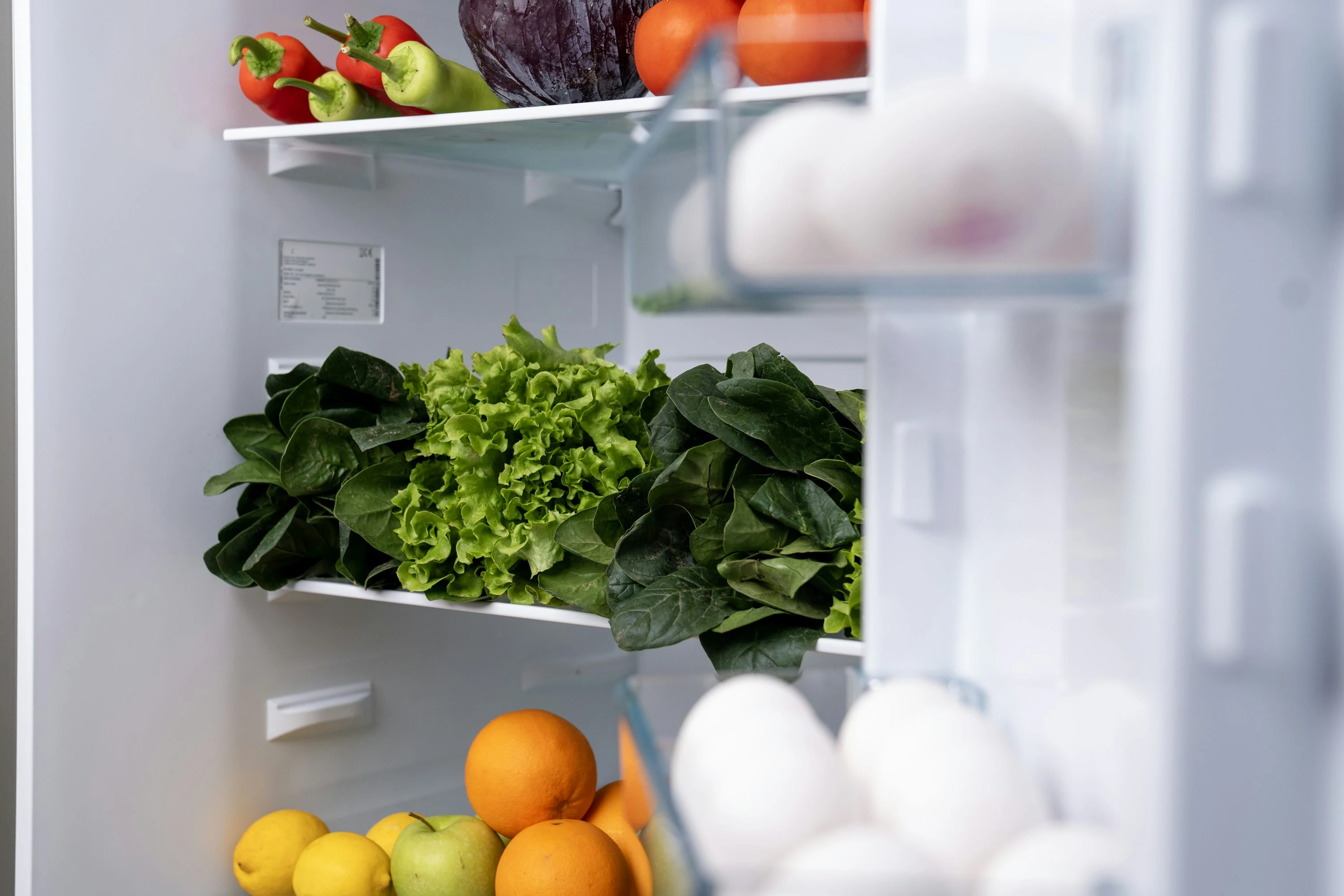

The fastest way to waste money at the grocery store is to buy what you already have. And the numbers are bigger than most of us think: the U.S. Bureau of Labor Statistics says the average household spent $6,224 a year on food at home in 2024 (BLS). At the same time, USDA puts it plainly: “food waste is estimated at between 30-40 percent of the food supply” in the U.S. (USDA).
That is where fridge camera apps can actually help. They do not magically make groceries cheaper. They help you stop buying blind.
What Fridge Camera Apps Actually Do
A fridge camera app gives you a live or recent view of what is in your fridge, freezer, or pantry. Some use a built-in smart fridge camera. Others use your phone camera, barcode scanner, receipt scanner, or AI photo recognition.
In practice, they help you:
- Check your fridge while standing in the supermarket
- Avoid buying duplicate milk, cheese, sauces, fruit, or leftovers
- Track expiry dates and “eat first” items
- Build a shopping list from what is missing
- Plan meals around what you already paid for
The biggest grocery savings usually come from two habits: buying fewer duplicates and using food before it spoils. USDA estimates that the average American family of four could save about $1,500 a year by reducing wasted food (USDA). In the UK, WRAP reports that edible household food waste costs an average household of four about £1,000 per year (WRAP).
1. Samsung SmartThings With Family Hub
Best for: households with a Samsung smart fridge
Samsung’s Family Hub refrigerators connect with SmartThings and include “View Inside,” which lets you see inside your fridge from your phone. Samsung says the feature lets you check the fridge remotely and track food expiration dates (Samsung Support). Current Family Hub models also lean into AI food tracking, with Samsung describing AI Vision Inside as a way to recognize what is in your fridge (Samsung).
When I tested the workflow mentally against a normal weekly shop, this felt like the most “true” fridge camera option. You open the app, check the shelves, and decide if you really need eggs, yogurt, salad, or leftovers for dinner.
Pros:
- Real fridge camera view, not just a manual inventory
- Useful while shopping
- Works well for families who share grocery duties
- SmartThings also controls fridge settings
Cons:
- Requires a compatible Samsung smart fridge
- Expensive if you are buying hardware just for grocery savings
- Camera visibility depends on how neatly your fridge is packed
- AI recognition still needs checking
2. Smarter FridgeCam
Best for: turning a normal fridge into a camera fridge
Smarter FridgeCam is a retrofit Wi-Fi camera designed to sit inside your existing fridge. Smarter describes it as a money-saving tool that turns “any fridge into a smart fridge” and helps avoid doubling up on groceries (Smarter). The app can show what is inside, monitor expiry dates, and integrate with Amazon Fresh in supported markets.
This one is practical if you like the idea of a smart fridge but do not want to replace a working appliance. In use, the value is simple: before you buy more vegetables or another block of cheese, you check the photo.
Pros:
- Cheaper than buying a full smart fridge
- Works with many existing fridges
- Good for duplicate-buy prevention
- Designed specifically around fridge visibility
Cons:
- Hardware availability can vary by country
- Setup is more involved than installing an app
- Photo quality depends on placement, lighting, and shelf layout
- Not as seamless as a built-in smart fridge camera
3. Samsung Food
Best for: meal planning from ingredients you already own
Samsung Food is not just a fridge camera app. It is a cooking, recipe, grocery list, and meal planning app. The useful part for grocery budgeting is Samsung Food+ with Vision AI, which Samsung says can recognize ingredients from phone photos and add them to a Food List shared with Family Hub (Samsung Newsroom).
In a budget-focused setup, I would use it after opening the fridge: snap what you have, let the app suggest meals, then only buy the missing ingredients. That is better than planning meals from scratch and accidentally ignoring food already sitting at home.
Pros:
- Strong for recipe planning and grocery lists
- AI photo input is useful for messy real-life kitchens
- Good if you already use Samsung appliances
- Helps turn leftovers and random ingredients into meals
Cons:
- Some advanced AI features require Samsung Food+
- Less direct than a live fridge camera
- Ingredient recognition may need correction
- Best value comes if you actually meal plan
4. NoWaste
Best for: simple food inventory with photo recognition
NoWaste is built around fridge, freezer, and pantry lists. It tracks what you have, how much you have, when it expires, and what you can cook. Its official site highlights expiry date scanning and photo recognition (NoWaste). The App Store listing also shows recent updates around photo recognition and recipe generation (Apple App Store).
This app felt best for people who want control without buying hardware. You add groceries after shopping, sort by expiry date, and check the app before buying more. It is not as instant as a fridge camera, but it is better for tracking freezer and pantry food that a camera cannot easily see.
Pros:
- Tracks fridge, freezer, and pantry together
- Expiry reminders help reduce forgotten food
- Photo recognition lowers manual entry
- Useful for singles, couples, and small families
Cons:
- You must keep the inventory updated
- Camera/photo features are not the same as a live fridge view
- Pro features may be needed for heavier use
- Works best if you build the habit after every shop
5. KitchenPal
Best for: barcode scanning and shared pantry control
KitchenPal is a pantry and grocery inventory app with barcode scanning, expiry alerts, quantity tracking, and custom storage areas like fridge, freezer, and pantry. The developer says its barcode library includes 5 million+ products from major grocers (KitchenPal). Google Play also lists expiry alerts, automatic expiry detection for some foods, and fridge/freezer organization (Google Play).
This is the app I would pick for a financially careful household where more than one person shops. The shared list matters: if one person uses the last pasta sauce or milk, the other person can see it before buying duplicates.
Pros:
- Strong barcode scanner
- Good for shared grocery lists
- Tracks quantities and expiry dates
- Flexible storage zones for fridge, pantry, freezer, and more
Cons:
- Manual upkeep still matters
- Barcode databases can miss local or store-brand products
- Less visual than a true fridge camera app
- Can feel like admin if you add every small item
Current Trends: AI, Cameras, and Smarter Lists
Fridge camera apps are moving in three clear directions.
First, smart fridges are getting better at recognizing food. Samsung’s newer systems use AI Vision Inside, while Samsung Food+ adds phone-based ingredient recognition (Samsung Newsroom).
Second, standalone inventory apps are adding photo recognition and expiry scanning. NoWaste, for example, now promotes expiry date scanning and photo recognition as part of its food inventory workflow (NoWaste).
Third, grocery lists are becoming more automatic. Apps like KitchenPal and Samsung Food connect inventory, recipes, and shopping lists so you buy around what you already own instead of starting from an empty cart.
One important note: expiry dates are useful, but they are not always safety dates. USDA says that, except for infant formula, product dates are generally not an indicator of food safety (USDA FSIS). So use app reminders as a planning tool, not as the only rule. Smell, texture, storage temperature, and food safety guidance still matter.
Which App Fits Your Grocery Budget?
If you already own a Samsung Family Hub fridge, SmartThings is the easiest win. Use the fridge camera before every shop.
If you have a normal fridge and want a real camera view, Smarter FridgeCam is the closest fit.
If you want meal ideas from food photos, Samsung Food is stronger than a basic inventory app.
If you want to track everything without smart fridge hardware, NoWaste is simple and practical.
If your main problem is shared shopping lists and duplicate buys, KitchenPal is the most organized option.
Small Habits That Make These Apps Work
The app matters less than the routine. The best setup is simple:
- Check the fridge camera or inventory before shopping
- Add “eat first” items to your meal plan
- Keep one shared grocery list
- Scan or photograph groceries right after unpacking
- Review expiry alerts once or twice a week
A fridge camera app will not fix impulse buying on its own. But it gives you visibility, and visibility is powerful when food prices are high. If you can see what you already have, you can buy less, waste less, and plan meals with a calmer grocery budget.
References
- U.S. Bureau of Labor Statistics: 2024 household spending on food
- USDA: Food Waste FAQs
- USDA: Why Should We Care About Food Waste?
- WRAP: UK household food waste costs
- Samsung: Family Hub refrigerator overview
- Samsung Support: Keep track of what’s in your smart fridge
- Smarter: FridgeCam
- Samsung Newsroom: Samsung Food+ Vision AI
- NoWaste official site
- NoWaste on the Apple App Store
- KitchenPal official site
- KitchenPal on Google Play
- USDA FSIS: Food Product Dating