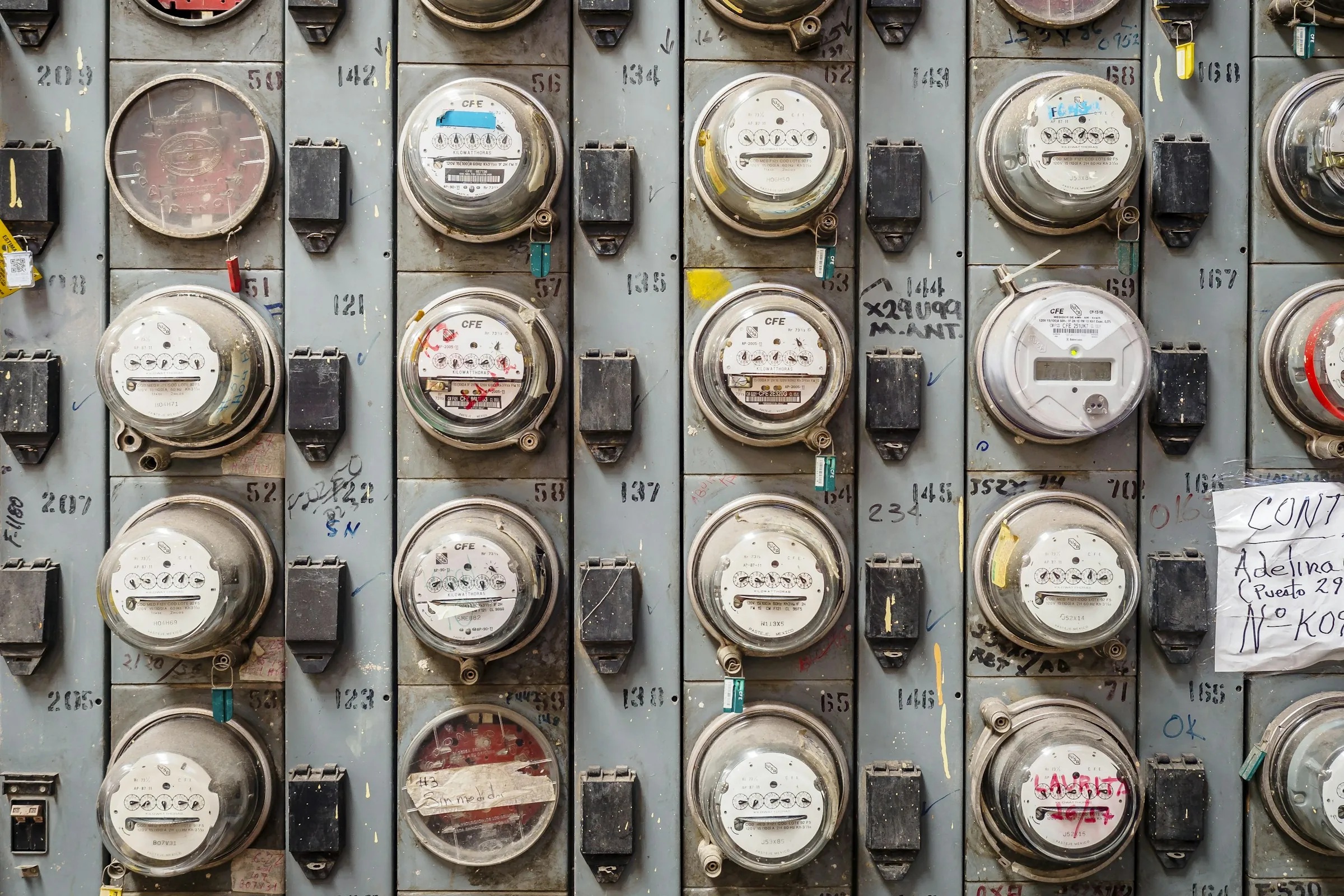

The average U.S. household paid about $144 per month for electricity in 2024, according to the U.S. Energy Information Administration. Because prices and consumption vary sharply by state, a national average tells you less about your budget than your own meter does. EIA
EHW+ turns those meter numbers into a running consumption record. It is available in the United States, works in English, and covers more household utilities than many simple meter-reading apps. However, it was designed primarily for Germany. That matters when you enter American water and natural-gas units, reproduce a complicated utility rate, or compare your household with local benchmarks.
What is EHW+, and how does it work?
EHW+ stands for electricity, heating, and water. It is a household utility tracker rather than a U.S. utility-company app.
The basic process is straightforward:
- Create a property and add its electricity, gas, water, heating, or solar meters.
- Read the cumulative number displayed on each physical meter.
- Enter that number and the reading date in EHW+.
- The app subtracts the previous reading from the new one.
- It charts the resulting consumption and can estimate costs using a price per unit supplied by you.
For example, if an electricity meter moves from 24,500 kWh to 24,620 kWh, the recorded consumption is:
24,620 − 24,500 = 120 kWh
EHW+ documents unlimited meters and readings in its free basic version, along with monthly consumption history, meter-replacement handling, cost calculations, CSV importing, JSON backups, optional synchronization, and support for multiple household members. It covers electricity, water, gas, heating oil, radiator meters, and several solar-meter types. EHW+ U.S. App Store listing
This tracking does not replace your utility bill or automatically submit an official meter reading to a U.S. utility. EHW+’s public store documentation describes personal recording and analysis, not general integration with American electric, gas, or water companies.
Price and function comparison
Prices and availability below apply to the United States as of 2026-08-29. Store prices can change, and taxes may vary.
| App | U.S. platforms | U.S. price | Meter support | Cost tools | Backup and export |
|---|---|---|---|---|---|
| EHW+ | iPhone, iPad, compatible Apple-silicon Mac; Android; web app | Free basics; iOS all-access subscription listed at $1.99/month or $8.99/year; additional iOS purchases also listed | Electricity, water, gas, heating, oil, radiator, solar, wallbox and other specialized meters | Unit-rate estimates, charts, forecasts and detailed statistics; full U.S. rate compatibility is not publicly documented | JSON backup, CSV import, paid table export, optional cloud or Google Drive synchronization |
| MetersMate | iPhone, iPad and Mac; iOS/iPadOS 17.4 or later | Free | Electricity, gas and water, including multi-rate meters | Tariff history, prorated rate changes, monthly charts and rolling averages | iCloud synchronization, PDF and CSV export |
| Meter Reading Tracker: Utility | Android | Free download with ads; paid plan not publicly documented | Electricity in kWh, water in gallons/liters/m³, and gas in ft³/m³/kWh | Per-unit prices, fixed charges, dated rate changes and cost trends | CSV export, local backup and restore; works offline without an account |
Sources: EHW+ for iOS, EHW+ for Android, MetersMate, and Meter Reading Tracker.
How good is EHW+ for a U.S. household?
Documented strengths
EHW+ has unusually broad meter coverage. A household with electricity, natural gas, water, solar production, and heating oil can keep those readings together instead of maintaining several notes or spreadsheets.
Other useful documented features include:
- Unlimited meters and readings in the free basic tier
- Consumption charts and per-unit cost estimates
- Multiple properties and household access
- Meter-replacement handling
- Photos, CSV importing, JSON backups and data export
- Optional web access and synchronization
- English support on the U.S. App Store
- Home Assistant sensor imports and meter-statistics transfers, added in 2026
- QR and barcode links for opening the correct meter-entry screen, added in 2026
The developer’s 2026 release notes show active development, including Home Assistant support, updated charts, accessibility improvements, QR codes, and fixes to imported readings. EHW+ version history
U.S.-specific limitations
The largest weakness is localization. EHW+’s own U.S. listing says its household comparison evaluates electricity and water use against the German average. That comparison should not be treated as a U.S. efficiency benchmark.
American billing also introduces several complications:
- Natural gas may be billed in therms or CCF even when a meter displays cubic feet.
- Water commonly appears in gallons, hundred cubic feet, or thousand-gallon units.
- Electricity plans may include time-of-use periods, tiered rates, demand charges, fuel adjustments, taxes, and fixed customer charges.
- Solar credits and net-metering rules vary by state and utility.
EHW+ documents cost calculation from a unit price, but its public U.S. documentation does not clearly confirm support for gallons, CCF, therms, or the full range of American rate structures. Therefore, its cost result should be treated as an estimate unless you can reproduce every relevant bill component.
Its U.S. iOS page also contains a mixed collection of subscription and one-time purchase options. The clearly described all-access prices are $1.99 monthly and $8.99 annually, but other listed purchases have limited English descriptions. Confirming the checkout screen is necessary before assuming what a particular purchase unlocks.
EHW+ pros
- Broadest selection of household meter types in this comparison
- Suitable for mixed energy systems and solar households
- Available on both major mobile platforms
- Stronger analysis and property-management features than a basic meter log
- Free core recording functions
- Active feature development
EHW+ cons
- German benchmarks are not meaningful U.S. comparisons
- Support for common U.S. billing units is not clearly documented
- Cost estimates may not reproduce complex American utility tariffs
- Several integrations and contract features reflect European energy markets
- Premium options are less straightforward than a single clearly defined upgrade
- It does not document general submission of readings to U.S. utilities
Analysis: EHW+ is a capable consumption journal for a U.S. household that wants to track several kinds of meters. It is less convincing as an accurate American bill predictor. Electricity-only users or people who need gallons and cubic feet may find a locally compatible app simpler.
MetersMate: the cleaner Apple-only option
MetersMate records electricity, gas, and water readings across multiple properties. It supports multi-rate meters, dated tariffs, prorated cost calculations, reminders, monthly charts, and PDF or CSV reports. Data can synchronize through the user’s private iCloud container. MetersMate U.S. App Store listing
Pros
- Free in the U.S. App Store
- Simple focus on common household utilities
- Handles multiple rates and tariff changes
- iCloud synchronization without a separate developer account
- PDF and CSV exports
- The developer declares no analytics, ads, tracking, or data collection
Cons
- No Android version
- Requires relatively recent Apple operating systems
- Narrower meter coverage than EHW+
- U.S.-specific units and complex utility fees are not fully documented
- Too few U.S. ratings for a meaningful store-review history
Analysis: MetersMate is the strongest of these choices for an Apple household that values a small, private meter log. EHW+ remains more suitable when heating oil, solar, specialized meters, or cross-platform access matter.
Meter Reading Tracker: the U.S.-friendly Android option
Meter Reading Tracker explicitly documents gallons for water, cubic feet for gas, kWh for electricity, individual currencies, and separate rate settings. It also records meter photos, fixed recurring charges, dated price changes, reminders, multiple properties, and manual or estimated readings. Core tracking works offline without an account. Google Play listing
Pros
- Explicit support for common U.S. units
- Fixed charges and rate changes can be recorded
- Offline operation without an account
- CSV export and local backups
- Optional meter photos and flexible reminders
- Google Play says no data is collected or shared, based on the developer’s disclosure
Cons
- Android only
- Contains advertising
- The listing showed very few downloads when researched, so it has little public track record
- No documented household cloud synchronization
- Cost calculations still omit possible taxes, tiers, adjustments, and other utility charges
Analysis: Its unit support makes it the most naturally localized Android option here. EHW+ has substantially broader functionality, but this newer app may require less conversion work for a basic American electricity, gas, and water setup.
Privacy: meter data deserves attention
Meter histories can reveal when a home is occupied and how household routines change. The store disclosures therefore deserve the same attention as the charts.
For EHW+, Apple says usage and diagnostic data may be collected without being linked to your identity. Google Play separately says the Android app may collect personal and financial information, does not share data with third parties, encrypts data in transit, and accepts deletion requests. These are developer-supplied disclosures, and the difference may reflect platform or feature variations. EHW+’s privacy policy says it processes readings, consumption data, contact details, device information, and anonymized usage statistics. EHW+ privacy policy
MetersMate’s developer declares that the app collects no data and says synchronization uses the user’s private iCloud container. Meter Reading Tracker’s developer reports no collection or sharing, while its local backup design avoids requiring an account. App-store privacy declarations are not independent audits.
How to record readings accurately
Consistency is more important than entering a number every day. For most budgeting purposes, one reading each week—or at the same time each month—provides a useful trend.
A reliable routine looks like this:
- Record the date, time, meter number, unit, and complete displayed reading.
- Photograph the meter when possible, especially before moving or changing suppliers.
- Do not confuse decimal digits with whole units.
- Mark estimates separately from physical readings.
- Start a new meter record after replacement instead of treating a lower number as negative use.
- Copy the actual rate and fixed fees from your latest bill.
- Compare the app’s estimated period with the billing dates on the utility statement.
If your utility provides smart-meter information, its own portal may offer better detail than manual readings. The U.S. Department of Energy explains that participating utilities can provide Green Button downloads in intervals ranging from 15 minutes to monthly. Some also support customer-authorized transfers to third-party services. Availability and detail depend on the utility. U.S. Department of Energy
None of the three apps compared here publicly documents universal Green Button integration.
Illustrative savings scenario
This example shows what spotting excess electricity use could be worth; it is not a guaranteed saving.
Assumptions:
- Weekly readings reveal an avoidable extra 100 kWh per month.
- The household eliminates that use for 12 months.
- Electricity costs 18.34 cents per kWh, the preliminary U.S. residential average for June 2026.
- Fixed fees do not change.
Arithmetic:
100 kWh × $0.1834 = $18.34 per month
$18.34 × 12 = $220.08 per year
The June 2026 national rate comes from the EIA and covers the 50 states plus Washington, D.C. Your local marginal rate—not the national average—determines the real result. EIA Electric Power Monthly
An app contributes only by making the pattern visible. Savings occur when you identify and remove the cause, such as unnecessary cooling, an inefficient appliance, or equipment running longer than intended.
How this comparison was researched
Research was completed on 2026-08-29 for the United States. The comparison used current U.S. app-store listings, developer documentation, privacy disclosures, release notes, and federal energy data.
The criteria were:
- Confirmed U.S. availability
- Relevant utility-meter support
- Compatibility with American units and rates
- Price transparency
- Charts, reminders, exports, and synchronization
- Privacy disclosures
- Material regional limitations
This was a documented feature comparison, not a hands-on test. Utility-company apps were excluded because they are restricted to individual service territories. Generic budgeting apps were excluded because they normally track bills rather than physical meter readings. Other meter apps were omitted when they duplicated these functions without adding a meaningful U.S. advantage.
Conclusion
EHW+ is good at organizing detailed household meter readings and is especially useful when you have several properties, solar equipment, or multiple heating and water meters. Its free core is generous, and its current development pace is a strength.
For the United States, however, it works best as a consumption tracker—not as an exact bill calculator. German benchmarks and unclear support for gallons, CCF, therms, and complex U.S. tariffs reduce its local accuracy. MetersMate offers a simpler, privacy-focused Apple alternative, while Meter Reading Tracker provides more explicitly documented American units on Android.