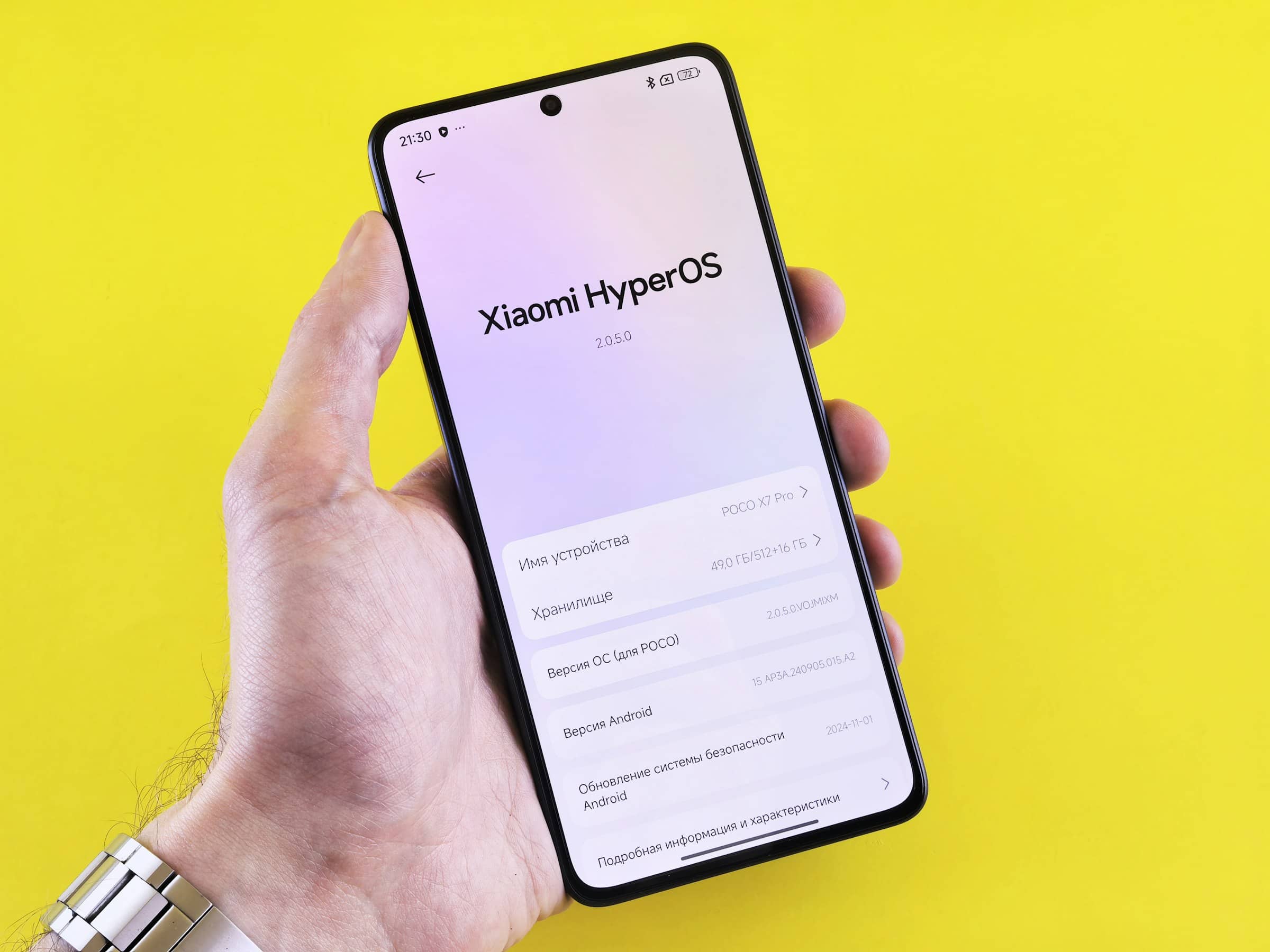

If you’ve ever landed abroad, turned on your phone, and immediately felt that “uh-oh” moment… you’re not alone. Here’s the surprising part: Counterpoint Research estimated that in 2024 only 23% of smartphones had eSIM capability—and even in the U.S. (a leading market), plenty of people still don’t realize their phone can run multiple mobile plans digitally. (Reported by TechCrunch on December 5, 2025.)
That’s a big deal for your budget, because eSIM apps make it ridiculously easy to compare prepaid data plans—often for less than what you’d pay with traditional roaming add-ons. If you like knowing exactly what you’ll spend before you travel (or before you burn through your monthly data at home), this is one of the cleanest “no surprises” moves you can make.
What it means to “compare eSIM deals by app” (and how it saves you money)
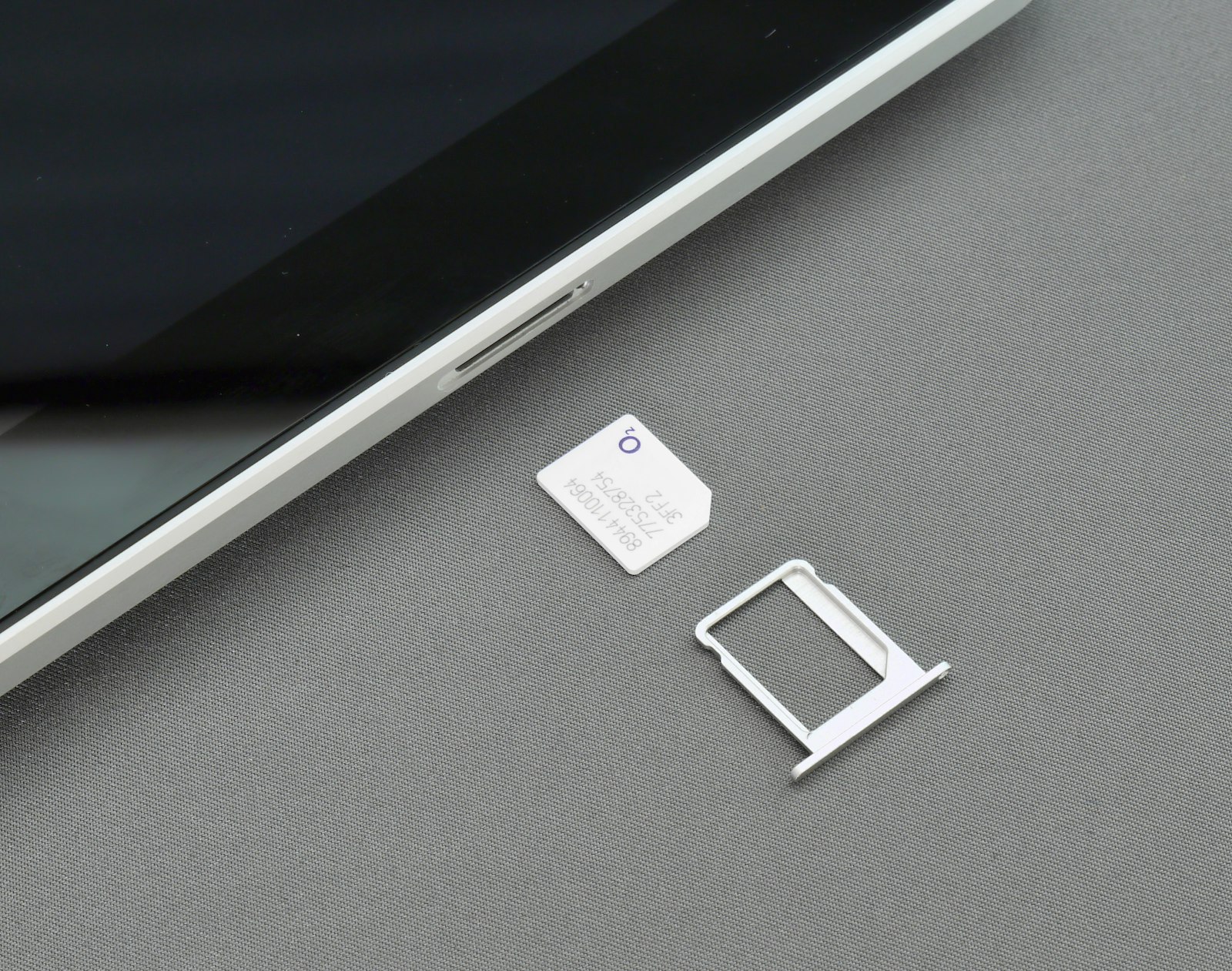
An eSIM is a digital SIM built into your phone (no plastic card). Instead of going to a carrier store, you buy a plan in an app, install it, and switch it on when you need it.
When you compare eSIM deals by app, you’re basically shopping prepaid data like you’d shop flights:
- Pick a destination (country, region, or global)
- Choose how much data (or “unlimited”)
- Choose how long it lasts (days/weeks/month)
- Pay upfront
- Install the eSIM and activate it when you’re ready
Why this helps you pay less:
- You avoid daily roaming fees that quietly snowball.
- You avoid “oops” overages or auto-throttling surprises (because you picked the cap).
- You can keep your main line for calls/texts and use the eSIM for data (great for budgeting).
A quick reality check: roaming day passes add up fast
Let’s do clean, traceable math using current carrier pricing pages:
- Verizon TravelPass is $12/day in 210+ destinations. That’s $120 for a 10-day trip if you use your phone daily.
- AT&T International Day Pass is $12/day for use abroad on land. That’s also $120 for 10 days.
- T-Mobile’s 10-day International Pass is $35 and includes 5GB of high-speed data plus unlimited calling (for qualifying plans).
So if you’re the kind of person who checks subscriptions and tracks spending, this is the exact pattern you’re trying to avoid: small daily charges that become a big total.
eSIM apps aren’t always the cheapest for every situation, but for a lot of real trips, they can be the difference between “I expected to spend around $X” and “why did my phone bill explode?”
How to compare eSIM deals in 5 minutes (the checklist I actually use)
Before you buy anything, compare these like you’re doing a mini cost audit:
- Coverage type: single country vs region vs global (don’t overbuy global if you’re staying put)
- Plan type: data-only vs data + calling/texting (many are data-only)
- Validity rules: does the clock start at purchase, installation, or first connection in-country?
- Top-ups: can you add more data without reinstalling?
- Hotspot/tethering: allowed, limited, or blocked (huge if you’re traveling with kids or a laptop)
- Speed expectations: LTE/5G availability (and whether “unlimited” has fair-use slowdowns)
- Network clarity: do they name partner networks, or is it vague?
- Refund/replacement: what happens if it won’t activate on your phone?
If you only do two things: match the validity to your trip length and match the data to your habits. That’s where most people waste money.
5 apps that make it practical to pay less (and what using them feels like)
Below are five eSIM apps that work well for English-speaking users and make price comparison straightforward. I’m going to talk about them the way you’d care about them in real life: setup friction, clarity, and what would annoy you.
1) Airalo (best all-around for straightforward shopping)
Airalo feels like the “grocery store” of eSIMs: you can usually find something for almost anywhere, and it’s easy to compare sizes and validity.
What I liked:
- Clear plan details inside the app (so you can sanity-check what you’re buying).
- Lots of country/region options, which makes it easier to avoid overbuying.
- Great for the classic money-saving setup: keep your main SIM for calls/texts, use the Airalo eSIM for data.
What annoyed me:
- Many plans are data-only, so don’t expect traditional calls/SMS unless you specifically choose a plan that includes them.
- If you need texts for bank logins/2FA on a trip, data-only can be a gotcha unless your main line stays active.
- Prices and promos can change, so you still need to compare within your destination category instead of assuming “Airalo is always cheapest.”
Budget tip I’d actually use: if you’re traveling as a couple/family, pick one phone as the “data mule” and hotspot when it makes sense—but only if the plan/provider supports tethering well.
2) aloSIM (great if you want a “phone number” option without paying roaming)
aloSIM is focused on simple prepaid data shopping across lots of destinations. The experience is clean: pick location → pick package → install → activate.
What I liked:
- The app/website flow is simple and readable (good if you hate fiddly setup).
- It’s positioned around avoiding roaming charges and paying only for what you need.
- Some packages include a free phone number promo that runs through a companion app (Hushed). In practice, that’s useful if you want a separate travel number or you want calling/texting features tied to your data.
What annoyed me:
- That “phone number” is not the same experience as having full native carrier voice/SMS on the eSIM itself—it’s an internet-based calling/text setup through another app. It works, but it’s one more moving piece.
- If you’re trying to keep everything dead simple for a less techy family member, “data here, calls in another app” can be a small learning curve.
Budget tip I’d actually use: if your main worry is receiving verification texts, your best cheap move is often keeping your primary SIM active for texts while using aloSIM for data—so you’re not paying day passes just to log into your bank.
3) Ubigi (best when hotspot/tethering matters)
Ubigi is the one I mentally file under “practical nerd option”: it’s especially appealing if you know you’ll be tethering (laptop, tablet, kid’s phone, travel router vibes).
What I liked:
- Tethering/hotspot is a first-class use case, with clear support guidance for how to share the connection.
- Strong option if your travel style includes working remotely or keeping multiple devices online.
- There’s documented 5G availability in multiple destinations, and it’s clear about device requirements (which helps set expectations).
What annoyed me:
- If you’ve never touched APN settings or SIM manager settings, the troubleshooting steps can feel more technical than other apps.
- 5G availability varies by country and partner networks, so you shouldn’t buy purely based on “it says 5G” without checking your destination.
Budget tip I’d actually use: if you’re traveling as a family, compare “one larger plan + hotspot” versus “multiple small plans.” Ubigi makes the first option feel more doable.
4) Saily (best for stretching data with built-in security features)
Saily’s vibe is “budget travel eSIM, but with a security brain.” Inside the app, features like Ad Block and Web protection are front-and-center toggles, not an afterthought.
What I liked:
- The app makes it easy to enable data-saving protection features.
- The setup feels guided—good for people who want fewer steps.
- If you’re cost-conscious, the idea of blocking ads/trackers isn’t just about privacy—it’s about making your data last.
A key statistic worth knowing: Nord Security reported that third-party testing by West Coast Labs found Saily’s ad blocker saved 28.6% of mobile data by reducing data consumption (example test numbers reported: 276.3 MB without ad block vs 184.1 MB with ad block). If you’re buying small data packages to stay on budget, that kind of reduction can translate directly into “I didn’t have to top up.”
What annoyed me:
- Like many travel eSIM options, it’s generally data-first—so you’ll still rely on your primary SIM or internet calling apps for traditional voice/SMS workflows.
- Blocking can occasionally break parts of websites (the usual ad-blocker tradeoff), so you may toggle it off for a stubborn site.
Budget tip I’d actually use: enable ad blocking before you start scrolling news/social on cellular. Those background refreshes and embedded ads are sneaky data killers.
5) Holafly (best when you hate data caps and just want “enough”)
Holafly is the “I don’t want to think about gigabytes” option. It leans hard into unlimited data across many destinations, which is comforting if you’re the person who always ends up streaming, navigating, uploading photos, and hotspotting in a pinch.
What I liked:
- Mentally freeing: you stop obsessing over every MB.
- Great for long trips where you don’t want to keep topping up.
- The experience is simple: buy for X days and go.
What annoyed me (and you should know this up front):
- “Unlimited” can still involve fair-use policies at the network level. Holafly explains that some operators may reduce speeds after a high-speed threshold (often during peak hours), with slowdowns that can last about a day before normal speeds return.
- Hotspot use may be limited even on unlimited plans, so if your plan is “one phone powers everyone,” you need to check that before buying.
- Unlimited options can be more expensive than a carefully sized capped plan—so if you’re disciplined and light on data, you might pay extra for convenience.
Budget tip I’d actually use: Holafly is often worth it when you’d otherwise trigger multiple top-ups (or when multiple travelers will “accidentally” burn data). If you’re disciplined and predictable, capped plans can still win.
Responsible-use tips that keep spending predictable (without making life miserable)
If you want to actually pay less, the app you choose matters—but your settings matter too. These are the habits that consistently reduced my top-ups:
- Install before you travel, activate at the right time. Many plans start counting when they first connect in the destination—so don’t accidentally activate early.
- Keep your primary SIM for calls/texts (if you need them). Use the eSIM for data so you’re not paying roaming just to message people.
- Set a data budget on your phone. Use built-in data warnings/limits so you get a “slow down” alert before you run out.
- Turn off background data hogs. App updates, cloud photo backups, auto-play video, and “HD streaming” settings quietly eat prepaid data.
- Download offline essentials on Wi‑Fi. Maps, playlists, shows, and hotel confirmations are all cheaper downloaded once than streamed repeatedly.
- Be intentional about hotspot use. It’s powerful for families—but it can torch data faster than you think, and some “unlimited” plans limit hotspot separately.
- Use ad blocking when available. If your eSIM app offers it (like Saily), it can stretch a small plan noticeably.
- Do one quick mid-trip check-in. Open the app, check remaining data, and decide: top up now (controlled) vs run out later (stress + potentially higher cost).
Trends: why eSIM deals are getting more competitive right now
Three developments are pushing prices down and choices up:
- The travel eSIM market is growing fast. Juniper Research reported revenue from travel eSIM packages would reach $1.8 billion by the end of 2025, up 85% from $989 million in 2024 (press release distributed via GlobeNewswire on October 13, 2025). More competition usually means better pricing and more plan variety.
- Device support is still expanding, but not universal. That Counterpoint statistic (23% eSIM smartphone penetration in 2024, via TechCrunch) is a reminder: we’re early enough that pricing pressure and feature differentiation are still accelerating.
- Providers are competing on features, not just GB. Saily pushing built-in security/ad blocking is a good example of how apps are trying to win you on “value,” not only raw price.
Conclusion
If you’re trying to pay less for mobile plans, eSIM apps are basically a budgeting tool disguised as travel tech: you pick a cap, you pay upfront, and you avoid the slow drip of daily roaming fees. The best choice depends on your habits—Airalo for broad flexibility, aloSIM if you like the phone-number add-on idea, Ubigi for hotspot-heavy trips, Saily for data-stretching security features, and Holafly when you’d rather stop thinking about gigabytes entirely.
Sources:
- International Plans: TravelPass - Verizon
- International Day Pass: International Data Plans | AT&T
- International Pass: Add Unlimited Calling & International Data | T-Mobile
- eSIM adoption is on the rise thanks to travel and device compatibility | TechCrunch
- Travel eSIMs Surge as Roaming Alternative - Up 85% in 2025 | GlobeNewswire (Juniper Research)
- Are eSIMs Attached to Phone Numbers? - Airalo Blog
- eSIM Data Packages | aloSIM
- How does aloSIM's free eSIM phone number promotion work? – aloSIM Support
- How to use tethering with an Android device to share the Ubigi connectivity? – Ubigi Assistance
- Is 5G available on Ubigi? – Ubigi Help Center
- Does Holafly Offer eSIMs with Unlimited Data? - Holafly FAQs
- Terms and Conditions | Holafly
- NordVPN’s travel eSIM app, Saily, preserves nearly 30% of mobile data, independent audit confirms - Nord Security
- What is Saily Ad Block? – Saily Help Center
- What is Saily Web protection? – Saily Help Center
- Best eSIM for Europe of 2025 | TechRadar