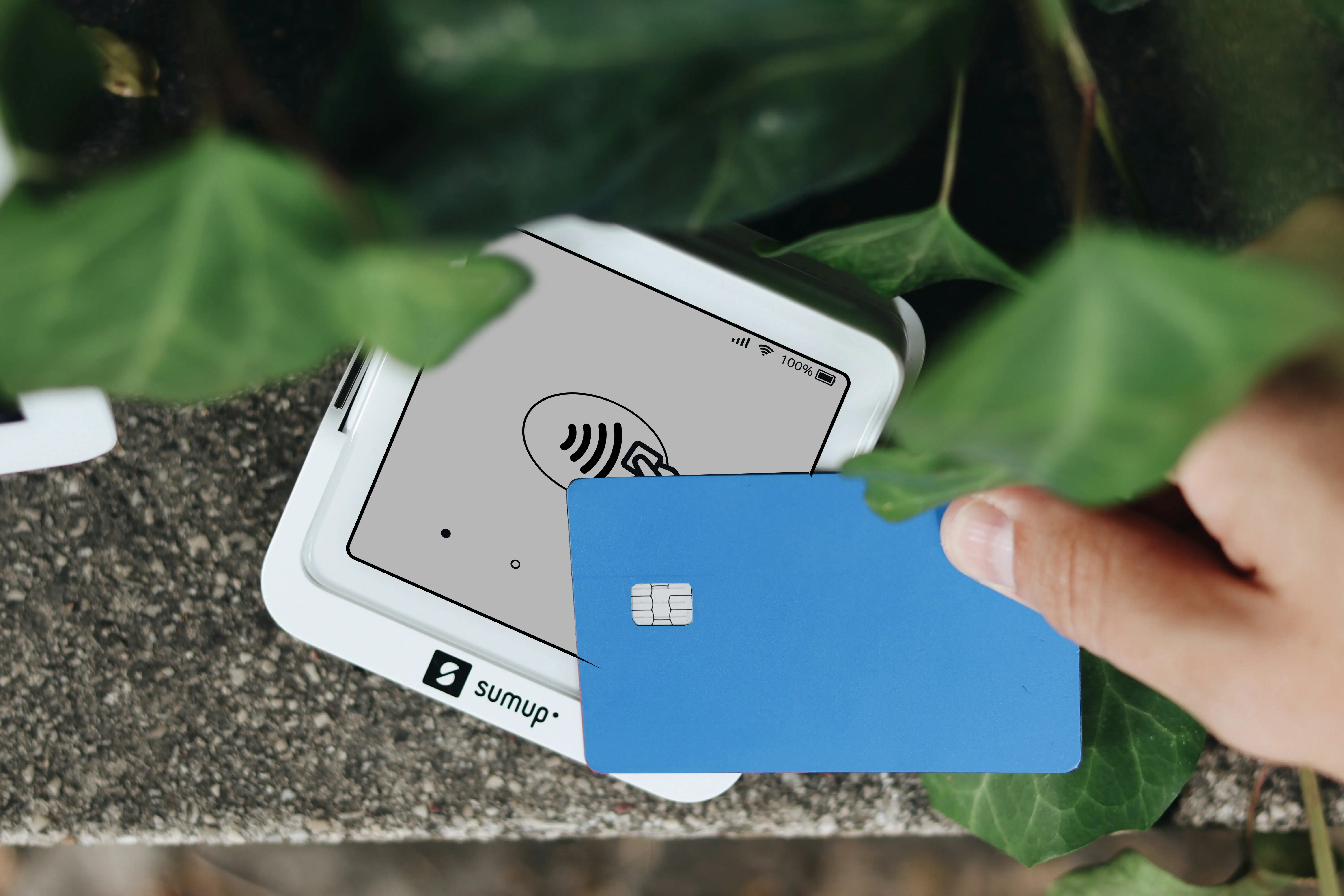

Out-of-network ATM withdrawals are sneakily expensive right now. In Bankrate’s latest checking-account fee survey, the average total cost of using an out-of-network ATM is $4.86 per withdrawal (your bank’s fee + the ATM owner’s surcharge). That’s not “coffee money” anymore—it adds up fast.
“The average total cost of using an out-of-network ATM is now $4.86.” — Bankrate
If you’re the kind of person who checks your transactions, watches categories, and hates mystery fees, digital wallet apps can be a surprisingly clean way to cut the most common “small” bank charges.
How reducing bank fees with digital wallets actually works
Most bank fees fall into a few predictable buckets:
- ATM fees (using a machine outside your bank’s network)
- Overdraft / NSF fees (a payment goes through when your balance can’t support it, or gets rejected)
- Foreign transaction + exchange-rate markups (travel, overseas shopping, subscriptions billed in another currency)
- Transfer fees (especially when you use wires, or you need money to move right now)
Digital wallet apps help you reduce those in three practical ways:
- You pull cash less often
Tap-to-pay (or in-app payments) means fewer ATM trips. If your household does just 4 out-of-network withdrawals per month, that’s 4 × $4.86 = $19.44/month, or about $233/year in fees you can often avoid by paying digitally instead. (That $4.86 figure is from Bankrate.) - You get tighter, faster “money awareness”
Many wallets push instant notifications and show balances more clearly than some bank apps. That doesn’t magically prevent overdrafts—but it helps you spot “oops” moments sooner (like subscriptions, tips, or a delayed gas-station final charge). - You route certain payments through cheaper rails
For international spending and transfers, the app you choose can matter more than your bank. Some wallets specialize in multi-currency holding and transparent FX pricing instead of bank-style markups.
The 5 digital wallet apps I tested to reduce fees
Below are five apps that, in real day-to-day use, helped me cut specific types of fees. I’m not claiming they’re perfect—each one has trade-offs. The goal is to pick the one that matches your fee pain.
1) Apple Pay (best for: fewer ATM trips + safer daily spending)
What I used it for: groceries, pharmacy runs, transit, and any store that supports tap-to-pay. When I leaned on Apple Pay for “small daily spending,” I withdrew cash less often—which is the simplest way to avoid ATM fees.
How it helps reduce bank fees:
- Less cash use → fewer out-of-network ATM withdrawals (where the average is $4.86 each, per Bankrate)
- Extra security features (like device-based payments) can reduce the hassle of card replacement situations, depending on your bank’s policies
Pros
- Fast, frictionless checkout—easy habit change
- Strong privacy/security model compared to swiping or handing over your card
- Widely accepted in many countries and retailers
Cons
- Doesn’t replace your bank—ATM/overdraft fees can still happen if you run your account too low
- Works best if your cards/bank support it smoothly
Fee reality check: Apple says Apple Pay is free to use (you still pay whatever your card/bank charges).
Source: Apple Support — Apple Pay and Apple Card
2) Google Pay (best for: fewer ATM trips on Android + easy household sharing)
What I used it for: the Android equivalent of my Apple Pay routine—tap-to-pay in stores, plus occasional in-app checkout. The biggest “fee reduction” effect was the same: fewer reasons to grab cash.
How it helps reduce bank fees:
- Replaces some cash spending → fewer ATM visits (again: $4.86 average out-of-network ATM cost, per Bankrate)
- Convenient for splitting expenses without needing checks or cash in some cases (depending on how you fund it)
Pros
- Convenient if you live in the Android ecosystem
- Works across many retailers and services
- Smooth for everyday spending once set up
Cons
- Not every bank/card behaves the same (some are smoother than others)
- Still not a full substitute for “fee policy” decisions at your bank
Fee reality check: Google states there are no fees to use Google Pay (but your bank/card terms still apply).
Source: Google Pay Help — Fees
3) PayPal (best for: avoiding some bank transfer hassles + flexible online paying)
What I used it for: paying online when I didn’t want to type card details everywhere, and sending money for shared expenses (like group gifts and reimbursements).
How it helps reduce bank fees:
- Can reduce the need for certain bank transfers (or even checks), depending on your situation
- Useful as a buffer for online spending so you’re not constantly using your debit card directly (which can help with budgeting discipline)
Pros
- Very widely accepted online
- Easy person-to-person payments in many scenarios
- Good buyer protections in certain purchase situations (read the details before relying on it)
Cons
- Fees can show up depending on payment type, currency conversion, or how fast you move money
- Instant transfers may cost extra, depending on method
Fee reality check: PayPal’s fees vary by use case; the fee schedule is detailed and worth skimming before you rely on it as your “main” wallet.
Source: PayPal — Fees
4) Wise (best for: cheaper FX + transparent international transfers)
What I used it for: international transfers and paying in other currencies when I wanted to avoid “mystery exchange rates.” Wise is the app I reached for when the fee risk wasn’t an ATM—it was FX markup.
How it helps reduce bank fees:
- Targets exchange-rate markups and some transfer costs with upfront pricing
- Uses the mid-market exchange rate as the reference rate they describe publicly
Pros
- Transparent pricing before you send
- Strong for multi-currency needs (travel, overseas family, international freelancers)
- Clear “what you pay vs what they receive” breakdown
Cons
- Not always the fastest option for every corridor/bank pairing
- Fees still exist—just usually clearer and (often) lower than typical bank pathways
Fee reality check: Wise explains both their pricing and their mid-market rate approach here:
Sources: Wise — Pricing and Wise — Mid-market exchange rate
5) Revolut (best for: travel-style spending controls + multi-currency budgeting)
What I used it for: travel-like setups (separating spending into “buckets”), virtual cards, and holding multiple currencies. The practical benefit is reducing FX-related surprises and keeping tighter control over spending categories—especially when you’re moving between currencies.
How it helps reduce bank fees:
- Multi-currency balances can reduce the need to rely on your bank for conversions
- In-app controls can lower the odds of “oops spending” that triggers low-balance problems
Pros
- Strong spending controls (great if you’re fee-sensitive and budget-conscious)
- Helpful features for managing subscriptions and online card usage (depending on plan/region)
- Convenient for multi-currency lifestyle
Cons
- Fees/limits depend on plan and usage (and can change by region)
- You need to read the fees page carefully if you’re optimizing costs
Fee reality check: Revolut publishes its fee disclosures and plan details here:
Sources: Revolut — Fees (Legal) and Revolut — Plans
A simple fee-cut “stack” that works for many people
If you want a low-effort setup that targets the most common fees:
- Use Apple Pay or Google Pay for everyday spending → fewer ATM runs
- Use Wise for international transfers and FX-heavy spending
- Keep PayPal for flexible online checkout and occasional reimbursements
- Use Revolut if you travel often or want strict spending controls across currencies
Key statistics worth knowing (and why they matter)
- Out-of-network ATM use averages $4.86 per withdrawal (combined fees). Source: Bankrate
- Average overdraft fee: $26.77, and 94% of accounts in Bankrate’s survey still charge it. Source: Bankrate
- Average ATM-owner surcharge: $3.22 (separate from your bank’s out-of-network fee). Source: Bankrate
Conclusion
Reducing bank fees with digital wallet apps isn’t about finding one magic app—it’s about changing which rails you use for everyday spending, cash access, and international money movement. If you match the wallet to the fee you hate most (ATM, overdraft, or FX), the savings become predictable instead of wishful.
References
- Bankrate — “Survey: ATM fees hit record high for third straight year while average overdraft fee dips”
https://www.bankrate.com/banking/checking/checking-account-survey/ - Apple Support — “Apple Pay and Apple Card”
https://support.apple.com/en-us/HT201469 - Google Pay Help — “Fees”
https://support.google.com/googlepay/answer/7644069?hl=en - PayPal — “Fees”
https://www.paypal.com/us/webapps/mpp/paypal-fees - Wise — “Pricing”
https://wise.com/us/pricing/ - Wise — “Mid-market exchange rate”
https://wise.com/us/learn/mid-market-exchange-rate - Revolut — “Fees (Legal)”
https://www.revolut.com/legal/fees/ - Revolut — “Our pricing plans”
https://www.revolut.com/our-pricing-plans/