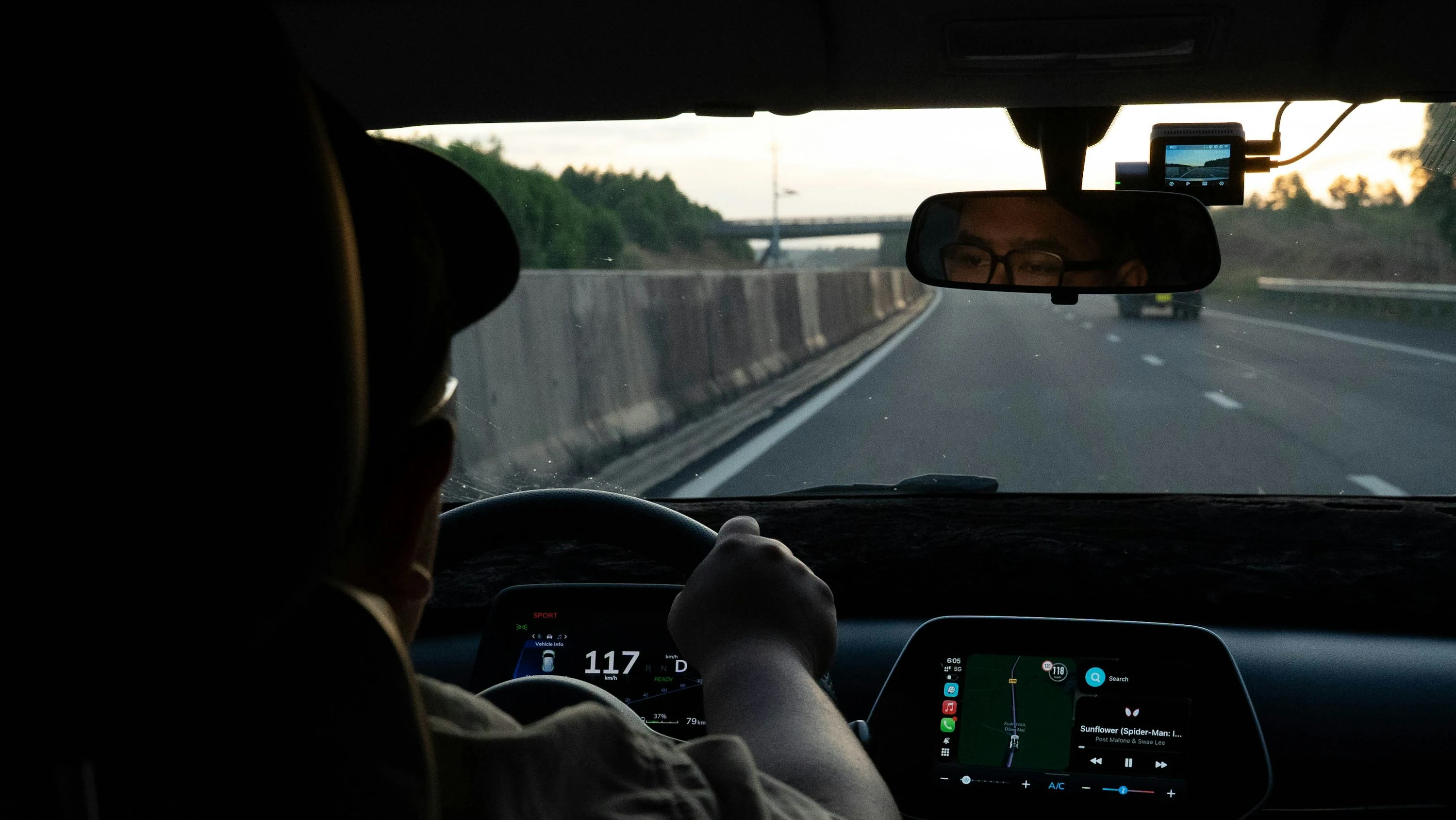

If your weekly errands feel expensive, the problem is often not what you buy. It is how you drive to get it. The U.S. Department of Energy says, “Several short trips, each one taken from a cold start, can use twice as much fuel as one trip covering the same distance when the engine is warm” (DOE Energy Saver). That is exactly why multi-stop route apps matter: they help you bundle errands into one smarter loop instead of a string of wasteful mini-drives.
There is a second leak in the budget too: idling. DOE says idling can use about a quarter to a half gallon of fuel per hour, depending on engine size and A/C use (DOE Energy Saver). And errands are a huge part of normal driving behavior anyway. In a Federal Highway Administration survey, 27% of respondents said shopping or errands were their most common trip type, while 33% of commuters said they stop on the way home (FHWA). If you shop, collect prescriptions, do school pickup, or squeeze chores into one afternoon, this is your lane.
How multi-stop route apps help you save fuel
A multi-stop route app lets you enter several destinations and either arrange them yourself or optimize the order automatically. The goal is simple:
- cut backtracking
- avoid needless cold starts
- reduce traffic-heavy detours
- limit idle time in parking lots and on congested roads
- fit more stops into one warm-engine trip
In practice, that means the app may send you to the pharmacy before the supermarket, then to the parcel locker, then home, instead of making you zigzag across town. Some apps also factor in live traffic, toll avoidance, round trips, business hours, and stop priorities.
For drivers watching every euro, pound, or dollar, that matters more than it sounds. Google says its eco-friendly routing feature helped reduce more than 2.9 million metric tons of greenhouse gas emissions from launch in late 2021 through the end of 2023, which it says is roughly equal to taking about 650,000 fuel-based cars off the road for a year (Google). Different feature, same principle: route choice changes fuel use.
What I would look for in an errand app
For everyday errands, the best route planner app should do a few things well:
- let you add several stops quickly
- reorder stops without friction
- show live traffic or realistic ETAs
- allow round trips if you need to end at home
- avoid toll roads if that saves money overall
- stay simple enough that you actually use it
You do not need enterprise fleet software for a grocery run. But once you regularly stack five, six, or ten stops into one outing, a better route app can start paying for itself in fuel, time, and stress.
1. Google Maps
Google Maps is still the easiest starting point for most people. Google officially supports adding multiple destinations, and it will calculate the best route between them (Google Maps tips; Google Maps blog). It also offers eco-friendly routing in the U.S., Canada, and Europe, with a leaf icon showing the more fuel-efficient option when available (Google Maps tips).
For normal family errands, this is the one that feels fastest to set up. You probably already have it, you can drag stops around, and the traffic data is usually strong.
Pros
- Free and already familiar to most drivers
- Multiple stops are easy to add and reorder
- Eco-friendly routing can help you choose a lower-fuel route
- Strong traffic data and place search
Cons
- Better for everyday errands than heavy-duty stop optimization
- Not built for advanced constraints like time windows or stop priorities
- Can still require manual reordering if you want the absolute best loop
Best for: families and singles who want a free, low-friction way to bundle 3 to 8 errands.
2. Apple Maps
Apple Maps has become much better for multi-stop driving. Apple says you can create a multistop driving route with up to 14 stops on iPhone, and you can reorder them before you go (Apple Support). On Mac, Apple also supports adding and rearranging multiple stops (Apple Support for Mac).
If you are already deep in the Apple ecosystem, this one feels clean and calm. It is especially handy if you use CarPlay and want a tidy, native experience without installing anything extra.
Pros
- Free for Apple users
- Supports up to 14 stops on iPhone
- Clean interface and simple reordering
- Good fit with CarPlay and the wider Apple ecosystem
Cons
- Best if you are already on iPhone
- Not as feature-rich as specialist route optimization apps
- Some advanced routing needs still require a dedicated planner
Best for: iPhone users who want a straightforward built-in errand planner.
3. Spoke Route Planner
Spoke Route Planner, formerly known as Circuit Route Planner, sits in a useful middle ground. Its help documentation says you can add stops in any order and the app will automatically place them in the best order when it optimizes the route. The free version is limited to 10 stops per route (Spoke Help). Spoke also lets you set start and end locations, round trips, and mark stops as first or last (Spoke Help; Spoke update).
This is where things start to feel more “route optimizer” than “map app.” For a busy Saturday with groceries, hardware store, pharmacy, returns, and school pickup, that can be exactly what you want.
Pros
- Automatic stop optimization is the main event
- Free tier is enough for many personal errand runs
- Roundtrip support is useful if you want to finish at home
- Lets you force priority stops to the beginning or end
Cons
- Free plan has a 10-stop cap
- More delivery-style than casual-map-style
- Interface can feel like overkill for just two or three stops
Best for: people who regularly batch a lot of errands and want the app to do the thinking.
4. RoadWarrior
RoadWarrior is another strong option when your errand list starts getting messy. Its official support pages say optimization uses traffic and speed limits in its calculations and lets you choose one-way or round trip, fastest or shortest, and avoid highways, tolls, or ferries (RoadWarrior support). It also supports schedules and “drop stops” so one stop happens before another (RoadWarrior schedules; RoadWarrior drop stops). The free Basic account allows 50 optimized stops per day (RoadWarrior limit).
What stands out here is flexibility. If your cheapest route is not the fastest route, RoadWarrior gives you more control than the mainstream apps.
Pros
- More routing control than basic map apps
- Fastest vs. shortest setting is genuinely useful for fuel-conscious drivers
- Strong roundtrip and scheduling tools
- Free tier is generous for personal use
Cons
- Design feels more practical than polished
- Takes a little longer to learn than Google Maps or Apple Maps
- Best features make more sense once you use it regularly
Best for: budget-focused drivers who want more control over route logic, not just navigation.
5. Route4Me
Route4Me is the most heavy-duty app on this list. Its mobile planner supports adding or importing addresses, scheduling stops, enabling route optimization, and using built-in voice-guided navigation (Route4Me support). It also supports re-optimizing routes and unfinished stops when plans change mid-route (Route4Me re-optimization).
For ordinary home errands, Route4Me is probably more than you need. But if you are combining work calls, client visits, side-hustle drops, and household errands in one day, it starts to make sense.
Pros
- Very strong optimization and route editing tools
- Useful if your day mixes errands with work stops
- Re-optimization is handy when plans change
- Good for high stop counts
Cons
- More business-focused than family-focused
- Can feel too complex for casual use
- Likely too much app for someone who just wants groceries and a pharmacy stop
Best for: very busy drivers, side hustlers, or anyone doing a lot of stops in one outing.
Which app makes the most sense for saving fuel?
If your goal is simply to spend less on fuel while doing errands, here is the practical version:
Google Mapsis the best free default for most people.Apple Mapsis the best built-in choice for iPhone households.Spoke Route Planneris the best step-up when you want smarter stop ordering.RoadWarrioris the best for control over shortest vs. fastest routing.Route4Meis the best for very high-stop or work-plus-errand days.
There is also a useful warning sign here: not every popular navigation app is a real multi-stop tool. Waze’s official help page says you can add only one stop per route (Waze Help). So if you are serious about saving fuel on errands, live traffic alone is not enough. You need an app that can actually manage several stops.
Current trends and developments
The category is moving in a clear direction: less plain navigation, more intelligent planning.
Google is pushing Maps further into AI-assisted trip planning with its 2026 “Ask Maps” update, which is designed to answer more complex, real-world routing and place questions conversationally (Google, March 12, 2026). Apple continues to build on multi-stop routing and EV-aware navigation (Apple Support). Specialist planners like RoadWarrior, Spoke, and Route4Me are leaning harder into live optimization, time windows, and re-optimization when your day changes.
That matters because fuel-saving route planning is no longer just about shortest distance. It is about a smarter mix of:
- fewer cold starts
- less idling
- better stop order
- live traffic awareness
- route updates when real life gets messy
Multi-stop route apps will not fix high fuel prices. But they can stop you from wasting fuel in ways that are completely avoidable. If you are already combining errands into one trip, the next step is obvious: let the route work harder than you do.
References
- U.S. Department of Energy, Energy Saver: Fuel Economy
- Federal Highway Administration: Major Findings Part 1 - Moving Ahead
- Google: 10 tips to help you make the most of Google Maps
- Google: Billie Eilish and Google Maps help fans travel sustainably
- Google: How we’re reimagining Maps with Gemini
- Google: Now you can build multi-stop road trips on Google Maps for iOS
- Apple Support: Change or add stops to your route in Maps on iPhone
- Apple Support: Get directions in Maps on Mac
- Apple Support: Set up electric vehicle routing in Maps on iPhone
- Spoke Help: Getting started with Spoke Route Planner
- Spoke: Select single/multiple stops to be attempted first or last
- RoadWarrior Support: Optimizing & Route Settings
- RoadWarrior Support: Drop Stops
- RoadWarrior Support: Adding a Schedule
- RoadWarrior Support: Optimized Stop Limit
- Route4Me Support: Plan Routes – Multi-Stop Route Planner App For Independent Drivers
- Route4Me Support: Re-Optimize Routes And Remaining Route Destinations
- Waze Help: Add a stop to your route