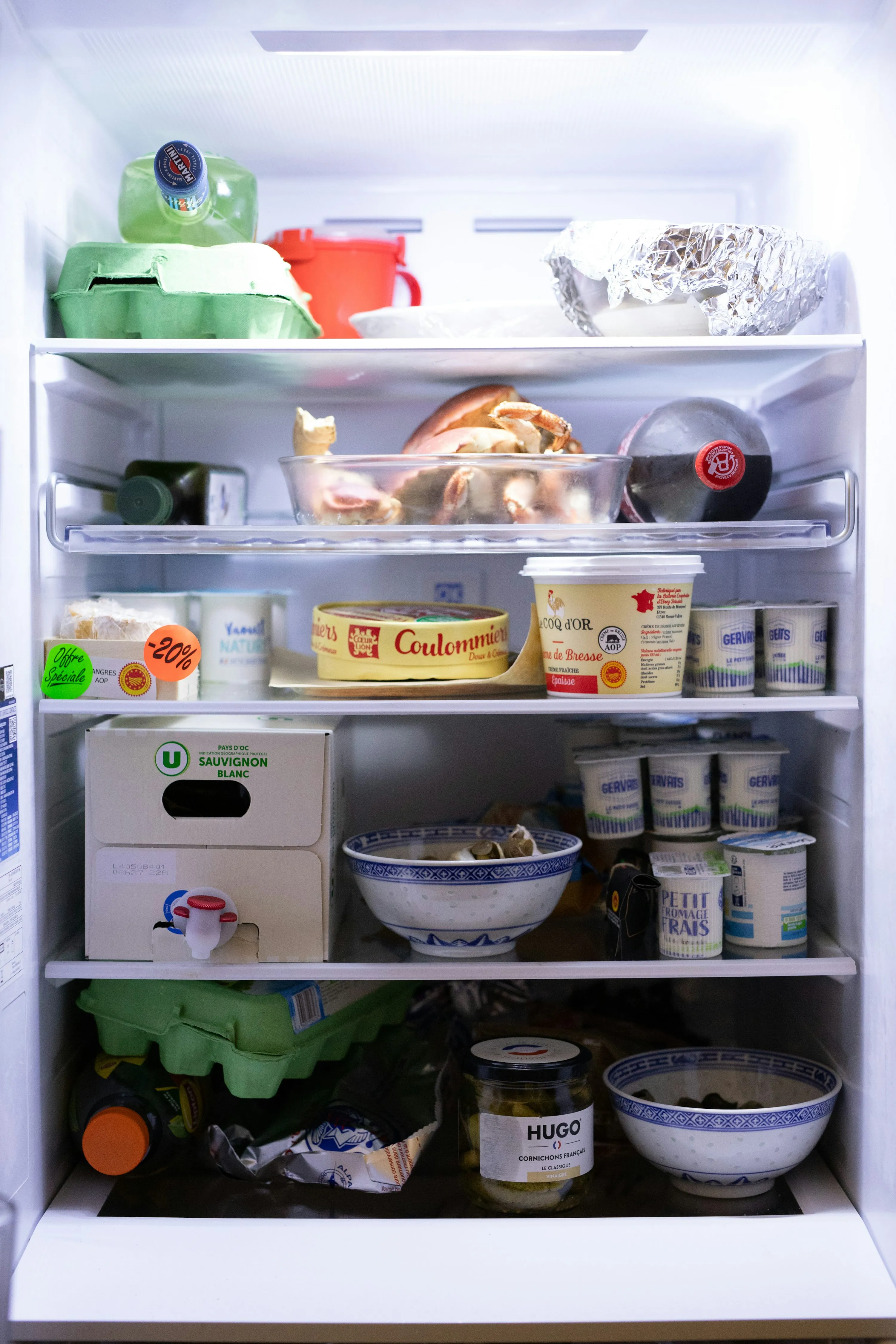

A bulk pack of chicken, frozen berries, or family-size lasagna looks like a smart deal until it disappears into the freezer and gets forgotten. That is a real budget leak. The U.S. Environmental Protection Agency says wasted food costs each U.S. consumer about $728 a year, or $2,913 for a household of four (EPA, 2025). If you like buying in bulk, a freezer inventory app can be the difference between saving money and slowly throwing it away.
What freezer inventory apps actually do
A freezer inventory app is a simple system for tracking what you bought, where you stored it, how much is left, and when it should be used. The good ones also connect that inventory to shopping lists, expiry reminders, and meal planning.
That matters because freezing really does extend food life. As the USDA puts it, “Freezing preserves food for extended periods” by stopping the growth of spoilage-causing microorganisms (USDA FSIS). But freezing only saves money if you can still find the food later.
In real life, the money-saving cycle looks like this:
- You buy bulk when the unit price is genuinely lower.
- You log the items as they go into the freezer.
- You track quantity, location, and use-by timing.
- You check the app before shopping again.
- You plan meals around what you already own.
That last point is the big one. ReFED estimates that in 2023, U.S. consumers spent $261 billion on food they did not eat, equal to nearly 14% of annual food-at-home spending (ReFED, 2025 U.S. Food Waste Report).
How these apps help you save on bulk buys
If you are price-conscious, freezer inventory apps help in three practical ways:
- They stop duplicate buying. You know whether you already have two bags of frozen vegetables or one extra pack of ground beef.
- They make “use what you have” easier. Seeing your freezer stock in one place turns random leftovers into actual meal options.
- They reduce panic tossing. Date labels already confuse people enough: ReFED reported in January 2026 that 43% of U.S. consumers say they always or usually discard food near or past the label date (ReFED, 2026).
One reason this matters more now: USDA and FDA said in a 2024 request for information that confusion over date-label terms may account for about 20% of food waste in the home (USDA/FDA, 2024).
5 freezer inventory apps worth considering
1. NoWaste
NoWaste is the most rounded option if you want one app for freezer, fridge, pantry, shopping lists, and meal planning. Its official site highlights freezer/fridge/pantry lists, expiry-date tracking, barcode scanning, photo recognition, and cross-platform availability on iOS and Android (NoWaste).
What stood out most is how directly it is built around waste reduction. For bulk buying, that is exactly what you want: quick entry, shared visibility, and a clear view of what is already in stock.
Pros
- Built specifically for freezer, fridge, and pantry tracking
- Barcode scanning and photo recognition speed up logging
- Shared lists are useful for couples or families
- Available on both iOS and Android
Cons
- The fuller experience depends on premium features
- More features can mean a slightly busier setup at the start
Best for: households that want an all-in-one grocery budget and food inventory app.
2. KitchenPal
KitchenPal is strongest if you want your freezer inventory linked to recipe suggestions and meal planning. The company describes it as a pantry tracker, freezer inventory app, meal planner, and smart shopping tool in one, with barcode scanning, expiry alerts, family sync, and recipe matching based on what is already in your kitchen (KitchenPal).
This is especially useful when bulk buys are ingredient-heavy. Instead of asking, “What do I do with all this frozen spinach, chicken, and peas?” the app helps connect inventory to meals.
Pros
- Strong freezer inventory plus recipe-by-ingredient tools
- Family sharing and synced kitchen management
- Good fit for batch cooking and bulk-buy households
- Available on iOS and Android
Cons
- It does a lot, so it can feel more involved than a simple tracker
- Some advanced features sit behind premium plans
Best for: families who meal-plan and want bulk buys to turn into actual dinners.
3. FoodShiner
FoodShiner feels aimed at Apple users who want a polished, detailed inventory system. Its site highlights quantity and expiration tracking, smart lists for items expiring soon, barcode scanning, CloudKit sync and sharing, and Apple Watch support (FoodShiner).
For freezer-heavy households, the smart-list approach is useful. Instead of scrolling through everything, you can focus on what needs using soon or what is running low.
Pros
- Excellent Apple ecosystem fit
- Smart lists help surface expiring or low-stock items
- Barcode scanning and shared shopping lists
- Helpful if you want freezer, pantry, and shopping in one place
Cons
- Apple-only, which rules it out for mixed-device households
- Like any detailed tracker, it works best if everyone updates it consistently
Best for: iPhone households that want a cleaner, more organized freezer workflow.
4. Panzy
Panzy keeps things simpler. The app focuses on barcode scanning, automatic shopping lists, expiration alerts, and iCloud sync, all with a straightforward pantry-fridge-freezer setup (Panzy).
If a lot of freezer apps feel overbuilt, Panzy is appealing because it sticks to the basics that actually save money: know what you have, know what is running low, and know what needs using first.
Pros
- Clean, simple feature set
- Barcode scanning is fast for staples and packaged food
- Expiration reminders support “use it first” habits
- iCloud sync works well for shared households
Cons
- iOS-focused
- Newer and less feature-rich than bigger all-in-one competitors
Best for: singles or couples who want a lightweight app without a lot of extra layers.
5. Pantry Inventory – Tracker
Pantry Inventory – Tracker takes a privacy-first angle. Its site says the app is offline-friendly, tracks up to four storage spots including freezer, supports barcode scanning, low-stock alerts, and optional expiry tracking, and keeps processing local except for optional OpenFoodFacts lookup (Pantry Inventory – Tracker).
That makes it a strong practical choice if you want a freezer inventory app that feels more like a simple home tool than a subscription-heavy kitchen platform.
Pros
- Straightforward setup with freezer, fridge, pantry, and other custom locations
- Privacy-first and offline-friendly
- Low-stock alerts are genuinely helpful for budget shopping
- Good for people who mainly want control, not extra lifestyle features
Cons
- More basic than all-in-one apps with recipes and meal plans
- Better for tracking than for broader meal-planning workflows
Best for: budget-focused users who want a simple freezer and pantry tracker with less clutter.
Which type of app is best for your budget style?
You do not need the “best” app in the abstract. You need the one that matches how you shop.
- If you bulk buy for a family:
KitchenPalorNoWaste - If you are in the Apple ecosystem:
FoodShinerorPanzy - If you want simple tracking with fewer distractions:
Pantry Inventory – Tracker - If meal planning is your weak spot:
KitchenPal - If duplicate buying is your biggest problem:
NoWaste
Current trends shaping freezer inventory apps
A few developments are making these apps more useful than they were even a year or two ago.
Date-label clarity is becoming a bigger issue
This is not just a personal organization problem anymore. USDA and FDA formally asked for more information on date labeling in December 2024 because unclear terms like “Sell By” and “Best By” affect waste and household costs (USDA/FDA).
AI and automation are moving into kitchen apps
NoWaste now promotes AI-assisted food inventory management, while KitchenPal and similar apps tie inventory to recipe suggestions and smart shopping recommendations (NoWaste, KitchenPal). That matters because the less manual work the app needs, the more likely you are to keep using it.
Shared household syncing is now almost essential
For couples, families, or housemates, real savings come when everyone can see the same freezer list. That is now standard in stronger apps like NoWaste, KitchenPal, FoodShiner, and Panzy.
The simple rule that makes bulk buying actually pay off
Bulk buying works when you treat your freezer like active inventory, not cold storage. If you log food when it goes in, check the app before you shop, and plan one or two meals a week around what is already frozen, the savings are real. If you do not, bulk buying can quietly become expensive clutter.
References
- EPA: Estimating the Cost of Food Waste to American Consumers
- USDA: Food Loss and Waste
- USDA FSIS: Freezing and Food Safety
- ReFED: 2025 U.S. Food Waste Report
- ReFED: How Confusing Food Date Labels Are Hitting Your Wallet
- USDA/FDA: Seek Information About Food Date Labeling
- NoWaste Official Site
- KitchenPal Official Site
- FoodShiner Official Site
- Panzy Official Site
- Pantry Inventory – Tracker Official Site