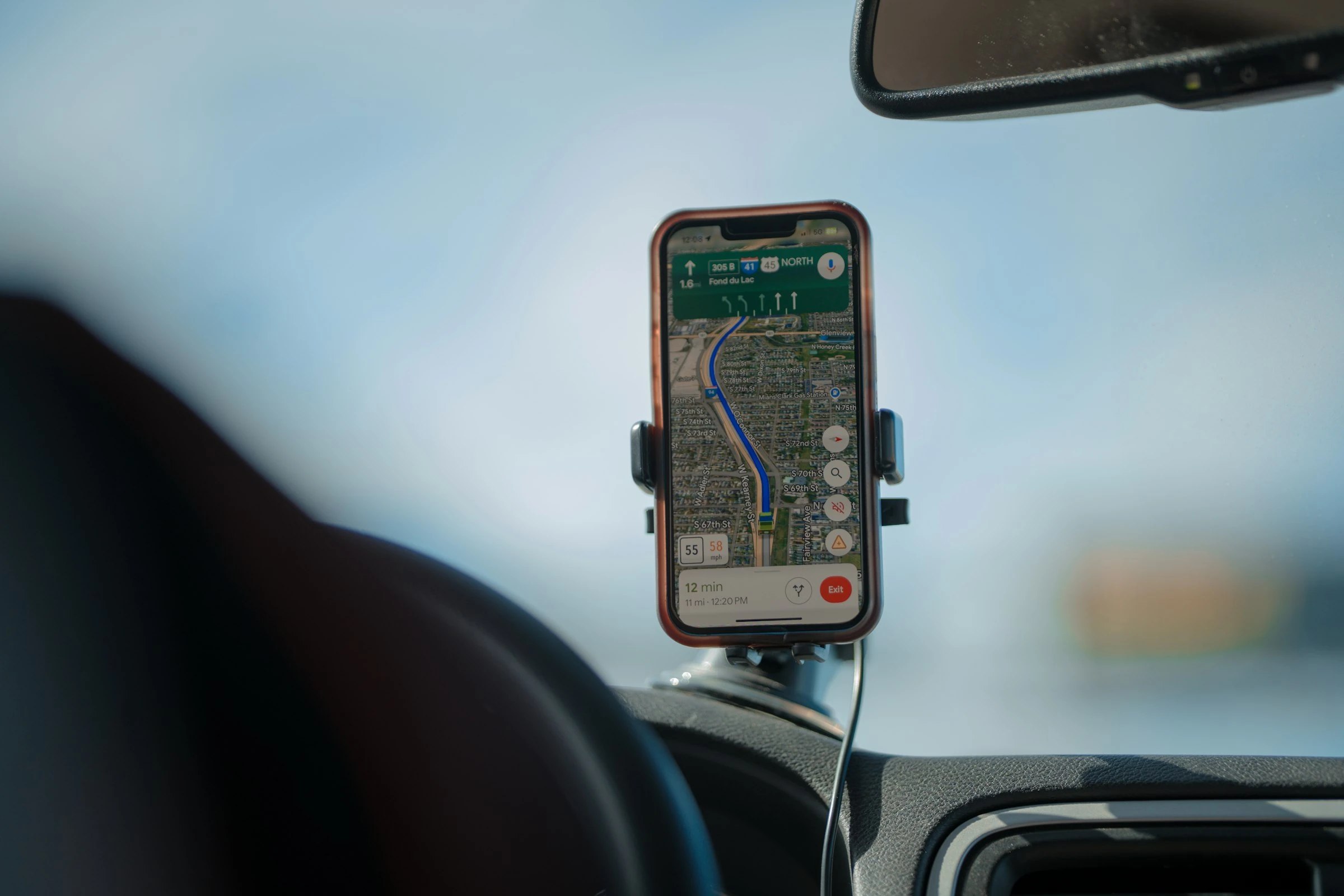

Transport is not a small “miscellaneous” expense anymore. In the UK, transport was the second-biggest weekly household spending category in financial year 2024, taking 14% of average weekly expenditure, or £88.20 per week according to the Office for National Statistics (ONS). In the US, AAA estimated the average cost to own and operate a new car in 2024 at $12,297 per year (AAA).
That is why splitting car costs by “who feels like they drove more” usually ends badly. Mileage apps give you a cleaner answer: who used the car, how far they drove, what the journey cost, and what each person should contribute.
What It Means To Split Car Costs Fairly
Splitting car costs fairly with mileage apps means using recorded mileage and car expenses instead of guesses.
A good mileage tracker can help you split:
- Fuel or electricity costs
- Parking and tolls
- Maintenance and tyres
- Insurance contributions
- Shared family car use
- Business versus personal miles
- Long trips with friends or relatives
The basic formula is simple:
Person’s miles ÷ total shared miles × shared car cost = fair share
So if you drove 40% of the shared miles in a month, you pay 40% of the shared running costs. You can keep fixed costs, such as insurance, separate if that feels fairer.
The IRS explains why mileage rates exist in the first place: “Optional standard mileage rates are used to calculate the deductible costs of operating vehicles” (IRS). For 2026, the US business mileage rate is 72.5 cents per mile, while medical and moving mileage is 20.5 cents per mile, and charitable mileage is 14 cents per mile (IRS).
Even if you are not claiming tax deductions, those official rates show the same point: every mile has a cost.
Why Mileage Apps Beat Spreadsheets
A spreadsheet works if everyone remembers to update it. Most people do not.
Mileage tracking apps are better because they can:
- Auto-detect drives with GPS
- Classify trips as personal, work, medical, charity, or custom categories
- Export reports for tax, reimbursement, or family budgeting
- Track fuel, tolls, parking, and service costs
- Reduce arguments because the numbers are visible
This matters for normal households too. The UK Department for Transport found that people in England travelled 6,082 miles on average in 2024, and spent about 362 hours travelling, roughly one hour a day (GOV.UK National Travel Survey). That is a lot of distance to split by memory.
1. MileIQ: Best For Simple Automatic Tracking
MileIQ is one of the easiest mileage apps to understand. In my test-style workflow, it felt best for someone who wants to open the app, swipe trips into categories, and export a clean mileage report without building a whole expense system.
MileIQ’s free plan includes 40 free drives per month, while the Unlimited plan is listed at $7.50 per month billed annually or $8.99 monthly at the time of writing (MileIQ pricing).
How it helps split car costs
Use MileIQ to classify each drive by driver, purpose, or household category. For example, “school run,” “commute,” “shared errands,” or “solo personal.” At month end, export totals and split fuel or maintenance based on mileage.
Pros
- Very quick trip classification
- Automatic mileage tracking
- Good for tax-compliant mileage reports
- Free plan is useful for light drivers
- Works well for singles who mix work and personal trips
Cons
- Not built mainly for family cost sharing
- Heavy users will outgrow the free drive limit
- Expense tracking is less central than mileage tracking
- Best results still depend on classifying drives regularly
Best for: singles, freelancers, couples with one shared car, and anyone who wants the least fiddly mileage tracker.
2. Driversnote: Best For Shared Cars And Reports
Driversnote is strong if you want detailed logs and reports. It records trips automatically, lets you classify them, and exports PDF or Excel reports. Its official site says you can “record trips without even opening the app” using motion detection (Driversnote).
At the time of writing, Driversnote’s free plan allows reporting for up to 15 trips per month, while Pro is listed at $11 per month with unlimited trips (Driversnote pricing).
How it helps split car costs
Driversnote is useful when more than one person uses the same vehicle because you can keep logs by vehicle, workplace, or category. For a household, you can create categories such as “family,” “partner A,” “partner B,” and “shared weekend trips.”
Pros
- Strong reporting in PDF and Excel
- Good for multiple vehicles or work/private splits
- Custom mileage rates
- Odometer logging
- Optional iBeacon for more accurate vehicle-based tracking
Cons
- Free plan is limited to 15 reportable trips per month
- More detailed than some casual users need
- iBeacon is useful, but it adds another thing to manage
- Pro pricing may feel high if you only drive occasionally
Best for: families with one or more shared cars, employees claiming reimbursement, and anyone who wants clean monthly reports.
3. TripLog: Best Free Option For Regular Drivers
TripLog stands out because its Basic plan includes unlimited automatic GPS mileage tracking and basic expense management, listed as “Free forever” on its pricing page. Premium is listed at $4.99 per month billed annually, or $59.99 per year (TripLog pricing).
In use, TripLog feels more like a practical finance tool than a polished lifestyle app. That is not a bad thing. If your goal is to split car costs fairly, function matters more than shine.
How it helps split car costs
TripLog can track mileage, fuel, parking, tolls, and expenses. That makes it useful when you want one monthly number for “actual shared car use,” not just miles.
Pros
- Unlimited automatic mileage tracking on the free plan
- Tracks fuel, parking, tolls, and MPG
- Supports international currencies, units, and time zones
- Good reporting options on Premium
- Useful for households that want real car cost data
Cons
- Interface can feel more business-like
- Some reporting features require Premium
- More setup than a very simple tracker
- Best if everyone agrees on categories upfront
Best for: budget-conscious families, regular drivers, gig workers, and anyone who wants a strong free mileage app.
4. Everlance: Best For Mileage Plus Expenses
Everlance combines mileage tracking with expense tracking, receipt capture, and tax-style reports. Its site says it tracks miles automatically and logs expenses in one app (Everlance).
At the time of writing, Everlance Basic includes 30 automatically detected trips per month, Starter is listed at $69.99 per year or $8.99 monthly, and Professional is listed at $99.99 per year (Everlance pricing).
How it helps split car costs
Everlance works well if your car costs are more than petrol. You can attach receipts, log parking, track trips, and export reports. That is useful for couples or flatmates who want to split the full cost of a car, not only fuel.
Pros
- Mileage and expenses in one place
- Receipt uploads
- Bank or card expense syncing on higher plans
- Strong for self-employed drivers
- Good reports for tax or reimbursement
Cons
- Free automatic tracking is limited
- More features than a simple family car split may need
- Best expense tools sit behind paid plans
- US tax features may be less useful outside the US
Best for: self-employed drivers, delivery drivers, side-hustlers, and households that want mileage plus receipts.
5. Fuelio: Best For Fuel And Real Running Costs
Fuelio is different from the others. It is less about tax-style mileage reports and more about tracking fuel, fill-ups, service costs, mileage, gas prices, and vehicle expenses. Its official site describes it as a fuel log, costs, and mileage tracking app for vehicles (Fuelio).
This makes it especially useful for families who argue about petrol money. Instead of estimating, you can see actual fill-ups, fuel economy, and running costs.
How it helps split car costs
Fuelio is best when the question is: “Who should pay for fuel and maintenance?” You can log fill-ups, service costs, tolls, parking, and mileage, then split by driver or trip purpose.
Pros
- Strong fuel and vehicle cost tracking
- Good for petrol, diesel, and general running costs
- Useful service reminders
- Tracks fuel economy over time
- Practical for older cars where repair costs matter
Cons
- More manual than automatic mileage-first apps
- Not mainly designed for tax reports
- Cost splitting still needs agreed categories
- Less ideal if you only care about automatic GPS logs
Best for: families with shared fuel costs, used-car owners, and anyone who wants to know what their car really costs per mile.
Which App Should You Choose?
Here is the simple version:
| App | Best Use | Free Plan Strength |
|---|---|---|
| MileIQ | Simple automatic mileage tracking | 40 free drives/month |
| Driversnote | Detailed reports and shared vehicle logs | 15 reportable trips/month |
| TripLog | Free automatic mileage plus expenses | Unlimited automatic GPS tracking |
| Everlance | Mileage, receipts, and tax-style expenses | 30 automatic trips/month |
| Fuelio | Fuel, service, and real running costs | Strong for manual cost tracking |
If you mainly want fewer arguments at home, start with TripLog or Fuelio. If you need clean reports, try Driversnote. If you want the easiest swipe-based mileage tracker, MileIQ is the neatest. If you also track receipts and work expenses, Everlance is the more complete option.
Current Trends In Mileage Tracking
Mileage apps are moving beyond simple “start and stop” trip logs. The biggest developments are:
- Automatic GPS tracking: Apps now detect drives in the background, reducing forgotten trips.
- Tax-ready reports: More apps export IRS-style or reimbursement-ready logs.
- Expense syncing: Everlance and TripLog are pushing mileage plus receipts, bank feeds, and expense categories.
- Vehicle-level tracking: Driversnote’s iBeacon approach helps separate your own car from public transport, carpooling, or someone else’s vehicle.
- Real cost awareness: Fuelio-style fuel and service tracking is becoming more useful as households watch every bill.
Privacy is also part of the trend. These apps handle location data, so it is worth checking settings, export controls, and whether private trips stay private before using one for a shared household.
A Fair Way To Split Costs Each Month
A practical monthly system looks like this:
- Track all trips in one app.
- Tag each trip by driver or purpose.
- Add fuel, tolls, parking, and service costs.
- Decide which costs are shared and which are personal.
- Split shared costs by mileage percentage.
- Keep fixed costs separate if needed.
For example, a couple might split insurance 50/50 but split fuel and maintenance by actual miles. A family might count school runs as shared, but solo commuting as personal. A flatshare might split only the trips where the car was borrowed.
The fairest system is not always the most complex one. It is the one everyone understands and can stick with.
Short Conclusion
Mileage apps make car cost sharing less awkward because they replace memory, estimates, and vague fairness with recorded miles and real expenses. For financially conscious families and singles, the biggest win is clarity: you can see what the car costs, who used it, and how to split the bill without turning every petrol receipt into a debate.
References
- Office for National Statistics: Family spending in the UK, FYE 2024
- AAA: Your Driving Costs 2024
- IRS: 2026 standard mileage rates
- GOV.UK: National Travel Survey 2024
- MileIQ pricing
- Driversnote mileage tracker
- Driversnote pricing
- TripLog pricing
- Everlance mileage tracker
- Everlance pricing
- Fuelio fuel log and mileage tracker