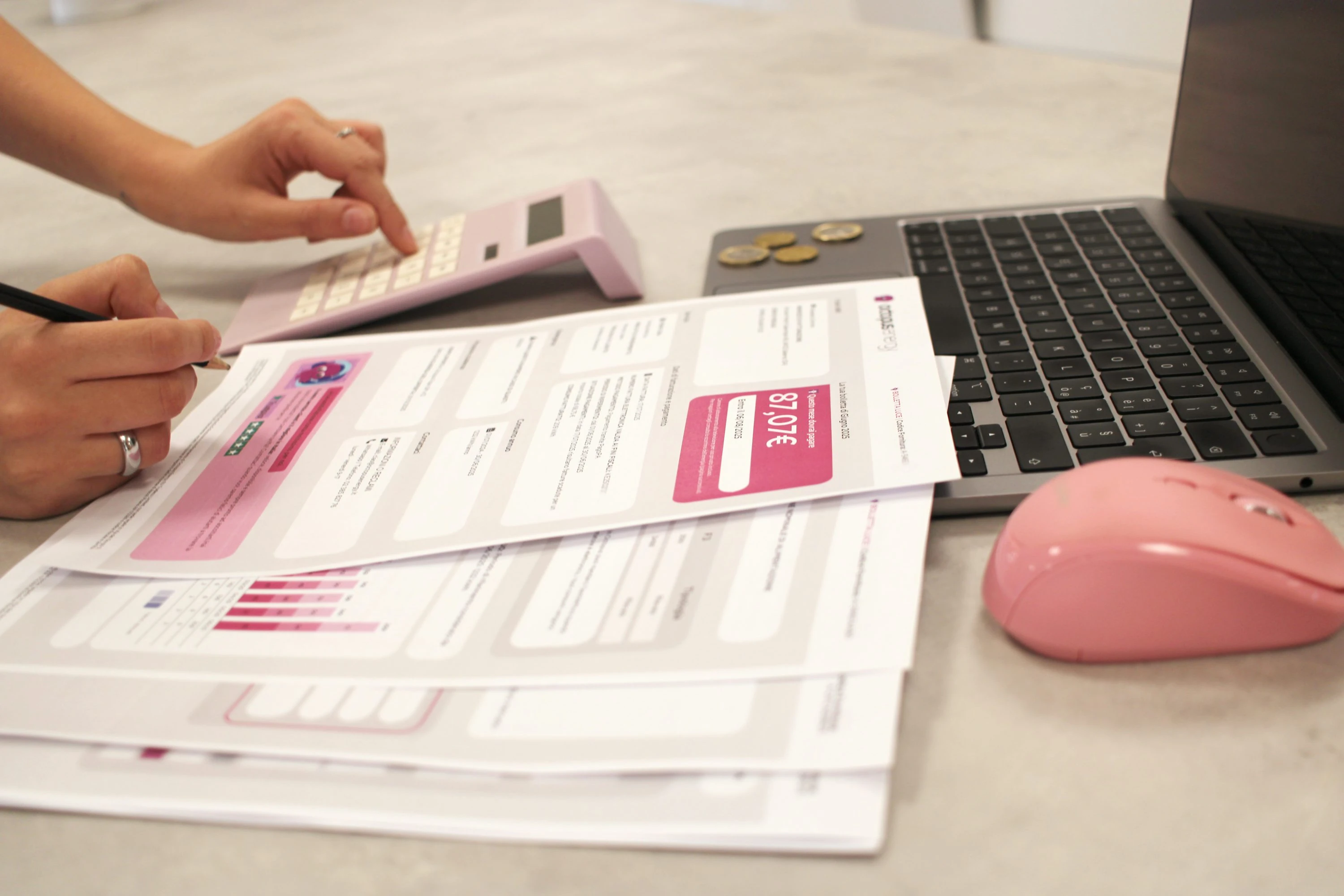

In the U.S., the average residential electricity price hit 17.24¢/kWh in December 2025—so “close enough” bill splits can quietly turn into real money over a year (U.S. EIA, Electricity Monthly Update). If you live with family, a partner, or roommates, meter-based splitting is the easiest way to keep things calm and accurate—without turning your kitchen into an accounting office.
What “splitting fairly with meter apps” actually means
You’re basically doing three things:
Capture usage (kWh / m³ / gallons) reliably
- Smart meter? Great—your supplier can use it for accurate billing, and you often get frequent usage data.
- Manual meter? Totally workable—take readings consistently and keep photo proof.
Convert usage into money
- Some bills are variable (based on usage).
- Some charges are fixed (connection fees, service charges, standing charges).
Split the total using a rule everyone agrees on Common “fair” rules that don’t cause drama:
- Usage-based for variable charges (meter readings).
- Per-person or per-bedroom for fixed charges (because the meter can’t “measure” the grid connection fee).
Why this approach works: it separates behavior (usage) from being there (fixed costs), which feels fair to most households.
A simple, fair splitting method (that you can repeat monthly)
Use this template for electricity, gas, or water:
- Step 1: Pick your billing period
- Match your provider’s billing dates if possible.
- Step 2: Record start + end meter readings
- Take a photo each time (timestamped). This is your “no-arguments” receipt.
- Step 3: Calculate total household usage
usage = end_reading − start_reading
- Step 4: Split charges
- Variable part (usage-based): split by each person’s measured usage (if you have sub-meters) or by an agreed proxy (days-at-home, room size, etc.).
- Fixed part (standing/service fees): split evenly per adult (or per unit/room).
- Step 5: Settle inside an app
- One person pays the utility bill; the app handles reimbursements.
Why meter data is getting more useful (trends you’ll notice)
- Smart-meter granularity is increasing. Ofgem notes smart meters store energy-use data every 30 minutes (Ofgem – Getting a smart meter).
- Networks want that data. Ofgem also cites an estimated £1.6–£4.5 billion potential savings on consumers’ energy bills by 2045 from using half-hourly smart-meter data to run the system more efficiently (Ofgem – Getting a smart meter).
- Photo-based meter capture is a thing now. Apps are leaning into “snap a photo → confirm reading → generate bills,” which is perfect when your household doesn’t have sub-meters but still wants transparent records.
And yes—this is also about avoiding estimated bills. As an Ofgem official put it: “Smart meters offer customers accurate bills, cheaper tariffs, and real-time energy use tracking.” (MoneyWeek citing Ofgem)
5 apps that make fair splitting practical (pros + cons)
1) Snap & Bill (best for photo-based meter readings + billing)
If you want the meter-reading workflow to feel modern, this is the most “meter app” of the bunch. You take a photo of the meter, correct/confirm the detected reading, and then generate bills from a cloud portal.
What I liked (in real life):
- The “photo first” flow makes it hard to argue later.
- It’s built around repeatable monthly cycles.
Pros
- Designed specifically to take meter readings quickly and keep photo evidence (Snap & Bill).
- Supports validating readings and exporting (helpful if you track spending in spreadsheets).
Cons
- Feels more “property manager / multi-unit” than casual roommates.
- You may still want a separate splitting app if your household needs flexible rules (fixed vs variable, mid-month move-outs, etc.).
2) Munichecker (best for turning readings into a predicted bill)
This one is about translating readings into expected costs using local tariffs/sliding scales (especially helpful when your bill structure is complicated).
What I liked:
- It’s basically “meter reading → estimated bill,” which helps you split before the statement arrives.
Pros
- Lets you input actual electricity and water meter readings and calculates the bill amount (Munichecker app info).
- Useful for “no surprises” budgeting when the official bill lands later.
Cons
- It’s tariff-dependent—great when supported, less useful if your provider/tariff structure doesn’t match.
- Not primarily an “IOU + settle-up” app, so you may pair it with a splitting app below.
3) Splitwise (best all-around for recurring utilities + settling)
Splitwise is the classic: one person pays, everyone logs, balances stay visible. For utilities, the killer feature is recurring bills—because nobody wants to re-create “Internet” 12 times a year.
What I liked:
- Recurring bills keep your system running even when everyone’s busy.
Pros
- Supports creating recurring bills (great for internet, garbage, standing charges) (Splitwise Help: recurring bill).
- In the U.S., Splitwise also offers an in-app bank transfer option via Splitwise Pay for settling balances (Splitwise Pay).
Cons
- If people don’t log consistently, the “truth” in the app drifts from reality (a people problem, but still real).
- You still need a clear splitting rule for fixed vs variable charges—Splitwise won’t invent fairness for you.
4) tricount (best for precise, flexible splits—especially in groups)
tricount is strong when splits aren’t perfectly equal (someone moves in mid-month, one person is away, one room has a space heater going 24/7, etc.).
What I liked:
- It’s easy to adjust who owes what without breaking the whole month.
Pros
- Built for both simple & complex expenses and uneven splits (tricount FAQs).
- States 1 cent accuracy (0.01)—nice when you’re trying to keep it exact without rounding chaos (tricount FAQs).
Cons
- It’s an expense-splitting app, not a meter-reading app—so you’ll still capture readings separately (photos, notes, or a meter app).
- If your group wants automated payments, you’ll still be using your bank app/payment rails.
5) Settle Up – Expense Split App (best for privacy-first, fast household splits on Apple devices)
This one feels very “minimal friction”: create a group, add expenses, and keep balances clean. It also explicitly positions itself for roommates splitting utilities.
What I liked:
- Fast entry + clear balances, without feeling like a social network.
Pros
- Built for splitting shared costs like rent and utilities, with clear balance breakdowns and export options (Settle Up on the App Store).
- Emphasizes privacy (no ads/tracking claims) and optional iCloud sync (Settle Up on the App Store).
Cons
- Not a meter-reading tool—pair it with meter photos or a dedicated meter app.
- If your household is mixed-platform, check device compatibility before you commit.
Quick “which app should you use?” cheat sheet
- You want meter photos → reading verification → bill generation: go with Snap & Bill.
- You want reading → predicted municipal bill: go with Munichecker.
- You want a dead-simple system for recurring utility splits: go with Splitwise.
- You want precise, flexible splits (unequal shares, messy months): go with tricount.
- You want fast, privacy-first household settling (especially Apple ecosystem): go with Settle Up.
Conclusion
Fair utility splitting is mostly about two things: trustworthy inputs (meter readings + photos) and a repeatable rule (variable vs fixed charges). The right app combo makes it feel effortless—and keeps your household budget honest without constant money talks.
References
- U.S. Energy Information Administration (EIA) – Electricity Monthly Update: https://www.eia.gov/electricity/monthly/update/print-version.php
- Ofgem – Getting a smart meter (data frequency; savings estimate): https://www.ofgem.gov.uk/getting-smart-meter
- MoneyWeek (citing Ofgem quote) – Smart meter pros/cons: https://moneyweek.com/personal-finance/605564/smart-meters-vs-regular-meters
- Snap & Bill – Product overview (meter photo → reading → bills): https://www.snapnbill.com/home/
- Munichecker – App info (input readings; calculate electricity/water bills): https://munichecker.com/app-info/
- Splitwise Help – Recurring bills: https://feedback.splitwise.com/knowledgebase/articles/238785-how-do-i-create-a-recurring-bill
- Splitwise – Splitwise Pay: https://www.splitwise.com/pay
- tricount Help Center – FAQs/features/accuracy: https://help.tricount.com/articles/tricount-faqs
- Settle Up – Expense Split App (App Store listing): https://apps.apple.com/us/app/settle-up-expense-split/id1041478586