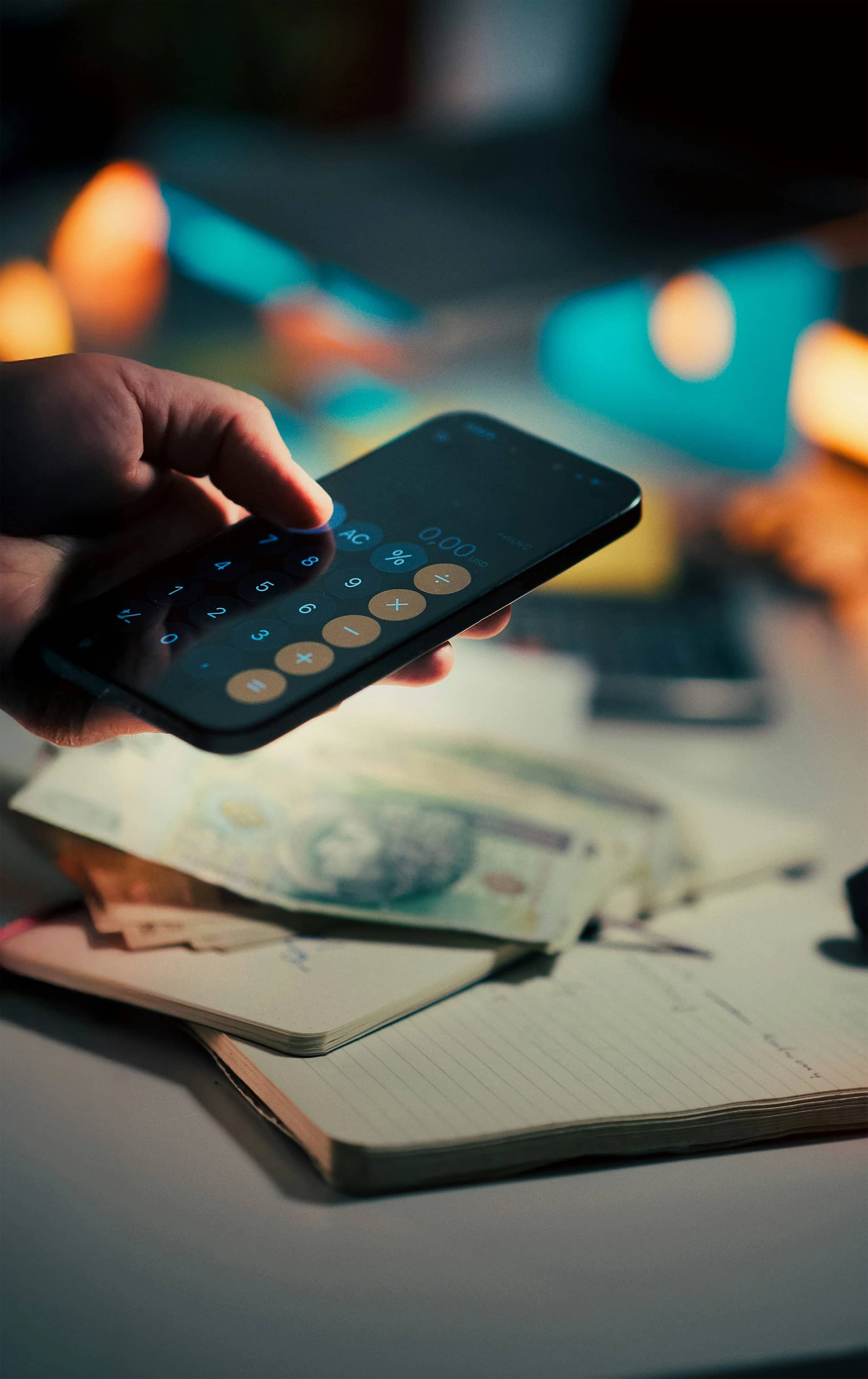

You walk into a store for toothpaste and leave with candles, snacks, and a discounted kitchen gadget. That small detour is surprisingly common: a 2024 Bankrate survey found that 69% of parents with children under 18 made an impulse purchase during the previous holiday season.[^1]
Geofencing apps offer a practical defence. They can detect when you enter a shopping area and immediately display your budget, shopping list, or a simple warning. Some can even block shopping and social media apps while you are near the store.
They cannot physically stop you from paying, but they can create a useful pause at exactly the right moment.
What is a geofencing app?
A geofence is a virtual boundary around a real-world location. Your phone uses technologies such as GPS, Wi-Fi, and mobile network data to determine when you enter or leave that area.
A geofencing app then performs a predefined action, such as:
- Displaying your shopping budget
- Reminding you to follow your list
- Asking you to wait 24 hours before buying non-essential items
- Blocking retail, social media, or buy now, pay later apps
- Opening a note containing your financial goals
This approach targets the environment in which your spending decisions happen. Research published through the US National Library of Medicine identifies factors such as store atmosphere, emotions, promotions, and product displays as triggers for impulse buying.[^2]
Can geofencing apps actually stop unplanned spending?
They can help, but “stop” is too strong. A location alert does not remove your ability to buy something. It introduces friction between the urge and the purchase.
That pause matters because impulse buying is usually fast and emotionally driven. Bankrate recommends a 24-hour cooling-off period for unplanned purchases, giving you time to compare prices and reconsider whether an item fits your budget.[^3]
The need for friction is becoming more obvious as physical and digital shopping merge. Bankrate found that 48% of social media users had made an impulse purchase after seeing a product online, and 68% of those buyers regretted at least one purchase.[^4]
As Bankrate senior industry analyst Ted Rossman puts it:
“Buying whatever you see in that perfectly posed photo probably doesn't contain the key to happiness.”[^4]
A geofence applies the same “stop and think” principle when you approach a shopping centre, supermarket, or other personal spending hotspot.
1. AppBlock: Best for blocking shopping apps
Available on: Android and iOS
Best for: Strong restrictions at shops and shopping centres
AppBlock is the most direct option I tested. Instead of sending another notification that you might ignore, it can block selected apps and websites when you enter a defined area.
I created a location schedule around a shopping centre and added several retail and social media apps to the block list. Once the schedule activated, those digital triggers were unavailable inside the area. AppBlock confirms that location schedules can activate automatically and can also use an “inverse radius” to apply restrictions outside a chosen place.[^5]
A practical setup could block:
- Amazon and other marketplace apps
- Retailer loyalty apps that promote extra purchases
- Instagram, TikTok, and Pinterest
- Klarna, Afterpay, and similar payment services
- Deal and coupon websites
AppBlock also offers a Strict Mode designed to make restrictions harder to bypass.[^6] This is useful if you routinely disable ordinary screen-time limits.
Pros
- Blocks temptation instead of merely warning you
- Supports location- and time-based conditions
- Works on both major mobile platforms
- Can restrict apps, websites, URLs, and keywords
- Strict Mode adds extra friction
Cons
- Cannot stop in-store card or cash payments
- Requires extensive permissions
- Small geofence radiuses may cause delays
- Stronger controls may require a paid plan
Verdict: The strongest choice if online browsing, coupons, or payment apps contribute to your unplanned store spending.
2. Apple Reminders: Best free option for iPhone
Available on: iPhone, iPad, and Mac
Best for: Simple budget and shopping-list alerts
Apple Reminders provides a straightforward way to receive an alert when you arrive at or leave a location. Apple says precise location access must be enabled for location-based reminders to work correctly.[^7]
For my test, I created this reminder:
“You have $60 for groceries. Buy only what is on the list.”
I attached it to the supermarket's address and selected the arrival option. The result was simple, but that is part of its appeal: there was no new account, subscription, or complicated automation to manage.
Useful reminder text might include:
- “Check the list before putting anything in the trolley.”
- “Is this a need, a planned want, or an impulse?”
- “Photograph non-essential items and reconsider tomorrow.”
- “Your monthly clothing budget has £35 remaining.”
You can also include a note, URL, image, or priority level in a reminder.[^8]
Pros
- Free and already installed on Apple devices
- Fast setup
- Supports arrival and departure alerts
- Can contain your list, budget, notes, and links
- Syncs across Apple devices
Cons
- Does not block shopping apps
- Easy to dismiss
- Apple-only
- Needs precise location access
Verdict: A good starting point if you want a free geofencing app without adding another service.
3. Todoist: Best for planned shopping routines
Available on: Android and iOS
Best for: Combining location alerts with organised tasks
Todoist turns a spending rule into a trackable task. Its location reminders can notify you when you arrive at or leave a selected place.[^9]
I found it especially useful for structured shopping. Rather than creating a general warning, I made a recurring task for each regular supermarket trip. The task included the spending limit, essential purchases, and a short checklist:
- Open the prepared shopping list
- Check the weekly food budget
- Avoid promotional aisles unless an item is listed
- Record the total after checkout
This setup is more deliberate than a basic notification. You have to complete the task, so the spending rule remains visible until you acknowledge it.
Pros
- Combines reminders, lists, and recurring tasks
- Works across Android and iOS
- Supports arrival and departure triggers
- Suitable for shared household planning
- Helpful for tracking repeat shopping routines
Cons
- Location reminders may depend on your Todoist plan
- A notification cannot enforce the budget
- More setup than Apple Reminders
- Background restrictions can delay alerts
Verdict: Best for people who already manage household tasks and financial routines in Todoist.
4. Any.do: Best for families and repeated reminders
Available on: Android and iOS
Best for: Shared routines and alerts that return until completed
Any.do supports location reminders for Premium, Family, and Workspace users. You can trigger a reminder when arriving at or leaving a place, save frequently used locations, and receive the alert again on a later visit if the task remains incomplete.[^10]
During testing, that repeated behaviour stood out. A dismissed alert in another app can disappear forever. With Any.do, an unfinished “Review the budget before shopping” task can return when you next reach the same store.
For a household, you could create separate tasks for:
- The weekly supermarket visit
- Children’s clothing shops
- DIY and homeware stores
- Shopping centres used during holidays
- A reminder to discuss large purchases with your partner
Pros
- Available on Android and iOS
- Repeats location reminders while a task remains open
- Saved places make future setup easier
- Works well with family task organisation
- Supports arrival and departure alerts
Cons
- Location reminders are not included in the free plan
- A task can have either a time or location reminder, not both
- Does not block retail apps
- Family members can still dismiss tasks
Verdict: A practical option for households that want recurring, shared spending prompts rather than strict app blocking.
5. MacroDroid: Best Android automation option
Available on: Android
Best for: Custom spending interventions
MacroDroid provides more flexibility than an ordinary reminder app. Its location trigger can detect when you enter or leave a geographic zone. Its documentation recommends using the geofence trigger through Google Play Services when you want better battery efficiency than continuous GPS monitoring.[^11]
I configured a macro to display a full-screen message when entering a retail area. A more advanced workflow could:
- Read your spending limit aloud
- Open your shopping list automatically
- Reduce media volume and silence promotional notifications
- Display a confirmation question
- Start a timer for a cooling-off period
- Send a message to a partner before a major purchase
The flexibility is valuable, but the setup takes longer. Android background and battery settings can also affect whether an automation runs promptly.
Pros
- Highly customisable
- Can combine several actions in one workflow
- Supports entry and exit triggers
- More powerful than a standard notification
- Geofence triggers can reduce GPS-related battery use
Cons
- Android-only
- Has a steeper learning curve
- Incorrect battery settings can affect reliability
- Complex macros require testing
- Still cannot block physical payment by itself
Verdict: The best choice for Android users who want a personalised impulse-spending system.
How to build a geofence that changes your behaviour
The message matters as much as the technology. “Do not spend money” is vague and easy to reject. A specific prompt gives you a decision to make.
Try including three elements:
- Your limit: “Today’s supermarket budget is £70.”
- Your rule: “Only buy items on the list.”
- Your delay: “Wait 24 hours before buying non-essentials.”
Set the boundary slightly wider than the store itself. Location detection is not perfectly precise, particularly indoors or in dense urban areas. AppBlock advises increasing the radius when a location schedule activates late, while Tasker notes that radiuses that are too small may never trigger reliably.[^12][^13]
Test the alert before relying on it. Also ensure that:
- Location access is set to the level required by the app
- Background activity is permitted
- Battery optimisation is not suspending the app
- Notifications are enabled
- The geofence covers the entrance and car park
Privacy and battery considerations
Geofencing requires ongoing location access. Before granting it, review the developer’s privacy information and decide whether the benefit justifies the data access.
Continuous GPS monitoring can also use more power. Tasker ranks GPS location among its more power-intensive context options, while network and Wi-Fi-based detection generally require less additional energy.[^14]
For better privacy and battery life, use as few locations as necessary. Most people do not need to monitor every shop. Start with the two or three places where overspending happens most often.
Current trends in location-based spending controls
Location reminders are moving beyond simple alerts. Three developments are particularly relevant:
- Stricter app blocking: Tools such as AppBlock now combine location schedules with controls that are harder to disable.
- Cross-platform task management: Todoist and Any.do connect geofencing with recurring lists and household organisation.
- Custom automation: Android tools such as MacroDroid and Tasker let users combine location, time, Wi-Fi, apps, and notifications.
At the same time, features can disappear. Google removed location reminders from Google Keep, illustrating why it is sensible to check current support before building your entire budgeting routine around one platform.[^15]
Are geofencing apps worth using?
Geofencing apps are most effective as a speed bump, not a locked gate. They bring your budget and financial goals into the moment when temptation is strongest.
AppBlock provides the strongest restrictions, Apple Reminders offers the simplest free setup, and Todoist or Any.do suits organised households. MacroDroid is the most flexible option for Android users.
None can guarantee that you will stop impulse buying. However, a timely budget reminder, blocked shopping app, or enforced pause can make an unplanned purchase less automatic and easier to reconsider.
References
[^1]: Bankrate — Holiday Spending Report: Impulse Purchasing [^2]: National Library of Medicine — Factors Affecting Impulse Buying Behavior of Consumers [^3]: Bankrate — Ways to Avoid Impulse Buying [^4]: Bankrate — Social Media and Impulse Purchasing Survey [^5]: AppBlock — How to Create a Location Schedule [^6]: AppBlock — App and Website Blocker [^7]: Apple Support — Add Details and Location Reminders on iPhone [^8]: Apple Support — Use Reminders [^9]: Todoist — Use Location Reminders [^10]: Any.do — Location Reminders for Personal Tasks [^11]: MacroDroid Wiki — Location Trigger [^12]: AppBlock — Troubleshooting Location Schedules [^13]: Tasker — Location Configuration and Accuracy [^14]: Tasker — Power Usage [^15]: Computerworld — Android Location Reminders After Google Keep