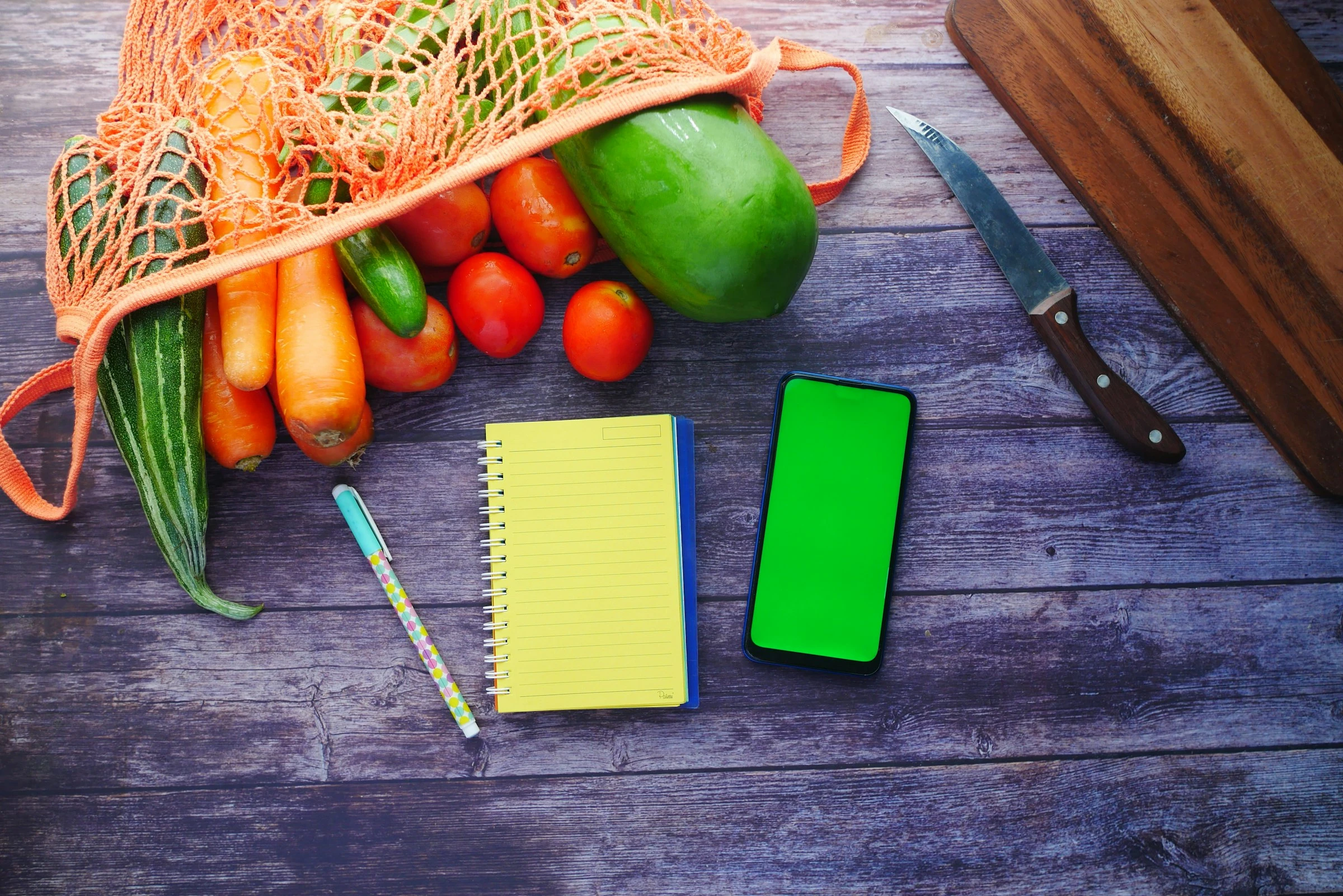

The grocery bill is one of those expenses that can quietly drift. You go in for pasta, milk, and fruit, then come out with snacks, a “good deal,” and a total that feels higher than it should.
That feeling is backed by data. In 2024, the average U.S. consumer unit spent $6,224 on food at home, up from $6,053 in 2023, according to the U.S. Bureau of Labor Statistics. Food made up 12.9% of average annual spending overall. USDA data also shows that even after the sharp food inflation of 2022 cooled, food-at-home prices still rose 1.2% in 2024 after a 5.1% rise in 2023 (USDA ERS).
A weekly grocery cap is a simple fix: you decide the maximum amount you want to spend before you shop, then build your grocery list around that number. A good list app makes the cap visible while you plan, so you can cut, swap, or delay items before you reach the checkout.
As FMI puts it, shoppers “rely on their digital coupon and shopping list functions” to stay focused and avoid impulse buys (FMI).
What It Means to Cap Weekly Groceries With List Apps
Capping weekly groceries means turning your grocery list into a spending plan, not just a reminder list.
Instead of writing “eggs, chicken, rice, berries,” you add:
- Estimated price
- Quantity
- Store or aisle
- Pantry status
- Meal purpose
- Priority level
Then you compare the running total with your weekly grocery budget.
For example:
- Weekly cap: $120
- Current list estimate: $137
- Adjustments: swap salmon for eggs, skip sparkling water, use pantry pasta
- New list estimate: $118
The point is not to make grocery shopping joyless. It is to stop surprise totals. For families, shared list apps also reduce duplicate buys. For singles, they help avoid buying too much fresh food that spoils before you use it.
USDA’s Thrifty Food Plan is a useful benchmark because it models “a nutritious, practical, cost-effective diet” and updates costs monthly using CPI data (USDA Food and Nutrition Service). In January 2026, the Thrifty Food Plan estimated $230.80 per week for a reference family of four (USDA PDF). Your own cap may be lower or higher depending on location, dietary needs, store access, and how often you eat out.
Why Grocery List Apps Are Getting More Useful
The big trend is that grocery planning is becoming more digital and more price-aware.
FMI reported that 32% of shoppers now use an app on their phone or computer to budget, while 34% still use pen and paper, making paper the most common tool but only slightly ahead of apps (FMI Grocery Shopper Trends 2025). Digital grocery shopping is also growing fast: FMI says U.S. online grocery sales are projected to reach almost 25% market share and $388 billion by 2027 (FMI).
That matters because grocery list apps now do more than store items. The better ones help with:
- Running totals
- Price memory
- Shared household lists
- Recipe-to-list planning
- Pantry checks
- Store deals
- Voice input
- Aisle sorting
- Online cart transfer
Here are five apps that work well for capping weekly groceries.
1. Listonic: Best for a Visible Running Total
Listonic is the most budget-focused app I tested because it puts price tracking close to the list itself. You can add item prices, quantities, and let the app calculate the total. Listonic says it remembers prices after you enter them, so repeated staples like milk, rice, bananas, or coffee do not need to be priced from scratch every week (Listonic).
That makes it especially useful if your goal is a hard weekly grocery cap.
How I would use it:
- Create one list called “Weekly Cap”
- Add your budget number at the top as a note
- Enter prices for repeat staples
- Add quantities before shopping
- Remove or swap items once the total gets close to your limit
Pros:
- Strong total-cost calculation
- Price memory for repeat items
- Quantity tracking improves estimates
- Shared lists for households
- Good for singles who buy similar staples weekly
Cons:
- Prices still need manual updates when stores change them
- Less recipe-focused than AnyList or Bring!
- Best results require a few weeks of setup
Best for: People who want a grocery budget app feel inside a simple shopping list app.
2. AnyList: Best for Meal Planning and Shared Lists
AnyList is polished, quick, and strong for households that plan meals before shopping. It automatically groups common grocery items by category, supports shared lists, and lets you add items by voice with Siri (AnyList). The meal planning features are especially helpful because you can plan recipes for the week and add ingredients to your list from there.
AnyList also lists price-related budgeting as a feature in its comparison page, including the ability to add prices to items (AnyList Features).
In testing, it felt best for “plan first, shop second” households. If your overspending comes from vague dinner plans, AnyList helps you connect meals to groceries more clearly.
How I would use it:
- Plan five dinners and two flexible meals
- Add only recipe ingredients plus staples
- Use item notes for price, size, or preferred brand
- Share the list with your partner or roommate
- Keep a “not this week” list for nice-to-have items
Pros:
- Excellent shared list experience
- Strong meal planning and recipe features
- Automatic categories make shopping faster
- Voice input is handy for busy kitchens
- Works well for families and couples
Cons:
- Some advanced features require AnyList Complete
- Not as budget-first as Listonic
- Price tracking may feel secondary if you only want totals
Best for: Families and couples who overspend because meals are not planned clearly.
3. Bring!: Best for Deals, Visual Lists, and Households
Bring! is a friendly grocery shopping list app with real-time shared lists, voice input, smart search, automatic organization, recipes, loyalty cards, and local offers where available (Apple App Store).
It stood out because it feels less like a spreadsheet and more like a shared household board. That can be useful if one person plans and another person shops. The app also supports multiple lists, so you can separate “weekly groceries,” “bulk store,” and “party food.”
How I would use it:
- Keep one shared weekly grocery list
- Use offers for items already on your list
- Avoid adding a deal unless it replaces something
- Store loyalty cards so discounts are easier to use
- Use multiple lists to stop bulk buys from eating the weekly cap
Pros:
- Very easy for families to share
- Good visual layout
- Store offers and loyalty card features can support savings
- Recipes can feed directly into planning
- Multiple lists help separate weekly needs from stock-up trips
Cons:
- Offers can tempt you into buying extras
- Budget control is less direct than Listonic
- Visual layout may feel slower for power users who want dense lists
Best for: Families or roommates who need a shared grocery list app that everyone will actually use.
4. Out of Milk: Best for Pantry-Based Budget Control
Out of Milk is useful if your main budget leak is buying food you already have. It includes shopping lists, a pantry list, a to-do list, category grouping, barcode or manual entry, list history, and a running or grand total on the shopping list (Apple App Store).
The pantry list is the key. Before you shop, you check what is already at home. That sounds basic, but it is one of the easiest ways to lower grocery spending without changing your diet.
How I would use it:
- Build a pantry list for staples
- Check pantry items before adding groceries
- Move “nearly out” items to the shopping list
- Use the running total while shopping
- Keep separate lists for grocery, household, and pharmacy items
Pros:
- Pantry list helps prevent duplicate buys
- Running total supports a weekly cap
- Multiple list types are practical
- Good for staples, household goods, and recurring items
- Useful for singles who waste food from overbuying
Cons:
- Interface may feel less modern than newer apps
- Price accuracy depends on manual entry
- Sharing is simpler than some household-first apps
Best for: People who want to cut grocery waste and stop rebuying pantry items.
5. OurGroceries: Best for Simple Shared Shopping
OurGroceries is the simplest app on this list. It focuses on shared grocery lists that sync quickly across household members. The App Store listing says every change to a shared list is visible within seconds, and it also supports recipe ingredients and multiple devices (Apple App Store).
This is the app I would choose for a household that does not want a complicated budgeting system. It is not the strongest for price totals, but it is very good at preventing the classic problem: two people buying the same thing, or one person forgetting what the other added.
How I would use it:
- Create a shared list for the main weekly shop
- Add a short budget note at the top
- Use notes for price limits, like “cereal under $4”
- Make separate lists for each store
- Check items off in real time while shopping
Pros:
- Very simple to learn
- Fast shared-list syncing
- Good for couples, families, and roommates
- Multiple store lists are easy to maintain
- Less distracting than deal-heavy apps
Cons:
- Not built around detailed price totals
- Fewer meal planning features
- Budgeting requires more manual discipline
Best for: Households that mainly need coordination, not complex grocery budgeting.
How to Set a Weekly Grocery Cap That Actually Works
A grocery cap should be realistic, not random. If you set it too low, you will break it by Wednesday. If you set it too high, it will not change your habits.
A simple starting formula:
- Look at your last four grocery receipts.
- Average the total.
- Reduce it by 5% to 10% for your first cap.
- Track what you cut and what you missed.
- Adjust after two or three weeks.
Example:
- Four-week average: $145
- First cap: $135
- Main cuts: duplicate snacks, extra drinks, unused produce
- New target after testing: $130 to $135
The best grocery list apps make this easier because they show the trade-off before you spend. You can decide whether the berries are worth skipping chips, or whether bulk chicken makes sense because it covers three dinners.
Smart Rules for Staying Under Your Cap
Use these rules inside whichever shopping list app you choose:
- Add prices before you leave home.
- Shop your pantry first.
- Build meals around what you already have.
- Put “must buy” and “nice to have” items in separate sections.
- Keep a small buffer for price changes.
- Avoid counting coupons until you know they apply.
- Track unit prices for staples you buy often.
- Separate weekly groceries from stock-up trips.
- Do not let deals add to the list unless they replace something.
A useful rule is the “cap minus 10” method. If your weekly grocery budget is $120, build your list to $110. That gives you room for price differences, tax where relevant, or one forgotten item.
Which App Should You Pick?
If you want the clearest budget control, choose Listonic. Its price memory and total-cost calculation make it the strongest fit for a weekly grocery cap.
If you plan meals carefully, choose AnyList. It is better for turning recipes into a controlled grocery list.
If your household needs an easy shared system, choose Bring! or OurGroceries. Bring! is better for visual planning and offers; OurGroceries is better for plain shared coordination.
If food waste and duplicate pantry buys are your main issue, choose Out of Milk. The pantry list can save money without much extra effort.
Conclusion
Capping weekly groceries with list apps works because it moves the budget decision earlier. Instead of reacting to a high receipt, you shape the list before you shop.
The best app is the one that matches your weak spot: Listonic for totals, AnyList for meal planning, Bring! for shared deal-aware shopping, Out of Milk for pantry control, and OurGroceries for simple household syncing. Used consistently, a grocery list app turns your weekly cap from a guess into a practical shopping limit.
References
- U.S. Bureau of Labor Statistics: Consumer Expenditures 2024
- USDA Economic Research Service: Food price inflation and food spending in 2024
- USDA Food and Nutrition Service: USDA Food Plans monthly reports
- USDA Thrifty Food Plan January 2026 PDF
- FMI: What Grocery Budgeting Habits Reveal About Today’s Shoppers
- FMI: Let’s Get Digital
- Listonic: Total Cost Calculation
- AnyList: Grocery Shopping List Features
- AnyList: Feature Comparison
- Bring! Grocery Shopping List App
- Out of Milk Grocery List App
- OurGroceries Shopping List App