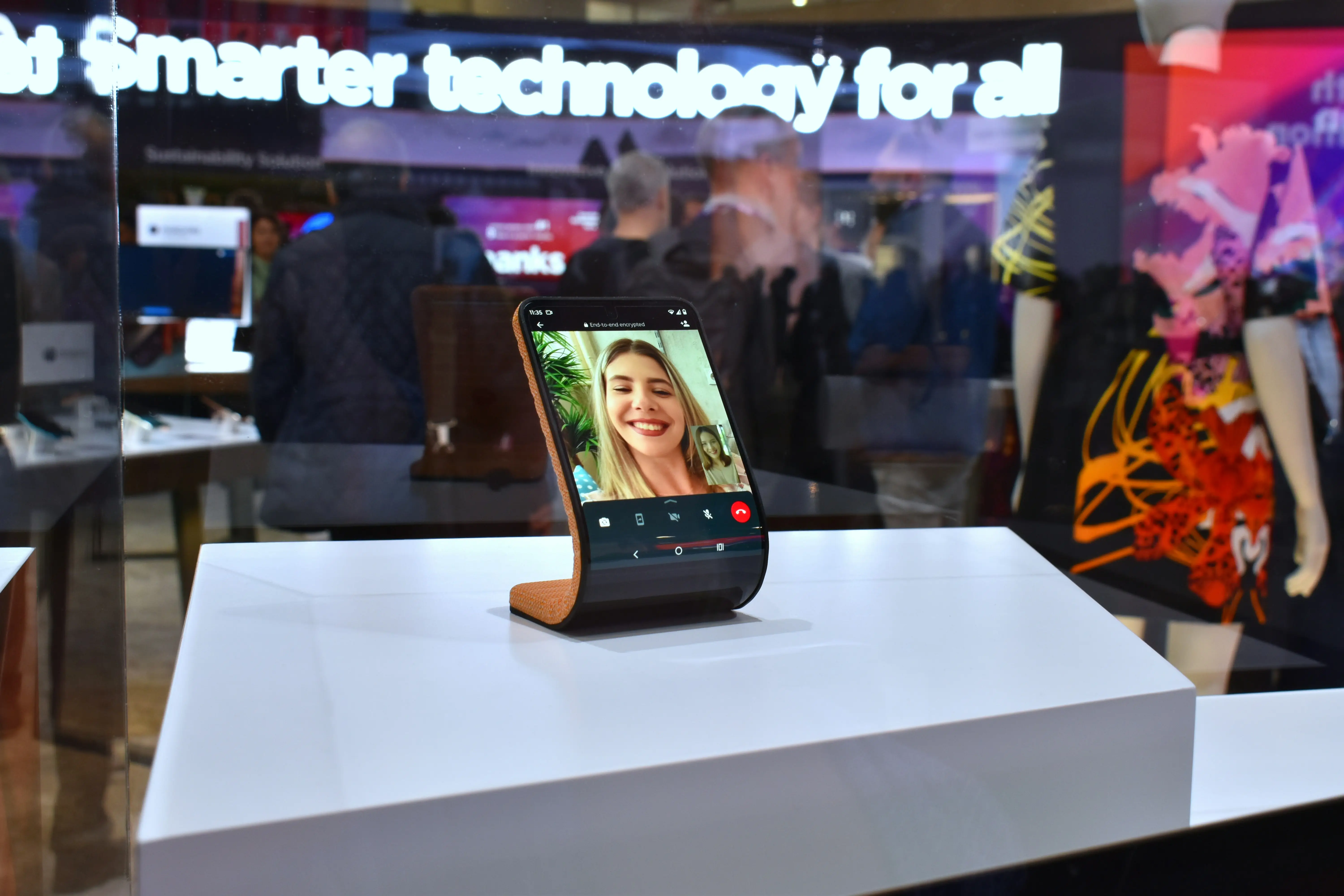

WhatsApp alone now has more than 3 billion monthly users, which is a wild hint that the cheapest “international plan” might already be sitting on your phone (or your family’s). (Source: TechCrunch, May 1, 2025)
What “VoIP calling” actually is (in plain English)
VoIP stands for Voice over Internet Protocol. In other words, your voice gets sent like internet data instead of traveling as a classic phone call.
A simple way to think about it is this line from AARP: “It allows consumers to make phone calls over an internet connection.” (Source: AARP Policy Book)
Where the savings come from (and where they don’t)
VoIP apps cut international calling costs in two main ways:
- App-to-app calls (usually the cheapest): If both people use the same app (WhatsApp, Signal, Viber), the app routes the call over Wi‑Fi or your data plan instead of charging international minutes.
- App-to-phone calls (still cheap, but not “free”): Some apps (Viber Out, Rebtel, Google Voice) can call regular landlines and mobile numbers. That typically costs per minute or via a subscription, but it can be far less than carrier international rates.
Where costs still sneak in:
- Mobile data and roaming: “Free calls” aren’t free if your data is expensive. Cable.co.uk’s pricing data summarized by Visual Capitalist puts the worldwide average at $2.59 per GB, while the United States averages $6.00 per GB. (Source: Visual Capitalist)
- Video calls burn more data than voice: If you’re budget-watching, voice-first is the move.
- Backup plan risk: Some services can fall back to your carrier minutes if the internet gets unstable (more on that under Google Voice).
A quick “pick the right tool” cheat sheet
- If the person you’re calling can install the same app: WhatsApp or Signal (simple, usually $0 extra beyond data).
- If you need to call a landline/mobile number (like grandma’s home phone): Viber Out, Rebtel, or Google Voice.
5 practical VoIP apps (what it’s like, pros/cons, and who they fit)
I can’t place real calls from your phone plan, but I can judge these like a budget hawk: setup friction, what you’ll pay in the real world, and the “gotchas” that tend to hit people who track spending closely.
1) WhatsApp — best when everyone already has it
WhatsApp calls run over a Wi‑Fi or data connection (Source: WIRED), and Meta also emphasizes that WhatsApp voice/video calls are end-to-end encrypted (Source: Meta Newsroom).
What it’s best for
- Families already chatting in WhatsApp who want “international calls” to feel like normal calls.
Pros
- Very low coordination cost: odds are the other person already uses it. (Source: TechCrunch)
- Strong privacy positioning with end-to-end encryption for calls. (Source: Meta Newsroom)
- Calling features keep improving (bigger group calls, screen sharing, reliability upgrades). (Source: TechCrunch, June 13, 2024)
Cons
- Doesn’t help if you must call a normal phone number and the person won’t use WhatsApp.
- Your cost becomes “hidden” inside data/roaming if you’re not on Wi‑Fi. (Source: Visual Capitalist)
2) Signal — best for “I want simple calls + privacy”
Signal supports encrypted one-to-one voice and video calls. (Source: Signal Support: Voice or Video Calling) It also has a built-in option to use less data for calls. (Source: Signal Support: Data Usage Options)
What it’s best for
- You want international calls that are straightforward, with fewer “social network” extras.
Pros
- Clear, no-nonsense calling flow; encryption is a core promise. (Source: Signal Support)
- Has a “Use less data for calls” setting if you’re watching usage. (Source: Signal Support)
Cons
- Like WhatsApp, it’s only “cheap” if both people use Signal (it’s not mainly an app-to-phone dialer).
- If your family won’t switch apps, you’ll spend more time troubleshooting “why didn’t it ring?” than saving money.
3) Rakuten Viber + Viber Out — best mix of free + paid calling
Viber-to-Viber calls are free (data charges can still apply). (Source: Viber Help: Is Rakuten Viber free?) The nice budget detail: Viber publishes rough data estimates—about 1 MB per minute for voice calls and 20 MB per minute for video calls. (Source: Viber Help)
When you need to call regular numbers, Viber Out handles that with per-minute rates or plans, and Viber notes it may change rates (so you always check the index). (Source: Viber Help: Viber Out call rates)
What it’s best for
- You want one app that can do both: free app-to-app calls and paid calls to landlines/mobiles.
Pros
- Free Viber-to-Viber calling for international chats. (Source: Viber Help)
- Handy data expectations (voice ~1 MB/min). (Source: Viber Help)
- Viber Out gives you a real escape hatch for non-app users. (Source: Viber Help)
Cons
- Viber Out billing details can surprise you if you don’t read the fine print (for example, calls are rounded to the next minute). (Source: Viber Help)
- Rates vary by country and number type, and they can change. (Source: Viber Help)
4) Rebtel — best when you’re calling real phone numbers (and want options)
Rebtel is very “practical adult” about connecting calls: you can choose phone lines, Wi‑Fi, or mobile data, and it explains how each option affects charges. (Source: Rebtel Help: How do I call with Rebtel?) It also offers a Travel Mode that forces Wi‑Fi to help avoid roaming surprises. (Source: Rebtel Help)
What it’s best for
- You mostly call phone numbers abroad (not just app users), and you want predictable control.
Pros
- Works even if the other person has zero apps—because you’re calling their number. (Source: Rebtel “How it works”)
- Multiple connection modes, including “phone lines” (useful if you have unlimited local minutes). (Source: Rebtel Help)
- Travel Mode to reduce roaming risk. (Source: Rebtel Help)
Cons
- If you want the absolute lowest cost, you still have to compare Rebtel’s destination pricing vs alternatives (it’s not one universal rate).
- Call quality depends on which connection mode you end up using (Wi‑Fi quality still matters). (Source: Rebtel Help)
5) Google Voice — best US-based “cheap calling control panel”
Google Voice lets you make domestic and international calls from desktop or mobile. (Source: Google Voice Help) When calling from the US, “almost all Google Voice calls to the US and Canada are free,” and international calls are at listed rates you can look up. (Source: Google Voice Help; rates lookup: voice.google.com/rates)
It also bluntly warns about two budget-relevant issues:
- You can’t make emergency calls with Google Voice. (Source: Google Voice Help)
- If your call isn’t routed through Google Voice, your carrier can charge you. (Source: Google Voice Help)
What it’s best for
- You’re in the US, you want a second number, and you want to keep many calls (US/Canada) at $0 while using cheap per-minute rates for abroad.
Pros
- US/Canada calling is often free when placed through Google Voice. (Source: Google Voice Help)
- Easy rate transparency: you can look up destination rates before you call. (Source: Google Voice Help; Rates page)
- Strong “cost control” vibe: balance, payments, and confirmations are baked into the workflow. (Source: Google Voice Help)
Cons
- Not for emergencies. (Source: Google Voice Help)
- If your internet is unstable, you can get nudged into using carrier minutes (aka: the opposite of cutting costs). (Source: Google Voice Help)
Current trends that matter for your bill (not just “cool features”)
- Calls moving beyond the phone: WhatsApp has been pushing calling across devices for years, and web/desktop calling keeps expanding so you can call on a laptop with stable Wi‑Fi. (Source: Meta Newsroom; reporting: The Verge)
- Reliability upgrades for weak networks: Meta has talked about low-bitrate audio improvements to keep calls usable on poor connections—this matters because dropped calls can push people back to pricey carrier calls. (Source: TechCrunch, June 13, 2024)
- More attention on VoIP abuse/scams: VoIP is also used in scam call ecosystems, and regulators have targeted “gateway” VoIP providers to reduce illegal traffic. Not a pricing point, but it’s why you should treat unexpected international calls like spam until proven otherwise. (Source: FTC press release, Apr 2023)
The simple, money-first rules I follow with VoIP calling
- Voice > video when you’re on mobile data.
- Wi‑Fi first when you’re traveling (your data cost can be the real “international fee”). (Source: Visual Capitalist)
- If you must call a phone number, use an app with a real dialer product (Viber Out, Rebtel, Google Voice), and check the rate before you call. (Sources: Viber Out rates, Rebtel calling setup, Google Voice rates)
- Avoid “fallback to carrier minutes” surprises by watching warnings and settings. (Source: Google Voice Help)
Conclusion
VoIP apps cut international calling costs by replacing pricey international minutes with internet data—or by offering cheaper, app-managed rates to call real phone numbers. The best choice depends on whether your people will use the same app and how often you need to reach landlines or mobiles. If you stay alert to data/roaming and minute-rounding quirks, the savings can be very real without making calling feel like a budgeting chore.
References
- TechCrunch (2025): WhatsApp now has more than 3 billion users a month — https://techcrunch.com/2025/05/01/whatsapp-now-has-more-than-3-billion-users/
- AARP Policy Book: Voice Communication over the Internet — https://policybook.aarp.org/policy-book/utilities/telecommunications/voice-communication-over-internet
- WIRED (2016): WhatsApp launches video calling… — https://www.wired.com/story/whatsapp-video-calling-iphone-android-app-new/
- Meta Newsroom (2021): Introducing Private and Secure WhatsApp Calling on Desktop — https://about.fb.com/news/2021/03/introducing-private-and-secure-whatsapp-calling-on-desktop/amp/
- TechCrunch (2024): WhatsApp adds new features to the calling experience… — https://techcrunch.com/2024/06/13/whatsapp-add-new-features-to-the-calling-experience-including-support-for-32-person-video-calls/
- Signal Support: Voice or Video Calling — https://support.signal.org/hc/en-us/articles/360007060492-Voice-or-Video-Calling
- Signal Support: Data Usage Options (Wi‑Fi & Cellular) — https://support.signal.org/hc/en-us/articles/360056044831-Data-Usage-Options-Wi-Fi-Cellular
- Viber Help: Is Rakuten Viber free? — https://help.viber.com/hc/en-us/articles/8805819863837-Is-Rakuten-Viber-free
- Viber Help: Everything you need to know about Viber Out call rates — https://help.viber.com/hc/en-us/articles/9193878650653-Everything-you-need-to-know-about-Viber-Out-call-rates
- Rebtel Help: How Do I Call with Rebtel? — https://www.rebtel.com/en/help/article/214487328-how-do-i-call-with-rebtel/
- Rebtel: How Does Rebtel Work? — https://www.rebtel.com/en/about-us/how-it-works//
- Google Voice Help: Make a call with Google Voice — https://support.google.com/voice/answer/3379129
- Google Voice: Calling Rates — https://voice.google.com/rates
- Visual Capitalist (Cable.co.uk data): The Cost of 1 GB of Mobile Data Worldwide — https://www.visualcapitalist.com/the-cost-of-1-gb-of-mobile-data-worldwide/
- FTC (2023): FTC Ramps Up Fight to Close the Door on Illegal Robocalls… — https://www.ftc.gov/news-events/news/press-releases/2023/04/ftc-ramps-fight-close-door-illegal-robocalls-originating-overseas-scammers-imposters
- The Verge (2025): WhatsApp is working on video and voice calls on the web — https://www.theverge.com/news/657336/whatsapp-voice-video-call-buttons-web-client