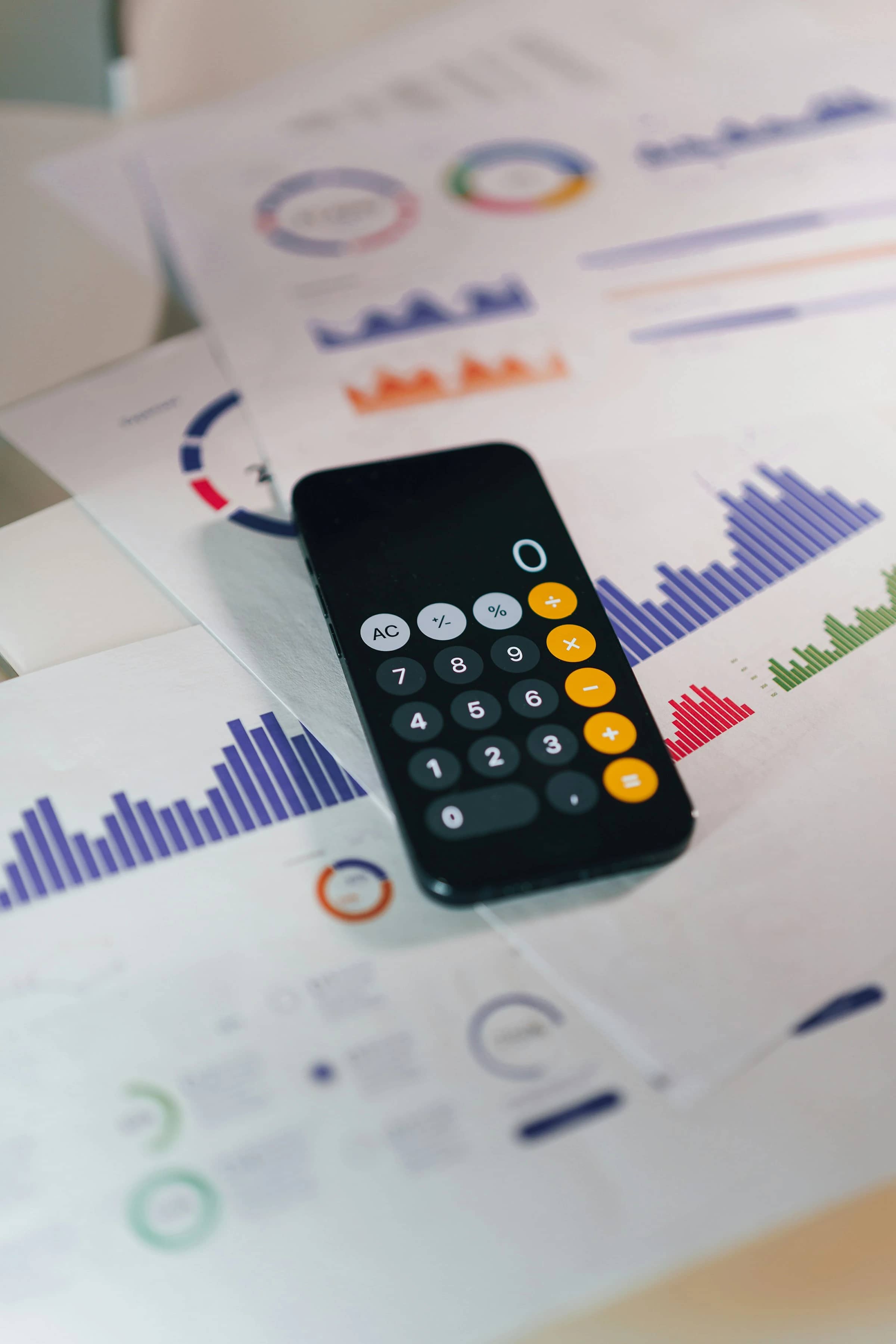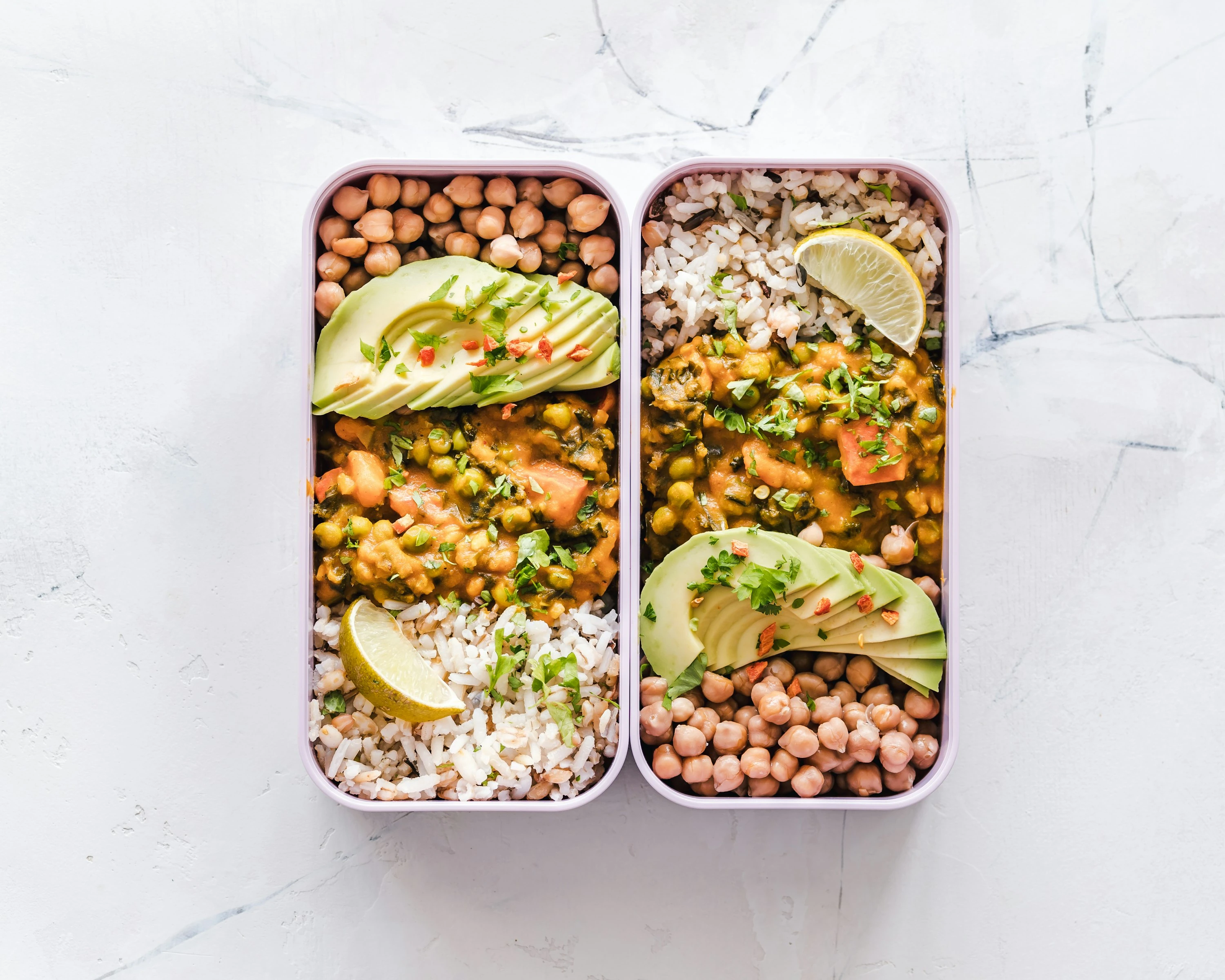

A packed school lunch can quietly become one of the sneakiest household costs. Deloitte’s 2025 school lunch cost analysis found that the average packed lunch costs $6.15 per day, up about 3% from 2024; a “classic” PB&J-style lunch was cheaper at $4.84, while a more modern quesadilla-style lunch reached $7.30 (Deloitte).
That does not mean you need to stop packing lunches. It means you need a system. Meal planner apps help you plan the week before you shop, turn recipes into grocery lists, reuse ingredients across lunches, and avoid buying random extras that end up spoiling.
The U.S. EPA puts it simply: “Making a list with weekly meals in mind can save you money and time” (EPA).
How Meal Planner Apps Cut School Lunch Costs
Cutting school lunch costs with meal planner apps works by connecting three things that often get separated: what you already have, what you plan to pack, and what you actually need to buy.
A good lunch planning app can help you:
- Build a 5-day lunchbox plan before you shop
- Turn recipes into one grocery list
- Check pantry staples before adding duplicates
- Reuse ingredients across several lunches
- Plan leftovers from dinner into school lunches
- Reduce single-serve convenience purchases
- Share the grocery list with a partner, roommate, or older child
This matters because food prices are still moving. USDA Economic Research Service data shows food-at-home prices increased 2.3% in 2025, while food-away-from-home prices rose 3.8% (USDA ERS). And waste is expensive too: ReFED estimates that in 2024, 29% of the U.S. food supply went unsold or uneaten (ReFED).
So the budget win is not only “buy cheaper food.” It is buying the right amount, using what you buy, and making lunch decisions before the busy morning.
What I Tested For
I compared each app using the same practical lunchbox scenario: five weekday lunches, one main item, one fruit or vegetable, one snack, and one drink option. I looked for:
- Fast weekly planning
- Grocery list quality
- Leftover and pantry usefulness
- Family sharing
- Budget-friendly recipe control
- How easy it feels on a rushed weeknight
None of these apps magically makes groceries cheap. The best ones make overspending more visible.
1. Mealime: Best For Simple, Healthy Lunch Prep
Mealime is built around quick meal plans, personalized recipes, and automatic grocery lists. Its official site says it offers personalized meal plans, a smart grocery list, and more than 200 personalization options for preferences and dietary needs (Mealime).
In testing, Mealime felt best when I wanted lunch prep to start from actual meals, not from a blank list. It is especially useful if you cook dinner and want leftovers to become wraps, rice bowls, pasta salads, or thermos lunches the next day.
How it helps cut lunch costs
- You can plan several meals at once and let the app combine ingredients.
- The grocery list is organized by store section.
- It helps avoid buying five unrelated lunch ingredients that do not work together.
- Mealime support notes that its grocery list combines ingredients and organizes them by grocery department (Mealime Support).
Pros
- Very beginner-friendly
- Strong for singles, couples, and small families
- Good for reducing “what should I pack?” stress
- Helpful dietary filters
Cons
- Less flexible if you already have a big personal recipe collection
- Some features are behind the paid version
- It is more dinner-focused than lunchbox-specific
Best fit: You want quick, healthy packed lunch ideas without building everything from scratch.
2. Paprika: Best For Families With Favorite Recipes
Paprika is less flashy, but very powerful. Its official site describes it as an app to organize recipes, make meal plans, and create grocery lists; it also lets you save recipes from the web using a built-in browser (Paprika).
This is the app I would use if your family already has reliable lunch winners: pasta salad, tuna wraps, veggie muffins, egg bites, lentil soup, homemade granola bars, or anything your child actually eats.
How it helps cut lunch costs
- Save your low-cost lunch recipes once and reuse them.
- Scale recipes up or down depending on how many lunches you need.
- Build grocery lists from planned recipes.
- Avoid relying on expensive prepacked lunch kits.
Pros
- Excellent recipe storage
- Great for repeatable school lunch systems
- Useful for batch cooking
- Works across iOS, Android, Mac, and Windows, though versions are sold separately (Paprika)
Cons
- Not as guided as Mealime
- Upfront app purchases can add up across devices
- Best after you spend time adding recipes
Best fit: You already know what your household eats and want to turn those meals into a repeatable lunch budget system.
3. Plan To Eat: Best For Serious Weekly Planning
Plan To Eat is made for people who like planning the whole week. Its help center says the shopping list automatically generates an organized list of ingredients based on recipes and ingredients on your meal planner (Plan To Eat Help).
For school lunches, I liked it most for planning around leftovers. For example, Sunday roast chicken can become Monday wraps, Tuesday rice bowls, and Wednesday soup. That is where meal planning saves real money: one ingredient, several lunches.
How it helps cut lunch costs
- The calendar view makes it easy to plan lunches and dinners together.
- Grocery lists can be tied to a date range.
- You can reuse meal plans and menus.
- Its Staples List can work as a basic pantry inventory for frequently bought items (Plan To Eat).
Pros
- Strong calendar-based planning
- Great for batch cooking and leftovers
- Good for families with routines
- Helps reduce duplicate grocery buying
Cons
- Subscription-based
- Takes more setup than simpler apps
- Not ideal if you only want a quick grocery checklist
Best fit: You want a full weekly lunch and dinner planning system, not just a list app.
4. AnyList: Best For Shared Grocery Lists
AnyList is strongest when more than one person shops or packs lunches. Its official site says it lets you create and share grocery lists, automatically group items by category, and sync list changes instantly with others (AnyList).
For budget-conscious households, that shared-list feature matters. Duplicate buying is common: one person grabs yogurt, another buys more, and half of it expires. AnyList helps keep the list clean and visible.
How it helps cut lunch costs
- Shared lists reduce duplicate purchases.
- You can organize school lunch staples by category.
- The meal planning calendar lets you assign recipes to days (AnyList Meal Planning).
- App store descriptions note item prices can be added while shopping to see a running total (Apple App Store).
Pros
- Excellent shared grocery list experience
- Fast and simple for busy families
- Good for roommates and singles too
- Useful if you already know your lunch routine
Cons
- Meal planning features require AnyList Complete
- Less recipe-driven than Mealime or Paprika
- Not designed specifically for budget nutrition
Best fit: You want fewer forgotten items, fewer duplicates, and a shared lunchbox shopping list that actually stays updated.
5. Samsung Food: Best Free All-In-One Option
Samsung Food, formerly Whisk, is a recipe saving, meal planning, and grocery list app. Its official site says you can drag and drop recipes into a weekly meal plan and turn recipes or meal plans into smart shopping lists (Samsung Food).
In testing, Samsung Food felt like the most modern free option. It is good for saving lunch recipes from the web, planning them into the week, and converting them into a shopping list.
How it helps cut lunch costs
- Save cheap lunch recipes from different sites.
- Turn meal plans into shopping lists.
- Share lists with another shopper.
- Samsung says the app analyzes recipes and organizes ingredients into shopping lists (Samsung Newsroom).
Pros
- Strong free feature set
- Good recipe discovery
- Works for meal planning, grocery lists, and cooking
- Useful if you want one app instead of several
Cons
- Some newer AI and pantry features are paid
- Can feel busy if you only want a simple list
- Best features may be more useful if you like digital recipe discovery
Best fit: You want a free meal planner app with recipe saving, grocery lists, and modern planning features.
Current Trends In Lunch Planning Apps
Meal planner apps are moving beyond basic recipe calendars. The newest trend is smarter grocery management: pantry lists, AI recipe suggestions, shared shopping, and grocery delivery connections.
Samsung Food Plus, for example, added AI food recognition and food list features. The Verge reported that the paid tier can identify ingredients from photos, suggest recipes from available food, and prioritize items nearing their use-by date (The Verge).
The useful trend for school lunch costs is not “AI for fun.” It is apps getting better at answering practical money questions:
- What do I already have?
- What needs using first?
- What can become tomorrow’s lunch?
- What should I not buy this week?
- Can I turn dinner leftovers into two packed lunches?
That is where savings usually come from.
A Simple Budget Lunch Planning Formula
You do not need a perfect system. A simple weekly structure is enough.
Try planning around:
- 2 mains: wraps, pasta salad, rice bowls, sandwiches, soup
- 2 fruits or vegetables: apples, carrots, cucumbers, frozen berries, oranges
- 1 protein batch: eggs, beans, chicken, tuna, tofu, yogurt
- 1 homemade snack: muffins, popcorn, oat bars, trail mix
- 1 leftover slot: whatever dinner creates
Then use your app to generate the list and remove anything you already have.
This also helps you compare packed lunch against cafeteria lunch. The School Nutrition Association reports that over 95,000 schools and institutions serve lunches to 29.9 million students each day, based on preliminary USDA FY 2025 data (School Nutrition Association). If your child qualifies for free or reduced-price meals, school lunch may be the cheapest option. If you pack lunch for preference, allergies, taste, or schedule, planning matters even more.
Quick App Comparison
| App | Best For | Budget Strength | Main Drawback |
|---|---|---|---|
| Mealime | Easy guided meal plans | Combines ingredients into smart lists | Less ideal for large personal recipe collections |
| Paprika | Saving family recipes | Reuses cheap lunch recipes | Setup takes time |
| Plan To Eat | Weekly planners | Strong leftover planning | Subscription-based |
| AnyList | Shared shopping | Reduces duplicate buys | Best meal features are paid |
| Samsung Food | Free all-in-one planning | Recipe saving plus smart lists | Interface can feel busy |
Final Thoughts
Meal planner apps cut school lunch costs by making your food plan visible before money leaves your wallet. The biggest savings usually come from using leftovers, buying fewer single-serve items, repeating ingredients across the week, and wasting less food.
For a low-effort start, Mealime or Samsung Food works well. For a family recipe system, Paprika is stronger. For serious weekly planning, Plan To Eat is the most structured. For shared grocery control, AnyList is the cleanest option.
References
- Deloitte: Examining school lunch costs
- U.S. EPA: Preventing wasted food at home
- USDA ERS: Food Price Outlook, Summary Findings
- ReFED: Food Waste Data, Causes & Impacts
- School Nutrition Association: School Meal Statistics
- Mealime official site
- Mealime Support: Getting Started Guide
- Paprika Recipe Manager official site
- Plan To Eat Help: Shopping List
- Plan To Eat: Staples List
- AnyList official site
- AnyList Meal Planning
- AnyList App Store listing
- Samsung Food official site
- Samsung Newsroom: Samsung Food launch
- The Verge: Samsung Food Plus AI food recognition