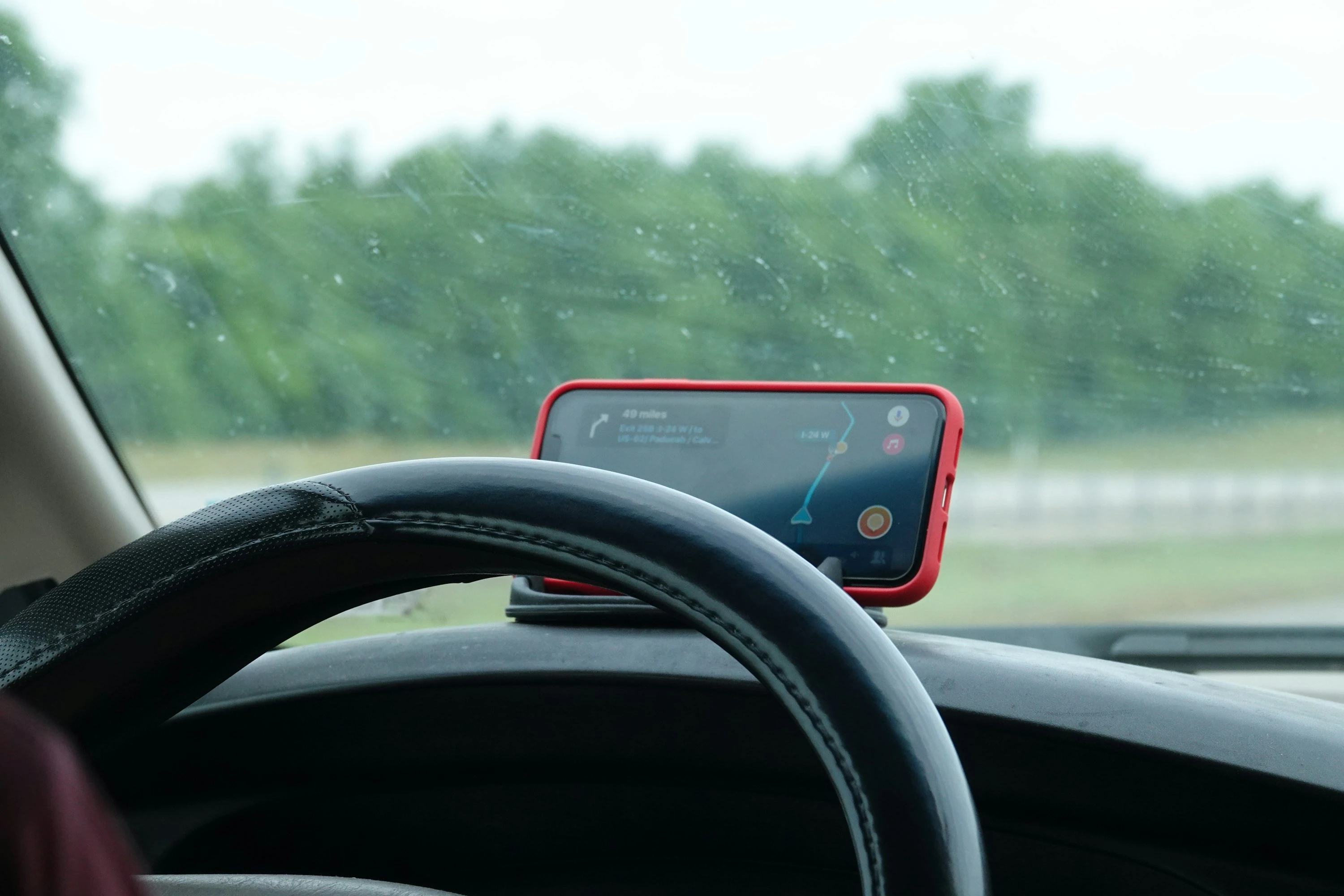

Fuel is one of those costs that quietly eats into your monthly budget. A school run here, a commute there, a weekend visit, and suddenly the tank is empty again.
The good news: you do not need a new car to start saving. The U.S. Department of Energy says aggressive driving can cut gas mileage by 15% to 30% at highway speeds and 10% to 40% in stop-and-go traffic Department of Energy. That means smoother driving can make a real difference, especially if you drive most days.
As the Department of Energy puts it: “Aggressive driving wastes gas” Department of Energy.
Eco-driving apps help by making that waste visible. They show where you accelerate too hard, brake too late, idle too long, choose inefficient routes, or miss cheaper fuel nearby. For families and singles watching every pound, dollar, or euro, that feedback can turn into lower fuel bills.
What Eco-Driving Apps Actually Do
Eco-driving means driving in a way that uses less fuel without making every journey stressful. The basics are simple:
- Accelerate gently
- Keep a steady speed
- Avoid harsh braking
- Choose smarter routes
- Track real fuel use
- Keep an eye on maintenance and tyre pressure
- Avoid unnecessary idling
Natural Resources Canada says five fuel-efficient driving techniques can lower fuel consumption and CO2 emissions by as much as 25% Natural Resources Canada. It also notes that varying your speed between 75 and 85 km/h every 18 seconds can increase fuel use by 20%.
Apps help because they give you a feedback loop. Instead of guessing whether your driving is efficient, you get trip scores, MPG trends, route options, fuel price comparisons, or cost-per-mile data.
1. Google Maps: Best For Fuel-Efficient Routes
Google Maps is the easiest eco-driving app to start with because many people already use it. In my test, the useful bit was the green leaf route. It does not just look for the shortest journey. Google says Maps can estimate fuel or energy efficiency based on your vehicle type, traffic, road conditions, and route simplicity Google Maps Help.
This is useful if you often drive the same routes and want to see whether a calmer road saves fuel without adding much time.
Google also says fuel-efficient routing in Maps helped reduce an estimated 2.7 million metric tons of greenhouse gas emissions in 2024 Google AI Sustainability.
Best for: everyday drivers who want fuel-efficient routes without learning a new app.
Pros
- Free and familiar
- Shows eco-friendly routes where available
- Lets you set petrol, diesel, hybrid, or electric vehicle type
- Good for commutes, errands, and school runs
Cons
- Not available in every country or region
- Does not track your real MPG over time
- Sometimes the “efficient” route may feel slower or less direct
2. Waze: Best For Avoiding Traffic And Finding Cheaper Fuel
Waze is more about live road conditions than deep fuel analytics, but it can still help you save fuel. In my test, it was most useful when traffic changed quickly. Avoiding a jam matters because stop-start driving burns more fuel, especially in petrol and diesel cars.
Waze also lets you find fuel stations and prices along your route. Its App Store listing says it can “find gas / fuel stations & prices” and compare parking prices near your destination Apple App Store. Waze Help also explains that you can sort stations by price, distance, or brand Waze Help.
Best for: drivers who want to avoid delays, traffic, and overpriced petrol stations.
Pros
- Strong live traffic alerts
- Can show fuel prices in supported areas
- Good for busy cities and motorways
- Helps avoid wasted idling in congestion
Cons
- Fuel prices depend on location and user updates
- Less focused on personal driving behaviour
- Can reroute often, which some drivers find annoying
3. Fuelio: Best For Tracking Real Fuel Costs
Fuelio is a fuel log, mileage tracker, and car expense app. In my test, it felt best for people who like clear numbers: how much you spent, how your MPG changed, and what each trip or vehicle costs.
Fuelio says it tracks fill-ups, fuel consumption, mileage, GPS location, gas costs, and vehicle expenses Fuelio. Its iPhone listing says it supports petrol, diesel, electric, LPG, CNG, ethanol, multiple vehicles, CSV export, reminders, and cost charts App Store.
This is not the app that tells you to brake more gently in real time. Its strength is spotting patterns. If your MPG drops after winter starts, after new tyres, or after more city driving, Fuelio makes that visible.
Best for: families or singles who budget closely and want accurate fuel spending records.
Pros
- Excellent for MPG and cost tracking
- Supports multiple vehicles
- Tracks maintenance, parking, tolls, repairs, and insurance
- Good charts for monthly fuel costs
Cons
- Requires consistent fill-up entries
- Not a live driving coach
- Fuel price accuracy can vary because prices may come from users or third parties
4. Drivvo: Best For Full Car Budgeting
Drivvo is similar to Fuelio but leans heavily into full vehicle cost management. In my test, it worked well as a car budget dashboard: fuel, services, expenses, reminders, and cost history in one place.
Drivvo describes itself as a vehicle control and fleet management app with fuel tracking, expense control, maintenance reminders, and reports Drivvo.
For financially conscious drivers, this matters because fuel is only one part of the true cost of driving. A car that seems “cheap to run” may look different once you include tyres, servicing, repairs, parking, tolls, and insurance.
Best for: people who want to monitor total car spending, not just fuel.
Pros
- Strong expense tracking
- Useful maintenance reminders
- Good for more than one vehicle
- Helps you understand cost per mile or kilometre
Cons
- More manual input than route-based apps
- Interface can feel busier than simple fuel trackers
- Less useful if you only want live eco-driving feedback
5. DriveSmart: Best For Driving Behaviour Feedback
DriveSmart focuses on how you drive. In my test, it felt more like a driving scorecard than a fuel app. It analyses braking, acceleration, speed, attention, and smoothness.
The Google Play listing says DriveSmart helps you understand how you brake, accelerate, turn, anticipate signals, and whether you are efficient behind the wheel Google Play. It also offers a driving certificate based on trip analysis over time.
This kind of feedback is useful because driver behaviour is a major fuel factor. The Department of Energy says driver feedback devices can improve fuel economy by about 3% for the average driver, and by about 10% for drivers actively trying to save fuel Department of Energy.
Best for: drivers who want to improve habits, not just track costs.
Pros
- Focuses on braking, acceleration, speed, and anticipation
- Encourages smoother driving
- Useful if you share a car and want fair feedback
- May also support safer driving habits
Cons
- Not mainly a fuel price or MPG tracker
- Needs enough trip data to become useful
- Some features may depend on country, platform, or account setup
How To Use These Apps Together Without Overcomplicating Life
You do not need all five apps. A simple setup works best:
- Use Google Maps for fuel-efficient routes.
- Use Waze when traffic is unpredictable or you need cheaper fuel nearby.
- Use Fuelio or Drivvo to track your real fuel costs.
- Use DriveSmart if you want feedback on driving style.
For most households, the best combination is one navigation app plus one fuel tracker. That gives you route savings and budget visibility without turning every drive into admin.
Current Trends In Eco-Driving Apps
Eco-driving apps are getting smarter in three big ways.
First, route planning is becoming more personalised. Google Maps now considers vehicle type, including petrol, diesel, hybrid, electric, and motorcycles in supported areas Google Maps Help.
Second, fuel tracking apps are becoming full car-finance tools. Fuelio and Drivvo do not just track petrol; they help you monitor repairs, servicing, insurance, and cost per distance.
Third, driving feedback is moving from simple MPG logs to behaviour scoring. Apps like DriveSmart look at acceleration, braking, speed, and anticipation, which are the habits most linked to wasteful driving.
Small Driving Changes That Apps Can Help You Notice
Eco-driving apps are most useful when they help you spot repeat habits:
- You brake late because you follow traffic too closely.
- You accelerate hard from lights.
- You drive at high speeds for small time savings.
- You leave roof racks on when you do not need them.
- You buy fuel at the nearest station instead of the cheapest practical one.
- You take several short cold-start trips instead of combining errands.
Natural Resources Canada notes that a vehicle travelling at 120 km/h uses about 20% more fuel than at 100 km/h, while saving only two minutes on a 25 km trip Natural Resources Canada. That is exactly the kind of trade-off an eco-driving mindset helps you see clearly.
Conclusion
Eco-driving apps will not magically halve your fuel bill, but they can help you make better decisions every day. Google Maps and Waze help with routes and fuel stops. Fuelio and Drivvo show where your money goes. DriveSmart helps improve the habits behind the wheel.
For families and singles watching their spending, the real win is awareness: once you can see your fuel use, you can start reducing it.
References
- U.S. Department of Energy: Driving More Efficiently
- U.S. Department of Energy: Fuel Economy
- Natural Resources Canada: Fuel-Efficient Driving Techniques
- Google Maps Help: Use Eco-Friendly Routes
- Google AI Sustainability
- Waze Help: Set Preferred Gas Stations
- Waze App Store Listing
- Fuelio Official Website
- Fuelio App Store Listing
- Drivvo Official Website
- DriveSmart Google Play Listing