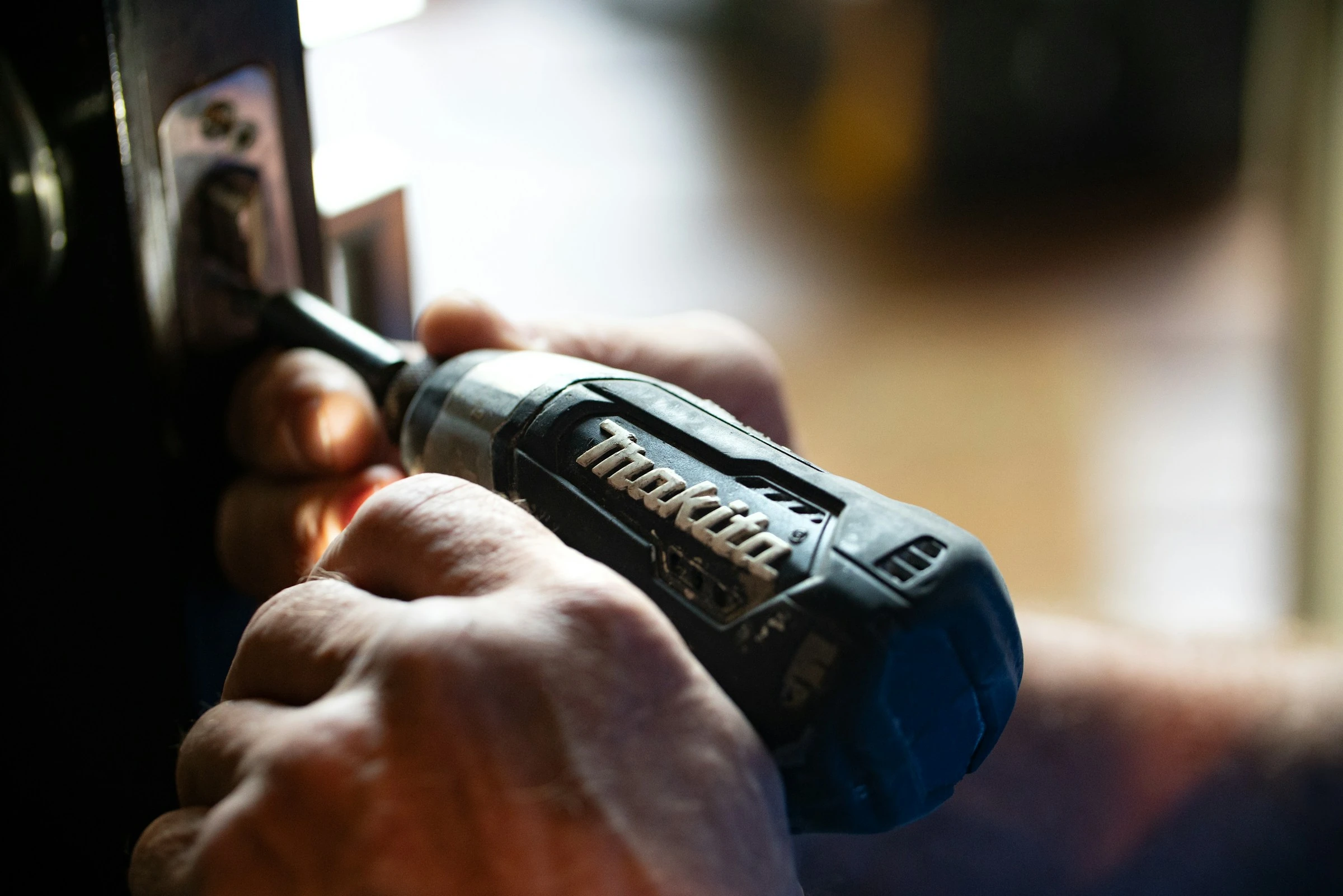

Household repairs can quickly disrupt a careful budget. In 2025, US homeowners spent an average of $2,041 on maintenance and another $1,143 on emergency repairs, according to Angi’s State of Home Spending Report.
That does not mean you should attempt every repair yourself. However, many minor jobs, such as patching drywall, replacing a tap washer, identifying a faulty appliance part, or calculating paint quantities, can be handled without paying for a full professional visit.
DIY apps make this easier by putting repair instructions, expert advice, measurements, material estimates, and product information on your phone. Used carefully, they can help you avoid unnecessary call-out charges, buy the correct supplies, and recognise when a job is beyond your abilities.
How DIY Apps Help You Save Money
A DIY home repair app usually supports one or more stages of a repair:
- Identify the problem. Photos, manuals, troubleshooting tools, or expert video calls can help you understand what has failed.
- Check whether it is suitable for DIY. Good instructions show the tools, parts, difficulty level, and safety risks.
- Plan the job. Measurement and estimating features reduce incorrect purchases and wasted materials.
- Complete the repair. Step-by-step guides help you work in the correct order.
- Document the result. Notes, photos, and saved plans make future maintenance easier.
The financial pressure behind this approach is real. In a 2025 Angi survey, 62% of homeowners said they were more concerned about affording maintenance than at the end of 2024. Meanwhile, the Federal Reserve Bank of Philadelphia estimated that necessary repairs across occupied US homes would cost $198.4 billion in 2024 (Federal Reserve Bank of Philadelphia).
The goal is not to eliminate professional help. It is to spend professional-repair money only where professional skills are genuinely needed.
1. iFixit: Best for Step-by-Step Repair Guides
iFixit provides illustrated, step-by-step repair instructions for electronics, appliances, tools, furniture, and other household items. Its mobile app is available for Android and iOS.
During testing, the guide structure was its strongest feature. Each repair is divided into manageable steps, with photographs showing screw positions, connectors, clips, and components. That is much easier to follow beside a workbench than a long video you must repeatedly pause.
The app also includes a repair workbench, battery health tools, and FixBot, an AI-assisted repair feature. However, you should verify AI suggestions against the product manual and the app’s human-written guides before dismantling anything.
How it can save you money:
- Helps you decide whether a broken item needs a small replacement part rather than full replacement.
- Lists tools and components before you begin.
- Reduces mistakes caused by vague or poorly ordered instructions.
- Supports repairs on older devices that may be expensive to replace.
Pros:
- Clear photographs and structured instructions
- Free repair information
- Broad range of devices and household products
- Available on both major mobile platforms
- Useful parts and tool lists
Cons:
- Guide quality and availability vary by product
- Some repairs require specialist tools
- Parts sold through the platform may not be the cheapest available
- FixBot advice still requires human judgement
The app reflects a wider trend toward AI-supported troubleshooting and mobile repair records. When iFixit introduced its updated app in December 2025, it highlighted voice control, battery-life prediction, and AI assistance alongside its traditional guides (iFixit).
2. Frontdoor: Best for Live Expert Guidance
Frontdoor connects you to home repair professionals through live video. Depending on availability and location, its experts cover plumbing, electrical problems, heating and cooling, appliances, and general maintenance. The first video conversation is advertised as free, while continued access may require payment.
This app fills the gap between watching a tutorial and booking an in-person visit. You can show the expert the actual leak, noise, error code, or damaged component instead of trying to describe it over the phone.
A useful test is whether an expert can help you answer three questions:
- What is probably wrong?
- Is it safe for you to investigate?
- Which part, tool, or professional service is required?
Good Housekeeping’s Home Improvement & Outdoor Lab evaluated Frontdoor with six consumer testers. One praised the “immediacy of getting advice on home repair projects” (Good Housekeeping).
How it can save you money:
- May resolve simple faults without an in-person service call.
- Helps you avoid buying parts before confirming the problem.
- Lets you obtain a better description of the fault when requesting quotes.
- Can prevent an unsuccessful DIY attempt from causing additional damage.
Pros:
- Advice is tailored to the problem in front of you
- Live access to experienced repair professionals
- Covers several household repair categories
- Can help determine when an in-person contractor is necessary
Cons:
- Ongoing access can involve subscription costs
- Service availability and plan terms may vary
- An expert cannot physically test equipment through a camera
- Video quality depends on your connection and lighting
Frontdoor is particularly useful when you understand basic tools but lack diagnostic confidence. It is less suitable when the repair requires physical testing, permits, or licensed work.
3. magicplan: Best for Measuring and Planning
magicplan turns room measurements into digital floor plans. You can attach photographs and notes, add objects, prepare reports, and build estimates from recorded dimensions.
Although the app is aimed partly at professional remodelers and restoration teams, its planning tools can also help households control spending on flooring, drywall, insulation, painting, and similar projects.
In testing, the biggest advantage was having measurements, photographs, and project notes in one place. That makes it easier to compare prices without measuring the same wall or floor several times.
How it can save you money:
- Reduces the risk of buying too much material.
- Helps prevent extra journeys caused by under-ordering.
- Creates a clear project scope for comparing contractor quotes.
- Keeps photographs and measurements available while shopping.
Pros:
- Produces organised floor plans
- Combines measurements, notes, and photographs
- Supports estimates and price lists
- Available for Android and iOS
Cons:
- More complex than a basic measuring app
- Some estimating features require a paid plan
- Phone measurements should be checked with a physical tape
- Designed primarily for larger projects rather than quick repairs
Treat digital measurements as planning figures, especially in older homes where walls may not be straight. Confirm critical dimensions manually before ordering custom materials.
4. Home Improvement Calcs: Best for Material Estimates
Home Improvement Calcs is an iPhone and iPad app containing more than 250 home improvement calculations and unit conversions.
It covers common jobs involving paint, flooring, concrete, roofing, landscaping, and other materials. You enter the project dimensions, and the app calculates the estimated quantity required.
The interface is functional rather than modern, but the calculators are faster and less error-prone than creating formulas from scratch. Saved calculations are also useful when comparing different room sizes or product pack quantities.
How it can save you money:
- Limits excessive purchases and leftover materials.
- Reduces shortages that can delay a repair.
- Converts between metric, imperial, decimal, and fractional measurements.
- Makes it easier to compare materials sold in different pack sizes.
Pros:
- Large collection of specialised calculators
- Simple inputs and results
- Supports saved calculations
- Useful for budgeting before visiting a store
Cons:
- Limited to Apple devices
- Requires accurate measurements from you
- Results do not automatically account for every cut, defect, or pattern
- Less useful for diagnosing the repair itself
Always include a realistic waste allowance. Flooring installed in a simple rectangular room, for example, normally requires less excess material than flooring fitted around several corners or laid in a complex pattern.
5. The Home Depot App: Best for Finding Parts
The Home Depot app combines product search, local stock information, project calculators, shopping lists, and in-store navigation. Its Image Search feature can suggest products from a photograph, while Product Locator shows an item’s aisle and bay.
This was most useful at the purchasing stage. Taking a clear photograph of an unfamiliar fitting or damaged component can provide search terms when you do not know its proper name. You can then check dimensions and specifications against the original part.
How it can save you money:
- Helps identify fittings, fasteners, and replacement parts.
- Shows local stock before you travel.
- Includes calculators for materials such as paint, drywall, and flooring.
- Makes it easier to prepare one complete shopping list.
Pros:
- Image-based product search
- Current local inventory and product locations
- Built-in project calculators
- Extensive product specifications and customer reviews
Cons:
- Primarily useful in markets served by Home Depot
- Image Search may return visually similar but incompatible products
- Retail recommendations are limited to the company’s inventory
- Product availability and local prices can change
Never select a replacement part by appearance alone. Check the model number, measurements, material, pressure or voltage rating, thread type, and manufacturer instructions where relevant.
A Simple Money-Saving App Workflow
Using several apps together is often more effective than relying on one.
For a leaking tap, for example, you could:
- Use Frontdoor to confirm whether the likely cause is a washer, cartridge, or damaged valve.
- Find model-specific instructions through iFixit or the manufacturer’s manual.
- Photograph the old component and search for a matching part in a retailer app.
- Check all dimensions and specifications before purchasing.
- Save the repair date and part number for future maintenance.
Before starting, compare three figures:
- The cost of the required parts and tools
- The cost of app access, if applicable
- The price of a qualified professional
DIY makes less financial sense when the required tools cost more than the labour you would save or when a mistake could damage an expensive appliance.
Know When Not to Repair It Yourself
An app can provide information, but it cannot make a hazardous job safe.
The Electrical Safety Foundation International strongly recommends using a qualified, licensed electrician for home electrical work (ESFI). This caution is justified: the National Fire Protection Association recorded an estimated 48,757 home fires caused by electrical failure or malfunction in 2024 (NFPA).
Stop and hire an appropriate professional when a repair involves:
- Gas pipes, boilers, or suspected carbon monoxide
- Mains wiring or an electrical panel
- Structural walls, foundations, or roof stability
- Major water leaks near electrical equipment
- Refrigerants or sealed HVAC systems
- Suspected asbestos
- Permits or legally licensed work
Take extra care in older properties. The US Environmental Protection Agency warns that renovation in pre-1978 homes can create dangerous lead dust and recommends lead-safe practices or a certified contractor (EPA). The US Consumer Product Safety Commission similarly recommends professional assessment of suspected asbestos materials (CPSC).
The Latest DIY App Trends
Home repair apps are moving beyond static tutorials. Current developments include:
- AI troubleshooting: Apps can suggest possible faults from descriptions, photographs, and device data.
- Live video support: Remote experts can inspect problems and guide basic checks in real time.
- Augmented reality: Retail apps can identify products or preview them inside a room.
- Digital estimating: Measurements can flow directly into material and cost calculations.
- Preventive maintenance: Repair histories and reminders help households address minor problems earlier.
DIY itself remains an important money-saving habit. Angi’s June 2026 international study found that 65% of surveyed French homeowners handled most repairs themselves, the highest proportion among the ten countries studied (Angi International Homeowners Study).
Final Thoughts
DIY apps can reduce household repair costs by helping you diagnose simple problems, calculate materials, locate parts, and follow clearer instructions. iFixit is strongest for guided repairs, Frontdoor for expert support, magicplan for planning, Home Improvement Calcs for quantities, and The Home Depot app for sourcing supplies.
The best savings come from choosing manageable repairs, checking information against manufacturer guidance, and recognising when professional work is the safer and cheaper option.
References
- Angi: 2025 State of Home Spending Pulse Report
- Angi: 2025 State of Home Spending Report
- Angi: 2026 International Homeowners Study
- Federal Reserve Bank of Philadelphia: Home Repair Costs 2025
- Good Housekeeping: Frontdoor App Review
- iFixit: The iFixit App Is Here
- magicplan: Official App Website
- Calculated Industries: Home Improvement Calcs
- The Home Depot Mobile App
- Electrical Safety Foundation International: DIY Electrical Safety
- National Fire Protection Association: Home Electrical Fires
- US EPA: Lead-Safe Renovations for DIYers
- US CPSC: Asbestos in the Home