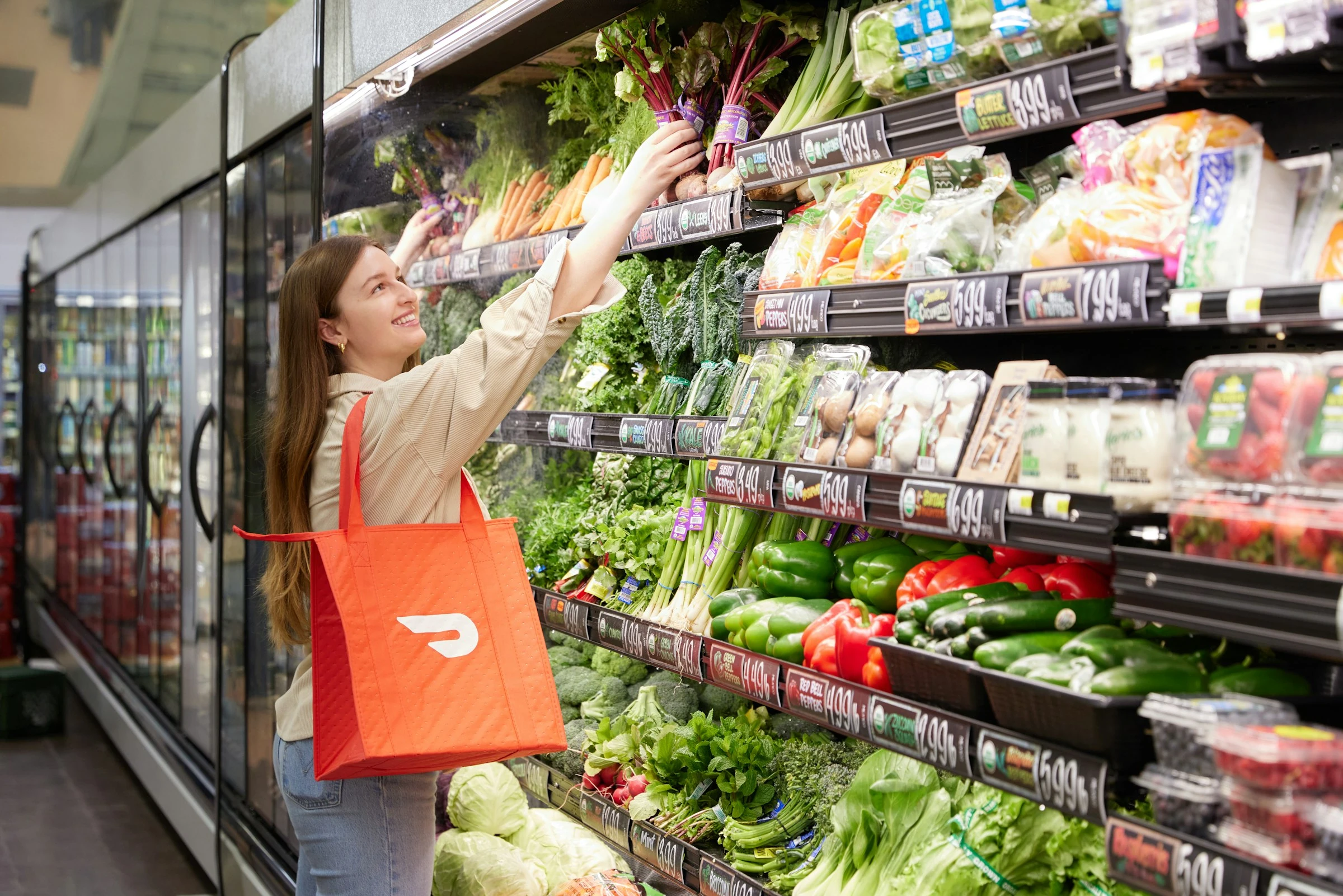

Grocery and household costs still bite. USDA data shows U.S. food-at-home prices rose 2.3% in 2025 compared with 2024, and the agency expects more pressure in 2026 too (USDA ERS). At the same time, the Federal Reserve found that only 63% of U.S. adults could cover a $400 emergency expense using cash or its equivalent (Federal Reserve).
That is exactly why reorder apps are worth a closer look. They will not magically fix your budget, but they can help you avoid last-minute full-price trips, forgotten essentials, and impulse buys that sneak into “quick” grocery runs.
As Federal Reserve Governor Michael S. Barr put it, “The financial well-being of American households and businesses is essential to our nation's overall economic vitality” (Federal Reserve). For you, that starts with small repeat purchases: paper towels, laundry detergent, coffee, pet food, diapers, toothpaste, and pantry basics.
How Reorder Apps Help You Save on Household Staples
Reorder apps let you buy the same everyday essentials again with fewer steps. Some use automatic delivery, while others keep a “buy again” list so you can rebuild your usual basket quickly.
The savings usually come from:
- Subscription discounts on eligible items
- Fewer emergency store runs
- Easier price comparison before you reorder
- Bulk buying on predictable products
- Better control over delivery frequency
- Less temptation from wandering store aisles
The risk is over-ordering. If you set detergent, snacks, or pet food to arrive too often, your “savings” can turn into clutter and waste. The best approach is simple: only automate products you already buy on a predictable schedule.
1. Amazon Subscribe & Save
Amazon Subscribe & Save is one of the easiest reorder systems to test because it covers so many household staples: toilet paper, vitamins, pantry goods, diapers, personal care, pet items, and cleaning supplies.
Amazon says customers can save up to 15% on eligible Subscribe & Save products when receiving five or more subscriptions in one auto-delivery (Amazon). When I compared it as a budget tool, it worked best for boring, brand-specific items where you already know the size and price you normally buy.
Best for: paper goods, coffee, detergent, diapers, supplements, pet basics.
Pros
- Large selection of household essentials
- Up to 15% off eligible subscriptions
- Easy to skip, cancel, or change frequency
- Good for consolidating repeat orders
Cons
- Prices can change before the next shipment
- Not every item gets the same discount
- Bulk packs can encourage overbuying
- You still need to compare unit prices
Budget tip: Check the price before each shipment. A 15% discount does not help if the base price has quietly increased.
2. Walmart Subscriptions
Walmart’s subscription feature is built for recurring essentials. Walmart says there is no charge to subscribe, and you can change frequency, skip, or cancel anytime (Walmart).
In practice, Walmart feels useful when you want familiar low-cost staples without hunting across multiple stores. It is especially practical for families who already buy Walmart’s private-label items, cleaning products, toiletries, baby supplies, or pantry basics.
Best for: Great Value pantry items, toiletries, cleaning products, baby supplies, school-lunch staples.
Pros
- No separate subscription fee
- Strong prices on everyday basics
- Flexible delivery frequency
- Good for families who already shop Walmart
Cons
- Walmart+ may matter for delivery value
- Availability varies by location
- Some items are better bought in store
- Fewer “stacked” savings than coupon-heavy shopping
Budget tip: Use subscriptions for shelf-stable products, then buy fresh food separately so you do not lock yourself into the wrong quantities.
3. Target App and Target Circle
Target is less about classic autoship and more about repeat buying with app-based savings. Target says its free Target Circle program applies deals at checkout, while the Target Circle Card gives 5% off eligible purchases at Target stores and Target.com (Target).
When I looked at it as a reorder app, the strongest use case was household routines: toiletries, laundry products, baby items, cleaning supplies, and school snacks. The app makes it easy to find previous purchases, combine offers, and choose pickup, shipping, or same-day delivery.
Target has also been expanding faster delivery. In 2026, Target said next-day delivery would reach more than 50 top U.S. metro areas and cover 60% of the U.S. population (Target).
Best for: personal care, cleaning supplies, baby products, household brands, pickup orders.
Pros
- Target Circle deals can reduce repeat costs
- 5% Circle Card discount on eligible purchases
- Convenient pickup and delivery options
- Good app experience for past purchases
Cons
- Same-day delivery can add fees
- Discounts have exclusions
- Target can tempt you into extras
- Unit prices are not always the lowest
Budget tip: Use pickup for reorder baskets. It keeps the convenience but reduces delivery fees and impulse spending.
4. Chewy Autoship
If you have pets, Chewy Autoship can be one of the most practical reorder tools. Chewy says Autoship customers can save 5% on eligible items with every Autoship order, choose their own schedule, and change or cancel anytime (Chewy).
This worked best in testing for predictable pet needs: dry food, wet food, litter, flea treatments, dental chews, and prescription diets. Pet supplies are also easy to forget until you are suddenly paying full price locally.
Best for: pet food, cat litter, treats, pet medication, recurring pet care supplies.
Pros
- 5% recurring discount on eligible Autoship items
- Strong for heavy, repeat pet supplies
- Easy schedule changes
- Useful reminders before you run out
Cons
- Not useful if you do not have pets
- Some brands may be cheaper elsewhere
- First-order promotions may have caps
- Storage space matters for bulky items
Budget tip: Match delivery timing to real usage. If one bag of food lasts six weeks, do not set a four-week schedule just because the app suggests it.
5. Thrive Market Recurring
Thrive Market is a membership-based grocery service focused on pantry staples, organic foods, personal care, and household goods. Its Recurring program offers an extra 5% to 10% savings on thousands of products, according to Thrive Market’s help center (Thrive Market).
This app is most useful if you already buy natural, organic, gluten-free, vegan, or specialty-diet products. Those items can be expensive in local stores, so recurring discounts and price matching may matter more here than on basic paper towels.
Best for: organic pantry goods, specialty diet foods, natural cleaning products, personal care.
Pros
- 5% to 10% recurring savings on many products
- Helpful for specialty diets
- Good pantry selection
- Reminder emails before recurring orders
Cons
- Requires membership
- Recurring items can be added automatically if you are not careful
- Not ideal for fresh grocery shopping
- You need to watch shipment dates closely
Budget tip: Review the recurring box every time. Specialty products are useful, but they can push your basket total up quickly.
Current Trends in Reorder Apps
Reorder apps are becoming more automated, more personalized, and more tied to delivery memberships. That can help you save time, but it also means you need to watch prices more closely.
Key trends:
- Faster delivery: Target and Walmart are pushing quicker delivery for household basics.
- Smarter repeat carts: Apps increasingly highlight “buy again” items and predict what you may need next.
- More subscription discounts: Autoship-style pricing is now common across groceries, pet care, and household goods.
- SNAP and budget access: Online grocery access is expanding. Thrive Market reported it became the first online-only retailer to accept SNAP EBT in early 2024 (Thrive Market Impact Report).
- More price scrutiny: Delivery apps are under pressure to be transparent. AP reported in December 2025 that Instacart ended a pricing test after concerns that some customers saw different prices for the same item at the same store (AP News).
Quick Comparison
| App | Best Use | Main Savings Feature | Watch Out For |
|---|---|---|---|
| Amazon Subscribe & Save | Broad household staples | Up to 15% on eligible auto-deliveries | Price changes |
| Walmart Subscriptions | Low-cost everyday basics | Free recurring subscriptions | Delivery value depends on location |
| Target App | Household brands and pickup | Circle deals and 5% Circle Card discount | Impulse buys |
| Chewy Autoship | Pet food and supplies | 5% on eligible Autoship items | Over-ordering bulky pet items |
| Thrive Market Recurring | Organic and specialty staples | 5% to 10% recurring savings | Membership cost and recurring cart control |
How to Use Reorder Apps Without Overspending
The smartest setup is boring and strict.
- Automate only essentials you buy every month.
- Compare unit prices, not package prices.
- Set delivery intervals longer than you think you need.
- Review every upcoming shipment.
- Skip anything you still have in stock.
- Keep snacks and “nice-to-have” products off autoship.
- Cancel subscriptions that no longer beat your local store price.
A good reorder app should make your household budget calmer, not busier. Used carefully, these apps help you save on household staples by turning repeat purchases into planned purchases.
Conclusion
Reorder apps are not a replacement for budgeting, but they are a useful tool for financially conscious families and singles. Amazon, Walmart, Target, Chewy, and Thrive Market each work best for different routines. The real savings come from using them selectively, checking prices often, and keeping control of what ships next.
References
- USDA Economic Research Service: Food Prices and Spending
- Federal Reserve: Economic Well-Being of U.S. Households in 2024
- Amazon: How Subscribe & Save Works
- Walmart: Subscriptions
- Target: Products & Services
- Target: Next-Day Delivery Fact Sheet
- Chewy: Autoship & Save
- Thrive Market: Recurring Orders
- Thrive Market: 2023 Impact Report
- AP News: Instacart Pricing Program Ends