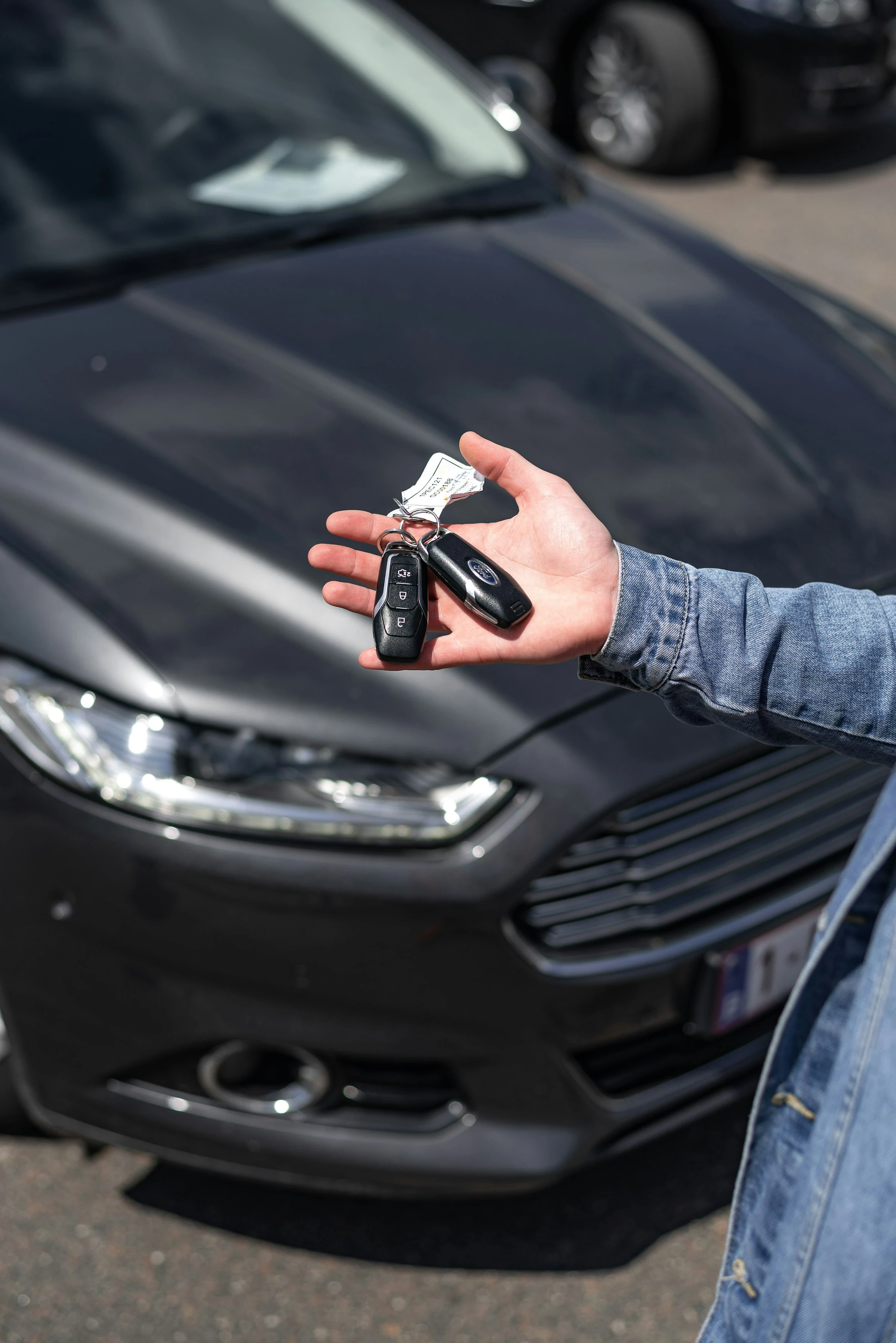

Used cars are supposed to be the budget-friendly choice, but the numbers are not exactly comforting. iSeeCars found that the average price of a 3-year-old used car rose 40.9%, from $23,159 in 2019 to $32,635 in 2025. The same study found that cars under $20,000 dropped from 49.3% of the 3-year-old used market in 2019 to just 11.5% in 2025 (iSeeCars).
That is why a vehicle history app can be worth using before you spend your savings, sign a loan, or trade in your current car. These apps do not magically make a bad market cheap, but they can help you avoid expensive surprises: rolled-back mileage, salvage titles, flood damage, hidden accident records, open recalls, or a car that is simply overpriced for its past.
The FTC puts it plainly: “Vehicle history reports can tell you a lot about a used car” (FTC Consumer Advice).
How Vehicle History Apps Help You Save Money
A vehicle history app works by checking a car’s VIN, the 17-character vehicle identification number. You enter the VIN, scan it with your phone camera, or sometimes search by license plate. The app then pulls records from sources such as motor vehicle departments, insurers, auctions, service centers, police databases, recall databases, and title records.
A good used car history report can help you spot:
- Odometer inconsistencies
- Accident and damage records
- Salvage, rebuilt, junk, or flood titles
- Ownership changes
- Rental, taxi, police, or fleet use
- Service history
- Open safety recalls
- Market value estimates
This matters because odometer fraud is still a real risk. NHTSA estimates that more than 450,000 vehicles are sold each year with false odometer readings (NHTSA). If you buy one, you may overpay, face bigger repair bills, and struggle to resell it later.
The best way to use these tools is simple: check the report before you visit the seller, compare the report with the listing, then use any red flags to negotiate, ask for repair records, or walk away.
What I Looked For in These Apps
I tested these apps like a careful buyer with a tight monthly budget: quick VIN entry, readable reports, useful red flags, fair pricing, and whether the app helped me make a decision without drowning me in data.
The strongest apps did three things well:
- They made expensive problems easy to spot.
- They helped compare several cars quickly.
- They reminded me that a report is not a replacement for an inspection.
That last point matters. The FTC says a vehicle history report is not a substitute for an independent vehicle inspection (FTC Consumer Advice). So think of these apps as your first filter, not your final yes.
1. CARFAX: Best for Familiar Reports and Dealer Listings
CARFAX is probably the name most people already know. In the app, the useful part is how naturally history data fits into the car-shopping process. You can search for used cars, save favorites, get price alerts, and view history details on many listings.
CARFAX says its vehicle history reports use more than 151,000 data sources and over 35 billion records (CARFAX on Google Play). That broad coverage is why CARFAX reports are common at dealerships and in used car listings.
For a budget-conscious buyer, CARFAX works best when you are comparing local cars and want fewer unknowns before arranging a test drive.
Pros
- Very easy to read, especially if you are new to vehicle history reports.
- Strong for accident history, ownership records, service history, and title concerns.
- Useful price-drop and saved-car alerts in the shopping app.
- CARFAX Car Care is also useful after purchase for maintenance tracking and service reminders (CARFAX Car Care).
Cons
- Individual paid reports can feel expensive if you are checking many private-party cars.
- Some dealer listings include a free report, but not every car you find privately will.
- Like all history reports, it may miss repairs that were never reported.
Best money-saving use: Use CARFAX to compare similar cars with different histories. If two cars cost the same but one has cleaner service records and fewer owners, the choice becomes easier.
2. AutoCheck: Best for Auction and Score-Based Comparisons
AutoCheck, owned by Experian, feels more analytical. Its big advantage is the AutoCheck Score, which helps you compare a vehicle with similar cars. That is useful when you are looking at several cars in the same price range and need a quick way to rank risk.
Experian says AutoCheck reports can show reported accidents, odometer issues, title brands, frame-damage announcements, and other important information. AutoCheck also offers mobile access where users can scan or enter a VIN (Experian).
AutoCheck is especially useful for cars that may have passed through auctions. If you are shopping through independent dealers, rebuilt-title sellers, or cheaper listings, that extra auction angle can be helpful.
Pros
- AutoCheck Score makes side-by-side comparison fast.
- Strong for title brands, mileage issues, auction records, and frame-damage announcements.
- VIN scanning is practical when you are on a lot.
- Often a good second opinion next to CARFAX.
Cons
- The consumer app experience is less polished than some newer mobile-first tools.
- Reports can be data-heavy if you just want a simple yes-or-no answer.
- Some mobile tools are aimed more at business users than casual shoppers.
Best money-saving use: Use AutoCheck when you are comparing several cars of the same model. A lower score or branded title can support a lower offer or a quick pass.
3. carVertical: Best for International and Imported Cars
carVertical is a strong option if you are outside the U.S., buying an imported car, or checking a vehicle that may have crossed borders. The company says it scans 1,000+ data sources across 45+ countries, including insurance, police, and registration data (carVertical).
In use, carVertical feels visual and buyer-friendly. It is good at surfacing mileage records, damage history, theft checks, and older photos when available. That can be especially helpful with imported cars, where a clean local listing may not show what happened in another country.
carVertical also sells report bundles, which can lower the per-report cost when you are checking several cars (carVertical).
Pros
- Strong international coverage compared with many U.S.-focused tools.
- Helpful visuals and clear red-flag sections.
- Good for mileage, damage, theft, and imported vehicle checks.
- Bundle pricing can help if you are shortlisting multiple cars.
Cons
- Data depth depends heavily on country and available records.
- Not every report will include photos or full damage details.
- If you only shop U.S. dealer listings, CARFAX or AutoCheck may feel more familiar.
Best money-saving use: Use carVertical before buying an imported or cross-border vehicle. Mileage gaps and past damage can seriously affect resale value.
4. EpicVIN: Best for Affordable NMVTIS-Based Checks
EpicVIN is a practical option if you want a straightforward vehicle history report without paying premium-report prices every time. EpicVIN says it is an NMVTIS-approved data provider and generates reports from a database of over 350 million records (EpicVIN).
NMVTIS matters because it is the National Motor Vehicle Title Information System, a U.S. system designed to help protect consumers from fraud and unsafe vehicles. AAMVA says NMVTIS can provide information on title, most recent odometer reading, brand history, and in some cases theft data (AAMVA).
EpicVIN’s app listing says reports may include odometer readings, title information, junk and salvage titles, flood damage, accident history, lemon history, service records, and vehicle use records such as taxi, rental, or police use (EpicVIN on Google Play).
Pros
- Good balance of price and essential history data.
- NMVTIS approval adds credibility for U.S. title and brand checks.
- Useful for odometer, salvage, flood, lemon, and vehicle-use records.
- Simple enough for quick checks before messaging a seller.
Cons
- The interface is less premium than CARFAX.
- Some accident or service records may be thinner than bigger-name reports.
- Coverage can vary depending on the car and reporting sources.
Best money-saving use: Use EpicVIN as a first paid filter for private-party cars. If the report shows title or mileage trouble, you can avoid paying for inspections on the wrong car.
5. Bumper: Best for Ongoing Monitoring and Market Value
Bumper feels more like a car-ownership and research platform than a single-report tool. You can search by VIN, license plate, or make and model, and the app includes vehicle history reports, market value, monitoring, and saved report access.
Bumper says its reports may include accidents, recalls, market value data, ownership costs, and more, with information sourced from government agencies, insurers, and car industry partners (Bumper Apps). It also lists pricing plans starting at $27.99 per month, with trial pricing available (Bumper).
That subscription model can be useful if you are in serious shopping mode for a few weeks and need to check many cars. It is less ideal if you only want one report.
Pros
- Good for checking many cars in a short period.
- Market value tools help you spot overpriced listings.
- Vehicle monitoring is useful if you are watching a car over time.
- VIN, plate, and make/model search options make it flexible.
Cons
- Subscription pricing means you need to watch renewal dates.
- Not the best fit if you only need one report.
- Bumper clearly notes that its products are based only on supplied information and do not include every vehicle’s complete history (Bumper).
Best money-saving use: Use Bumper when you are actively shopping and comparing many listings. The value estimate plus history report can help you avoid paying clean-car money for a car with a messy past.
Current Trends in Vehicle History Apps
Vehicle history apps are becoming more mobile, faster, and more alert-driven. Instead of sitting at a desktop and typing VINs manually, you can now scan a VIN from the windshield, save a vehicle, watch for updates, and check recalls from your phone.
A few trends stand out:
- VIN scanning is now normal. AutoCheck and Bumper both promote scan-or-enter workflows, which helps when you are standing on a dealer lot (Experian, Bumper Apps).
- Apps are adding alerts. NHTSA’s free SaferCar app sends phone alerts when it finds a safety recall for a vehicle you entered (NHTSA Recalls).
- Subscriptions and bundles are growing. Bumper uses monthly plans, while carVertical offers multi-report bundles. That can help if you are comparing several cars, but it can waste money if you forget to cancel.
- International checks are more important. Imported used cars can have history in more than one country, which makes tools like carVertical useful for cross-border shopping.
- Reports are becoming negotiation tools. A damage record, mileage gap, or open recall gives you a concrete reason to lower your offer or move on.
A Simple Budget Buyer Workflow
If you want to keep costs down, do not buy reports randomly. Use them in layers.
- Start with free checks. Use NHTSA’s recall lookup to check open recalls by VIN or license plate (NHTSA). In the U.S., NICB VINCheck is also free for theft and salvage records from participating insurers, though NICB says it is not a comprehensive vehicle history report (NICB).
- Use one paid report before you visit. If the car looks promising, run CARFAX, AutoCheck, EpicVIN, carVertical, or Bumper before spending time and fuel.
- Compare the report with the listing. If the seller says “no accidents” but the report shows damage, ask direct questions.
- Use red flags to negotiate. Prior rental use, multiple owners, accident history, or spotty maintenance can affect fair value.
- Still get an inspection. A clean report does not prove the car is mechanically sound.
Which App Should You Choose?
Here is the short version:
- Choose CARFAX if you want the most familiar report and easy dealer-listing research.
- Choose AutoCheck if you like score-based comparisons or are looking at auction-heavy cars.
- Choose carVertical if the car is imported or may have international history.
- Choose EpicVIN if you want an affordable NMVTIS-based check for U.S. vehicles.
- Choose Bumper if you are checking many cars and want market value plus monitoring.
The biggest savings often come from the car you do not buy. A $20 to $40 report can feel annoying when you are watching every dollar, but it is small compared with overpaying for a rolled-back, flood-damaged, or salvage-title vehicle.
Conclusion
Vehicle history apps are not perfect, and none of them can replace a mechanic’s inspection. But for families and singles trying to stretch a car budget, they are one of the simplest ways to reduce risk before money changes hands. The right app helps you slow down, check the facts, and avoid turning a “cheap” used car into an expensive mistake.
References
- Federal Trade Commission: Used Cars
- NHTSA: Odometer Fraud
- NHTSA: Check for Recalls
- iSeeCars: The Sub-$20K Used Car Is Almost Gone
- AAMVA: NMVTIS for General Public & Consumers
- DOJ NMVTIS: Approved Vehicle History Data Providers
- CARFAX App on Google Play
- CARFAX Car Care
- Experian: AutoCheck Vehicle History Reports Mobile App
- carVertical Vehicle History Check
- EpicVIN About Us
- EpicVIN App on Google Play
- Bumper Apps
- Bumper Vehicle History Reports
- NICB VINCheck