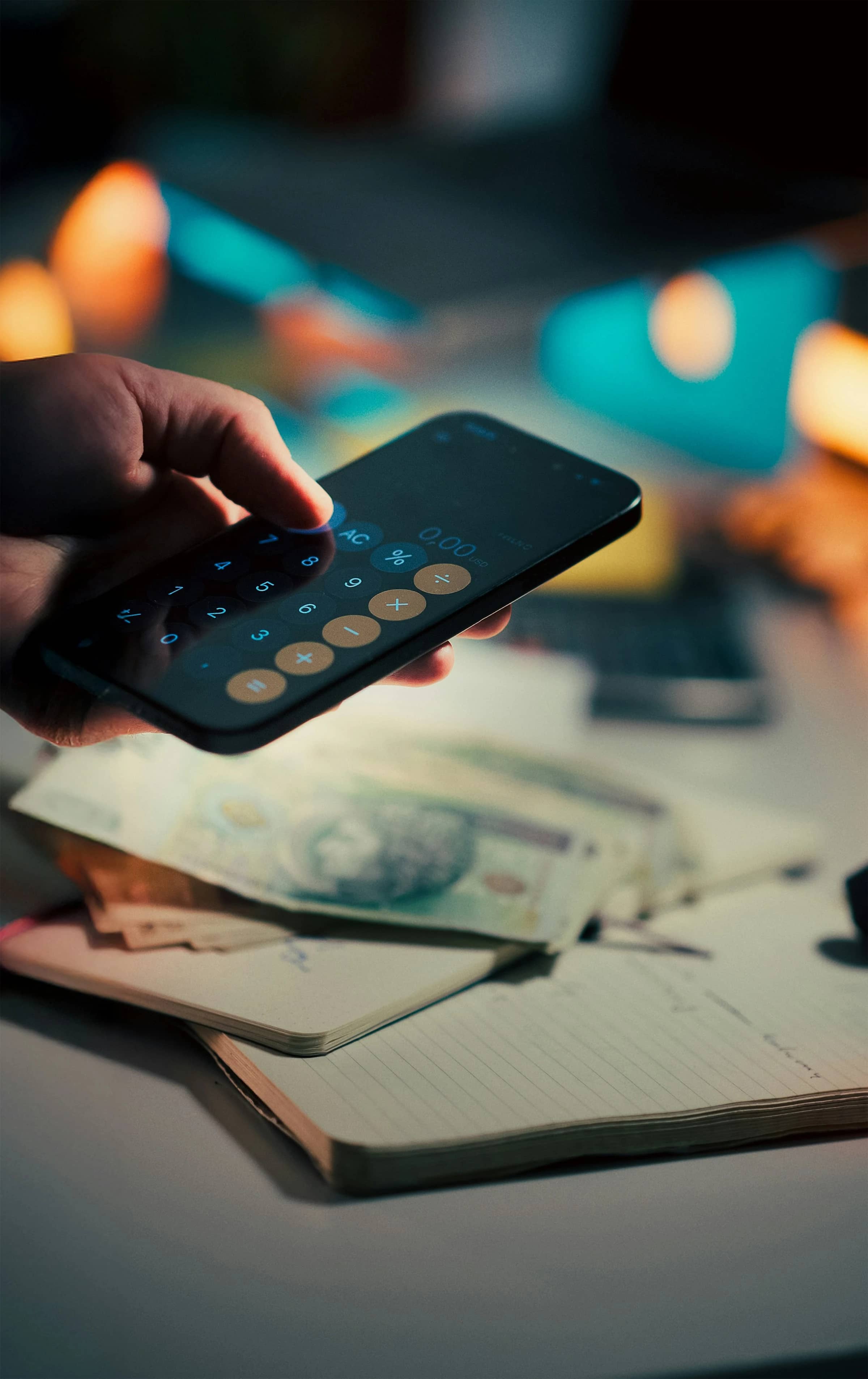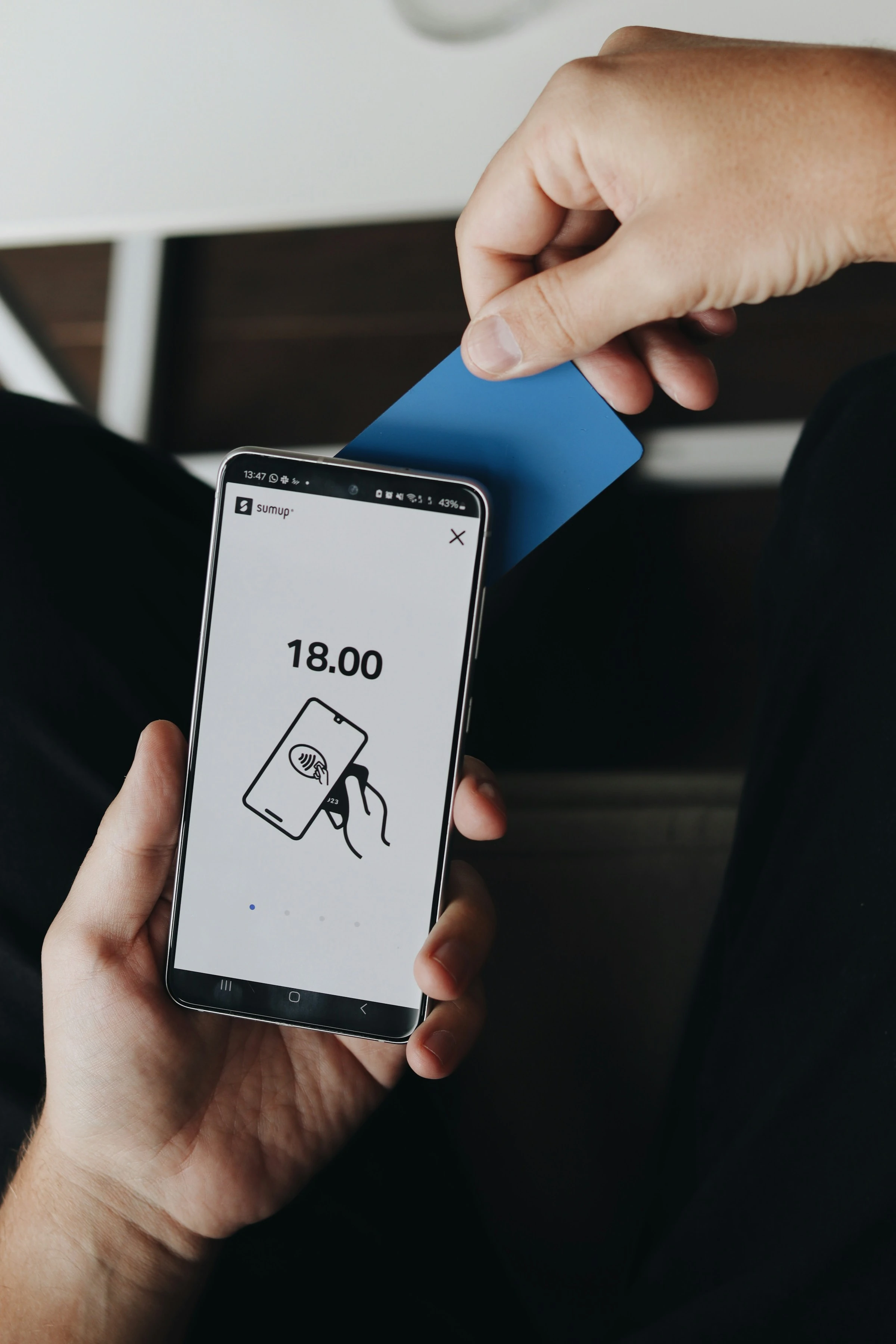

Contactless spending is easy. Sometimes too easy. A coffee here, a supermarket top-up there, a train fare, a snack, another quick tap - and by Sunday you are staring at your balance wondering where the money went.
The scale is huge. UK Finance reported 1.573 billion contactless card transactions worth £25.9 billion in March 2026 alone (UK Finance). In the US, consumers made an average of 11 payments per month with a mobile phone in 2024, up from four in 2018 (Federal Reserve Financial Services). Globally, Juniper Research expects contactless payment values to rise from $7.4 trillion in 2024 by 113% over five years (Juniper Research).
That is why tracking contactless spending with wallet apps matters. You are not just recording purchases. You are making tiny, invisible taps visible again.
What Tracking Contactless Spending Actually Means
Tracking contactless spending with wallet apps means using your phone, bank app, or budgeting app to monitor payments made by:
- Apple Pay or Google Wallet
- Contactless debit cards
- Contactless credit cards
- Wearables such as Apple Watch or Wear OS watches
- Linked current accounts and cards
A good wallet app does three things:
- Shows recent tap-to-pay transactions quickly
- Groups spending into useful categories, such as groceries, transport, eating out, and subscriptions
- Helps you spot patterns before they turn into budget problems
This is different from checking your bank balance once in a while. A balance tells you what is left. A spending tracker tells you what happened.
One important caveat: wallet apps are not always the official record. Apple says, “For the most accurate record of your transactions, please contact your card issuer” (Apple Support). In practice, that means your wallet app is brilliant for day-to-day awareness, but your bank statement still matters for disputes, tax records, and exact final settlement amounts.
Why Contactless Spending Is Hard To Control
Contactless payments remove friction. That is the whole point. You do not count cash, enter a PIN every time, or pause long enough to feel the purchase.
For families, the problem is often spread: one person taps for groceries, another pays for fuel, someone else buys school supplies, and weekend spending gets mixed into the same account.
For singles, it is usually frequency: small repeat purchases feel harmless until the weekly total shows up.
Current payment trends make this even more relevant. In the UK, the Financial Conduct Authority changed the rules from March 2026 so banks and payment providers with strong fraud controls can set their own contactless card limits. UK Finance notes that most people will not see immediate changes, but firms now have more flexibility over limits (UK Finance). Digital wallets also remain a special case because phone and watch payments usually use biometric or passcode authentication.
So the practical takeaway is simple: the easier paying gets, the more useful instant spending visibility becomes.
How I Compared The Apps
I judged each app on the same real-life budgeting questions:
- Can you find a contactless transaction fast?
- Does it show useful merchant and category information?
- Can you set budgets or spending targets?
- Does it work for a household or shared spending style?
- Is it better as a wallet, a bank account, or a full budget app?
Here are five practical options.
1. Apple Wallet: Best For iPhone Tap-To-Pay Visibility
Apple Wallet is the most natural starting point if you already use Apple Pay. Open Wallet, tap a card, and you can see recent Apple Pay transactions. Apple also says connected cards can show balances and up to two years of transaction history, including purchases not made with Apple Pay, where supported (Apple Support).
In use, Apple Wallet feels fast and clean. It is not trying to be a full budget planner. It is more like a quick spending mirror.
What works well
- Very quick recent transaction view
- Strong fit for Apple Pay and Apple Watch users
- Useful merchant-level detail when available
- Connected-card history can go much deeper with supported banks
- Good for checking “what did I just tap for?”
What does not work so well
- Not every bank supports full connected-card features
- Budgeting tools are limited compared with dedicated money apps
- Family-wide tracking is not its main strength
- You may still need your bank app for final transaction records
Best for: iPhone users who want a simple way to track contactless payments right after they happen.
2. Google Wallet: Best For Android Users Who Want Searchable Transactions
Google Wallet is the obvious Android equivalent, but its strongest tracking feature is the Google Wallet website. Google says you can view transactions, select a transaction for more details, and search by business name, amount, date, category, or refunds (Google Wallet Help).
That search function is genuinely useful. If you are trying to find a supermarket payment from last week or a refund that has not landed, search beats scrolling.
What works well
- Good transaction search on the web
- Useful for Android and Wear OS contactless payments
- Can help separate wallet payments from other spending
- Search by merchant, amount, category, and date is practical
What does not work so well
- Google warns that some information is not available and you should use your bank statement for all details
- App experience and features vary by country
- Not a full household budgeting app
- Less useful if your bank or card does not feed enough detail
Best for: Android users who want a searchable contactless payment history without moving banks.
3. Revolut: Best All-In-One Wallet, Card, And Budget Tool
Revolut is stronger than Apple Wallet or Google Wallet if you want spending analytics, not just transaction history. Revolut says its app includes spending analytics that show where your money goes, plus income insights and budgeting tools (Revolut Help). Its budgeting pages also describe category tracking, custom categories, pockets, and external account connections in some markets (Revolut).
In practice, Revolut is useful because your tap-to-pay spending, card controls, category views, and budgets sit close together. If you use Revolut as your everyday spending card, the tracking feels immediate.
What works well
- Strong spending categories and analytics
- Good for travel, multi-currency spending, and subscriptions
- Handy card controls for freezing, limits, and virtual cards
- Pockets can separate bills, savings, and day-to-day spending
- Works well if you want one app for payments and budgeting
What does not work so well
- Best results come when you actually spend through Revolut
- Some useful features depend on country or paid plan
- Families may need extra setup for shared visibility
- It can become another account to manage if you already like your bank
Best for: singles or couples who want one app for contactless payments, category tracking, travel spending, and monthly budgeting.
4. Monzo: Best For UK Everyday Budgeting
Monzo is a strong option if you are in the UK and want your contactless spending to feed straight into a simple budgeting system. Monzo’s budgeting feature lets you use preset or more specific categories, and its Trends tools support spending views and custom categories on eligible plans (Monzo, Monzo Help).
Monzo feels especially good for everyday card use. Contactless payments appear quickly, the feed is clear, and categories are easy to understand. For financially conscious people, that matters more than fancy charts.
What works well
- Clean transaction feed
- Strong category-based budgeting
- Pots help separate bills, savings, and spending money
- Good for payday-to-payday planning
- Simple enough for daily use
What does not work so well
- Best suited to UK users
- Advanced customisation may require paid plans
- Works best when Monzo is your main spending account
- Not ideal if you want deep multi-country bank aggregation
Best for: UK families, couples, and singles who want an everyday bank account with clear contactless spending categories.
5. Snoop: Best For Seeing Spending Across Accounts
Snoop is a UK money management app built around Open Banking. Its official app listing says you can connect accounts, track spending across categories, set budgets, receive daily balance notifications, get weekly spending reports, and uncover subscriptions (Apple App Store). Open Banking Limited also describes Snoop as giving users a holistic view of their finances and using Open Banking data for personalised tips, comparisons, and spending alerts (Open Banking Limited).
This is the app I would look at if your spending is spread across several banks or credit cards. Instead of checking five places, you get one dashboard.
What works well
- Connects multiple accounts and cards
- Good for spotting subscriptions and regular bills
- Daily alerts and weekly spending reports are helpful
- Useful for household cost tracking
- Strong fit for people trying to cut bills, not just record spending
What does not work so well
- UK-focused
- Requires Open Banking access, which not everyone is comfortable with
- Some advanced features sit behind Snoop Plus
- Less useful if you only use one bank account and already have good built-in budgeting
Best for: UK households with several accounts, recurring bills, subscriptions, and shared spending to monitor.
Quick Comparison
| App | Best Use | Strongest Feature | Main Limitation |
|---|---|---|---|
| Apple Wallet | iPhone contactless checks | Fast Apple Pay transaction view | Limited budgeting |
| Google Wallet | Android payment history | Searchable transactions on web | Bank record still needed |
| Revolut | All-in-one spending account | Analytics, budgets, card controls | Best if used as spending account |
| Monzo | UK everyday budgeting | Categories, Pots, clear feed | UK-focused |
| Snoop | Multi-account tracking | Open Banking dashboard and alerts | UK-focused, data-sharing required |
What To Look For In A Contactless Spending App
Before choosing, think about how you actually spend.
If you mostly use one phone wallet, Apple Wallet or Google Wallet may be enough. If you want a proper budget, choose Revolut or Monzo. If your money life is spread across banks, cards, bills, and subscriptions, Snoop is more practical.
The most useful features are:
- Instant or near-instant transaction alerts
- Merchant names that are easy to recognise
- Automatic spending categories
- Custom categories for your real life
- Monthly budgets or category targets
- Subscription tracking
- Search by merchant, amount, and date
- Export or statement access for deeper checks
For families, category budgets matter most. Groceries, transport, eating out, school costs, subscriptions, and household bills should be easy to separate.
For singles, alerts and weekly summaries are often more useful. They show whether small daily taps are quietly eating into your fun money or savings goal.
Common Mistakes When Tracking Tap-To-Pay Spending
The biggest mistake is relying only on your remaining balance. A healthy balance on the 10th of the month can hide a bad trend.
Another mistake is tracking too many categories. You do not need 40 labels. Start with five or six:
- Groceries
- Transport
- Eating out
- Bills
- Shopping
- Subscriptions
Also, check pending transactions carefully. Some contactless payments, especially transport, hospitality, and fuel, can appear as pending or adjusted amounts before the final charge settles.
And do not ignore cash or bank transfers. If you only track contactless spending, your budget can still leak elsewhere.
The Trend: Wallets Are Becoming Money Dashboards
Wallet apps are moving beyond “tap to pay.” They are becoming financial dashboards with balances, search, spending summaries, alerts, and connected account views.
That shift makes sense. Contactless spending is now normal daily behaviour, not a novelty. Barclays reported that 94.6% of all in-store card payments under £100 in the UK were contactless in 2024 (Barclays). As phone payments, watches, virtual cards, and higher card-limit flexibility grow, the best apps will be the ones that help you understand spending as quickly as you make it.
Final Thoughts
The best app depends on your setup. Apple Wallet and Google Wallet are great for quick contactless payment checks. Revolut and Monzo are better when you want budgeting built into the account you spend from. Snoop is strongest when your spending is scattered across banks, cards, bills, and subscriptions.
The real win is not perfect tracking. It is removing the mystery from everyday taps, so your money feels visible again.
References
- UK Finance: Card spending data
- Federal Reserve Financial Services: 2025 Diary of Consumer Payment Choice
- Juniper Research: Contactless payment transactions forecast
- Barclays: Contactless spending in 2024
- UK Finance: Contactless cards information
- Apple Support: See your Apple Pay transaction history
- Apple Support: View account balance and transaction history in Wallet
- Google Wallet Help: View transactions on the Google Wallet website
- Revolut Help: Spending and income analytics
- Revolut: Budget planner and spending tracker
- Monzo: Budget with Monzo
- Monzo Help: Trends custom categories
- Snoop App Store listing
- Open Banking Limited: Snoop budgeting app and savings account