
Yes, a device that reads your meter and sends live data to an app can pay off, but only if the cheapest route works for your home. A $40–$100 gateway can read your utility's smart meter wirelessly. If your utility doesn't support that, you need a panel-installed clamp monitor that costs a few hundred dollars plus installation. Then it takes much longer to earn back the cost, and some households never will. The device also doesn't save anything by itself. Savings only come if you act on what it shows you.
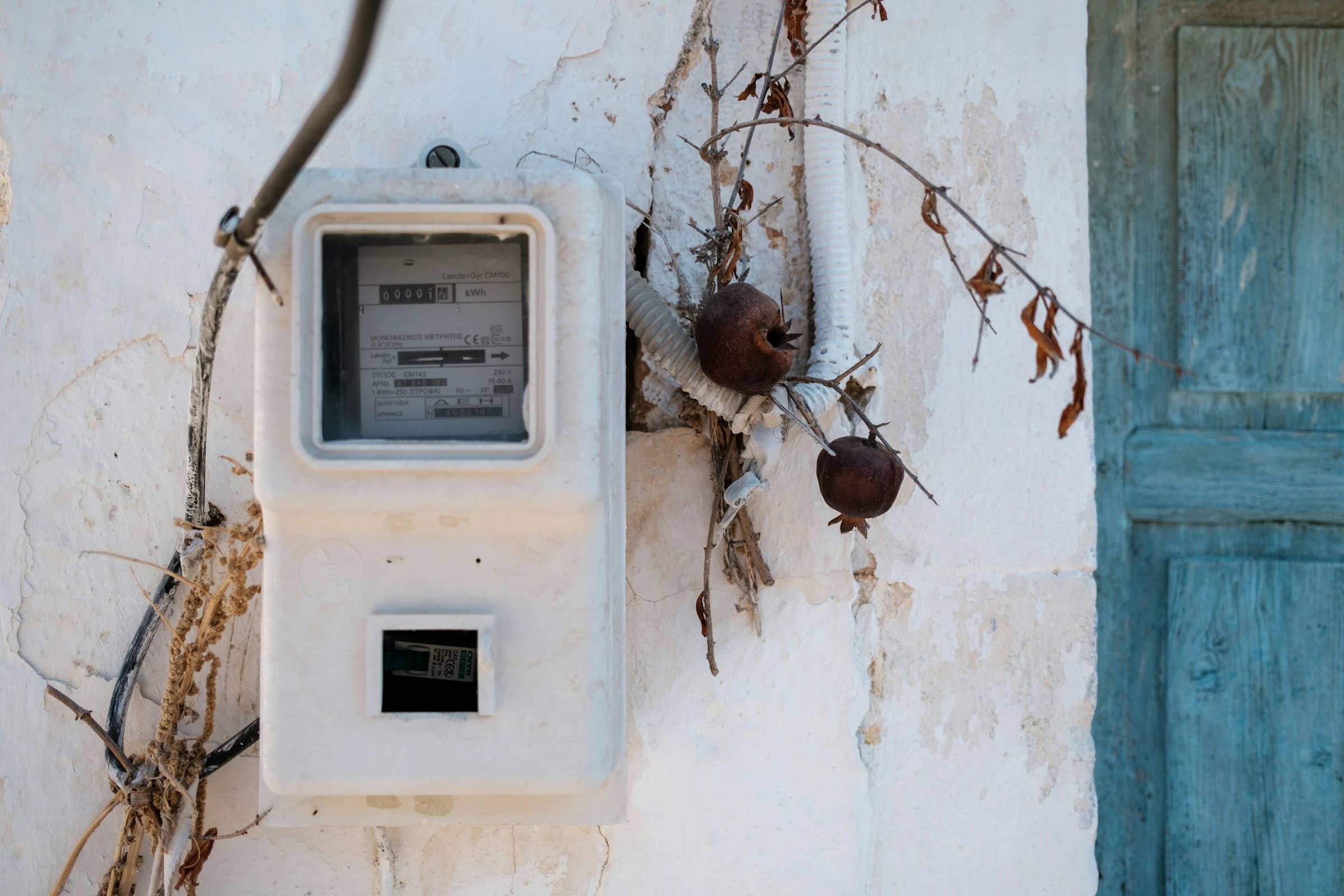
One important difference from Europe: in Germany, a "Lesekopf" is a small optical reader that you stick onto the meter's infrared port. US meters are built differently. North American meters use the ANSI C12.18 optical port, which has a different shape and layout from the European IEC 62056‑21 port, and US utilities have mostly used it as a tool for their own technicians (Clou Global). In this research, no off-the-shelf consumer reader with an app turned up for that port. So in the US, the closest thing to a "Lesekopf with app" is a smart-meter gateway that listens to your meter over Zigbee radio.
How live electricity monitoring works in the US
There are three practical ways to see your power use as it happens, or nearly so:
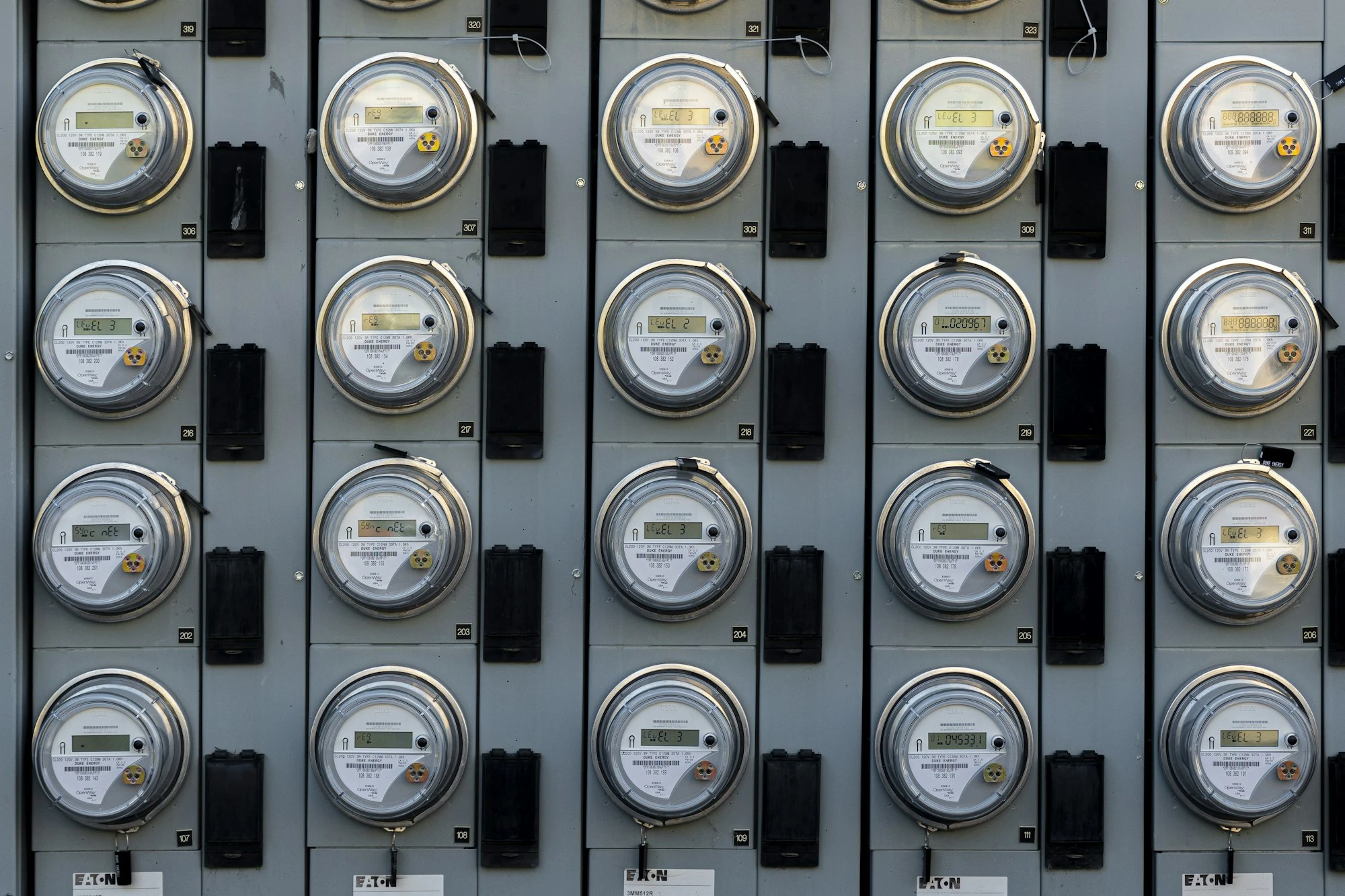
- Smart-meter gateway (closest to a Lesekopf). Many US smart meters can send live readings over a Zigbee "Smart Energy" radio link to a home area network (HAN). A small plug-in gateway picks up that signal and passes it to an app over your Wi-Fi. The catch is that your utility usually has to provision the device, which means approving and pairing it with your meter (Home Assistant docs).
- Panel monitor with clamp sensors. Current sensors clip around the main cables inside your breaker panel. This works no matter what your utility supports, and it can show second-by-second data and even individual circuits. You do have to open the electrical panel, though.
- Your utility's own portal or app. This is often free, but it's usually not truly live. In Texas, for example, the Smart Meter Texas portal has historically shown 15-minute data on a next-day basis (ERCOT). Some utilities go further. National Grid says its MyAccount portal shows near-real-time usage (National Grid).
If you've read about Tibber's Pulse reader, that's the European version of this idea. Our article Is the Tibber App Worth It in the US? covers why it doesn't carry over directly.
How this comparison was put together
- Research date and market: October 9, 2026, United States.
- Criteria: upfront and ongoing cost over three years, whether you need your utility's approval or an electrician, how often the data updates, circuit-level detail, platform support, and privacy disclosures.
- Sources: manufacturer stores and help centers, official App Store listings, utility pages, and the U.S. Energy Information Administration (EIA) for electricity prices.
- Not a hands-on test: None of these devices or apps were installed or used for this article. Everything about features comes from the companies' own documentation.
- Exclusions: European optical readers (wrong port standard, and some use radio bands meant for Europe) and DIY/open-source builds.
The options that actually answer the question
Emporia Vue: Utility Connect, the cheapest meter-reading gateway
What the documentation says: It costs $39.99 on Emporia's US store (Emporia shop). It plugs into a 120V outlet and needs a smart meter with HAN/Zigbee turned on, a utility that runs a HAN program, a spot within roughly 30 feet of the meter, and 2.4 GHz Wi-Fi. The meter sends a new reading about every 30 seconds. You see whole-home usage only, with no individual circuits (Emporia help). As of Emporia's May 13, 2026 list, it works with nine utilities in five states:
- California: PG&E, SCE
- Ohio: FirstEnergy
- Pennsylvania: FirstEnergy, PPL, Duquesne Light
- Vermont: Burlington Electric, Green Mountain Power
- Illinois: ComEd
Source: Emporia supported utilities. Emporia's store also says it doesn't support energy-management features, unlike the Vue 3 models (Emporia shop).
- Pros: lowest hardware cost of any paid option here, no electrician, no subscription fees mentioned on the store page
- Cons: only a handful of utilities, about 30-second updates, no circuit-level detail
- Best for: renters and homeowners served by one of the listed utilities
- Skip it if: your utility isn't on the list. Even if it is, Emporia notes your meter's HAN/Zigbee broadcast may still need to be turned on (Emporia supported utilities).
Rainforest Automation EAGLE 3, a meter gateway with smart-home extras
What the documentation says: Rainforest's US store has listed the EAGLE 3 at $99.99 and advertises self-install with "no clamps, no electrician." It also says it works with net meters and can connect up to 10 Zigbee devices (Rainforest US store). Your utility usually has to provision it to your meter. It also has a local API, which Home Assistant can read. The Home Assistant docs add that price data only comes through if your meter itself supplies it (Home Assistant docs).
- Pros: no panel work, local data access for smart-home fans, works with net meters
- Cons: you need utility provisioning, and the pages checked didn't document any app subscription terms or a current list of supported utilities
- Best for: tinkerers who want live meter data in Home Assistant
- Skip it if: your utility doesn't offer HAN provisioning
Sense via your smart meter, free for eligible customers
What the documentation says: National Grid customers with an electric smart meter can use the Sense Home app at "no direct cost." It shows real-time use and tries to identify individual appliances. Access is rolling out gradually in Upstate NY and Massachusetts, National Grid emails eligible customers, and homes with solar aren't supported yet (National Grid). On Apple's US App Store, the app is free, needs iOS 17 or later, and lists email address and user ID among the data used for the developer's advertising or marketing (App Store).
- Pros: $0 total cost, no installation, appliance-level insights
- Cons: only available through participating utilities, no solar support yet for National Grid customers, and marketing-related data use is listed in the privacy labels
- Best for: eligible National Grid households who want live data without spending anything
Panel monitors: Emporia Vue 3 and the Sense monitor
What the documentation says: The Emporia Vue 3 costs $199.99 on Emporia's US store (Emporia shop). The 3-phase product page describes per-second tracking, up to 16 circuit sensors, solar and net-metering support, and a "free mobile or web-based app." It also says per-second data is kept for 3 hours and per-minute data for 7 days, and it needs an internet connection (Emporia Vue 3 3-phase page).
Sense says its monitor should only be installed by a licensed electrician, because the sensors go around live service mains (Sense help). Sense also says there are no subscription fees for ongoing app use and that the monitor works only in the US and Canada (Sense help). The research didn't find a current monitor price on Sense's own site, so it's listed as not publicly documented below.
- Pros: works with any utility, second-level data, circuit tracking (Emporia) or appliance detection (Sense)
- Cons: highest cost, panel work, and you'll probably need to pay an electrician
- Best for: homeowners with big loads like EVs, heat pumps, or solar, where circuit detail helps decisions
- Skip it if: you rent, or a cheaper meter gateway already works for your utility
Price and function matrix (as of 2026-10-09, US)
| Option | Upfront hardware | App fees | Install | Data | Eligibility | 3-year cost* |
|---|---|---|---|---|---|---|
| Utility portal (e.g., National Grid MyAccount) | $0 | $0 | None | Near-real-time to next-day, varies by utility | Your utility | $0 |
| Sense app via National Grid smart meter | $0 | $0 | None | Real-time, whole home + appliance detection | Invited National Grid customers in Upstate NY/MA, no solar | $0 |
| Emporia Vue Utility Connect | $39.99 | None mentioned | Plug-in | About every 30 s, whole home | 9 utilities in 5 states | $39.99 |
| Rainforest EAGLE 3 | $99.99 (US store listing) | Not publicly documented | Plug-in + utility provisioning | Live meter data, local API | HAN-provisioning utilities | $99.99 + any fees |
| Emporia Vue 3 | $199.99 | "Free" app | Panel install | Per-second, up to 16 circuits | Any US utility | $199.99 + installation |
| Sense monitor | Not publicly documented | None | Licensed electrician | Real-time + appliance detection | US/Canada | Price + installation |
*Prices are US-only, exclude tax and shipping, and assume no paid add-ons.
Hypothetical savings scenario: when does it pay off?
This is an illustrative example, not a guaranteed result.
Assumptions:
- The electricity price is 18.2¢/kWh, which is EIA's forecast US average residential price for 2026 (EIA STEO).
- Live data helps you find and eliminate an always-on load of 50 watts, such as an old second fridge or forgotten electronics.
- For the Vue 3, the electrician fee is an assumed $150. Get a real local quote.
Arithmetic:
- 50 W × 8,760 hours = 438 kWh per year
- 438 kWh × $0.182 = about $79.72 saved per year
Break-even:
- Utility Connect: $39.99 ÷ $79.72 ≈ 0.5 years (about 6 months). Net after 3 years: $239.16 − $39.99 = ≈ $199
- EAGLE 3: $99.99 ÷ $79.72 ≈ 1.25 years. Net after 3 years ≈ $139
- Vue 3 + assumed electrician: $349.99 ÷ $79.72 ≈ 4.4 years. Net after 3 years ≈ −$111
- Free utility app: If it helps you find the same load, you keep the whole ≈ $239 over 3 years.
The takeaway: Cheap meter gateways can pay for themselves quickly if they lead you to fix one real energy drain. Panel monitors only make financial sense if you'll use the extra detail, such as for EV charging or time-of-use rates, or if you find bigger savings. If you like this cost-per-use way of thinking, our guide to cost-per-use apps uses the same logic. And if you share a home, live data can also help you split utility bills fairly.
Our recommendation
- Start free. Check your utility's portal or app first, and check whether you qualify for a free Sense app through your utility.
- If your utility is on Emporia's list, the Utility Connect is the cheapest live option and the closest US match to a German Lesekopf.
- Pick the EAGLE 3 if your utility provisions HAN devices and you want local data for smart-home automation.
- Choose a panel monitor only if you need circuit or appliance detail and accept a multi-year payback.
- Don't pay for one if you won't change any habits based on what it shows you.
Conclusion
In the US, there's no real equivalent to the stick-on optical reader German households use. The closest thing is a Zigbee gateway that your utility has to approve. When your utility supports one, a $40–$100 device can give you near-live data and may pay for itself fairly quickly. When it doesn't, free utility tools are the sensible first step. Panel monitors are mainly worth it for homes with large or flexible loads.
References
- Clou Global: Sealing of Optical Ports
- Home Assistant: Rainforest Eagle integration
- ERCOT: Advanced Metering Implementation
- National Grid: Smart Meter Energy Usage
- Emporia: Energy Monitors shop
- Emporia Help: How the Vue Utility Connect works
- Emporia Help: Markets and Supported Utilities
- Emporia: Vue 3 3-Phase product page
- Rainforest Automation: EAGLE 3 US store
- Apple App Store: Sense Home
- Sense Help: Installing the Sense monitor
- Sense Help: Purchasing the Sense Home Energy Monitor
- EIA: Short-Term Energy Outlook, Electricity